buy tokens with cash
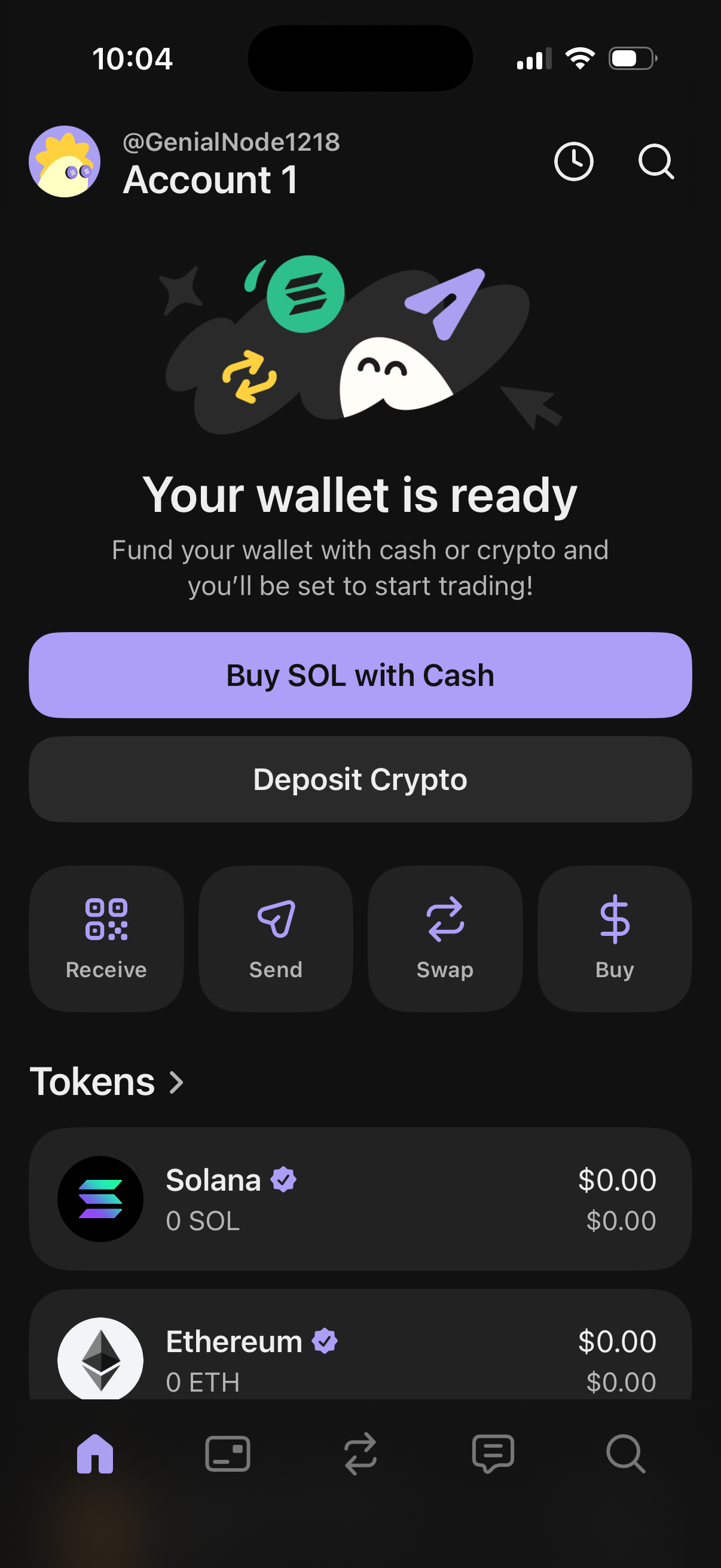
Crypto wallet home dashboard showing an onboarding state “Your wallet is ready” with primary actions to fund the wallet by buying SOL with cash or depositing crypto. Provides quick action shortcuts for receive, send, swap, and buy, plus a token list with balances (e.
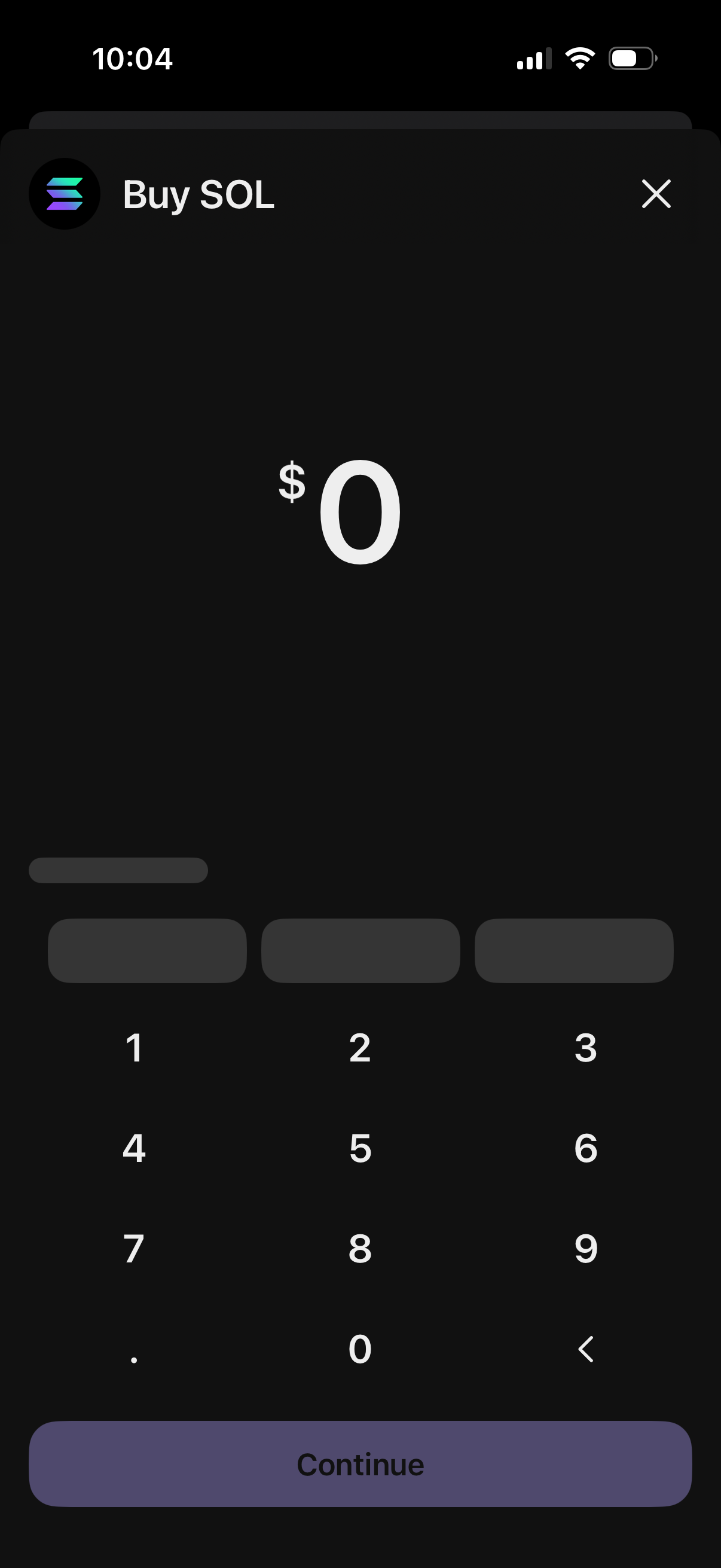
Cryptocurrency purchase screen for buying SOL that prompts the user to enter a dollar amount using a numeric keypad, showing the current amount as $0. Includes a close icon to dismiss and a primary Continue button to proceed with the buy flow.
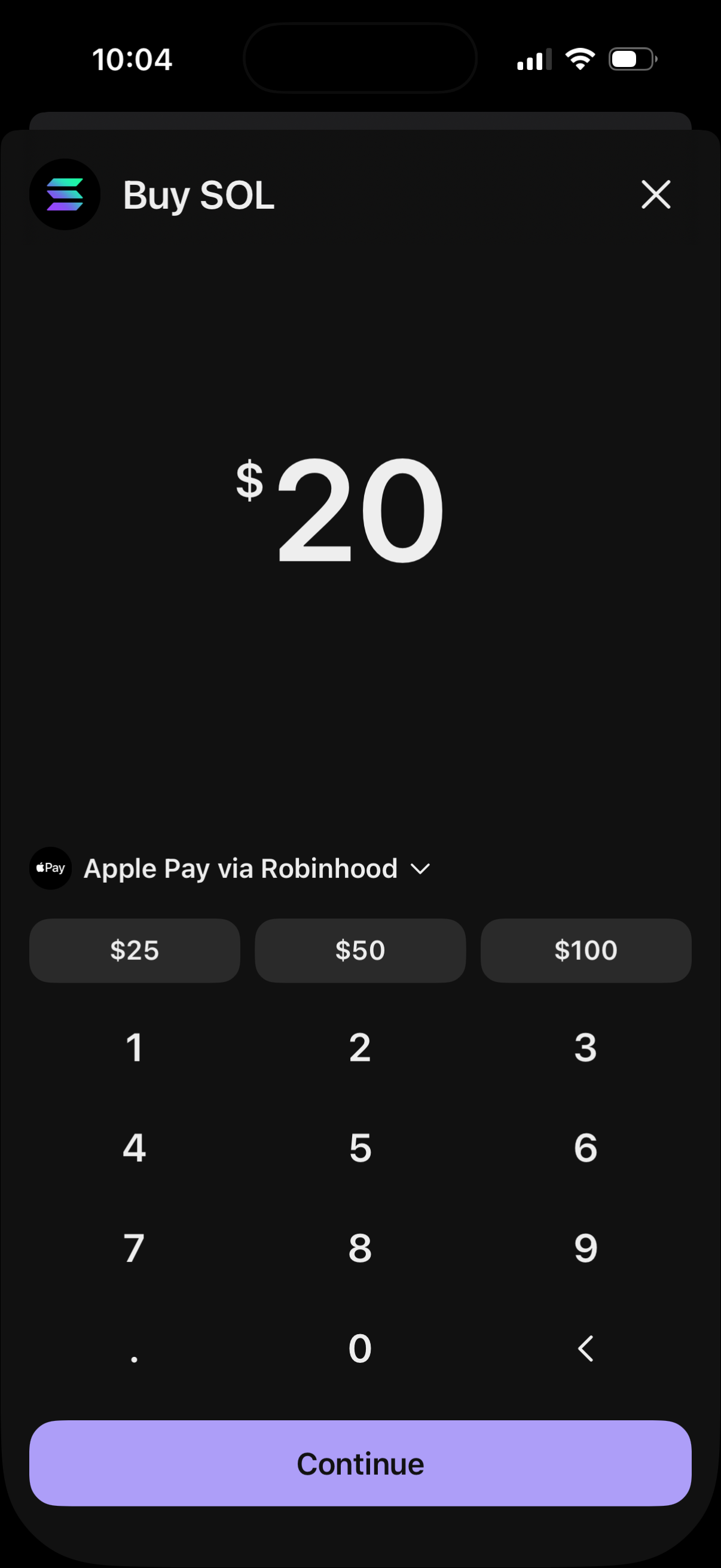
Crypto purchase amount entry screen for buying SOL, showing a large dollar amount field with quick-select presets ($25, $50, $100), numeric keypad input, and a dropdown to choose the payment method (Apple Pay via Robinhood) before tapping Continue.
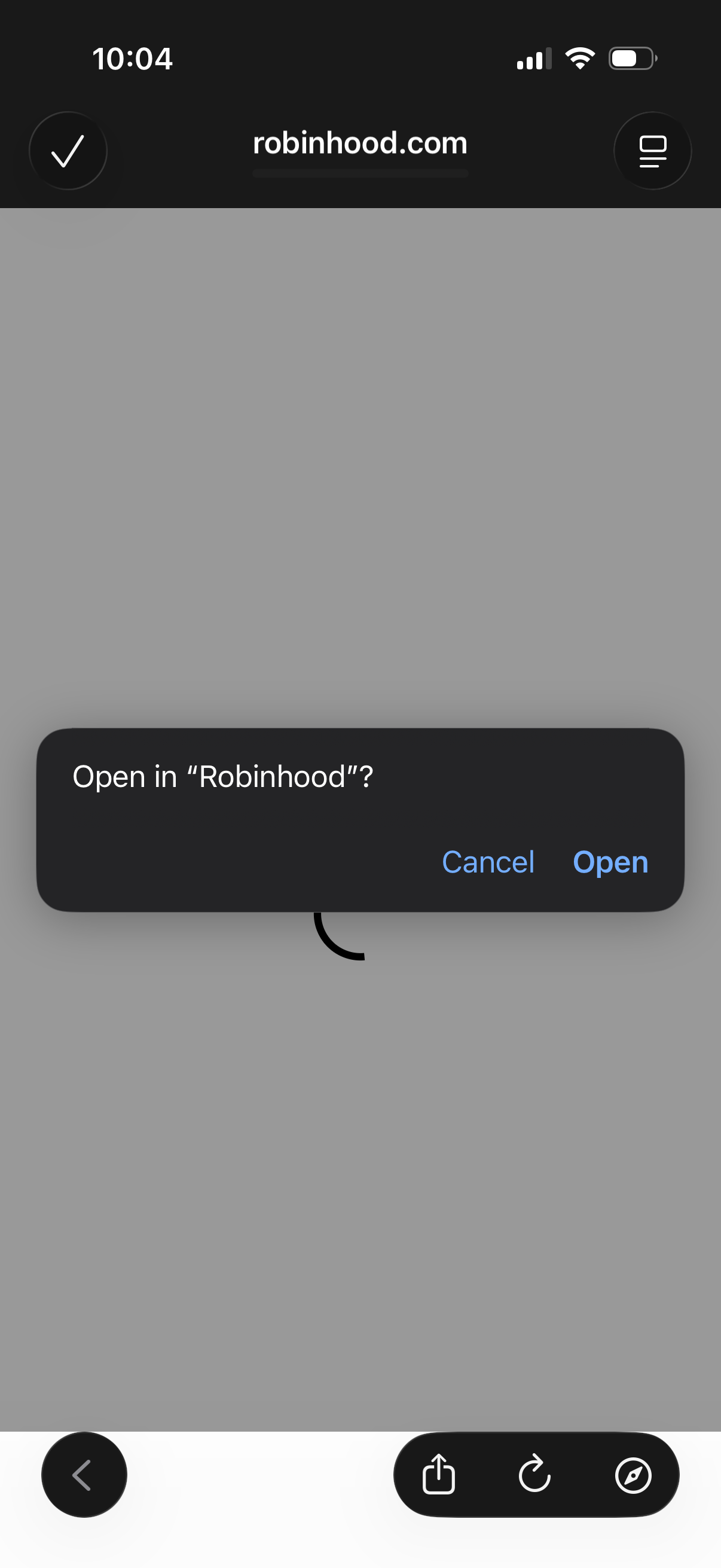
Mobile browser screen showing an iOS confirmation dialog to deep link from a website into the Robinhood app. The modal asks “Open in Robinhood?