browse trending tokens
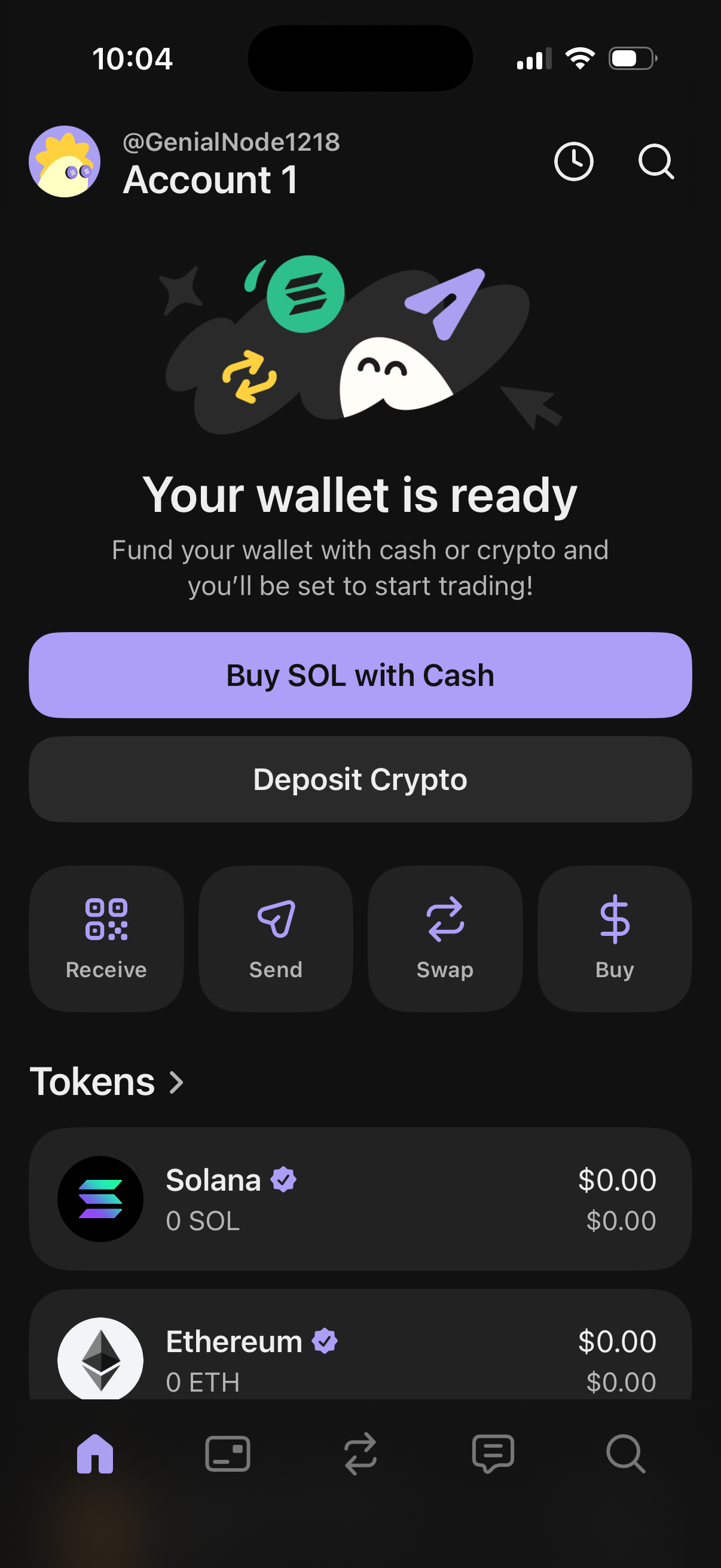
Crypto wallet home dashboard showing an onboarding state “Your wallet is ready” with primary actions to fund the wallet by buying SOL with cash or depositing crypto. Provides quick action shortcuts for receive, send, swap, and buy, plus a token list with balances (e.
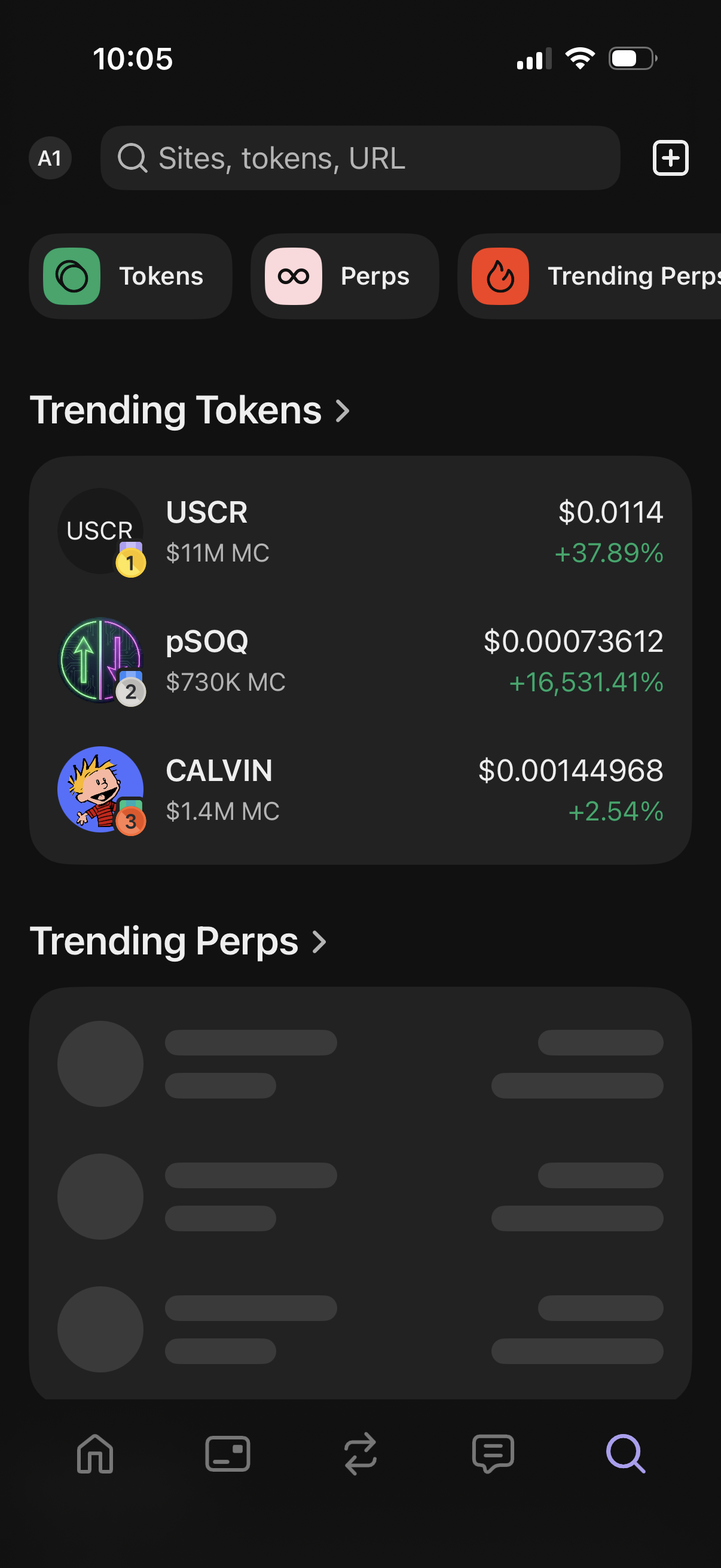
Crypto trading discovery screen with a global search bar for sites/tokens/URLs, quick tabs for Tokens and Perps (including trending perps), and a list of trending tokens showing price, market cap, and percentage change. Includes a plus button to add/import items and sections that link to full trending lists.
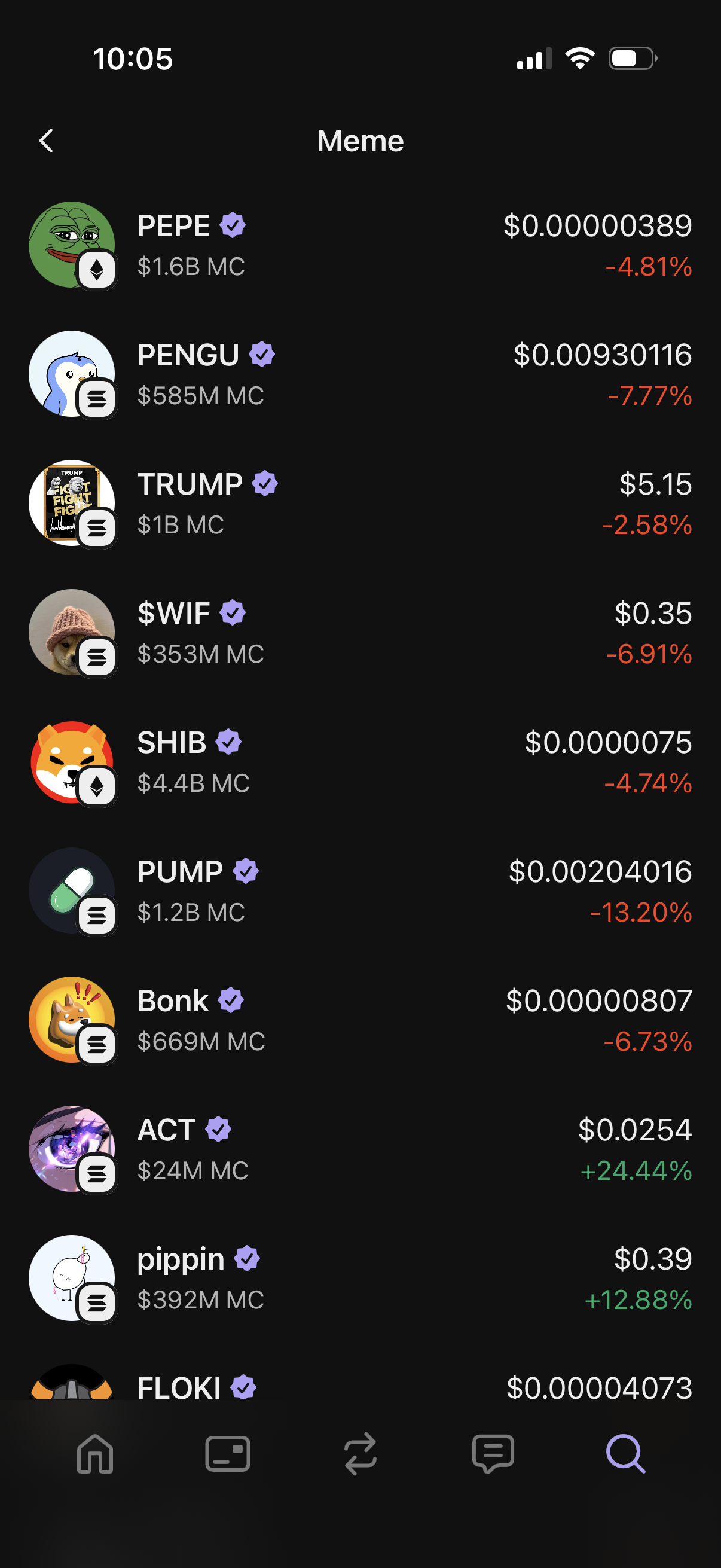
Crypto market list screen for the “Meme” category showing memecoin tokens with logo, ticker/name, market cap, current price, and 24h percentage change in red/green. Users can scroll the ranked list to browse and select a coin for more details or trading.
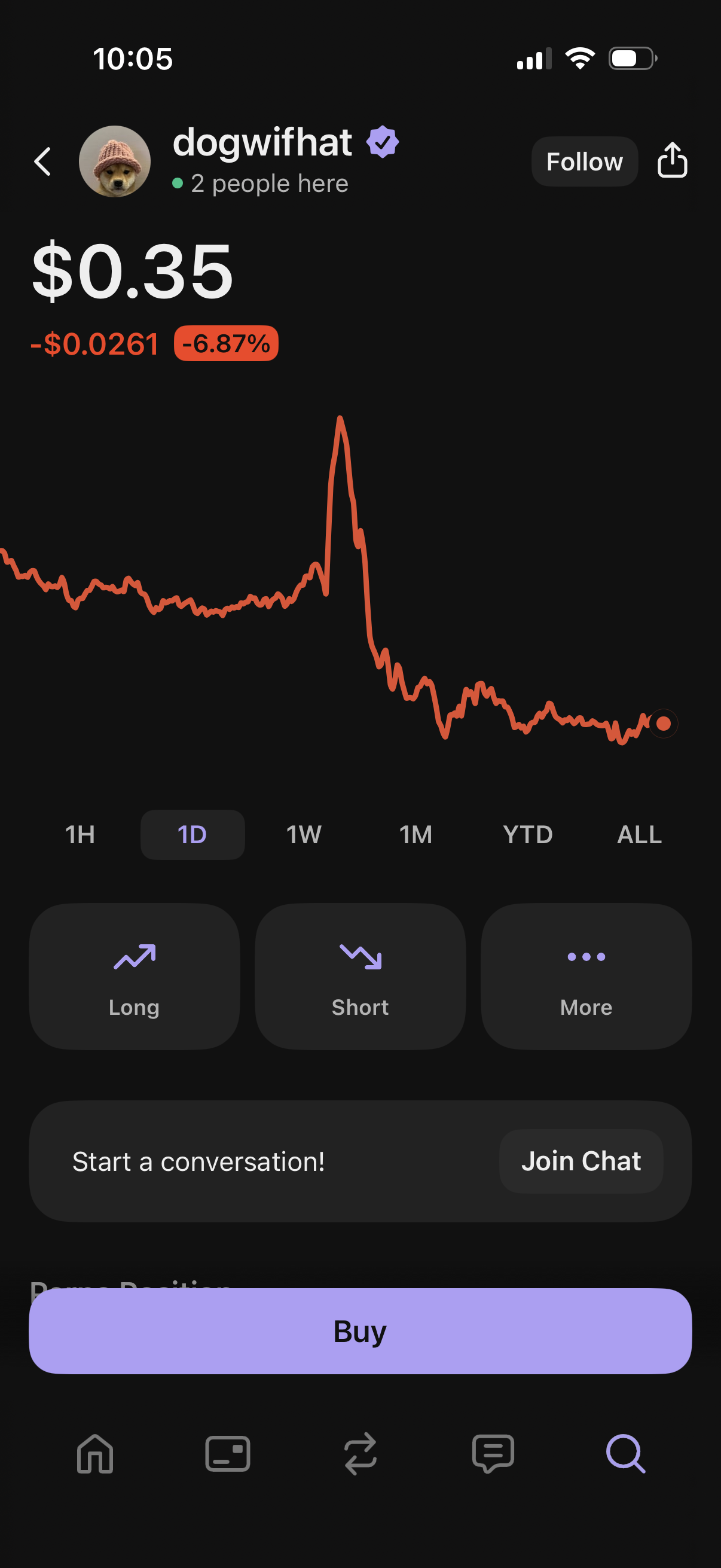
Crypto token detail screen showing the current price, daily change, and an interactive line chart with time range filters (1H, 1D, 1W, 1M, YTD, ALL). Users can follow/share the asset, open long or short positions, access more options, join a community chat, and tap a primary Buy button to purchase.