configure notifications
1
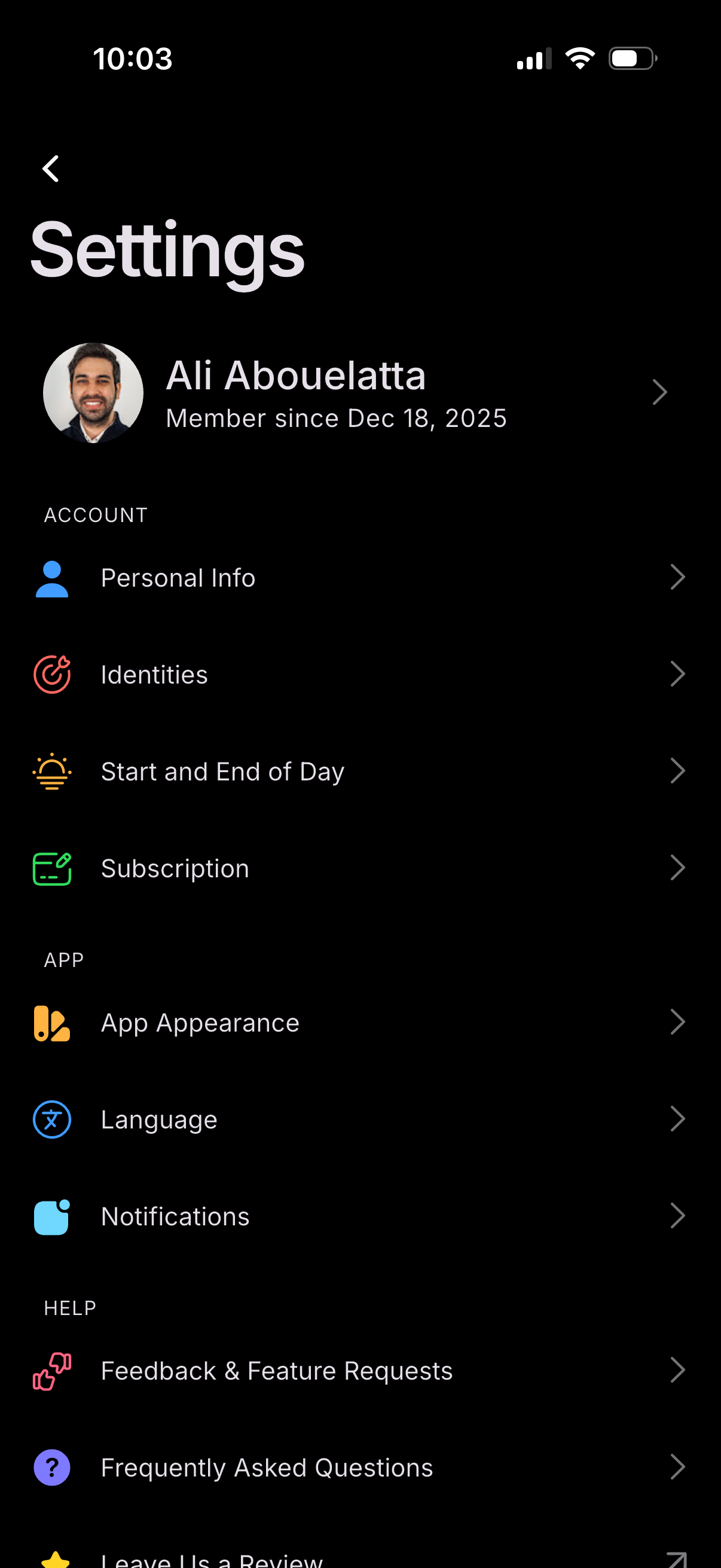
Settings screen showing a user profile header and a list of configuration options grouped by Account, App, and Help. Users can navigate to manage personal info, identities, start/end of day preferences, subscription, app appearance, language, notifications, and access feedback/feature requests and FAQs.
2
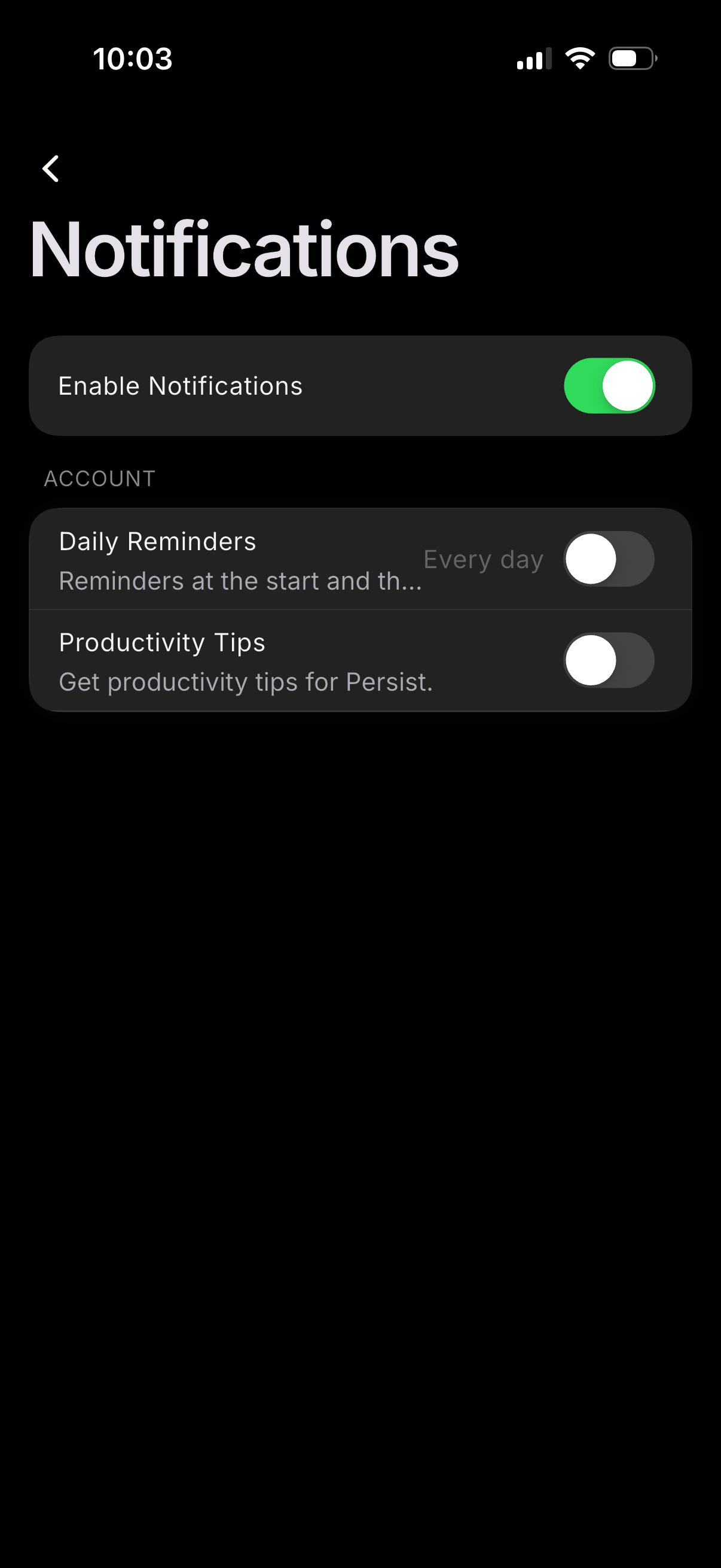
Notification settings screen with a master toggle to enable or disable all notifications and individual switches for specific categories like daily reminders (with frequency shown) and productivity tips. Includes a back button and grouped account section for managing notification preferences.