1
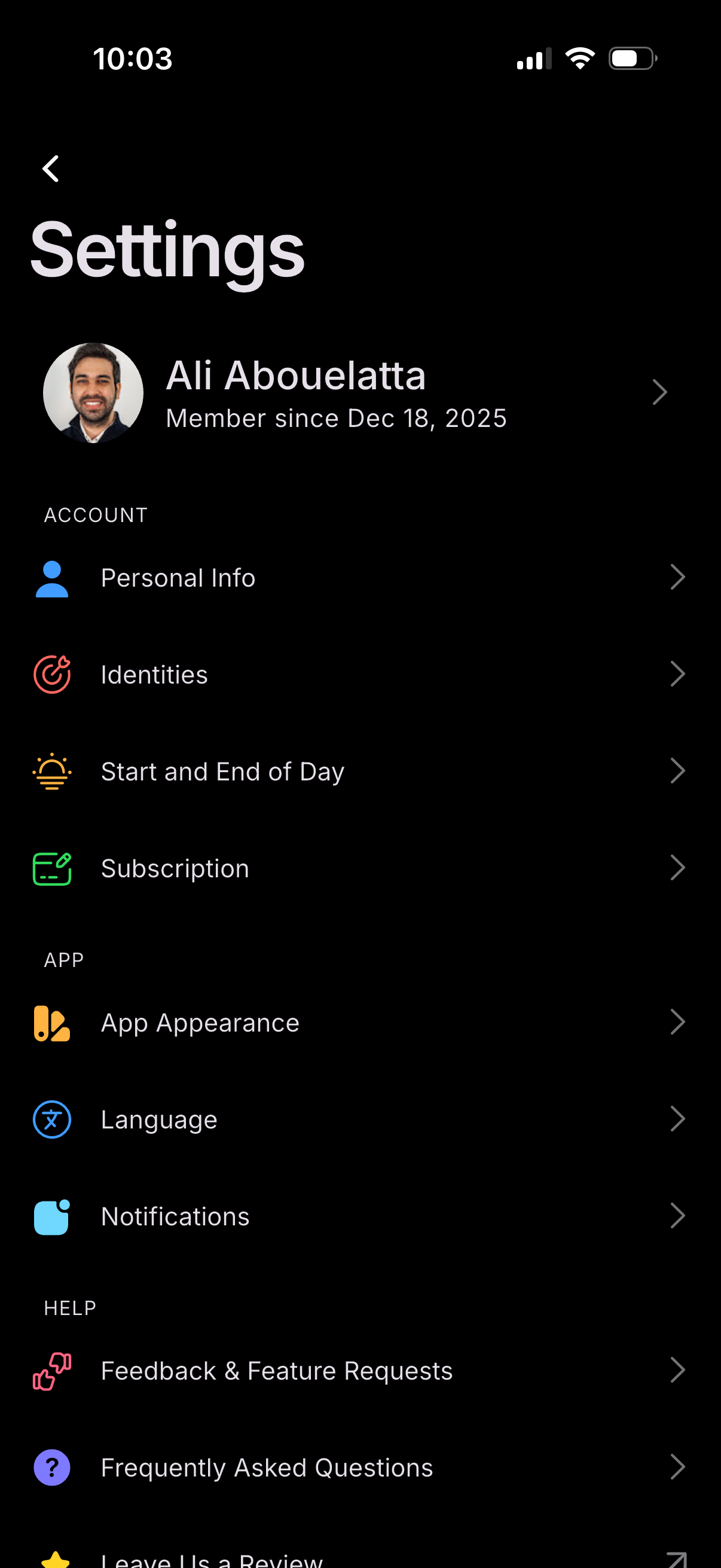
Settings screen showing a user profile header and a list of configuration options grouped by Account, App, and Help. Users can navigate to manage personal info, identities, start/end of day preferences, subscription, app appearance, language, notifications, and access feedback/feature requests and FAQs.
2
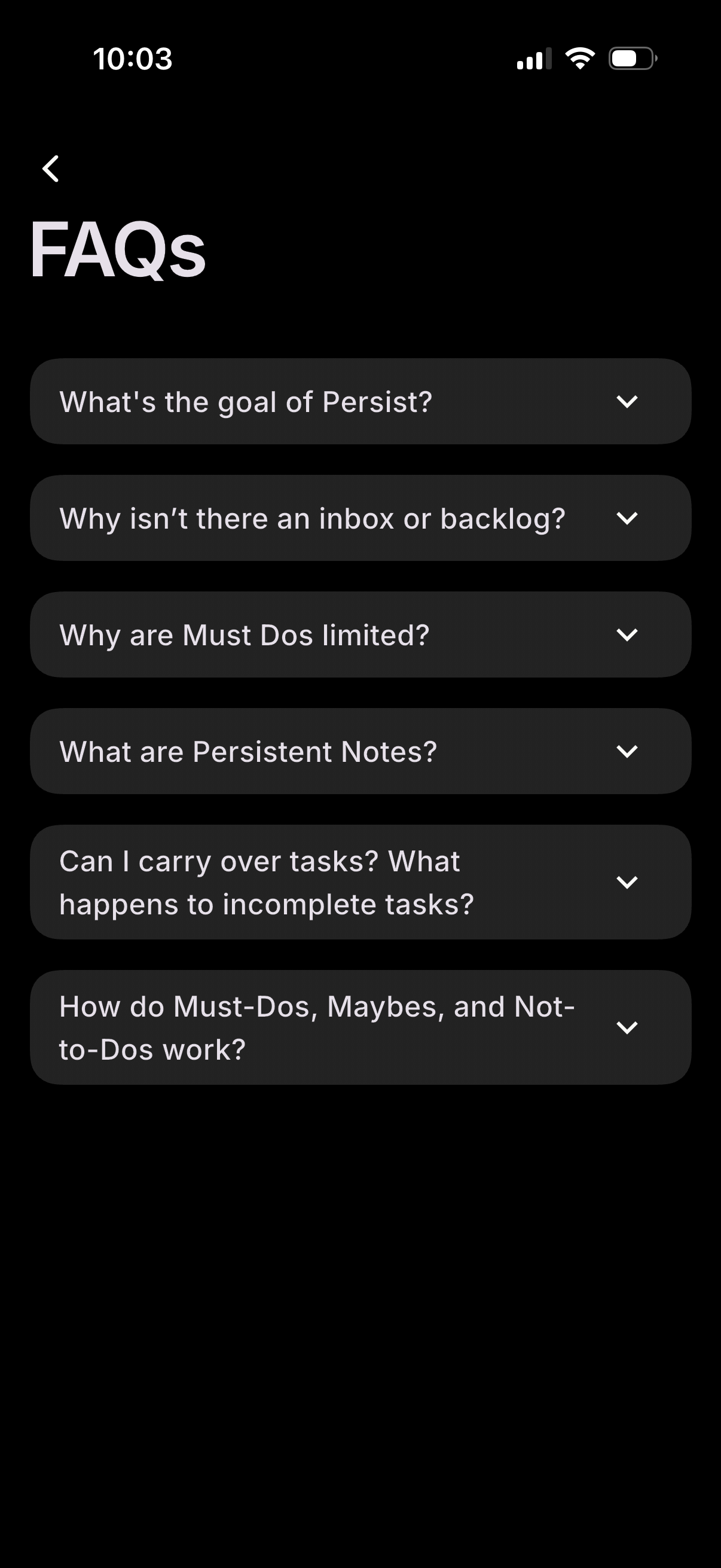
FAQ help screen showing a list of expandable accordion questions about how the app works (goals, inbox/backlog, task limits, notes, carrying over incomplete tasks, and Must‑Do/Maybe/Not‑to‑Do categories). Users can tap each row’s chevron to expand answers and use the back arrow to return.