compose text with assistant
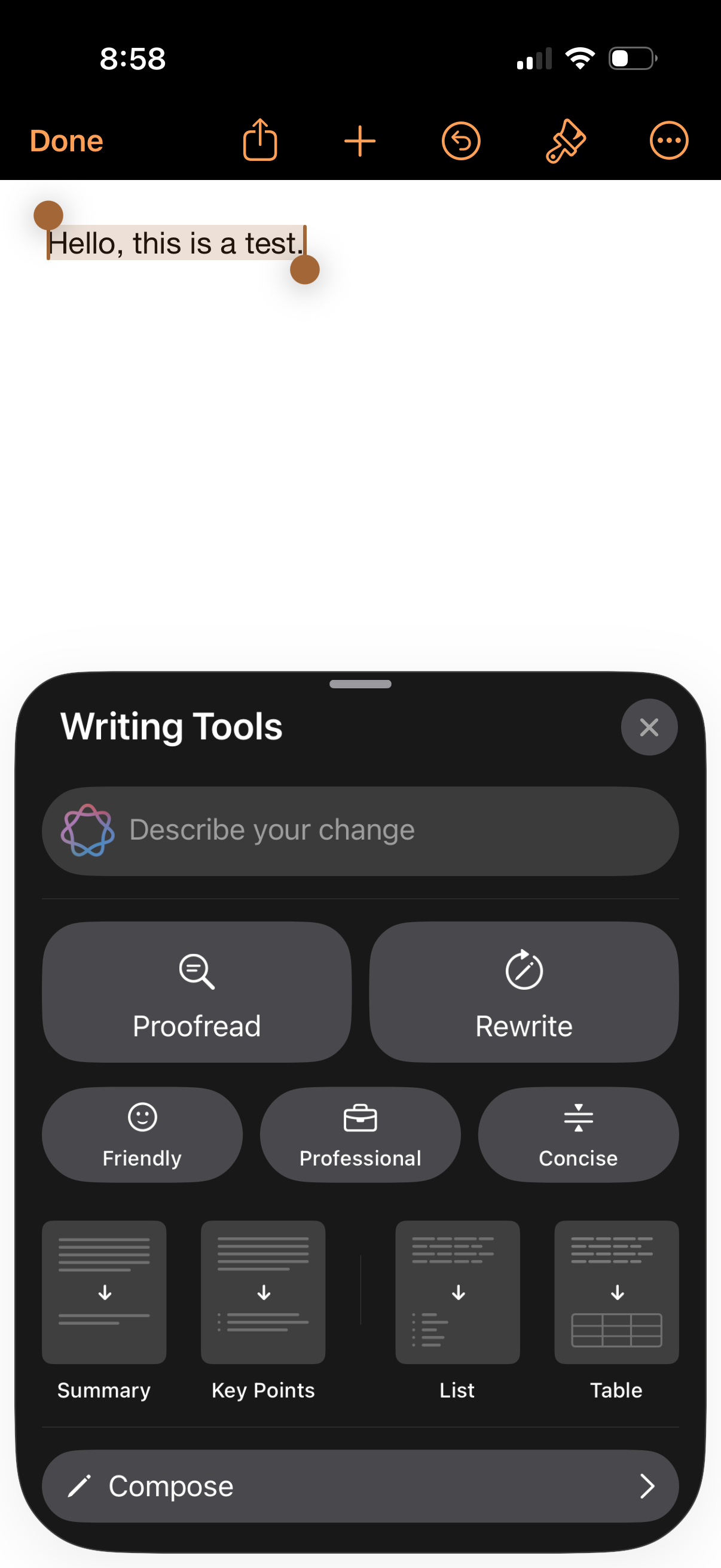
Text editor screen with selected text and a Writing Tools bottom sheet for AI-assisted editing, including a prompt field to “Describe your change. ” Users can choose actions like Proofread or Rewrite, apply tone options (Friendly, Professional, Concise), convert content into Summary/Key Points/List/Table, or start composing new text.
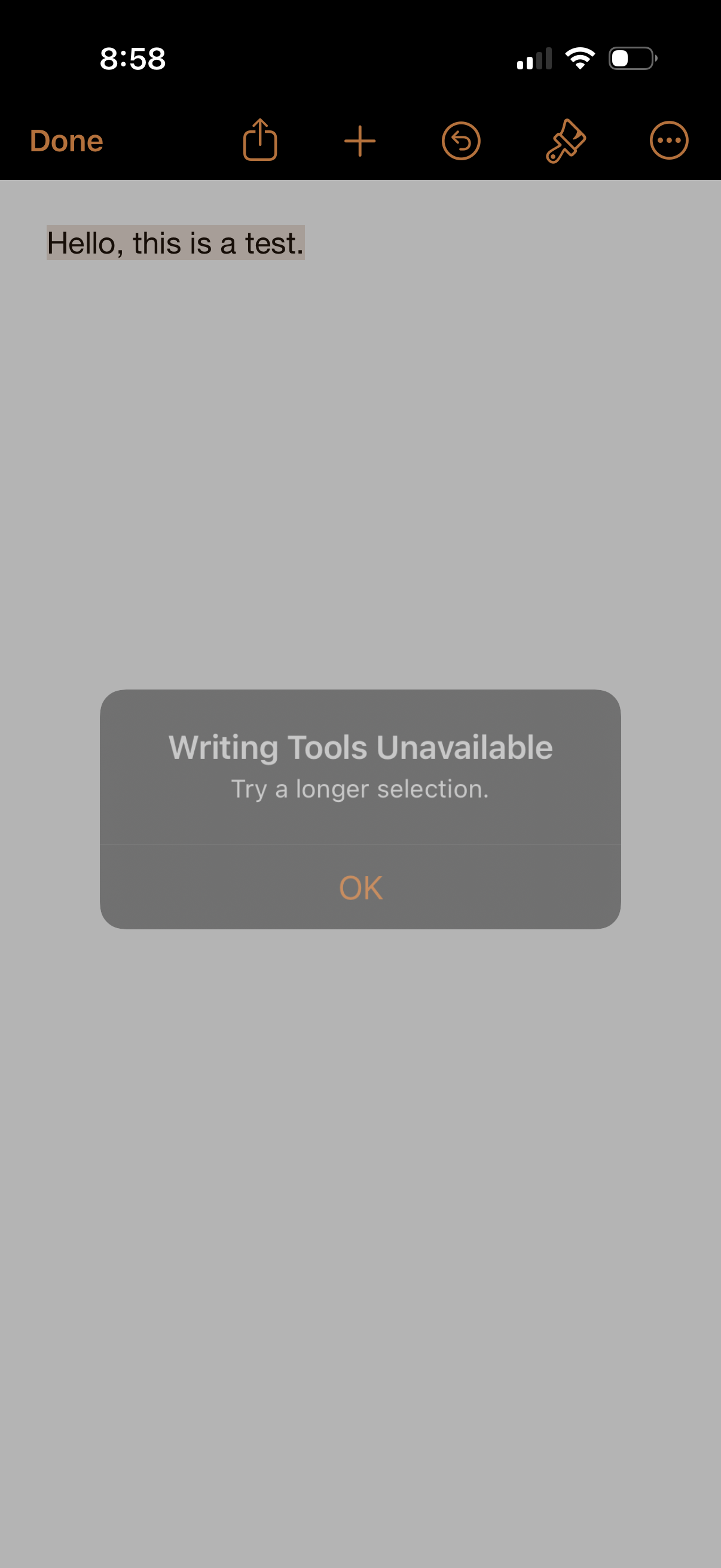
A note-taking text editor screen with selected text and a top toolbar for done, share, add, undo, and markup/edit options. A modal alert overlays the page stating “Writing Tools Unavailable” with guidance to select more text and an OK button to dismiss.
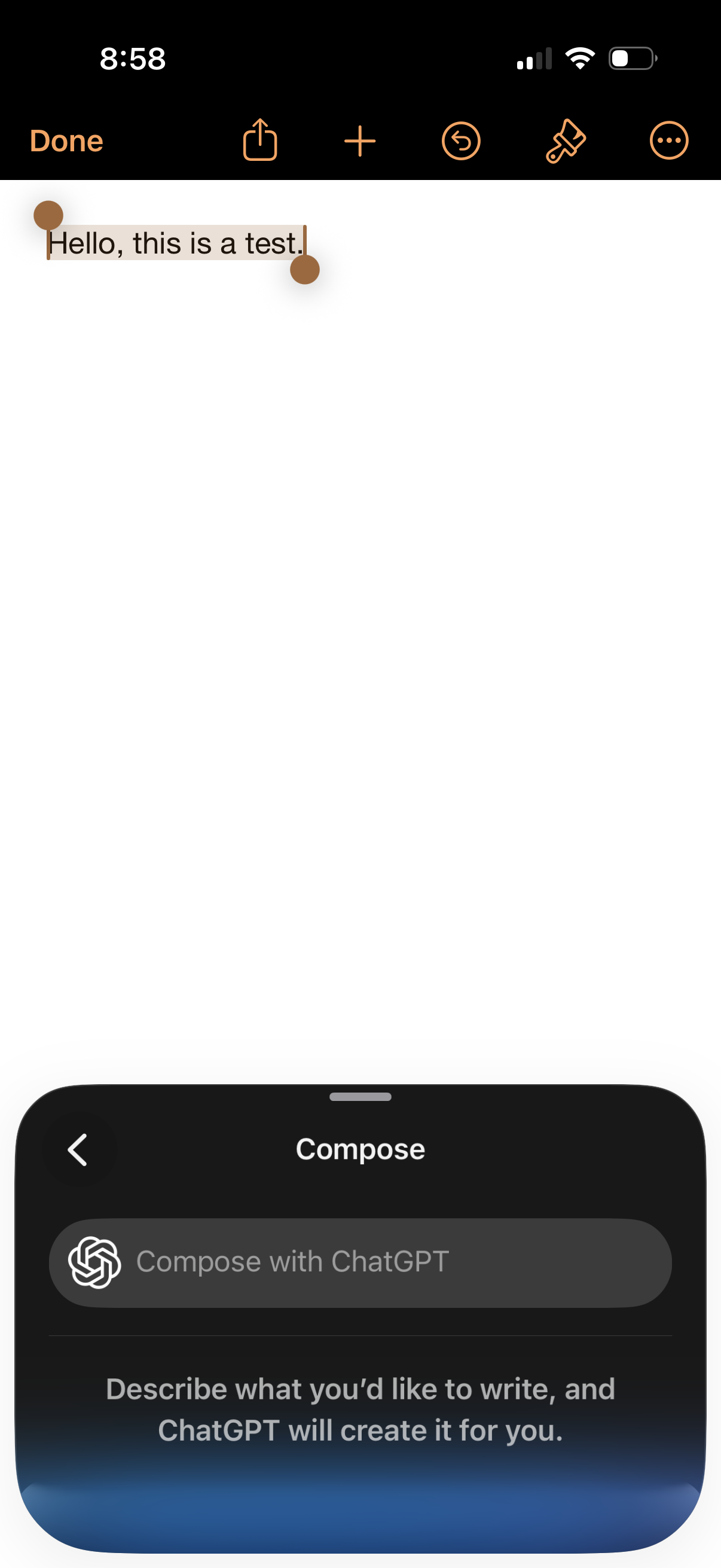
Text editing screen with a selected text snippet and top toolbar actions for Done, share, add, undo, markup, and more options. A bottom sheet titled “Compose” offers “Compose with ChatGPT” to generate writing from a prompt, with a back arrow to dismiss.
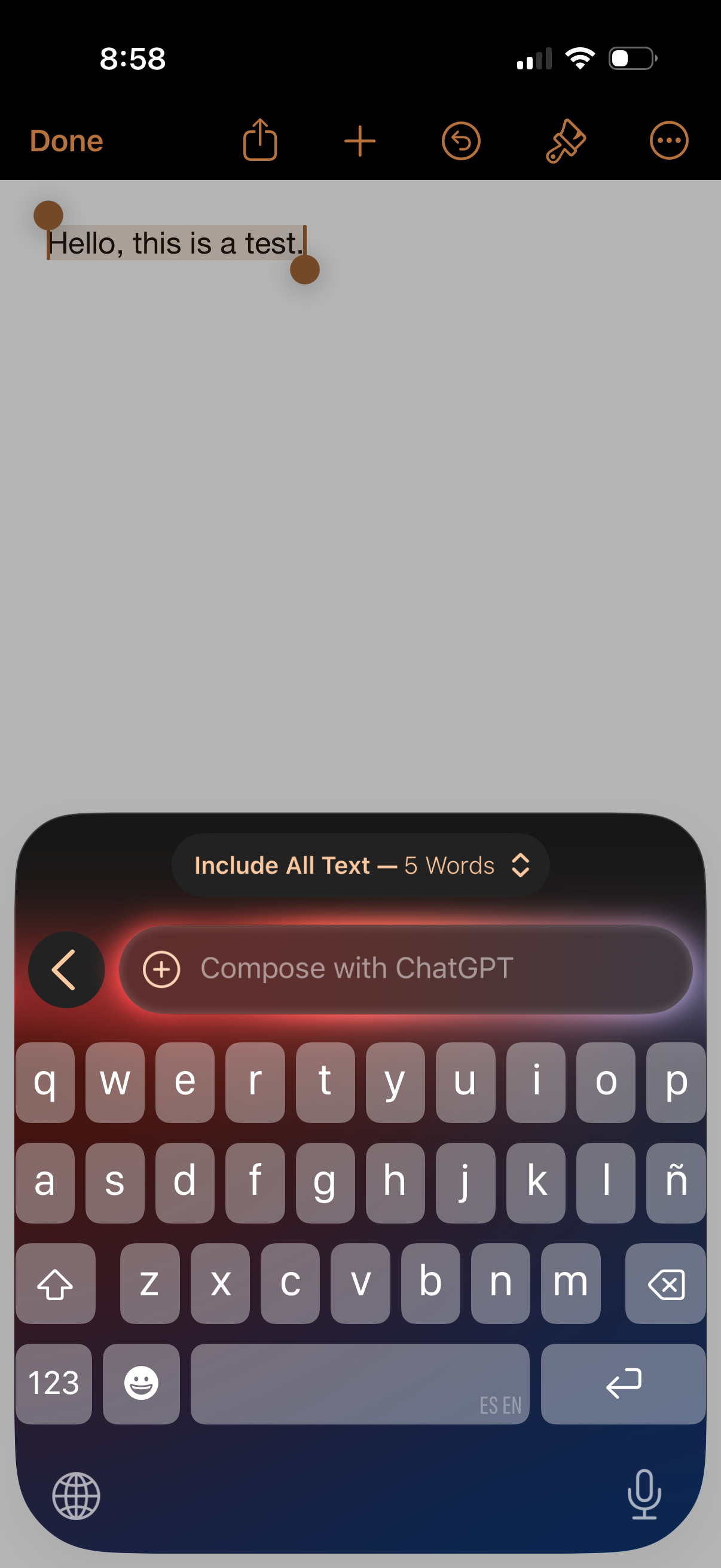
Mobile note editing screen with a text cursor and selection handles for writing and editing a note, showing a top toolbar with Done, share, add/insert, undo, drawing/markup, and more options. The keyboard is open with a “Compose with ChatGPT” input and text options panel, indicating AI-assisted writing within the note.
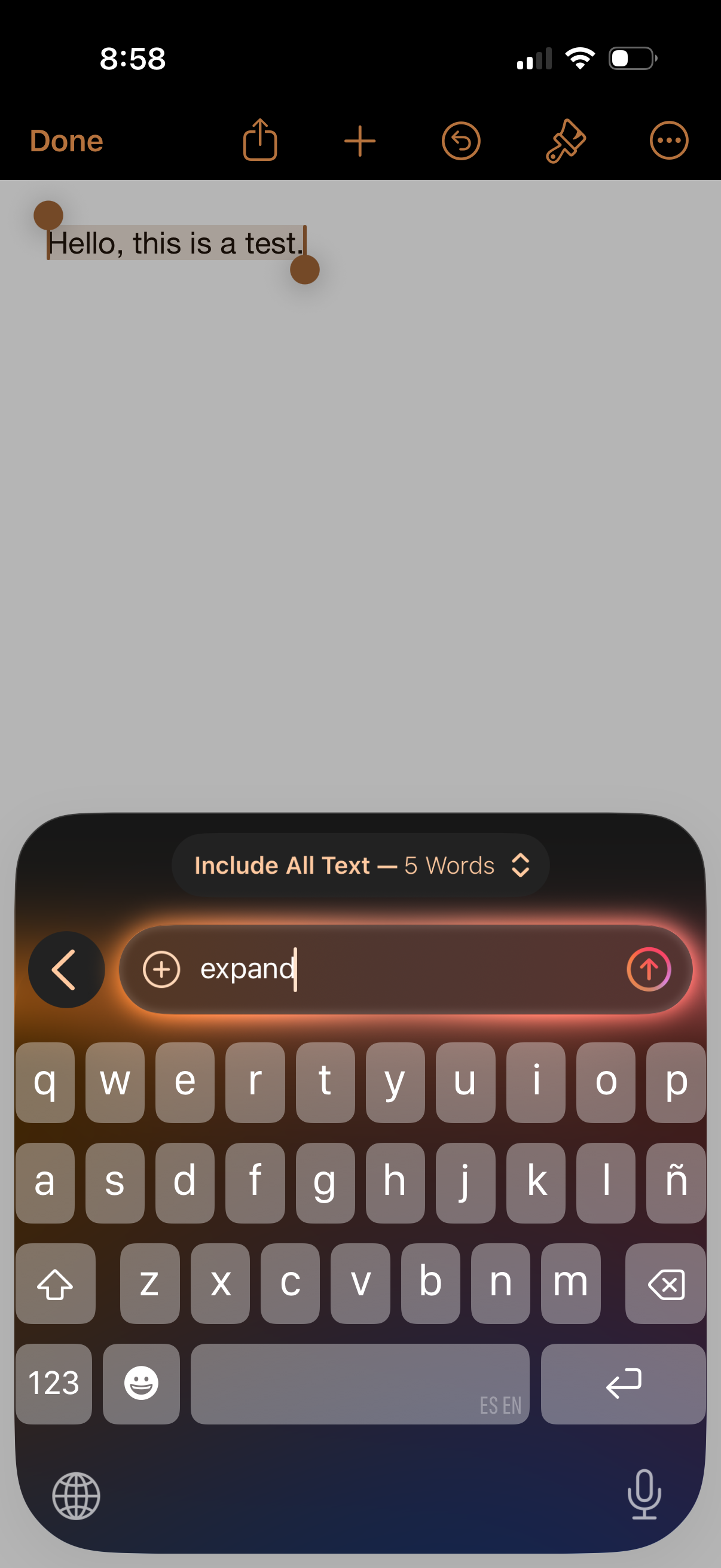
Mobile note editing screen with selected text and a top toolbar for done, share, add, undo, formatting tools, and more options. The iOS keyboard is open with a search/filter bar showing “Include All Text” and a typed query, indicating in-note find/search or text actions.
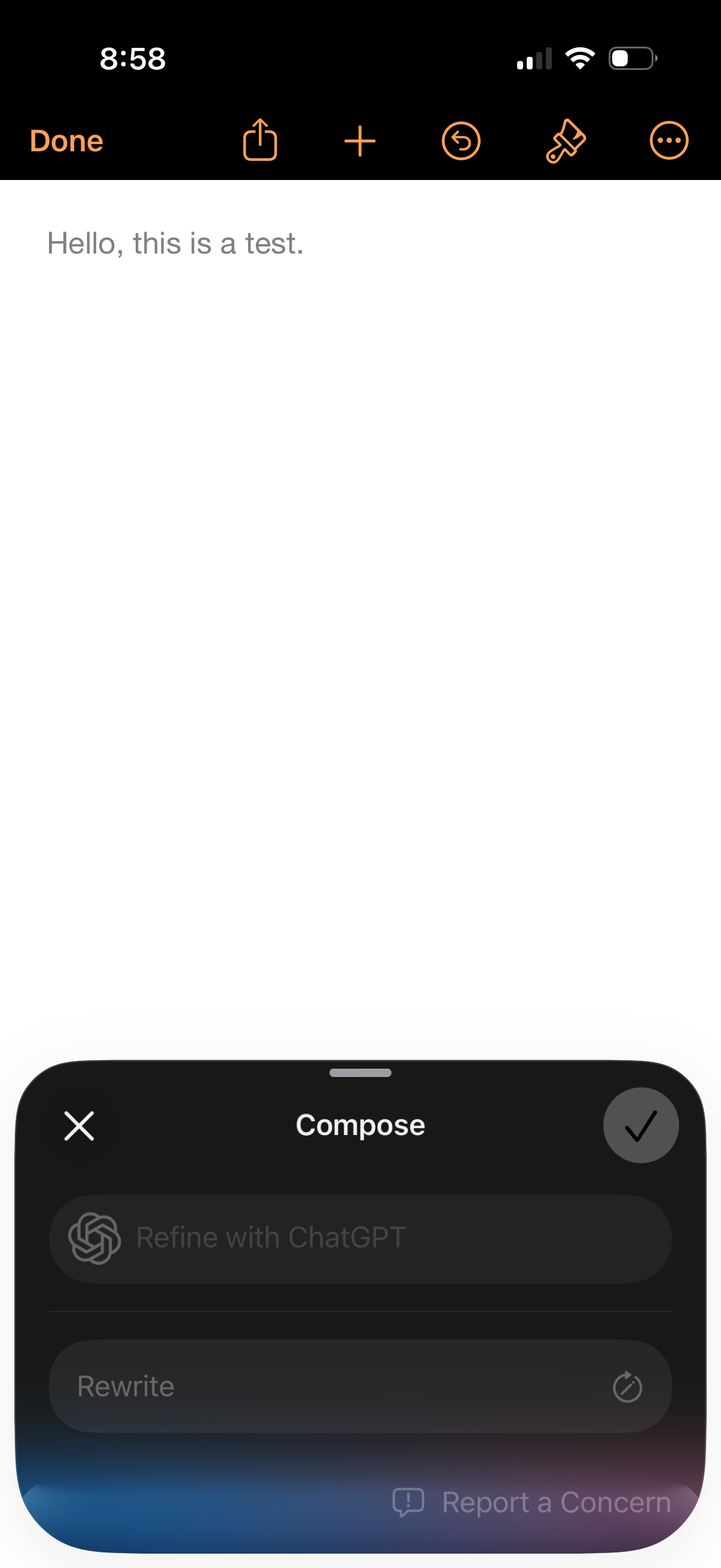
Text note editor screen with a large blank writing area and top actions for done, share, add, undo, formatting/markup, and more options. A bottom “Compose” sheet lets users refine or rewrite the text with ChatGPT, with cancel and confirm controls.
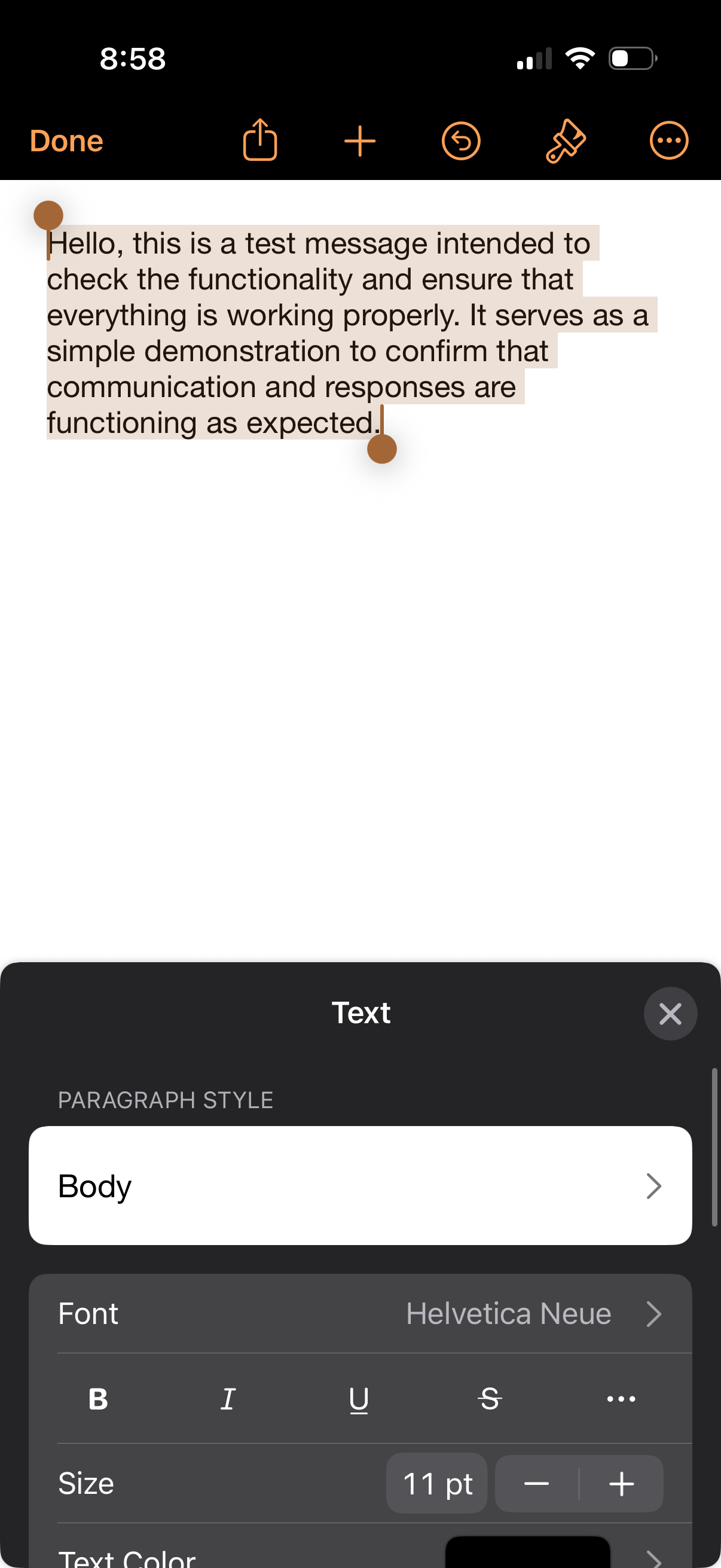
Photo markup editor screen with a selected text box overlay that can be resized and moved, offering top actions like done, share, add, undo, and drawing tools. A bottom sheet “Text” panel lets users adjust paragraph style, font, formatting (bold/italic/underline/strikethrough), and text size/color for the overlay text.