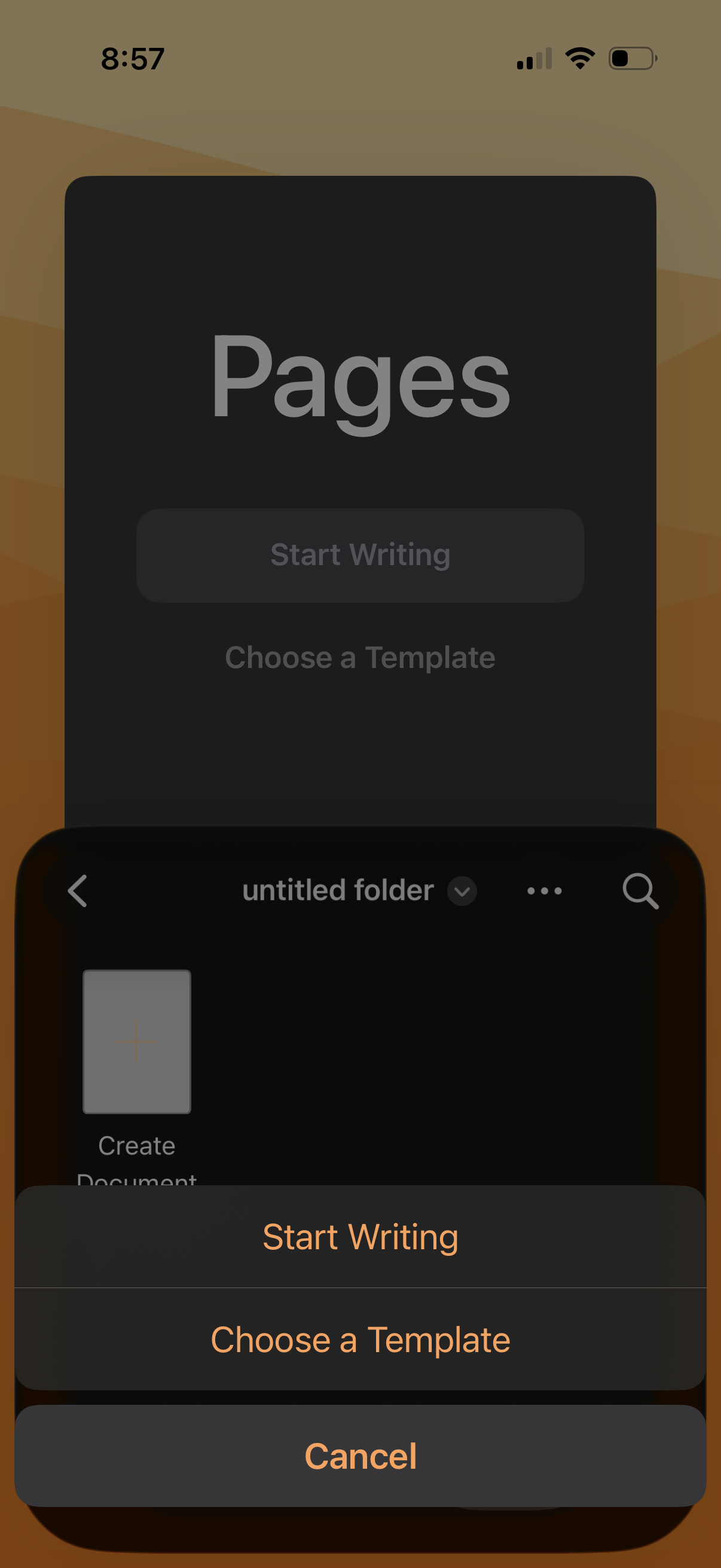
Document editor home screen showing an action sheet for creating a new file, with options to Start Writing, Choose a Template, or Cancel. The background indicates a folder view with navigation back, search, and overflow menu controls.
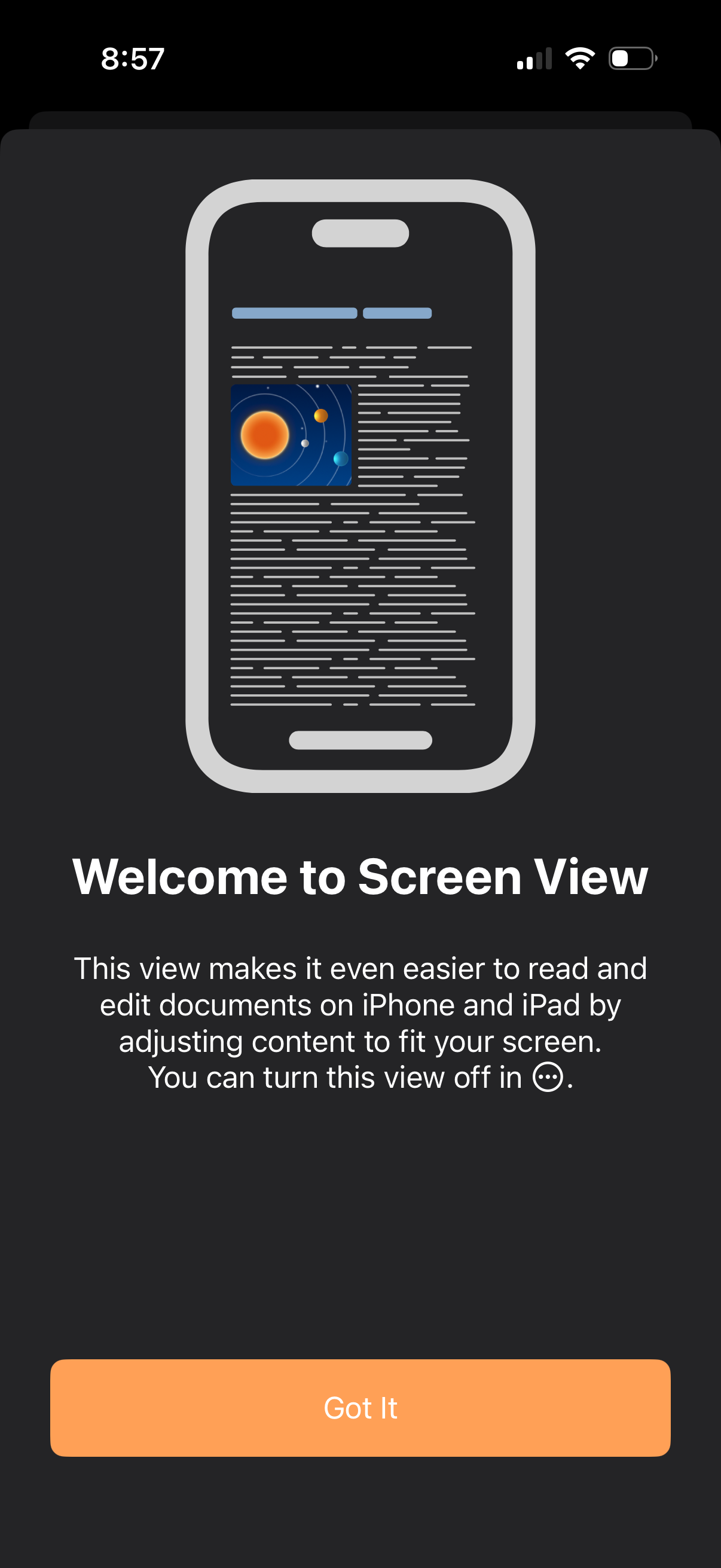
Onboarding pop-up introducing “Screen View” for a document editor, explaining that content is adjusted to fit the iPhone/iPad screen for easier reading and editing and can be turned off in the overflow menu. Includes a single primary confirmation button (“Got It”) to dismiss the modal.
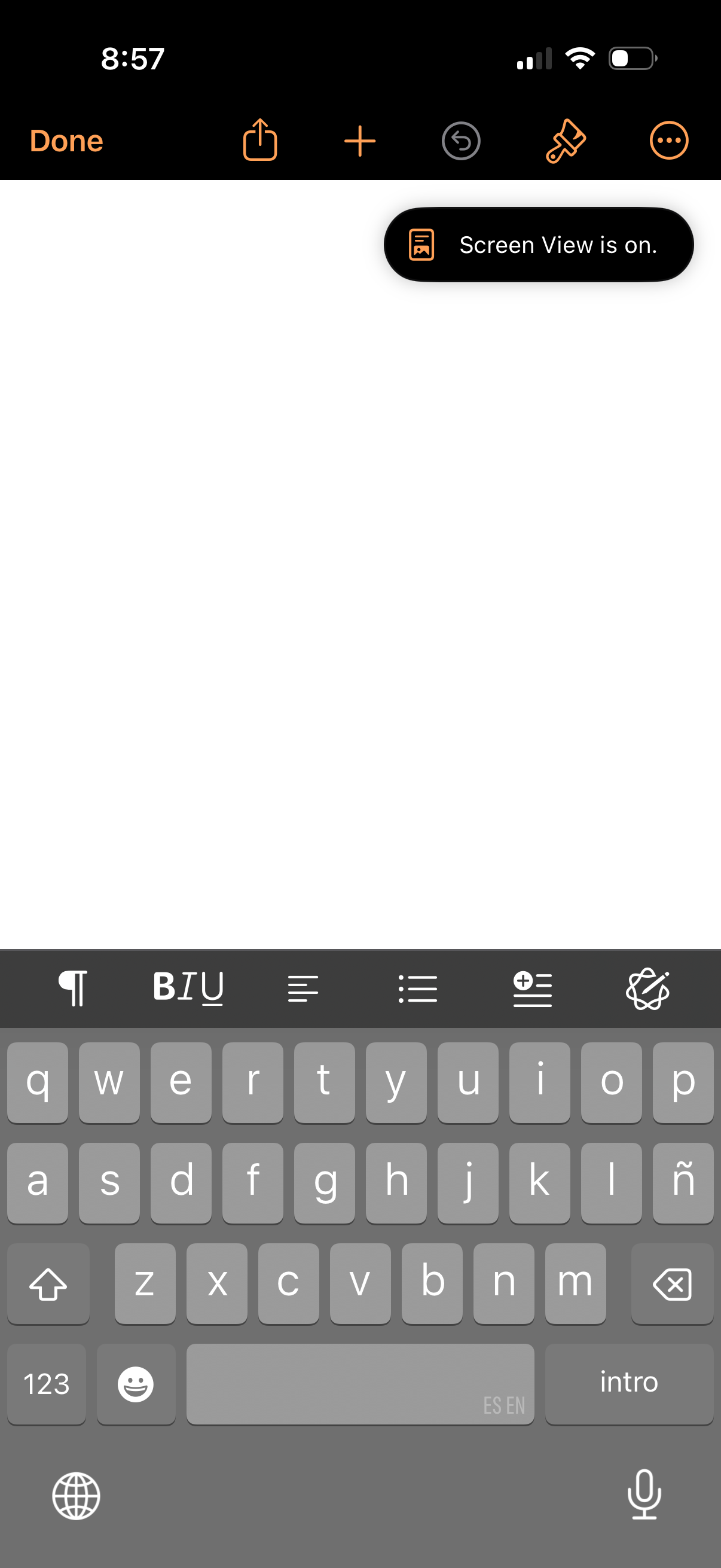
Blank note editor screen with a rich-text formatting toolbar above the keyboard, offering actions like bold/italic/underline, paragraph alignment, bulleted and numbered lists, indentation, and drawing/markup. The top navigation bar provides Done, share, add/insert, undo, and more options for managing the note.
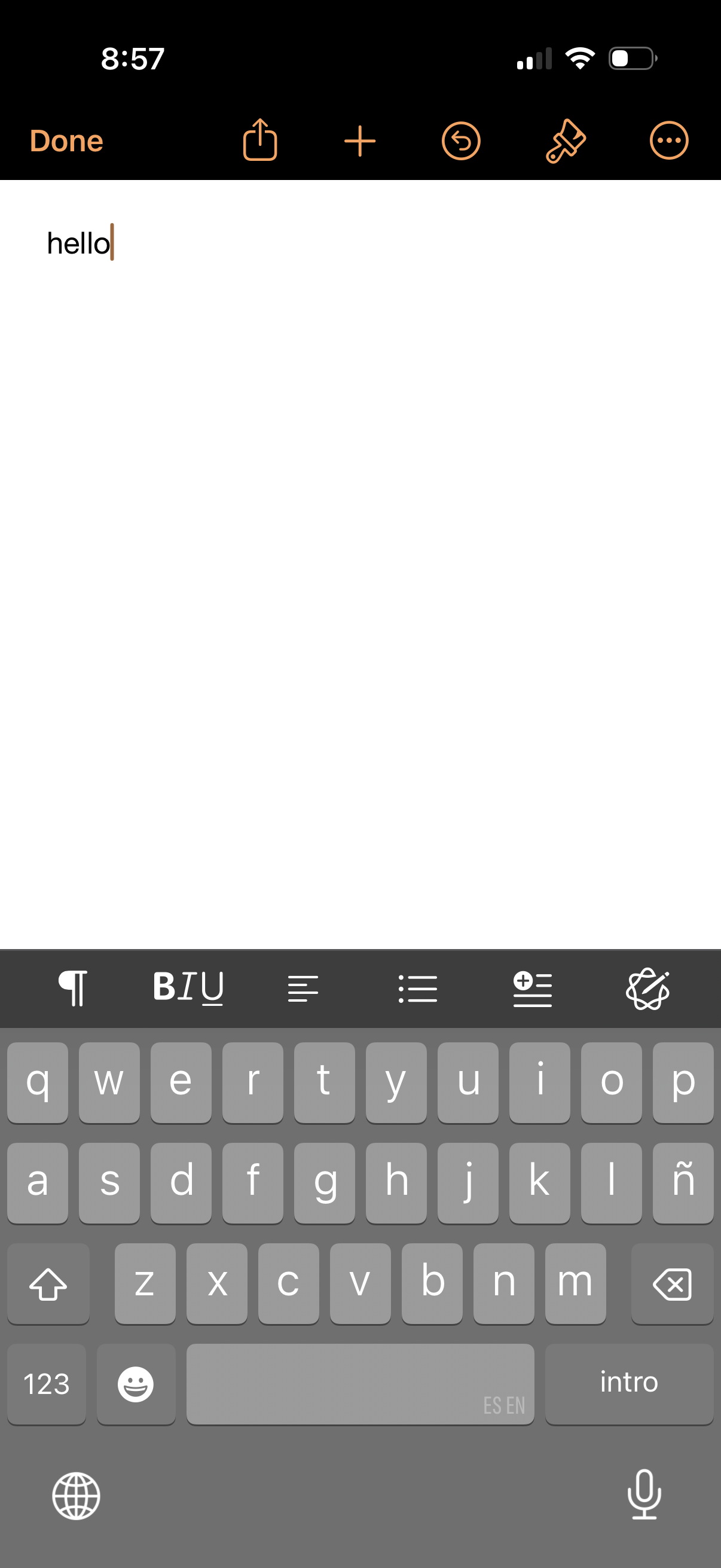
Blank note editor screen for typing a new note with a top toolbar to finish (Done), share, create a new note, undo, and access additional options. The bottom formatting bar provides text styling controls like paragraph/indent, bold/italic/underline, alignment, and bulleted/numbered lists while the keyboard is open.