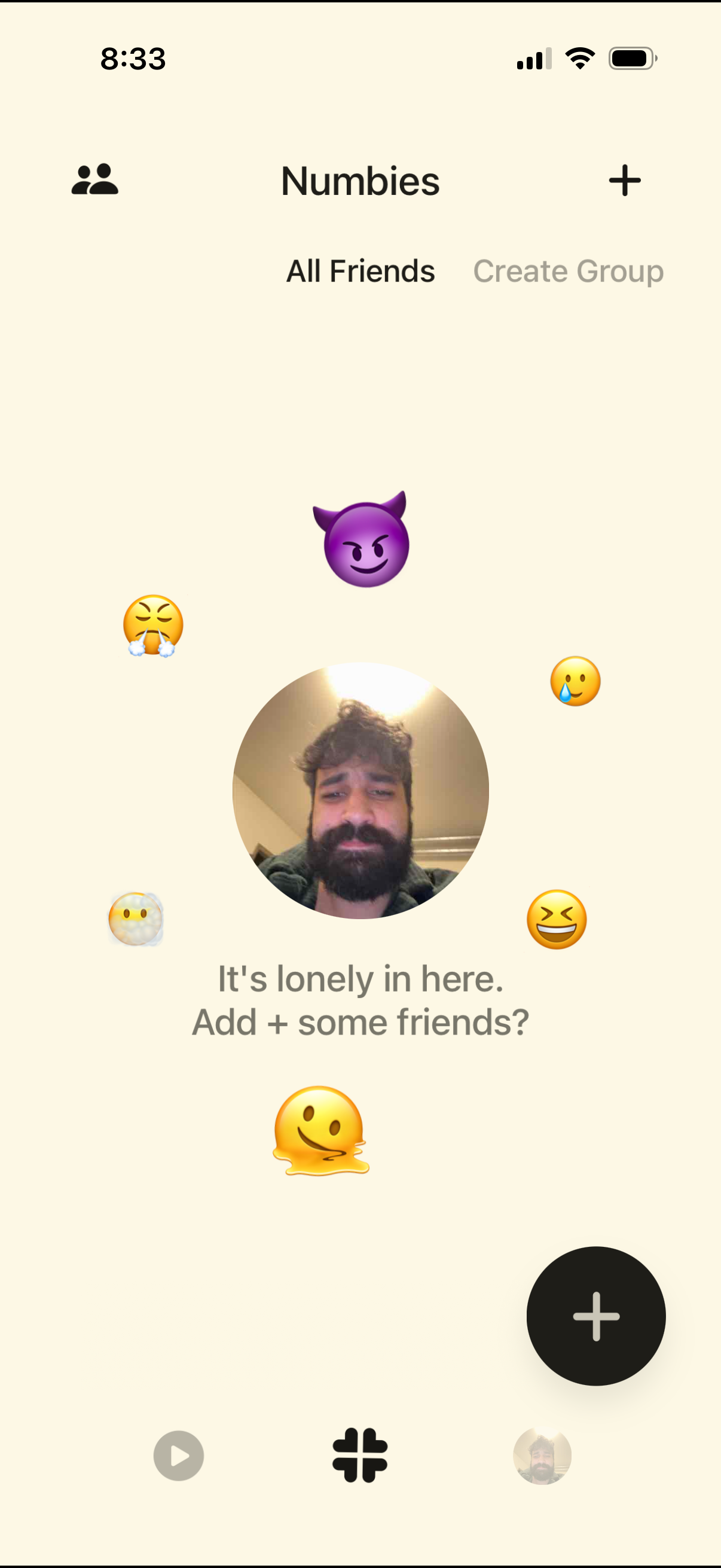
Friends hub screen showing an empty state for “All Friends,” prompting the user to add friends, with a primary plus button to add/invite contacts and an option to create a group. Top navigation includes a friends icon and add button, with a decorative avatar/emoji illustration reinforcing the empty friends list.
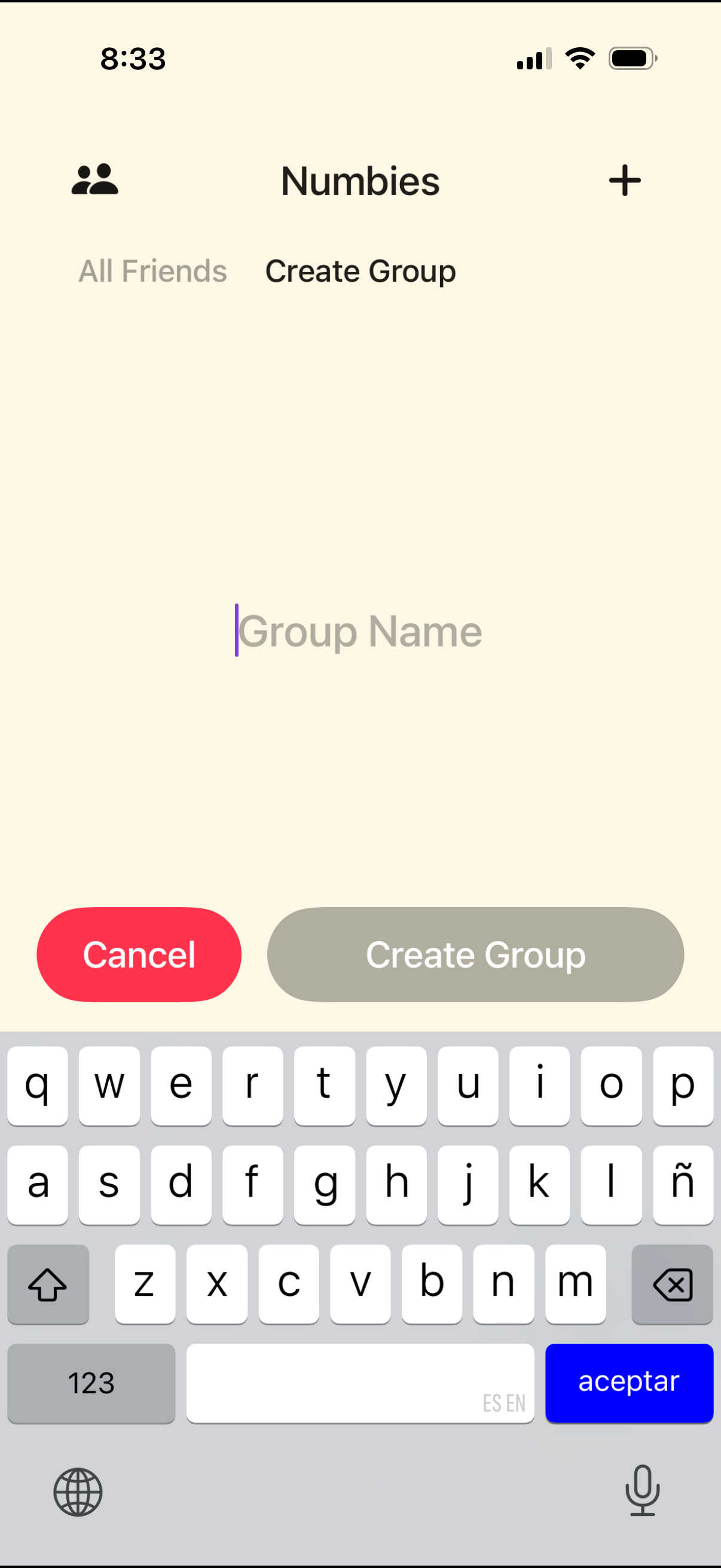
Group creation screen where the user enters a group name in a text field and can cancel or tap a primary Create Group button to confirm. The top navigation includes a friends icon, app title, and a plus action for adding or starting new items.
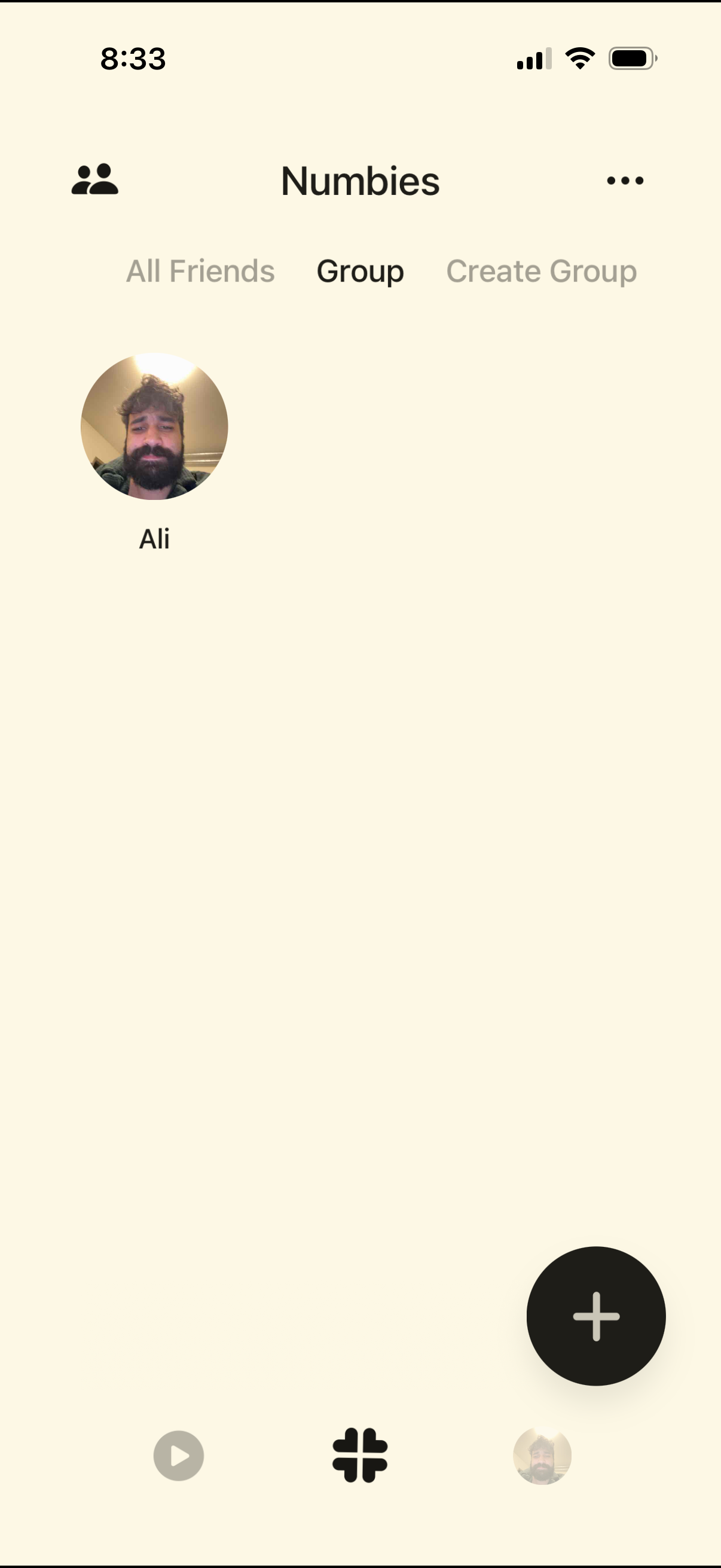
Group management screen showing a list of group members with profile photo and name, with tabs to switch between All Friends, Group, and Create Group. Includes a floating plus button to add/invite members and a more options menu for additional group actions.