switch exercise during session
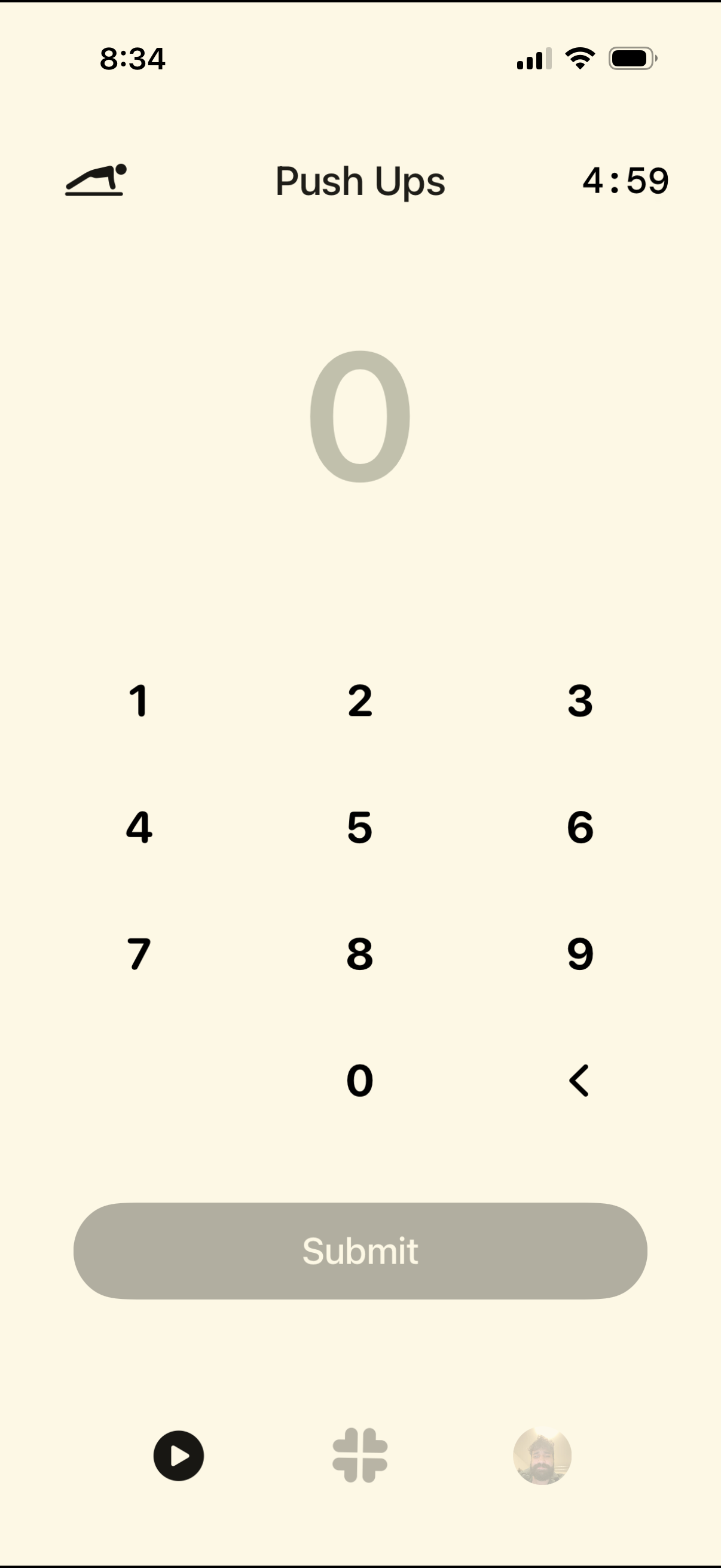
Workout exercise logging screen for “Push Ups” showing a countdown timer and a large numeric field to enter reps using a keypad, with a backspace control and a primary Submit button to record the set. Includes navigation to other workout sections via a bottom tab bar.
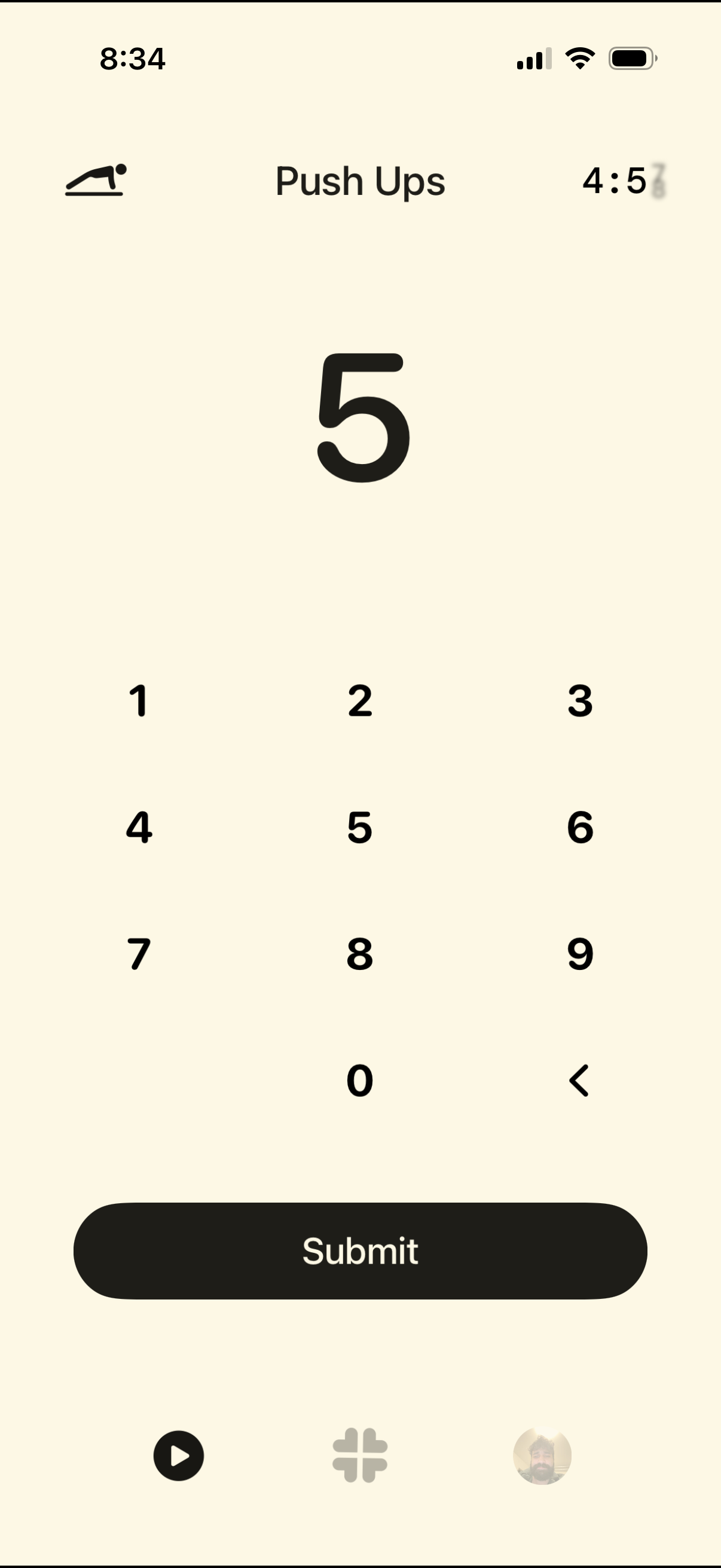
Workout exercise logging screen for “Push Ups” where the user enters the number of reps using a numeric keypad and submits the set. A large rep count preview with backspace is shown along with a timer/sequence indicator at the top.
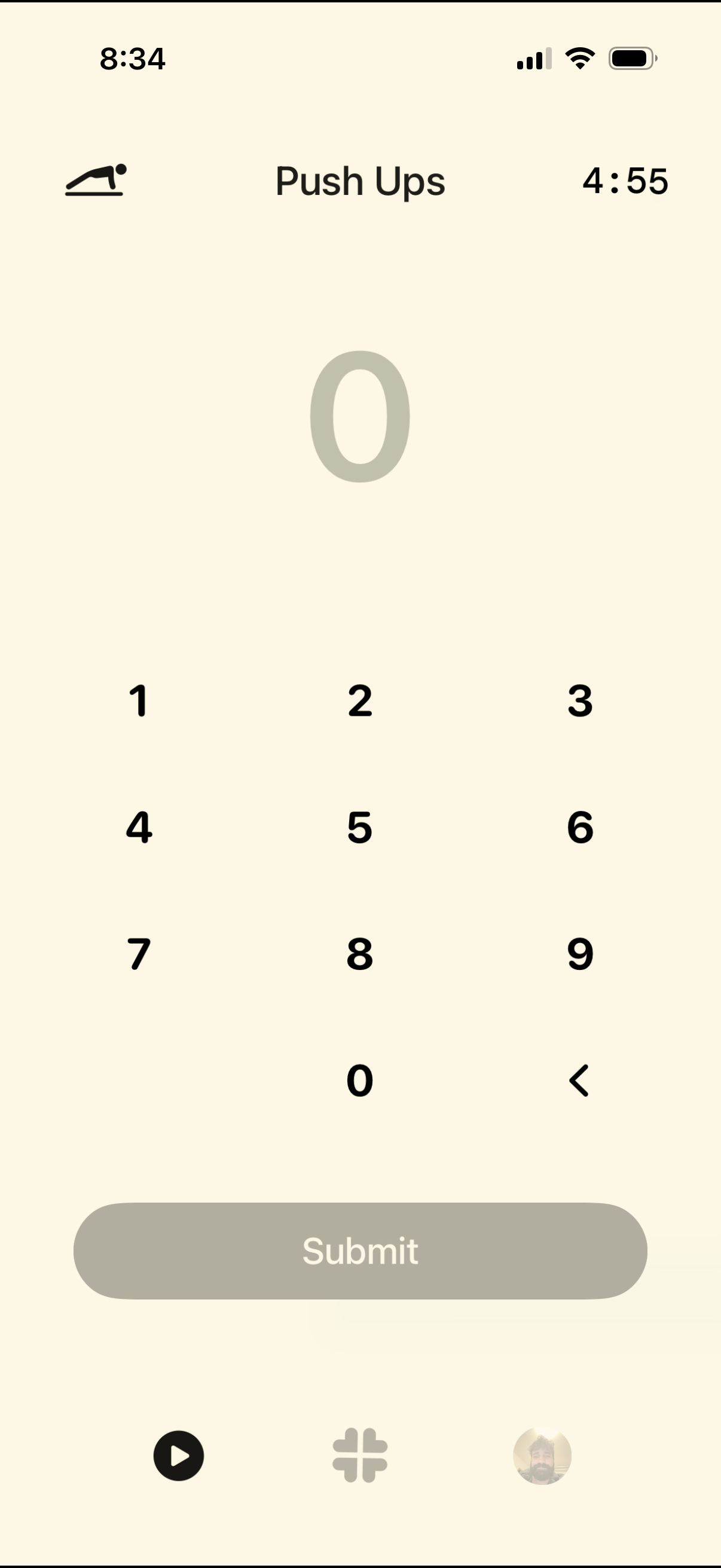
Workout logging screen for an exercise (Push Ups) with a large rep counter, numeric keypad input, and a primary Submit button to save the entered reps. Includes a remaining/rest timer at the top and a backspace key to edit the number.
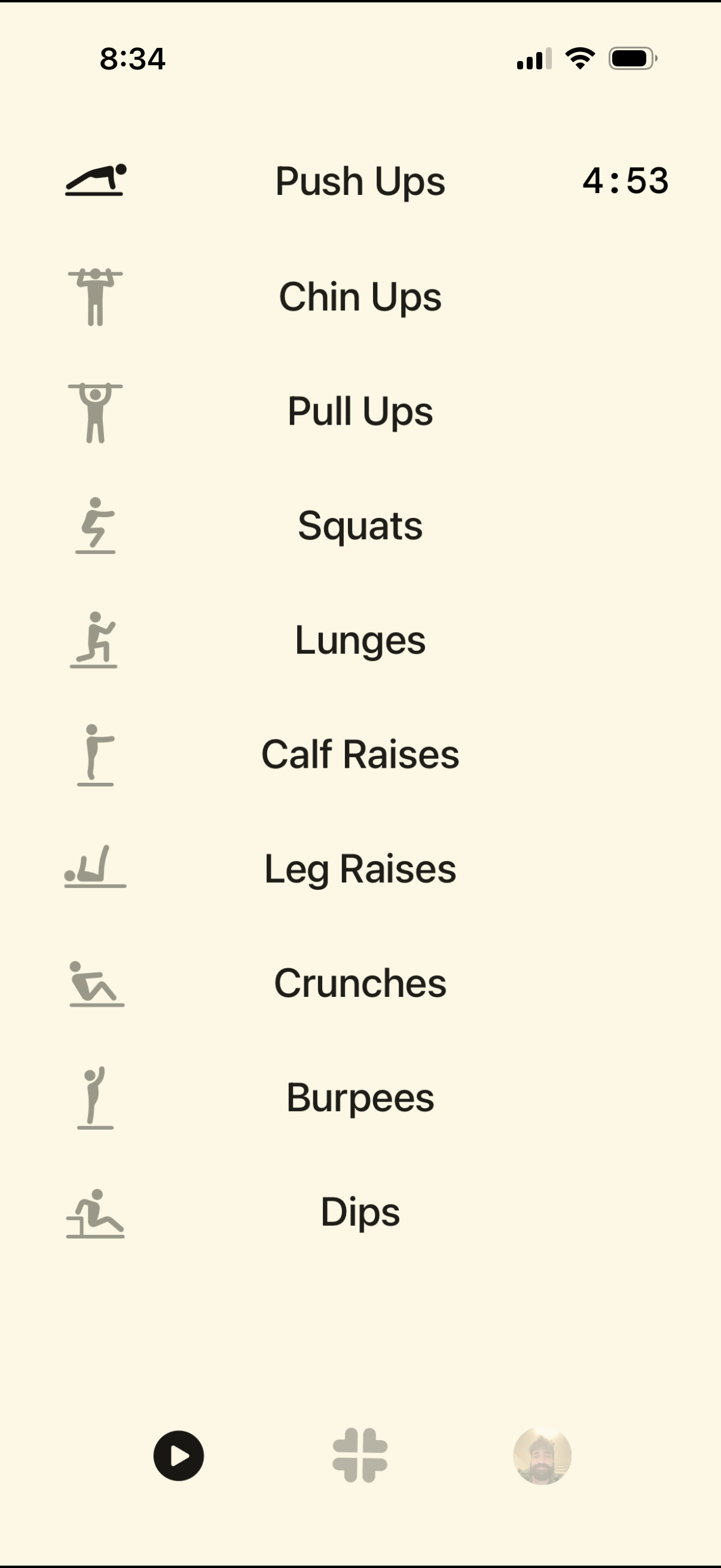
Workout exercise selection screen showing a vertical list of bodyweight moves (push ups, chin ups, pull ups, squats, lunges, calf raises, leg raises, crunches, burpees, dips) with icons, where “Push Ups” is active and displays an elapsed timer. Bottom navigation provides controls to start/play a workout, add/create a new routine, and access the user profile.
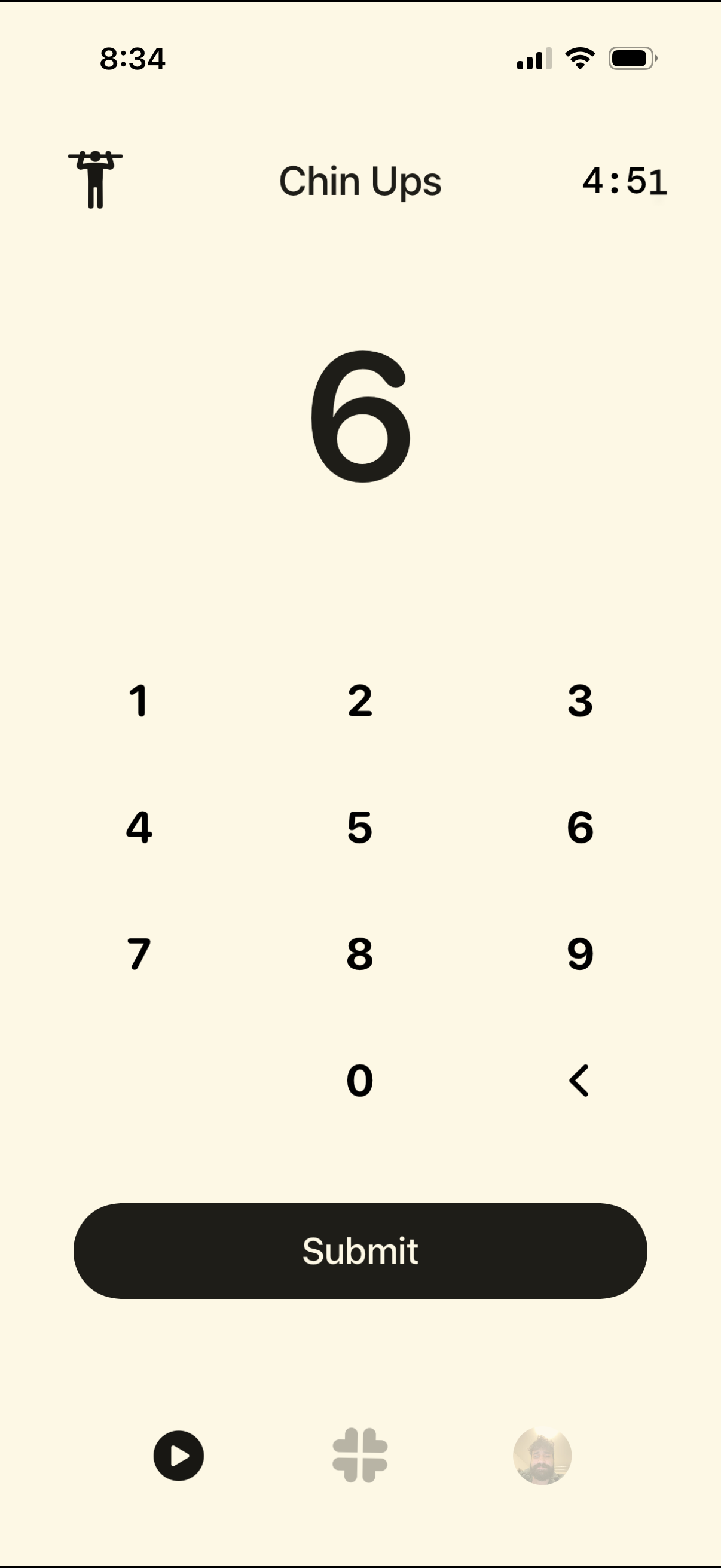
Workout tracking screen for logging an exercise set of chin ups, featuring a large rep count display with a numeric keypad to enter repetitions and a primary Submit button to save the set, plus a timer showing elapsed time.
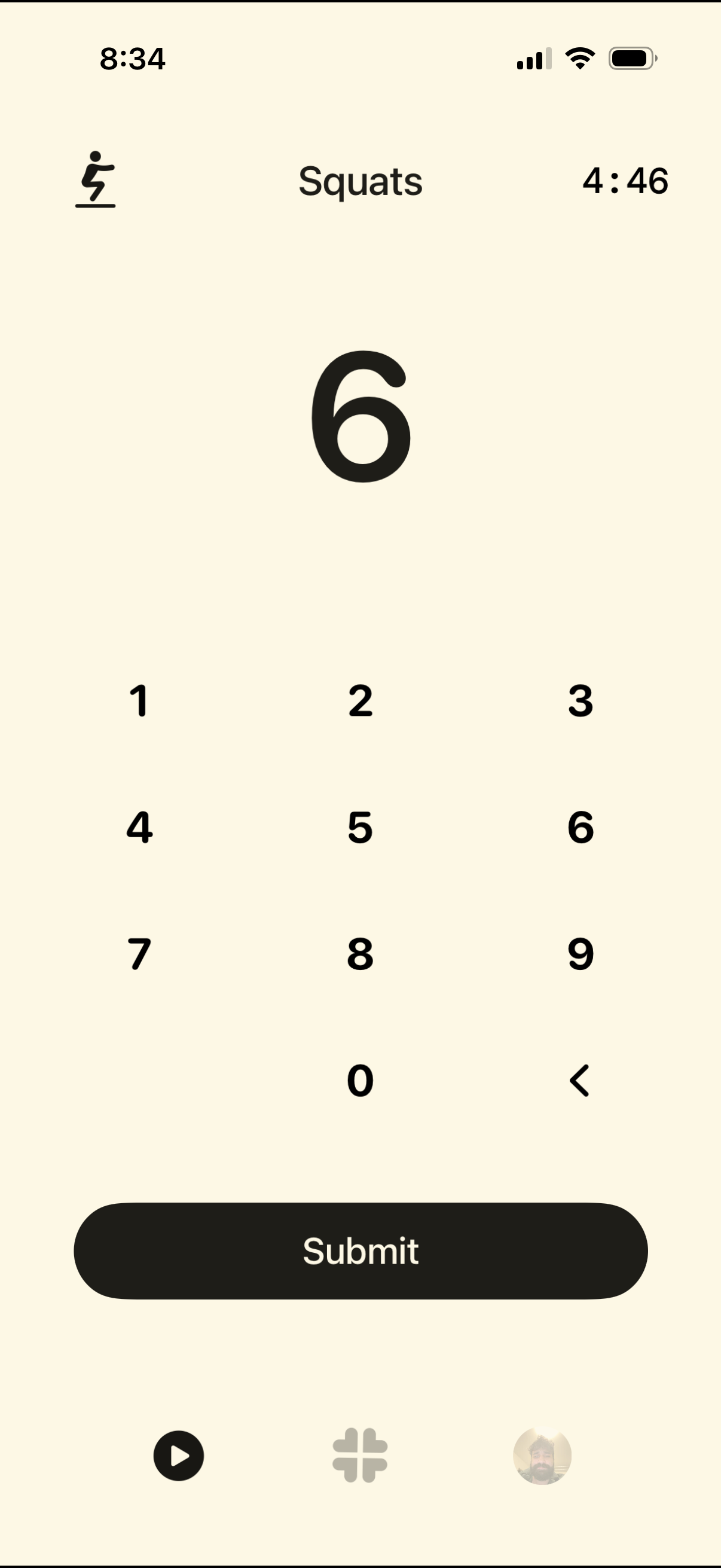
Workout tracking screen for logging squat repetitions during an active session, showing a large rep count input with a numeric keypad and backspace. Includes a countdown or elapsed timer at the top and a prominent Submit button to save the entered reps.