remix character
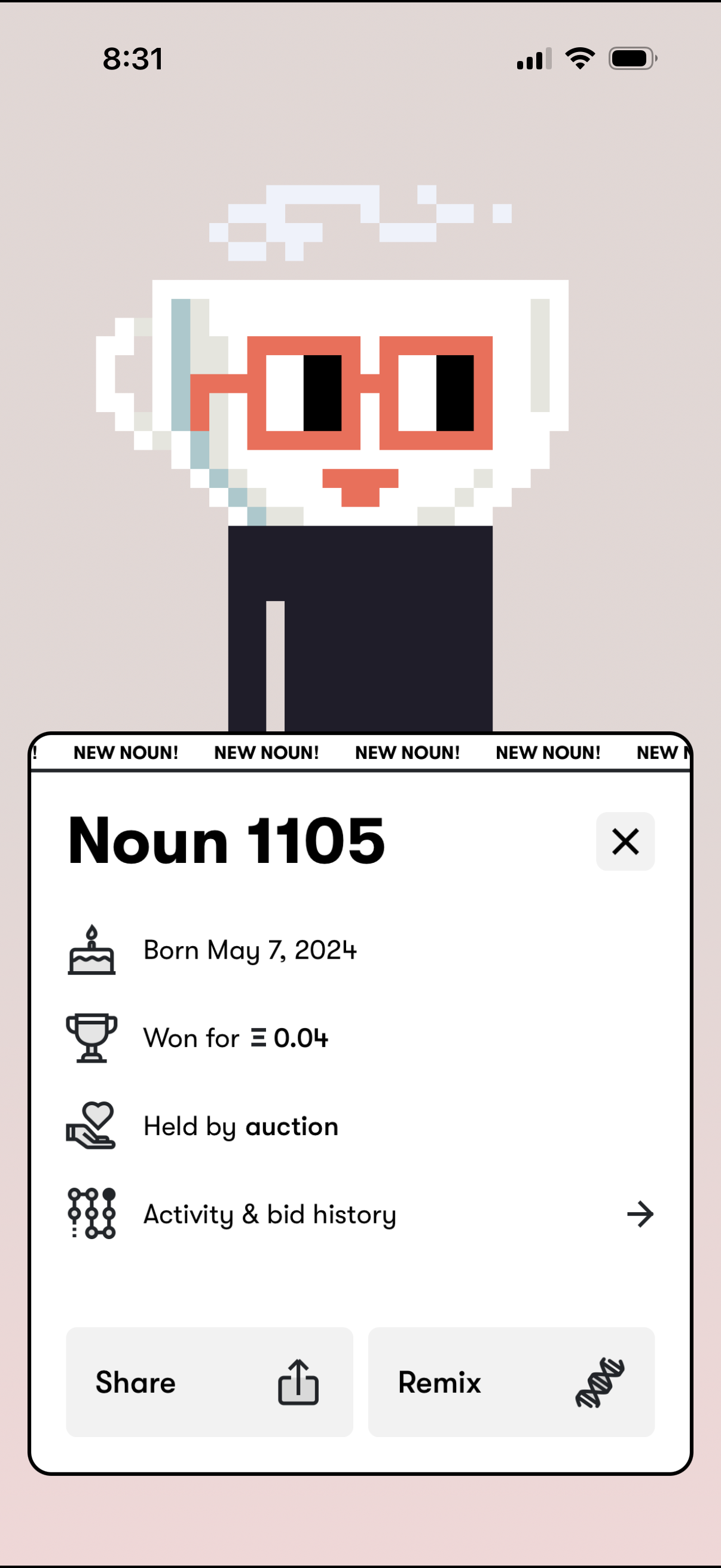
Pop-up detail sheet for a newly acquired digital collectible (Noun) showing item number, birth date, purchase price, ownership method (auction), and a link to activity and bid history. Primary actions include closing the modal plus buttons to share or remix the collectible.
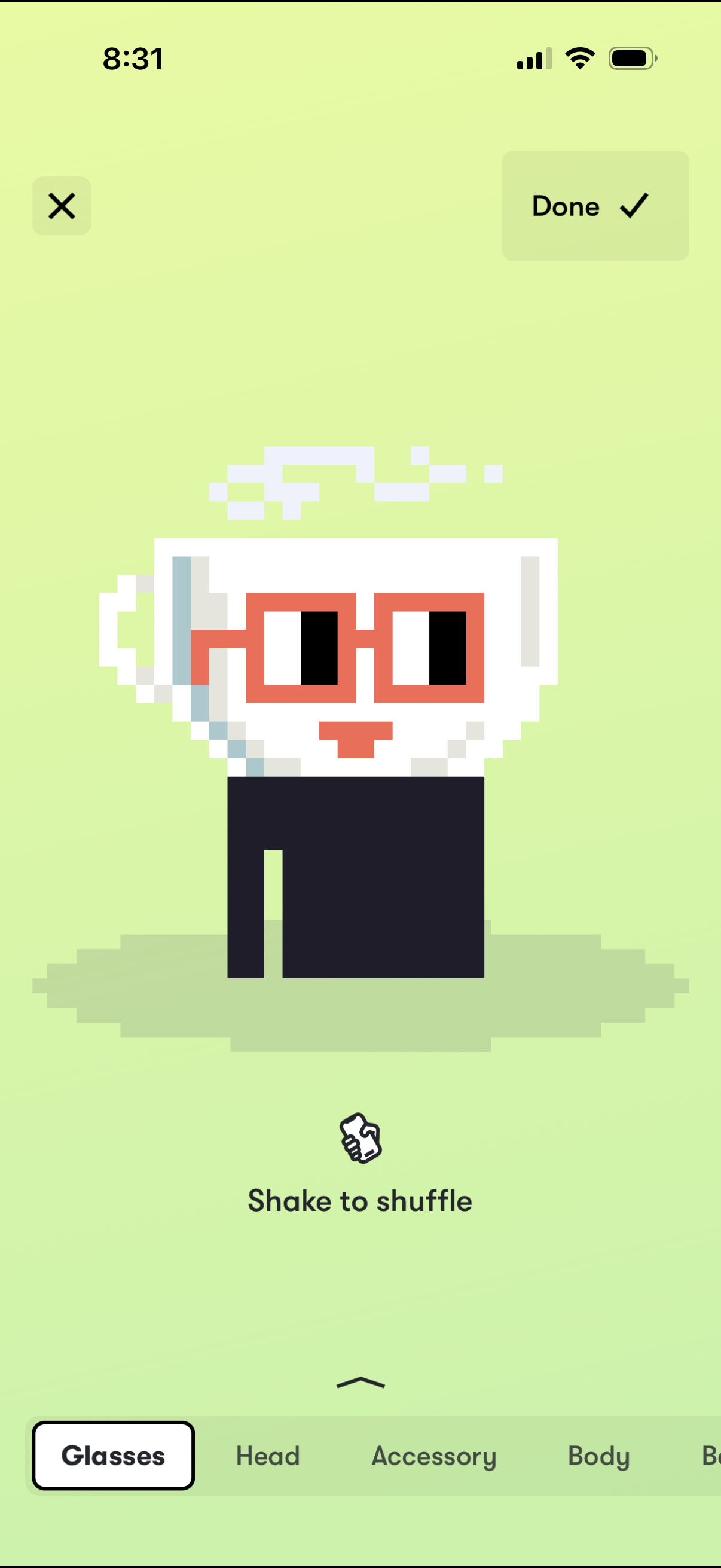
Avatar customization editor showing a pixel-style character preview with a “Shake to shuffle” randomizer, plus close and Done actions to cancel or save changes. A bottom category tab bar lets users switch between customization sections such as Glasses, Head, Accessory, and Body.
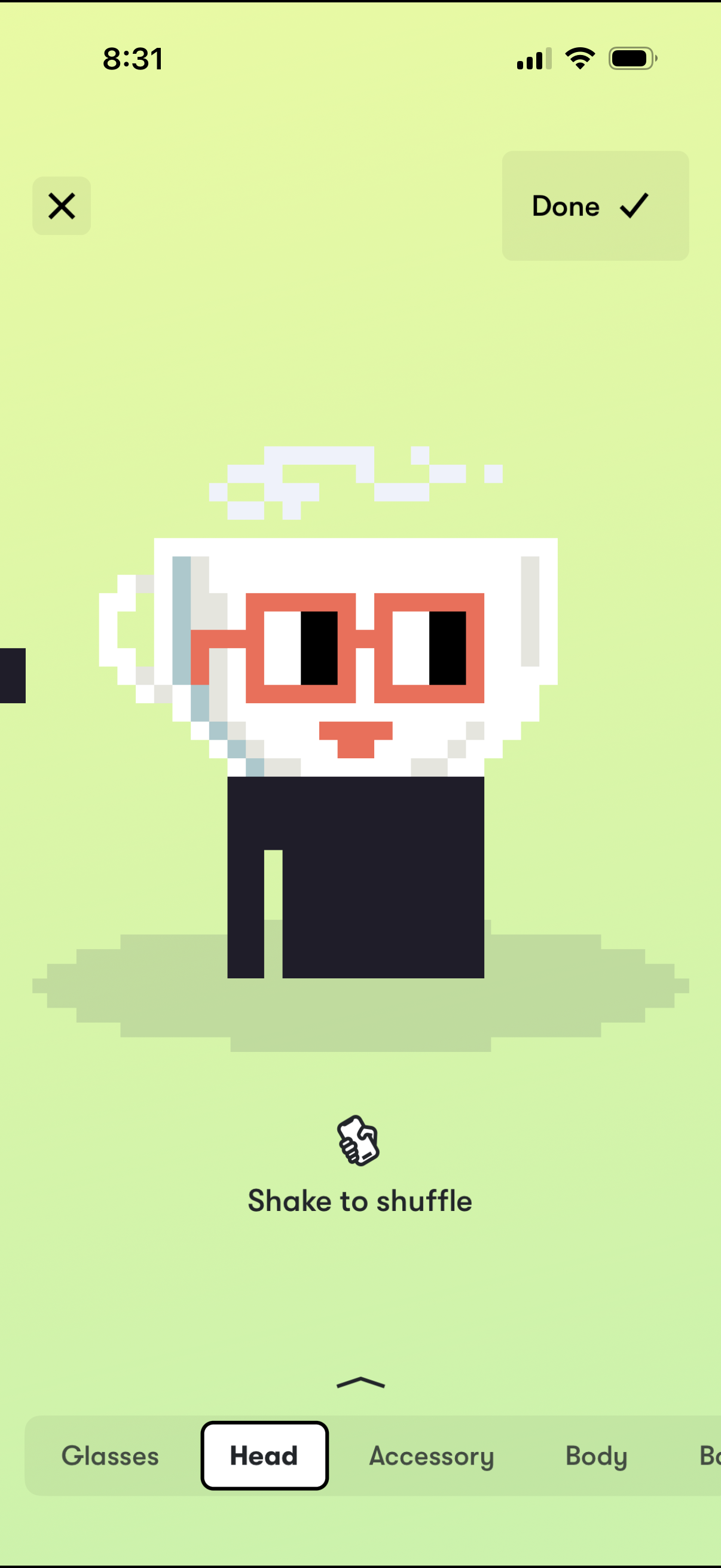
Avatar/bitmoji customization screen showing a pixel character preview with options to edit appearance by category via a bottom tab bar (e. g.
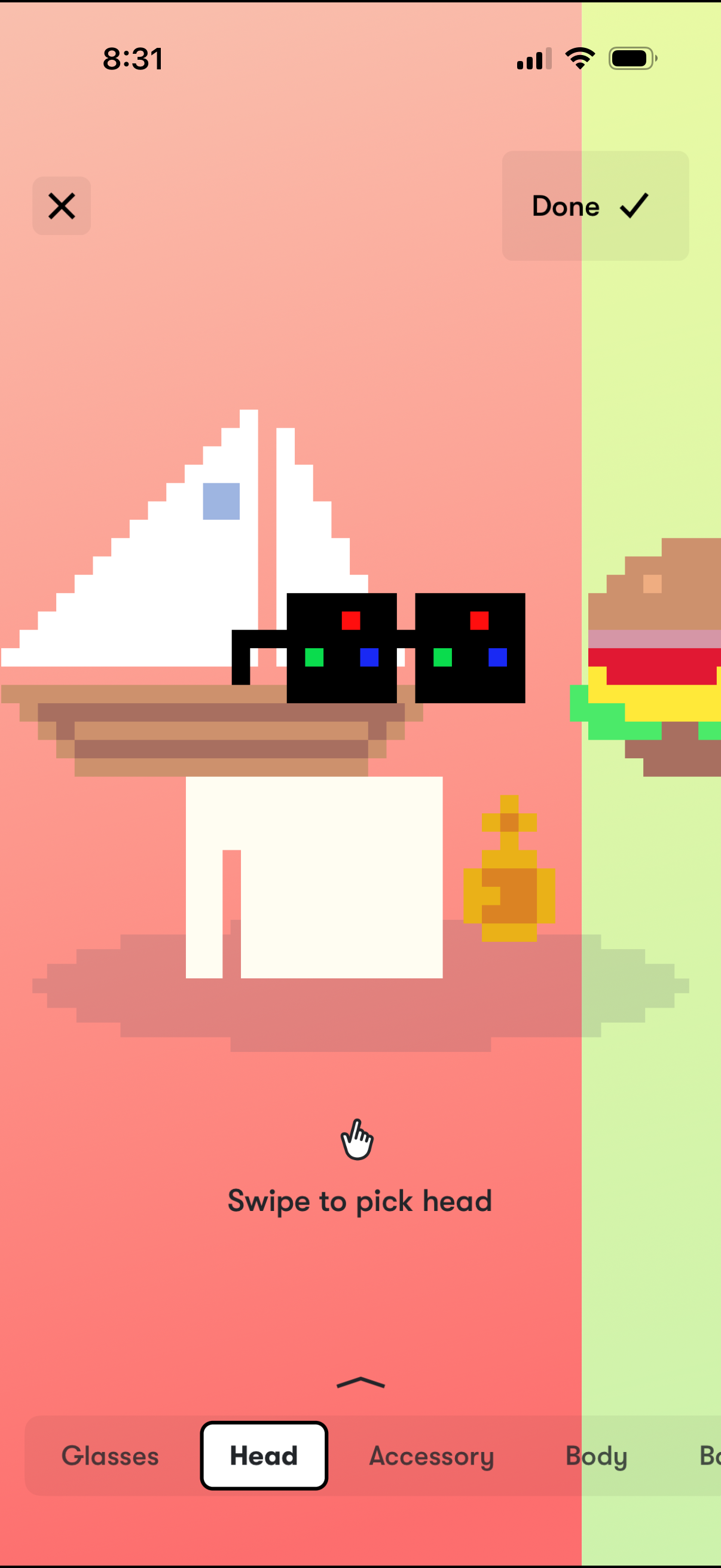
Avatar customization screen showing a pixel character preview where users swipe to choose a head style, with category tabs for Glasses, Head, Accessory, and Body. Includes a close button and a Done action to save the selected avatar changes.
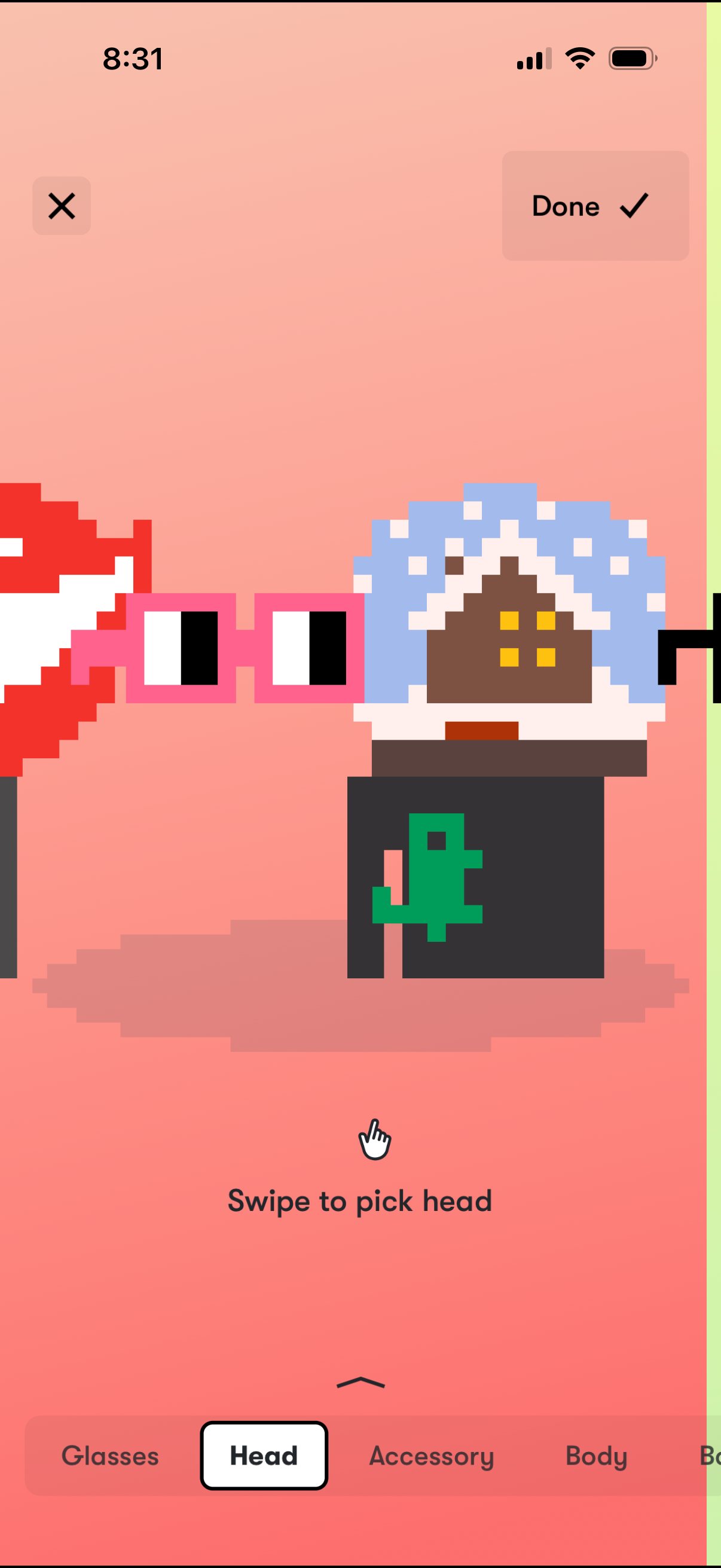
Avatar customization editor showing a pixel-art character with a swipeable selector to pick and change the head style, including cancel and Done actions to discard or save changes. A bottom tab bar lets users switch between customization categories such as Glasses, Head, Accessory, and Body.
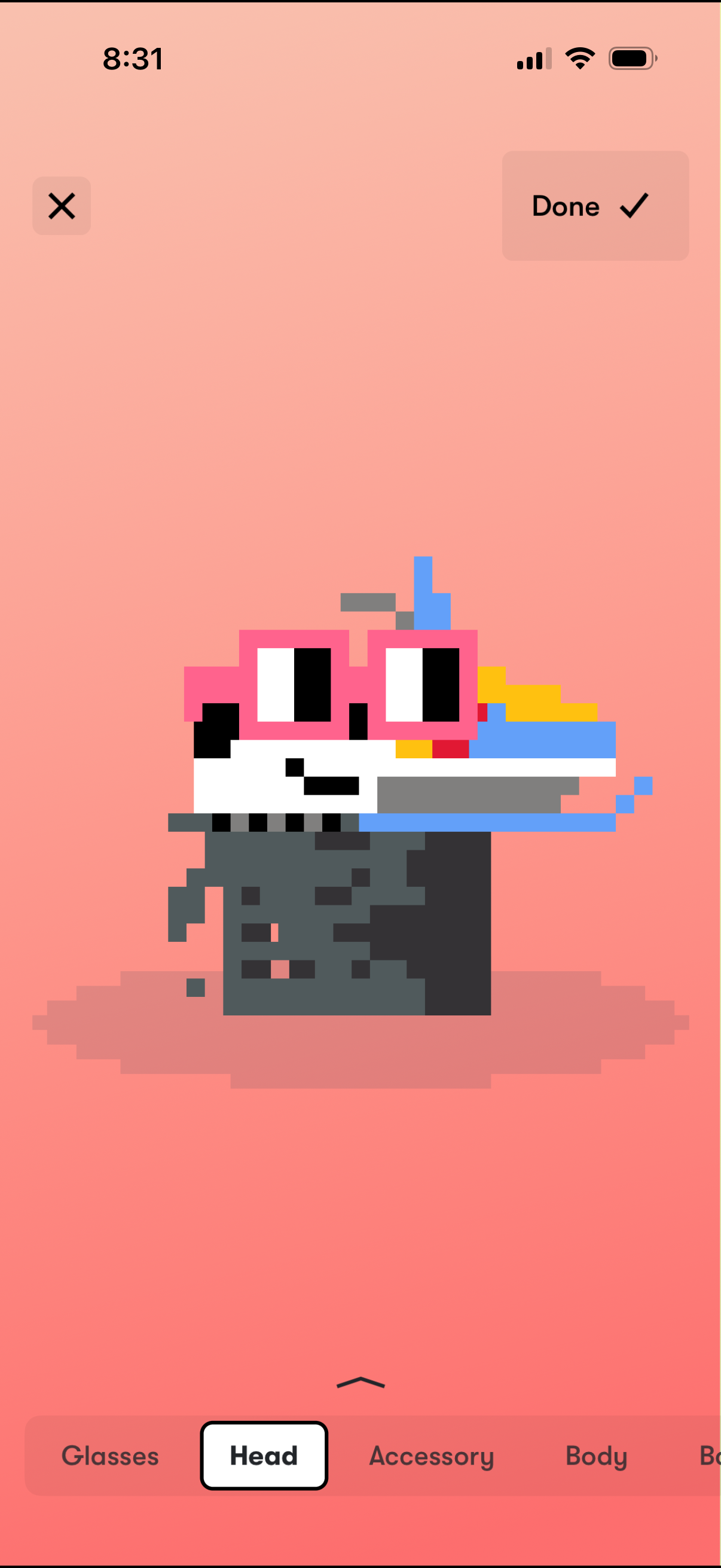
Avatar customization editor showing a pixel-style character preview with controls to close or save changes via a Done button. A bottom category tab bar lets users switch between appearance options like Glasses, Head (selected), Accessory, and Body to edit different avatar parts.
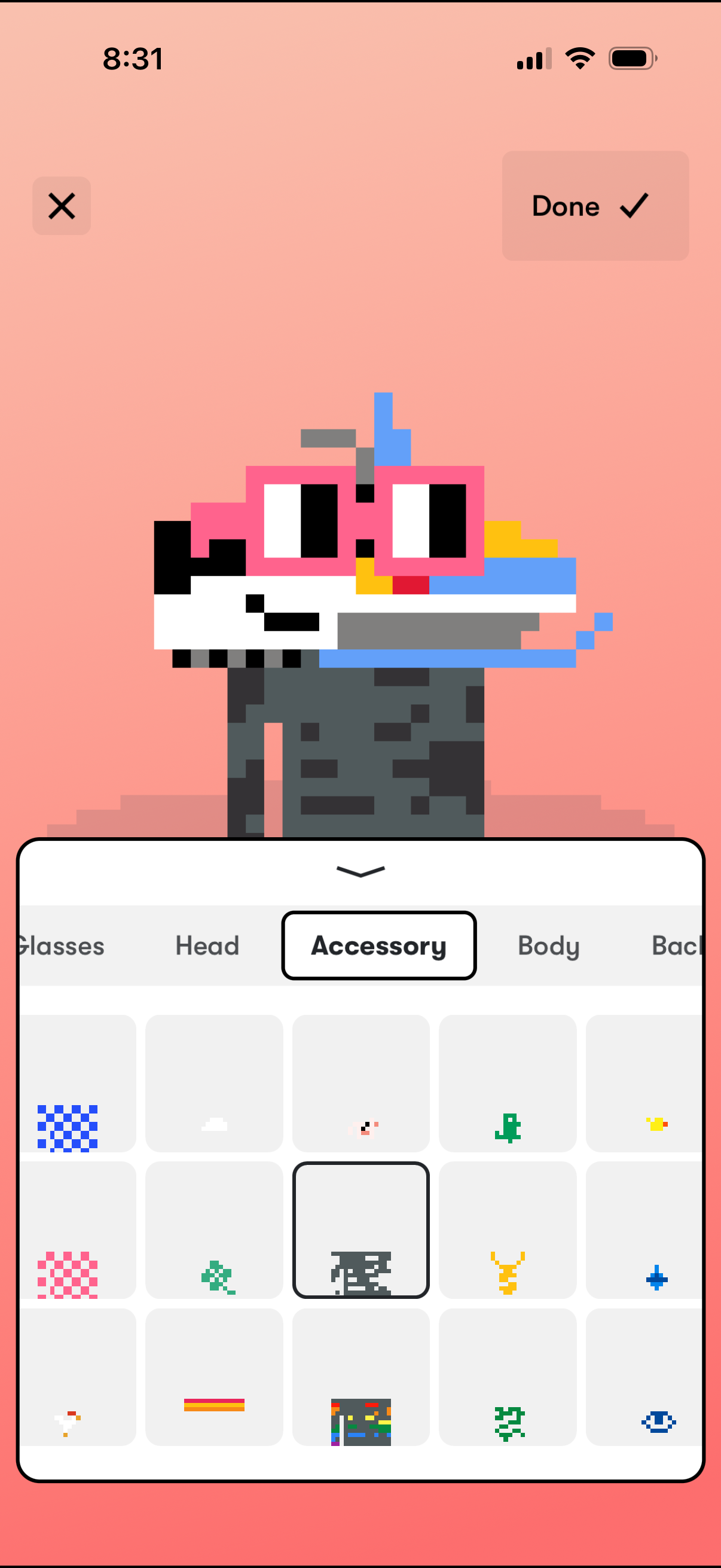
Avatar customization screen showing a pixel-art character preview and a bottom drawer with tabs (Glasses, Head, Accessory, Body, Back) for selecting items from a grid. Users can browse and apply accessories to the avatar, then confirm changes with a Done button or cancel with the close icon.
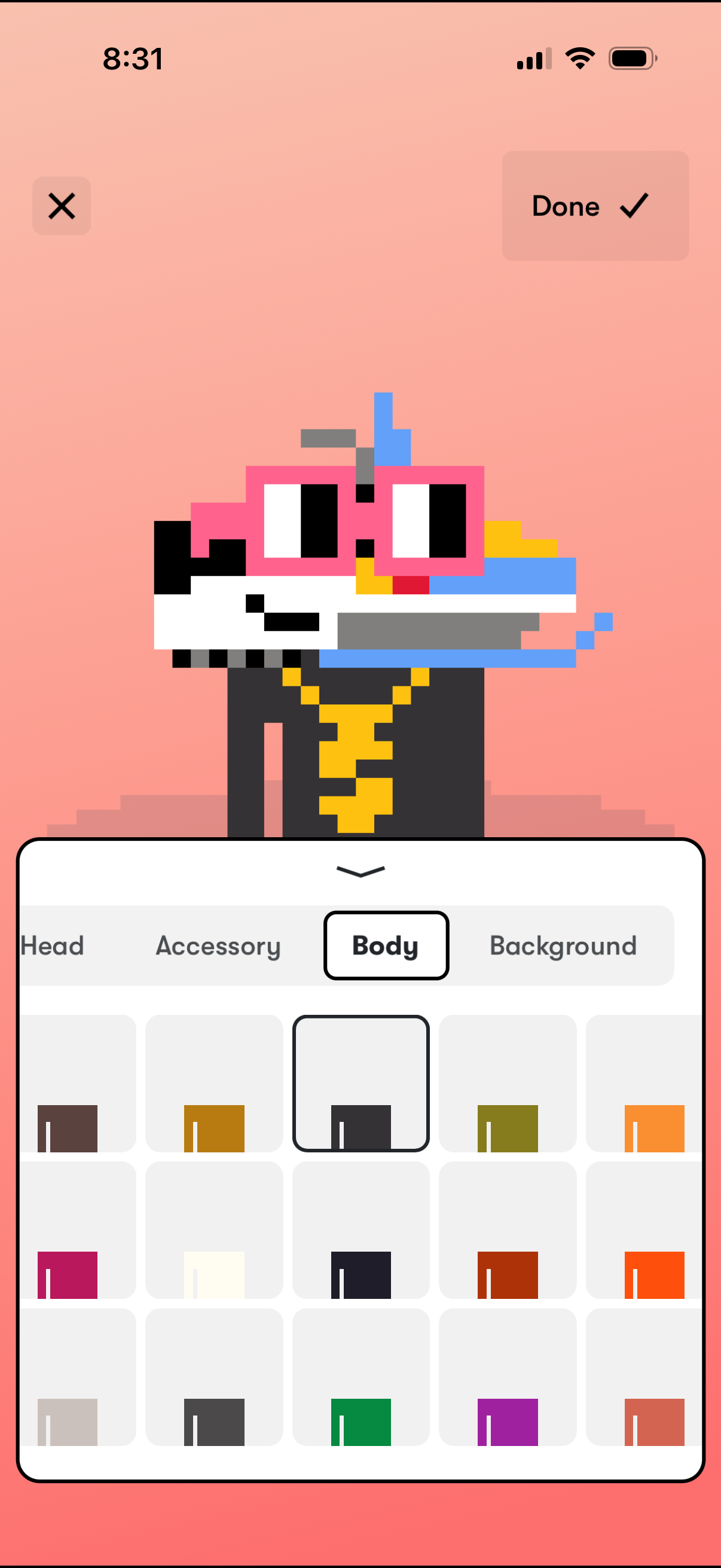
Avatar editor screen for customizing a pixel-style character, showing a live preview and tabs for Head, Accessory, Body, and Background. Users can select from a grid of color/style options (Body tab active) and save changes with a Done button or exit with a close icon.
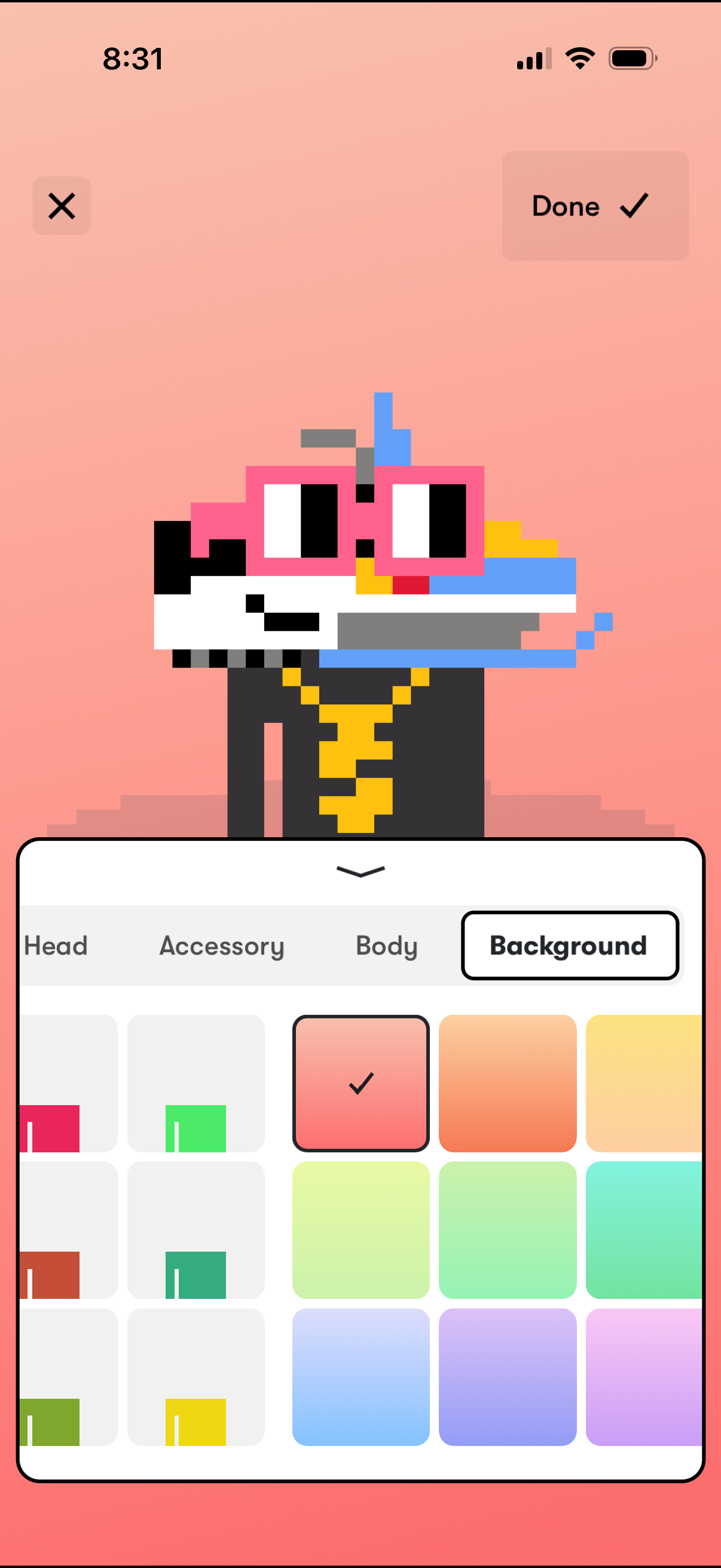
Avatar customization editor showing a pixel-style character preview with controls to close or confirm changes, plus a bottom sheet for selecting customization categories (Head, Accessory, Body, Background). The Background tab is active, offering a grid of color swatches to choose and apply a new background color.
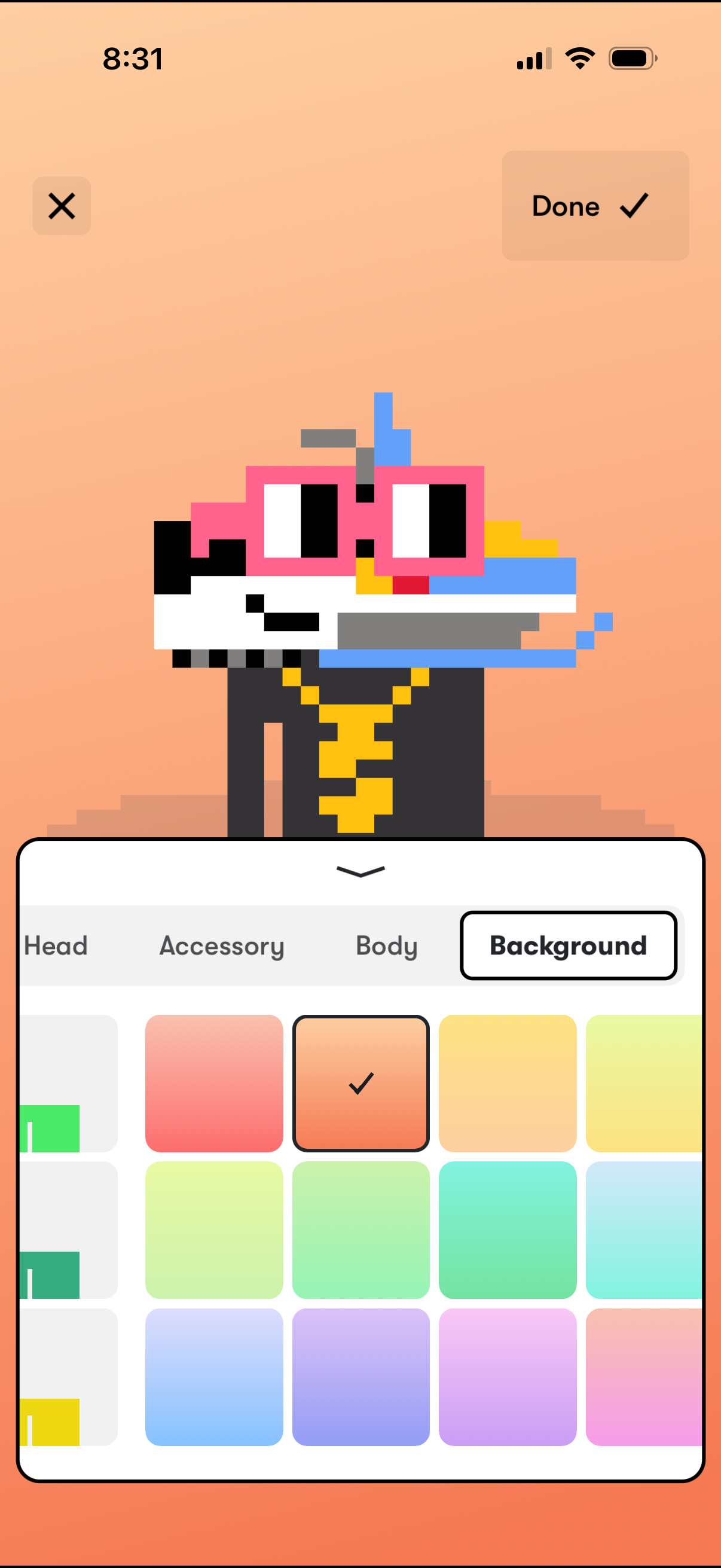
Avatar customization screen showing a preview of a pixel character and a bottom-sheet editor with tabs for Head, Accessory, Body, and Background. The user is selecting a background color from a grid of swatches, with controls to close or tap Done to save changes.
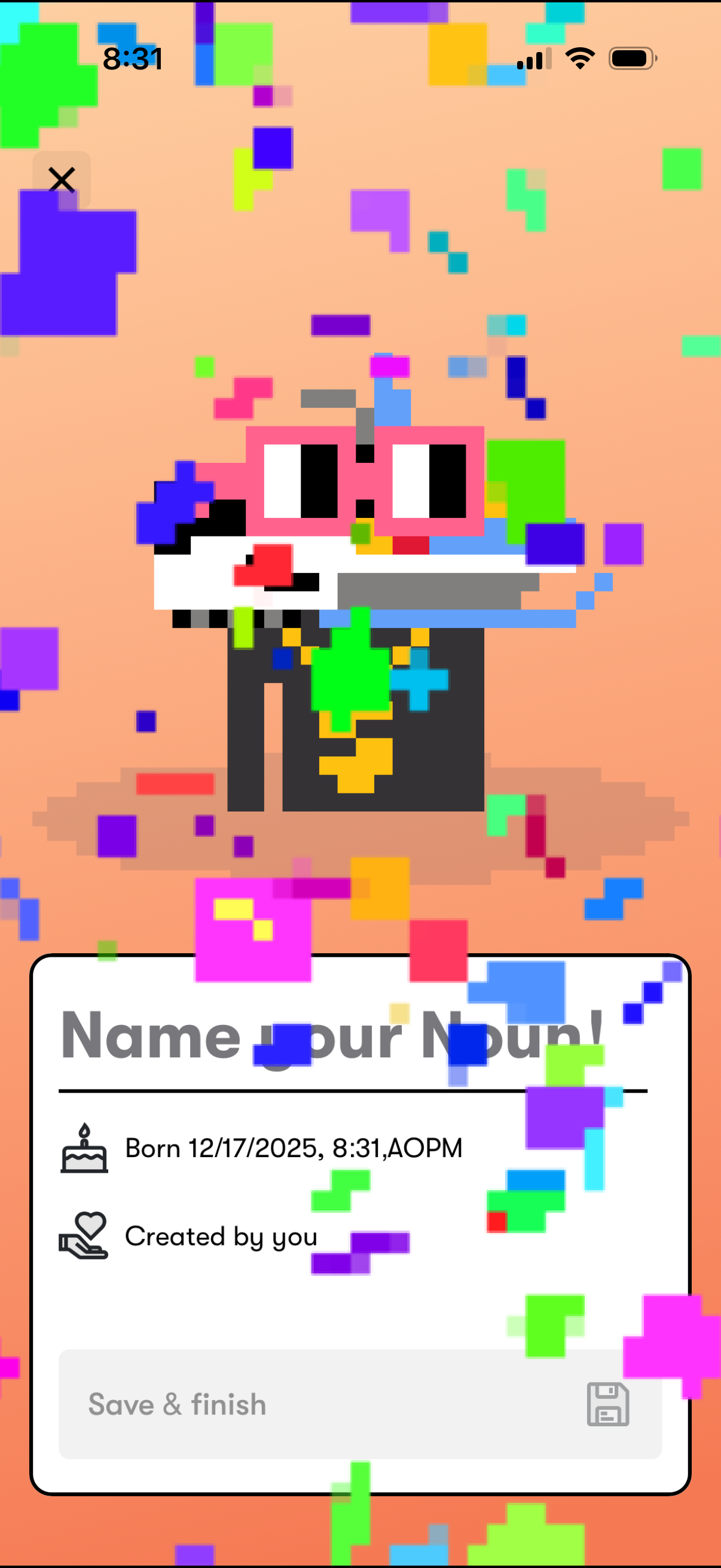
Celebratory onboarding screen for creating a new digital character/pet, featuring confetti animation and a form to “Name your Noun” with birth timestamp and “created by you” metadata. Includes a disabled “Save & finish” primary action and a close button to exit.