1
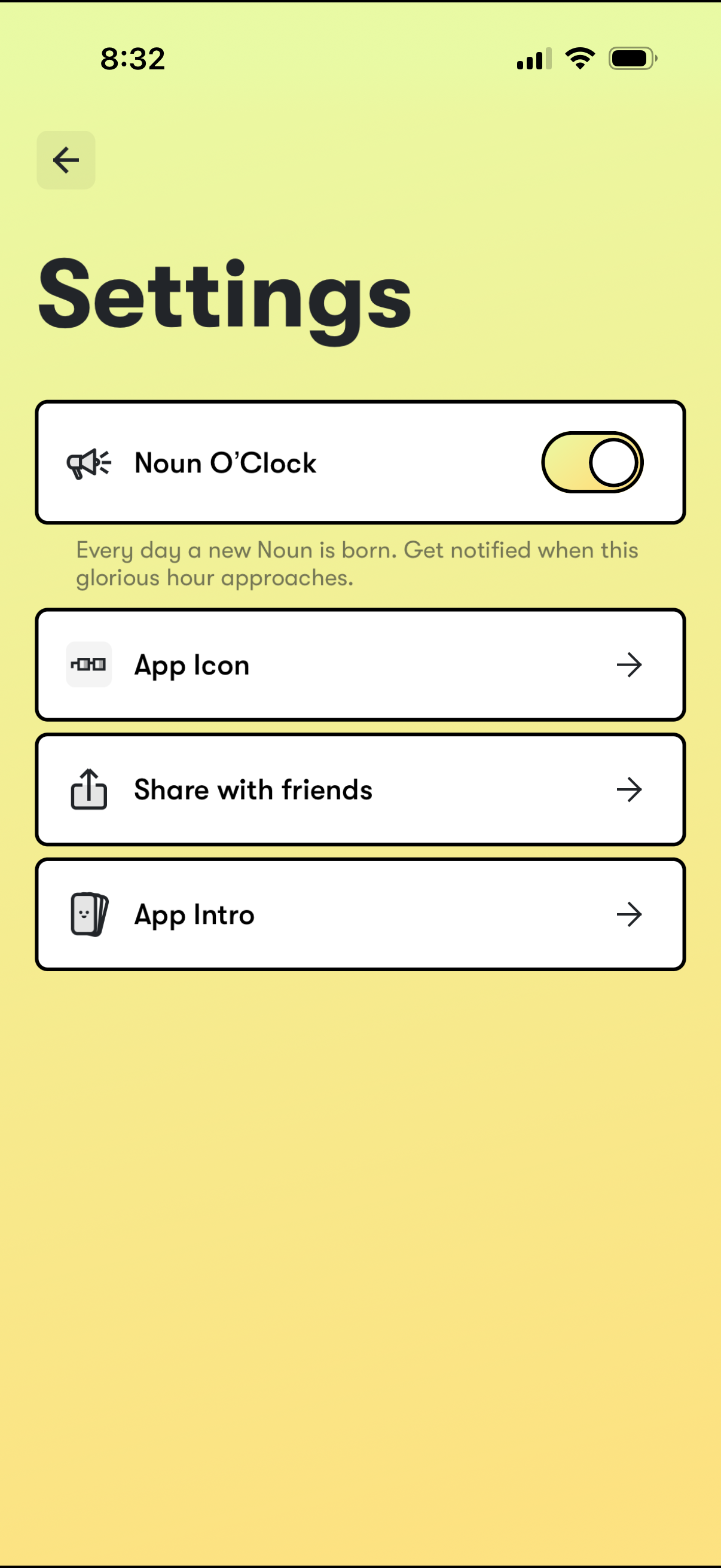
Settings screen with a toggle to enable or disable daily “Noun O’Clock” notifications, plus list options to change the app icon, share the app with friends, and view an app intro/help page, with back navigation.
2
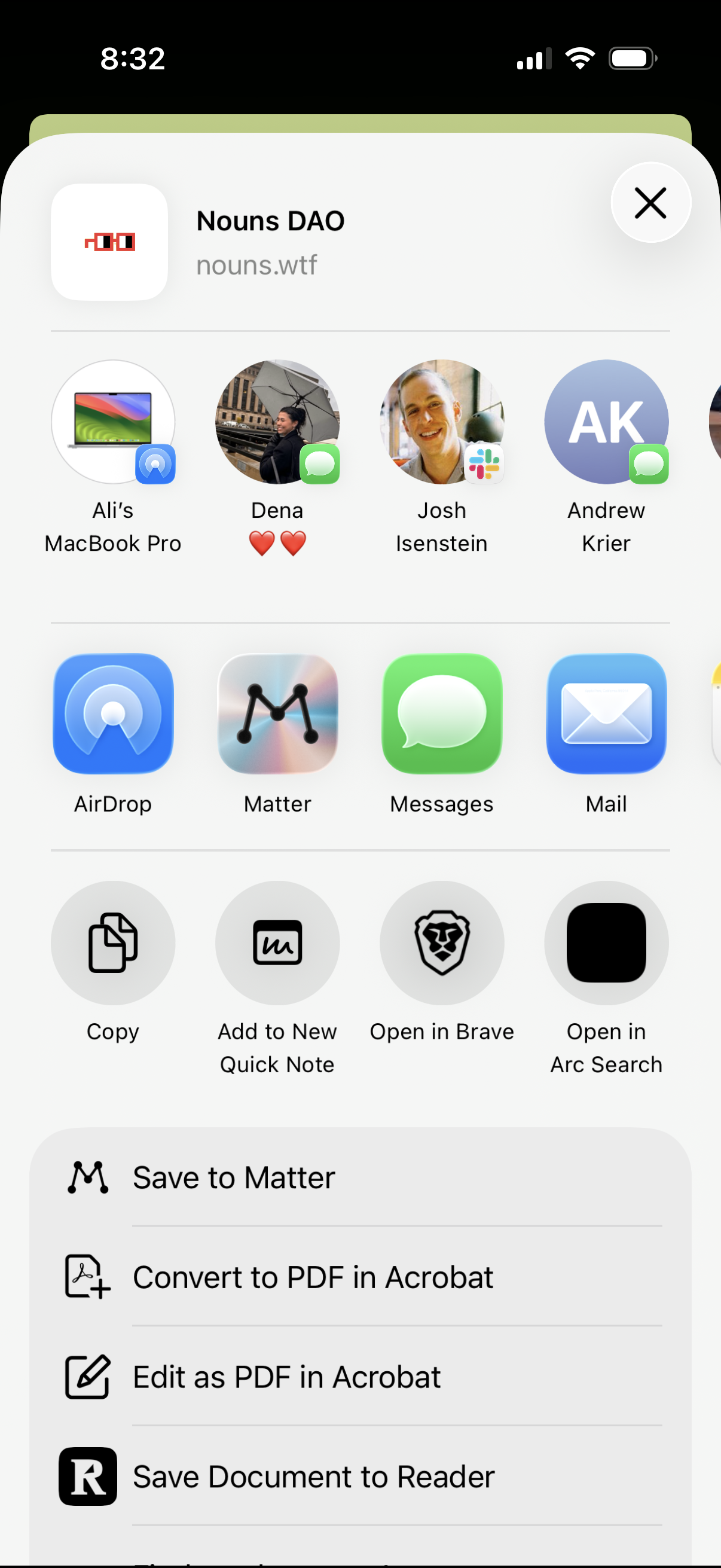
iOS share sheet for a webpage link showing suggested AirDrop and messaging recipients plus app targets (AirDrop, Messages, Mail) and quick actions like copy, add to Quick Note, and open in different browsers. Additional share extensions allow saving to read-it-later, converting or editing as PDF, and saving to a document reader.