manage permissions
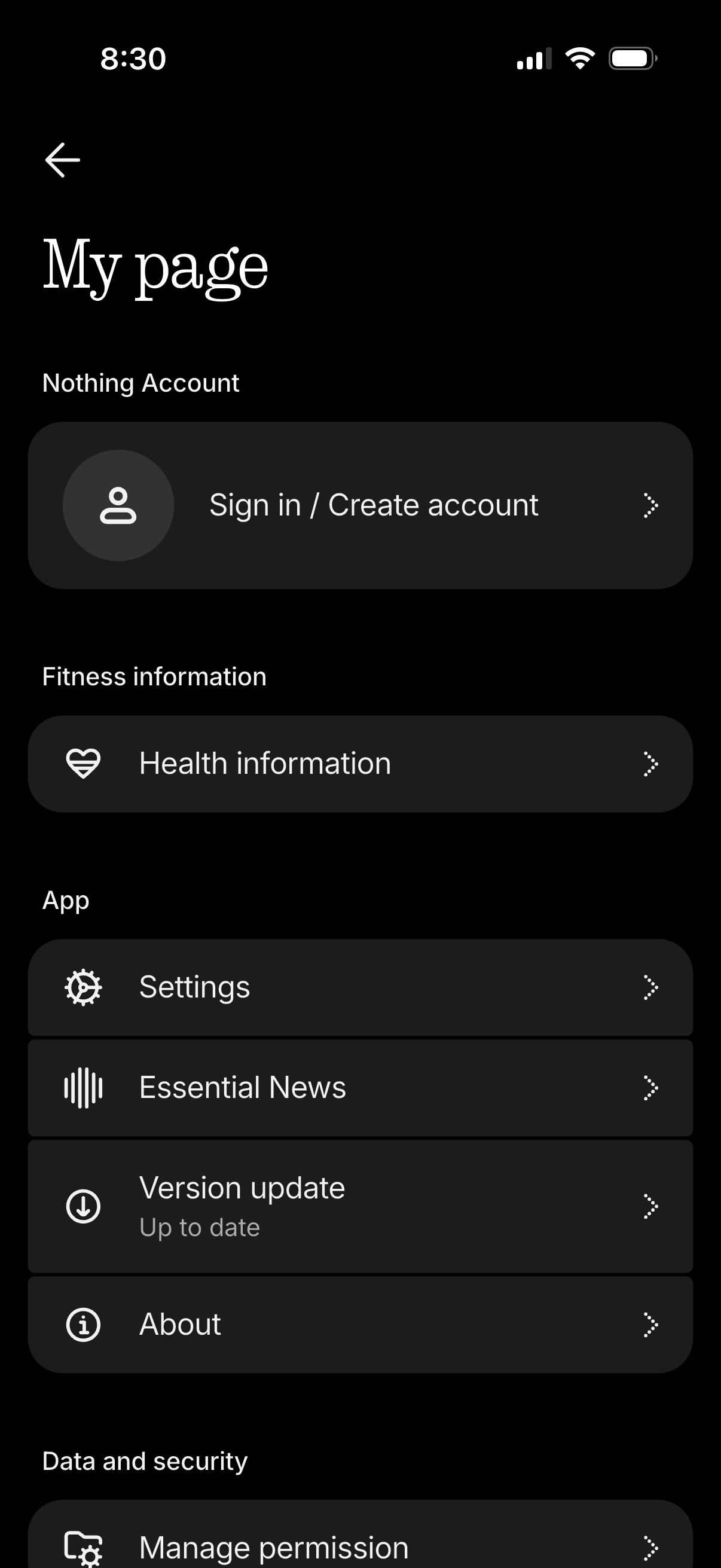
Account/profile hub screen in a dark theme showing the user’s page with a primary call to action to sign in or create an account. The menu lists navigation options for health/fitness information, app settings, news, version update status, about page, and data/security permissions management.
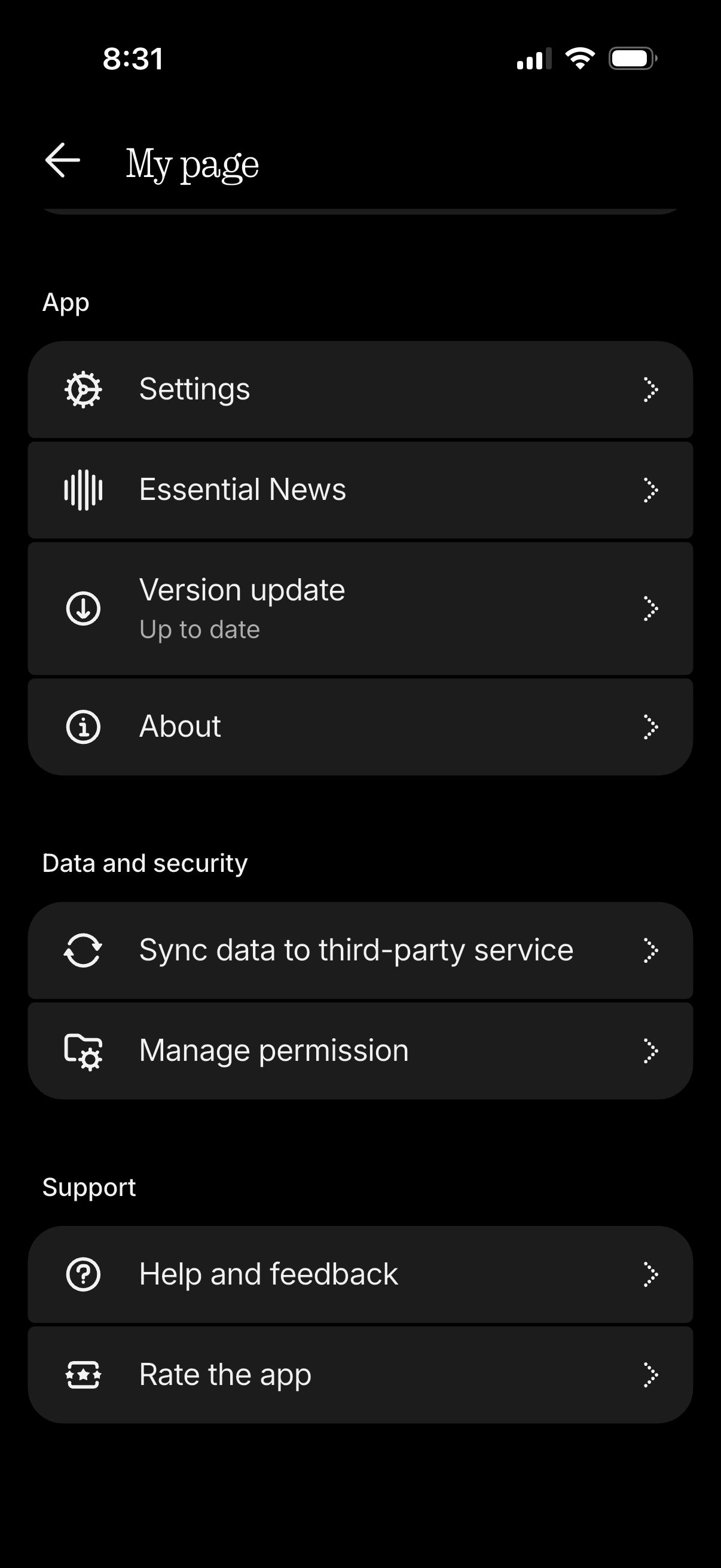
Account “My page” menu screen listing app and support options, including Settings, Essential News, Version update status, and About. Includes data and security actions to sync data to a third-party service and manage permissions, plus Help and feedback and Rate the app links.
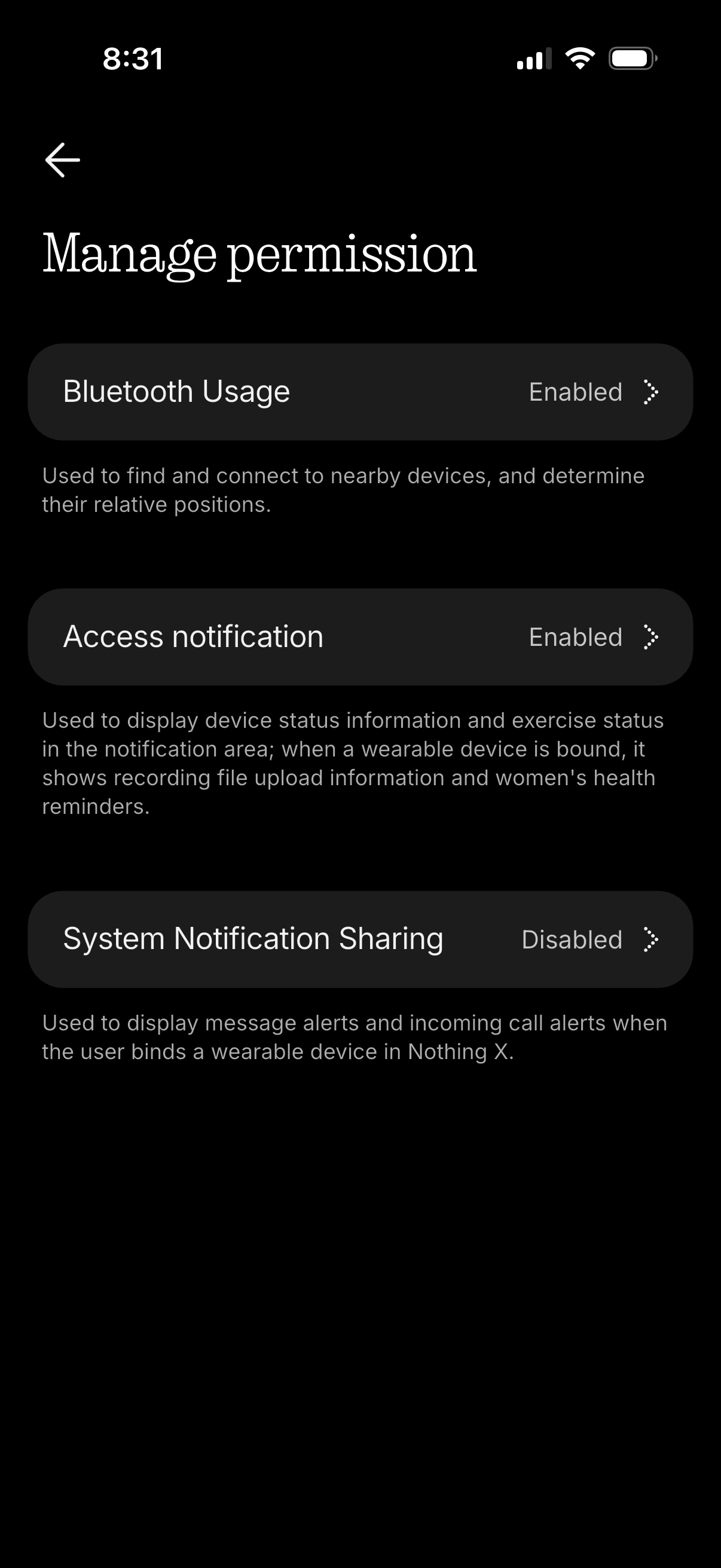
Permissions management screen listing app access controls for Bluetooth usage, notification access, and system notification sharing, each showing current status (enabled/disabled) with explanatory text. Users can tap each permission row to adjust settings for connecting to nearby devices and displaying alerts from a paired wearable.