1
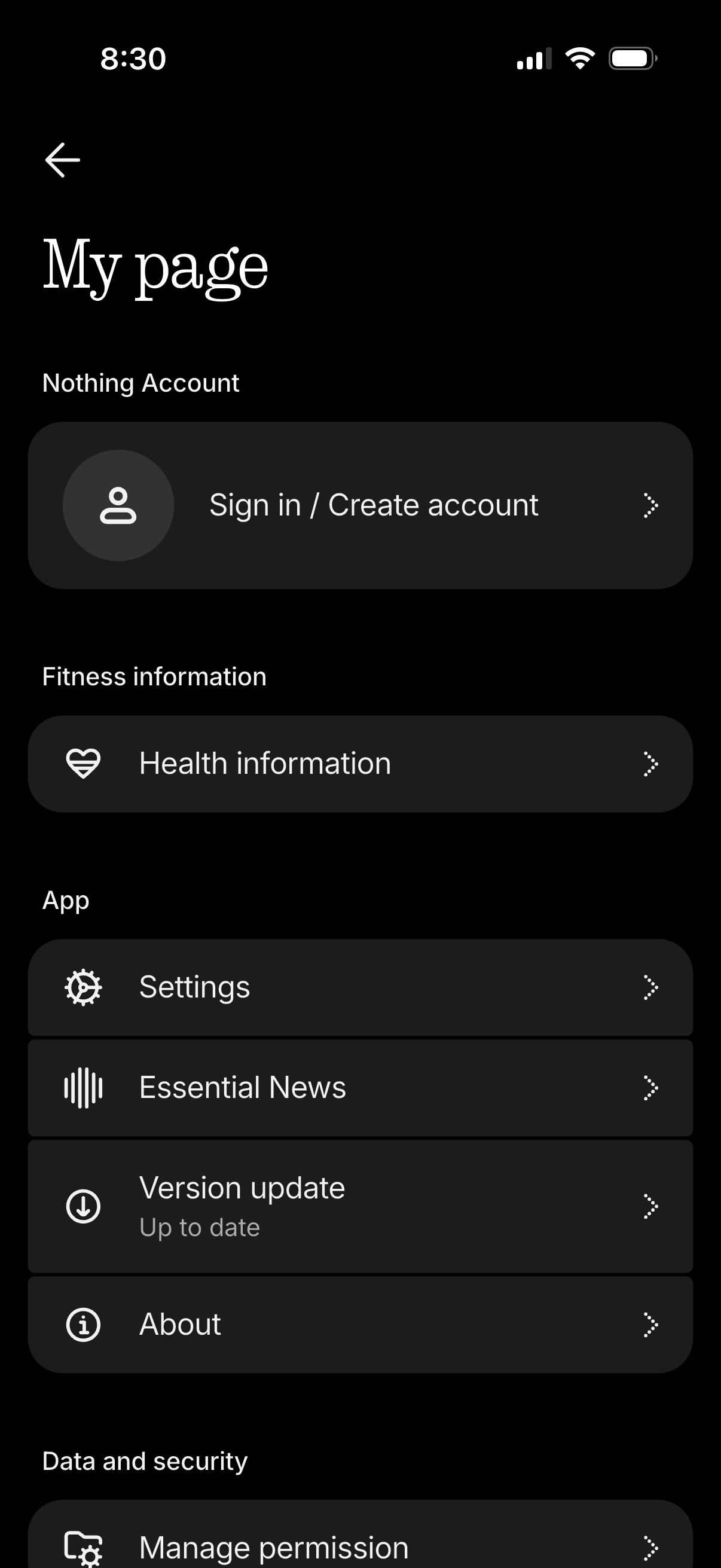
Account/profile hub screen in a dark theme showing the user’s page with a primary call to action to sign in or create an account. The menu lists navigation options for health/fitness information, app settings, news, version update status, about page, and data/security permissions management.
2
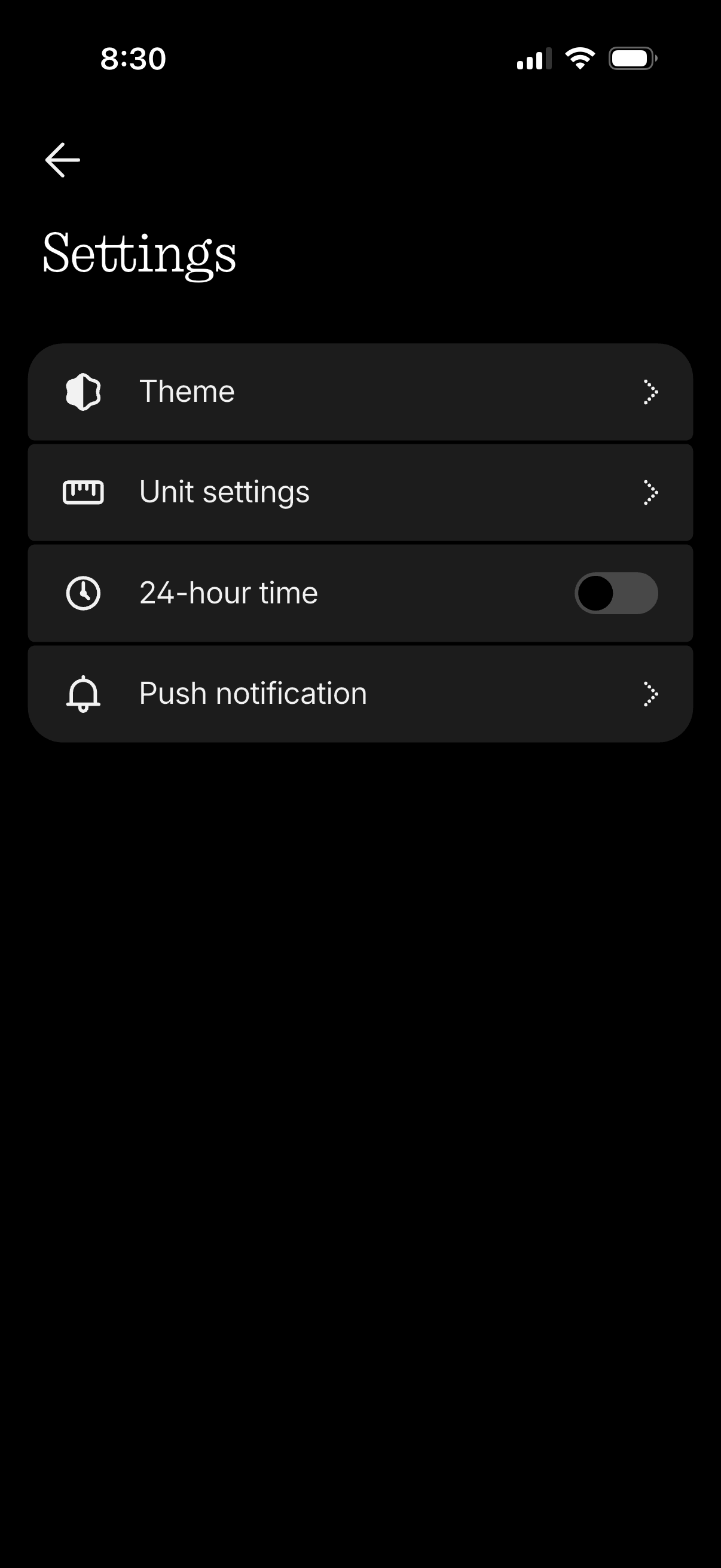
Settings screen in a dark-themed mobile app showing a list of preferences, including Theme selection, Unit settings, a toggle to enable 24-hour time format, and a menu to manage push notification settings, with back navigation and chevron links to subpages.
3
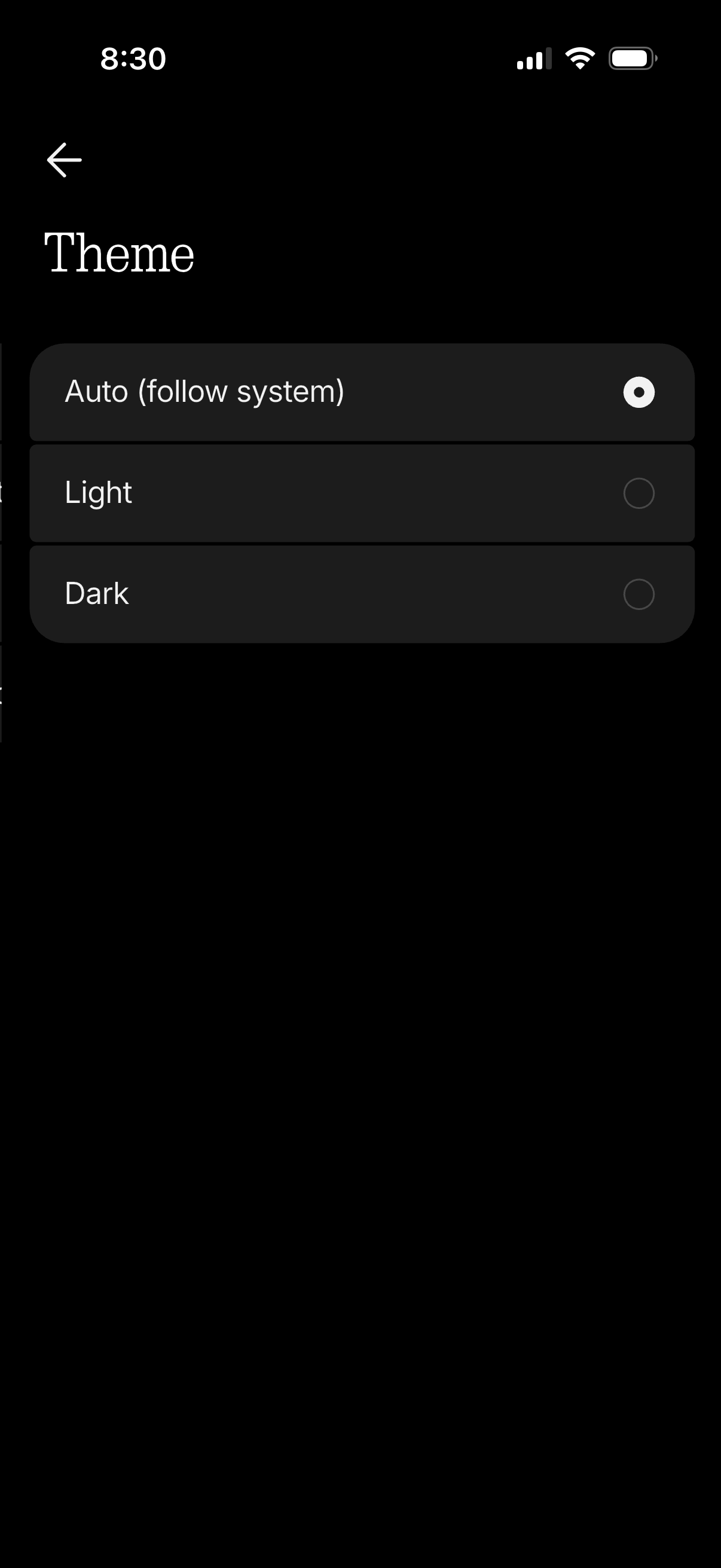
Settings screen for selecting the app appearance theme, offering radio-button options for Auto (follow system), Light, or Dark mode, with a back navigation arrow to return to the previous page.