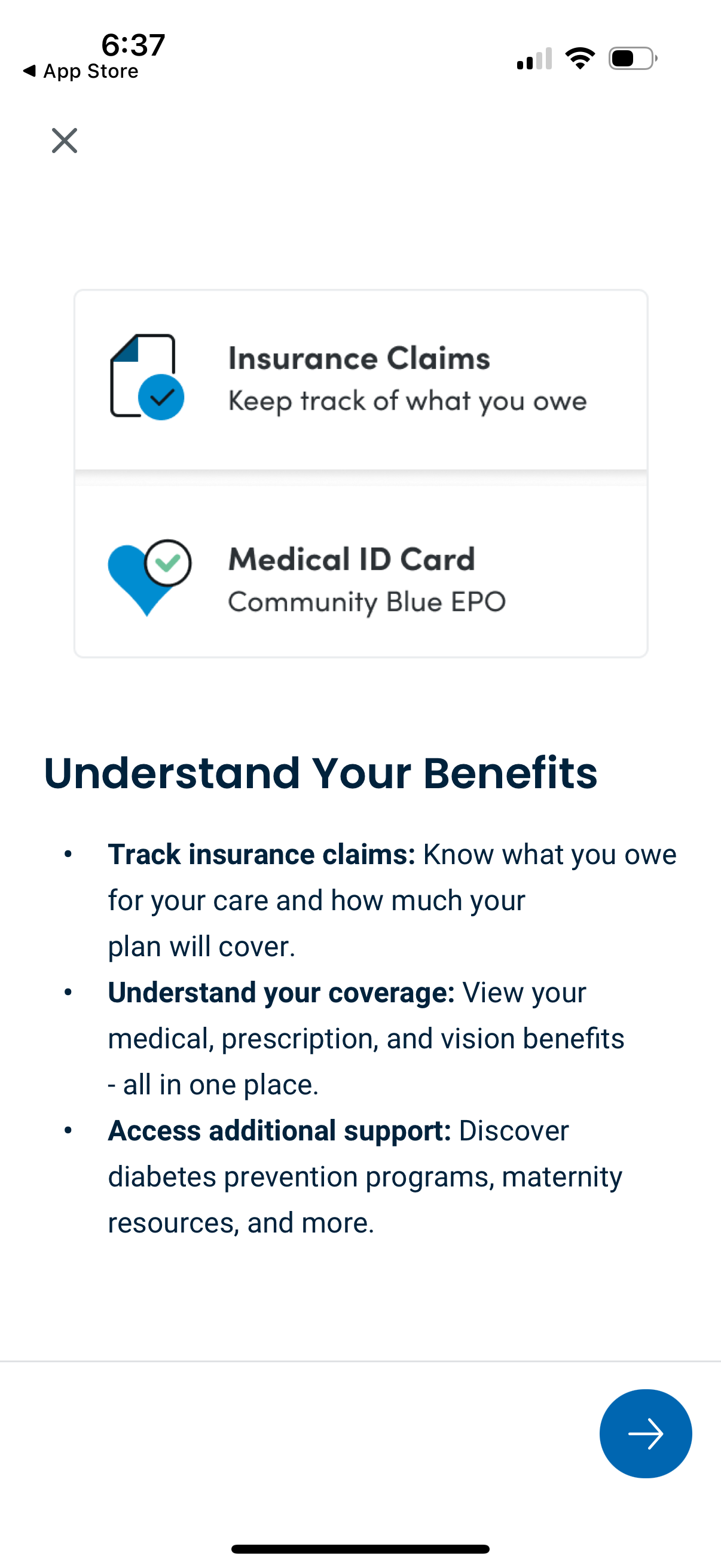
Healthcare insurance app onboarding/education screen highlighting benefits features, including shortcuts to Insurance Claims tracking and a digital Medical ID card. Explains key actions like tracking what you owe and plan coverage, viewing medical/prescription/vision benefits, and accessing additional support resources, with a close button and next arrow to continue.
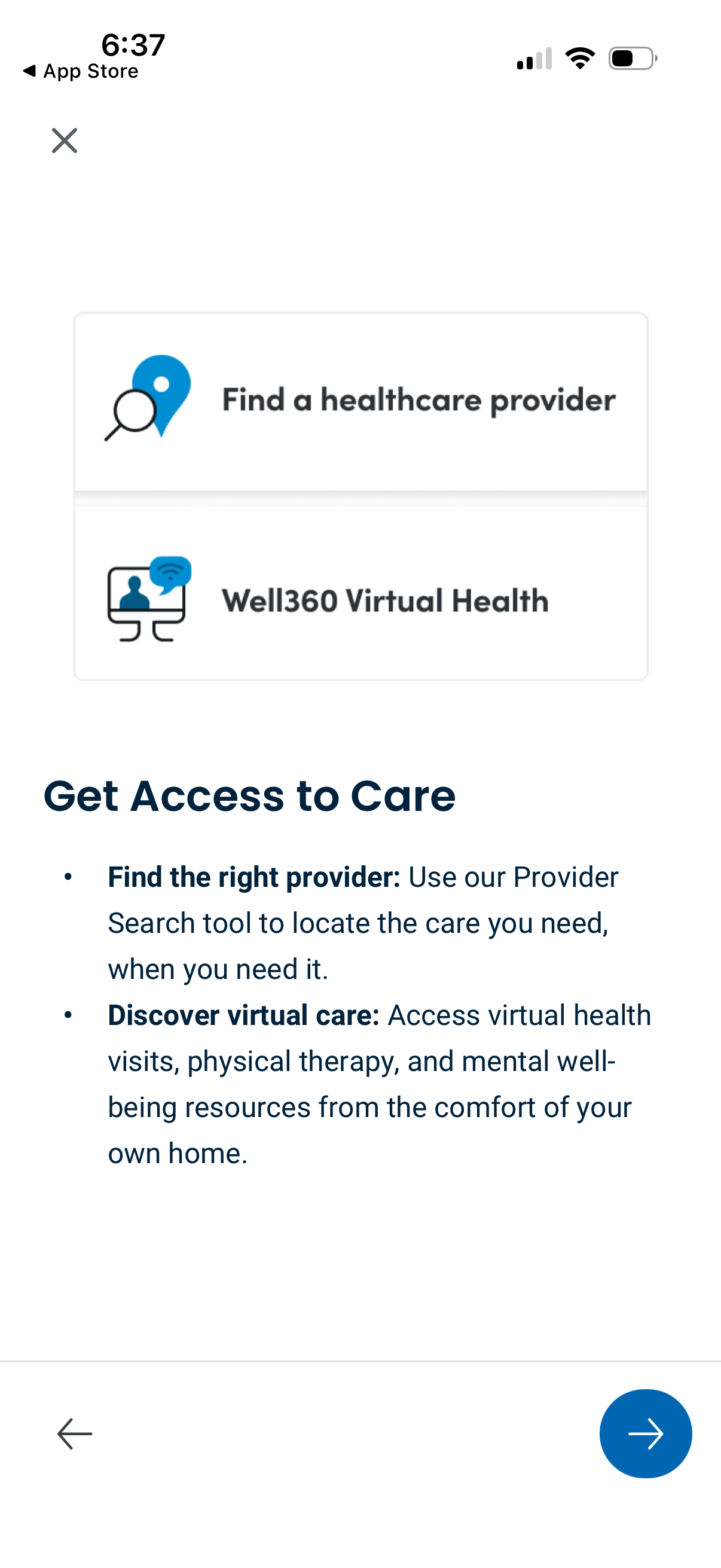
Healthcare app onboarding/informational screen titled “Get Access to Care” highlighting two main options: find a healthcare provider via a provider search tool and access virtual care through a virtual health service. Includes explanatory text about virtual visits, physical therapy, and mental well-being resources, with navigation controls to continue or go back.
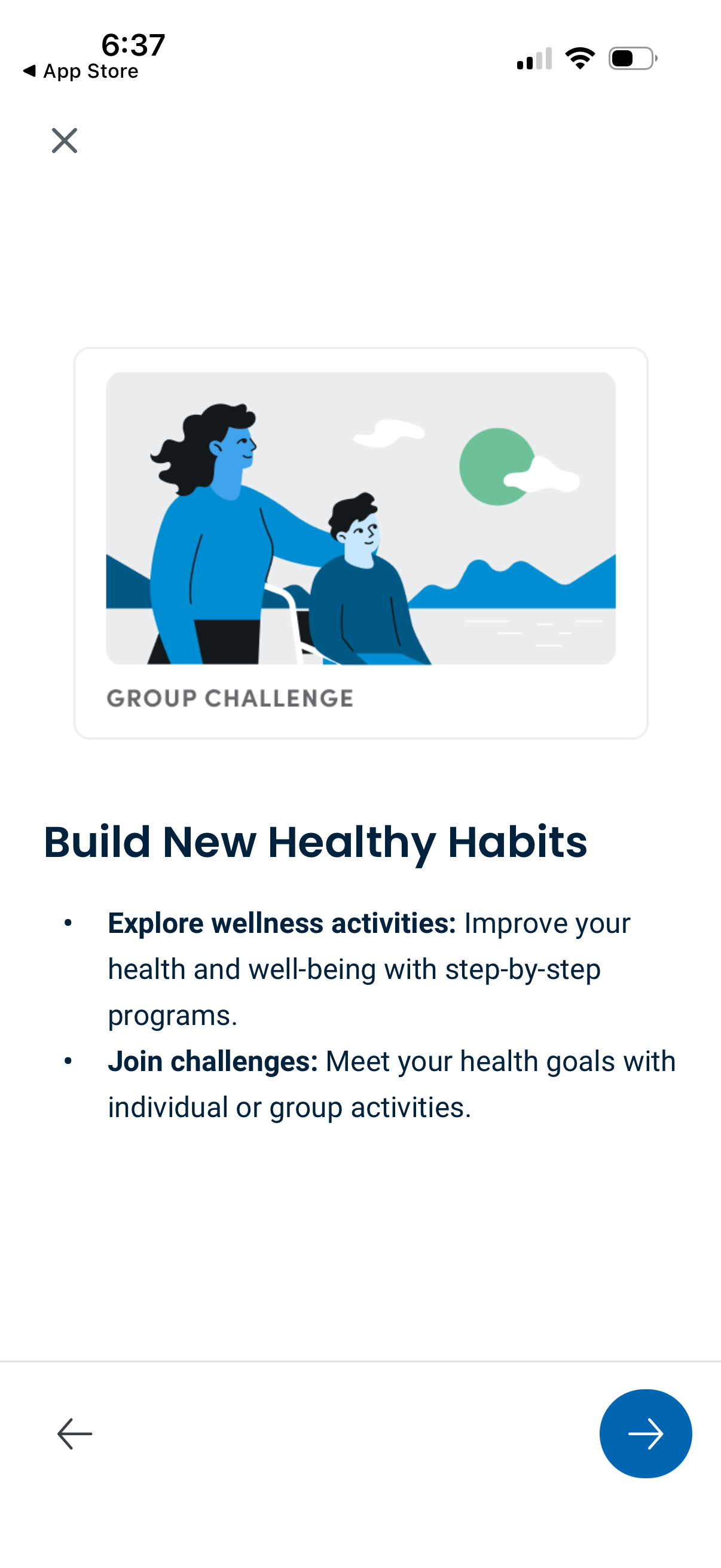
Onboarding/feature highlight screen for a wellness app promoting building healthy habits, with a “Group challenge” card and copy about exploring step-by-step wellness activities and joining individual or group challenges to meet health goals. Includes navigation controls to go back/close and advance to the next onboarding step.
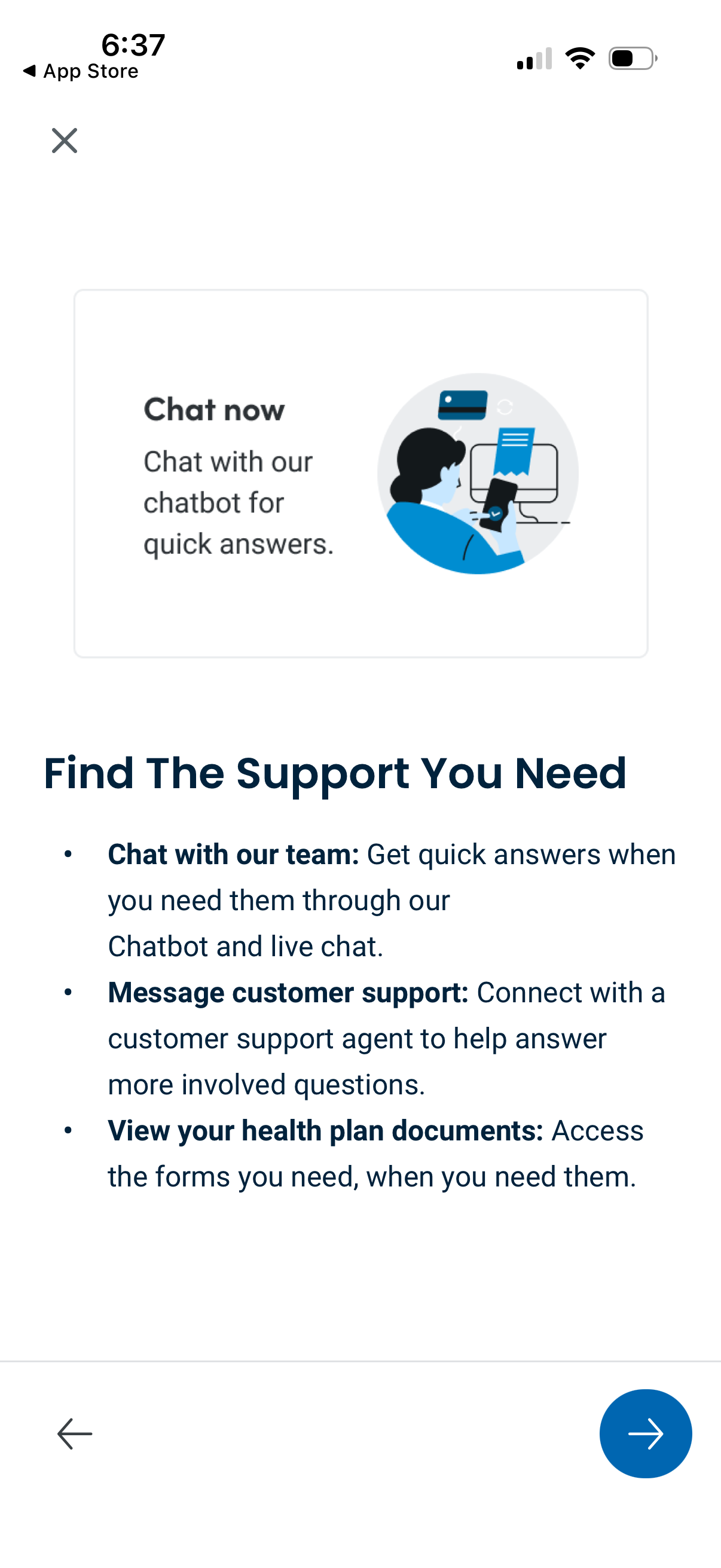
Customer support help screen prompting users to “Chat now” with a chatbot for quick answers, with guidance on accessing live chat with the team, messaging a support agent for complex questions, and viewing health plan documents and forms. Includes close, back navigation, and a prominent next/continue arrow button.
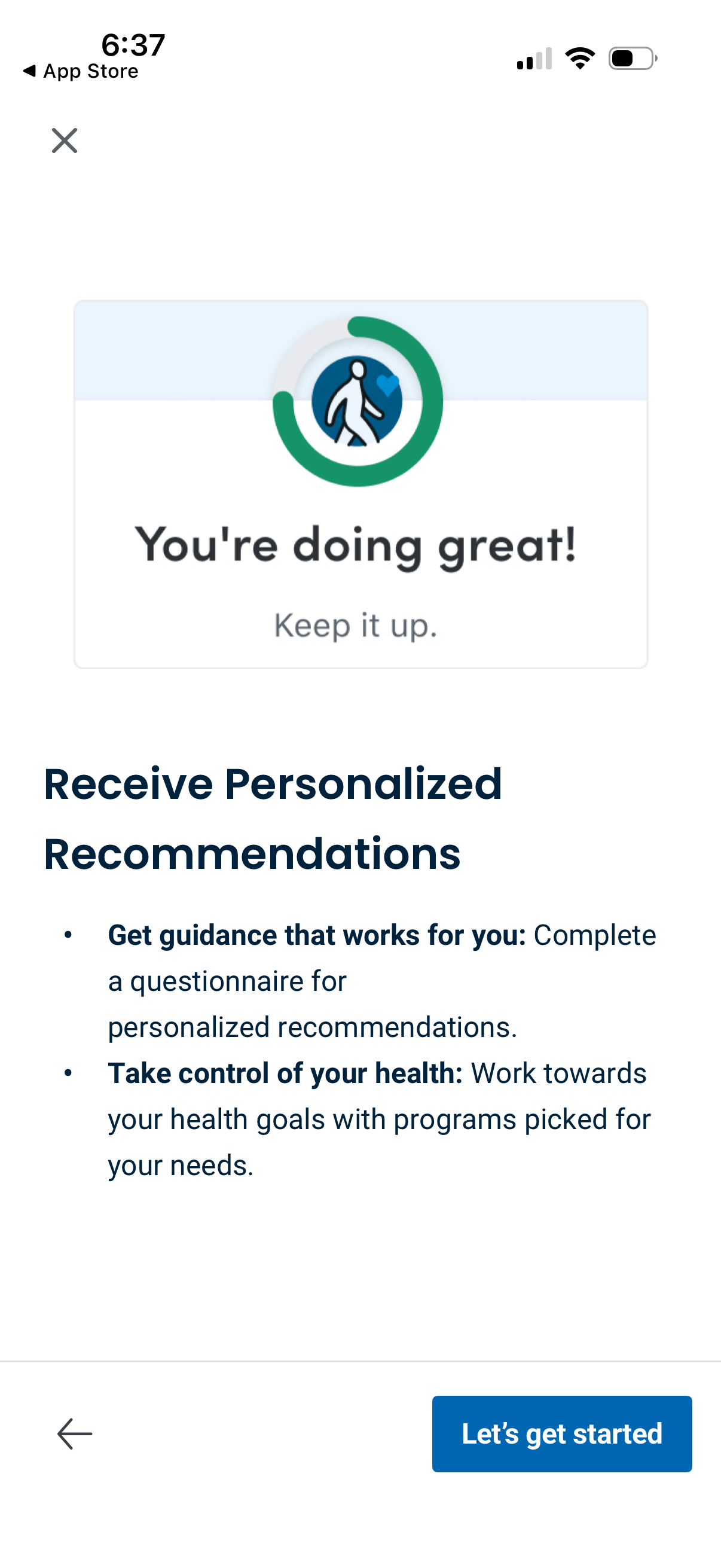
Health and wellness onboarding screen promoting personalized recommendations, highlighting completing a questionnaire and working toward health goals. Includes a motivational progress graphic and a primary “Let’s get started” call-to-action with back/close navigation.

Welcome/login landing screen for a health insurance and health management app, featuring branding, a brief value proposition about managing health and coverage, and a primary call-to-action button to log in with a username.