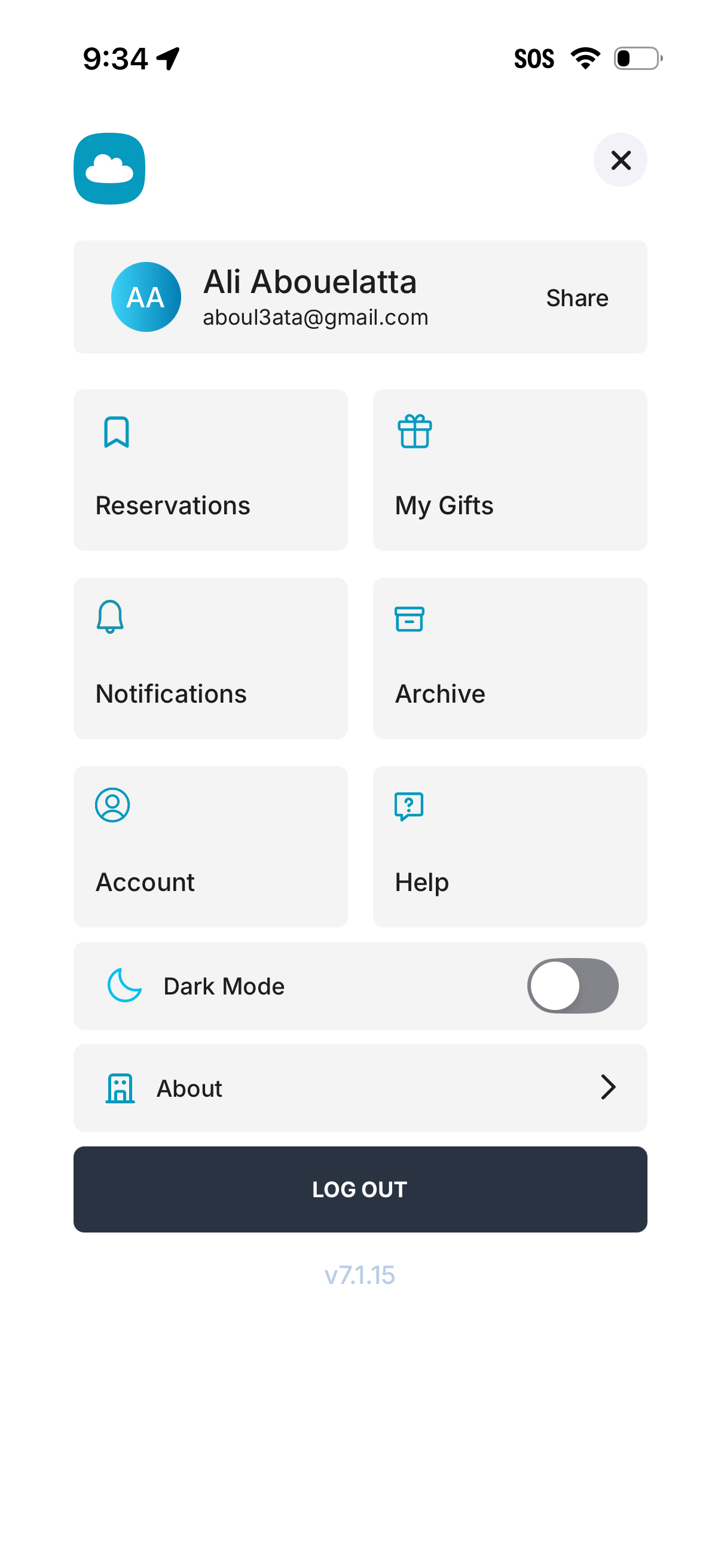
User profile and settings menu screen showing the signed-in account header with a share option, plus navigation shortcuts for Reservations, My Gifts, Notifications, Archive, Account, and Help. Includes a Dark Mode toggle, an About link, and a prominent Log Out button.
Wishlist management screen with tabs to switch between “Received gifts” and “Bought for myself,” showing an empty state message indicating no wishes have been marked as received as a gift. Top bar includes back navigation and profile/notifications icons, with bottom navigation for wishlists, activity, add/new, inspiration, and find gift.
Wishlist management screen with tabs for Received gifts and Bought for myself, showing an empty state message when no wishes have been marked as self-purchased. Top bar includes back navigation, friends/people and notifications icons, and profile access, with a bottom navigation to Wishlists, Activity, add, Inspiration, and Find Gift.