manage notifications settings
1
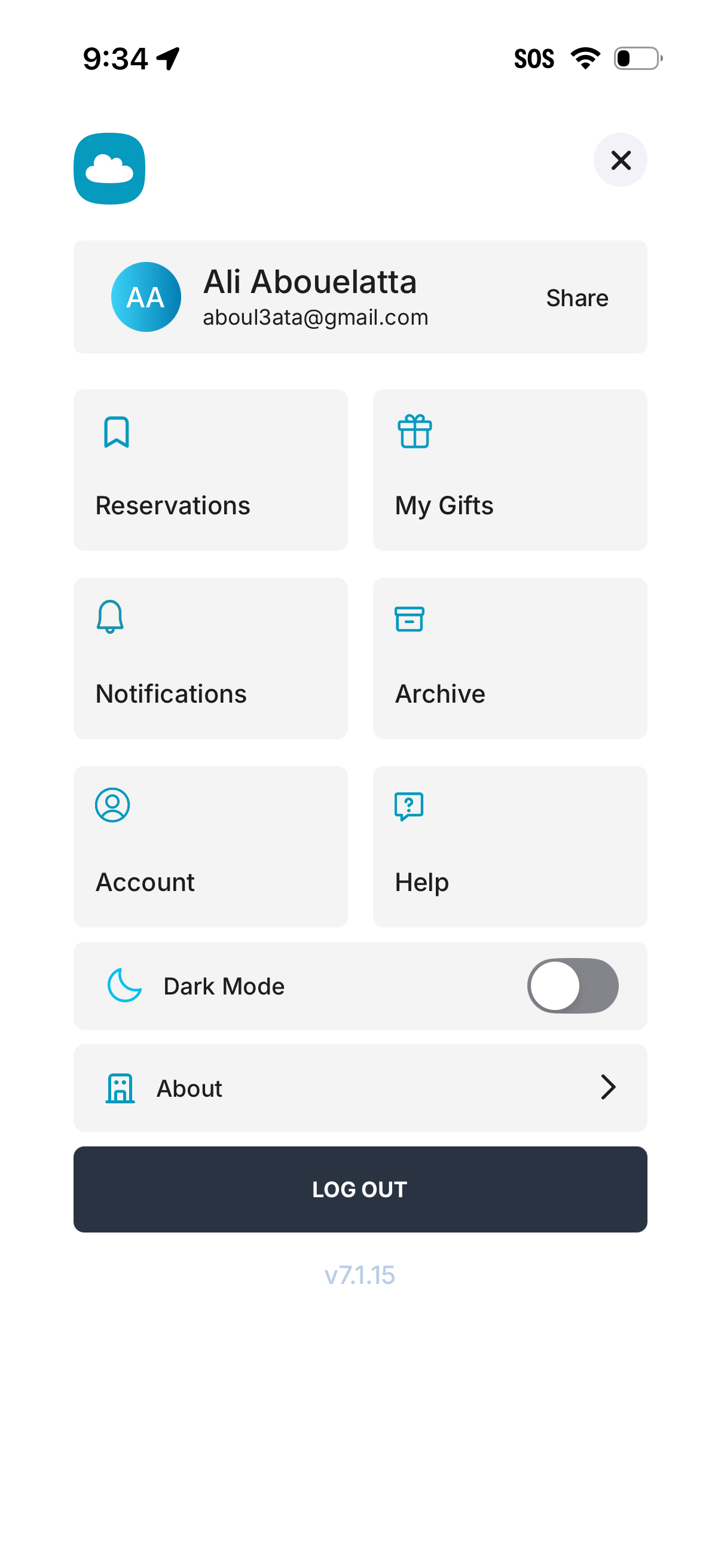
User profile and settings menu screen showing the signed-in account header with a share option, plus navigation shortcuts for Reservations, My Gifts, Notifications, Archive, Account, and Help. Includes a Dark Mode toggle, an About link, and a prominent Log Out button.
2
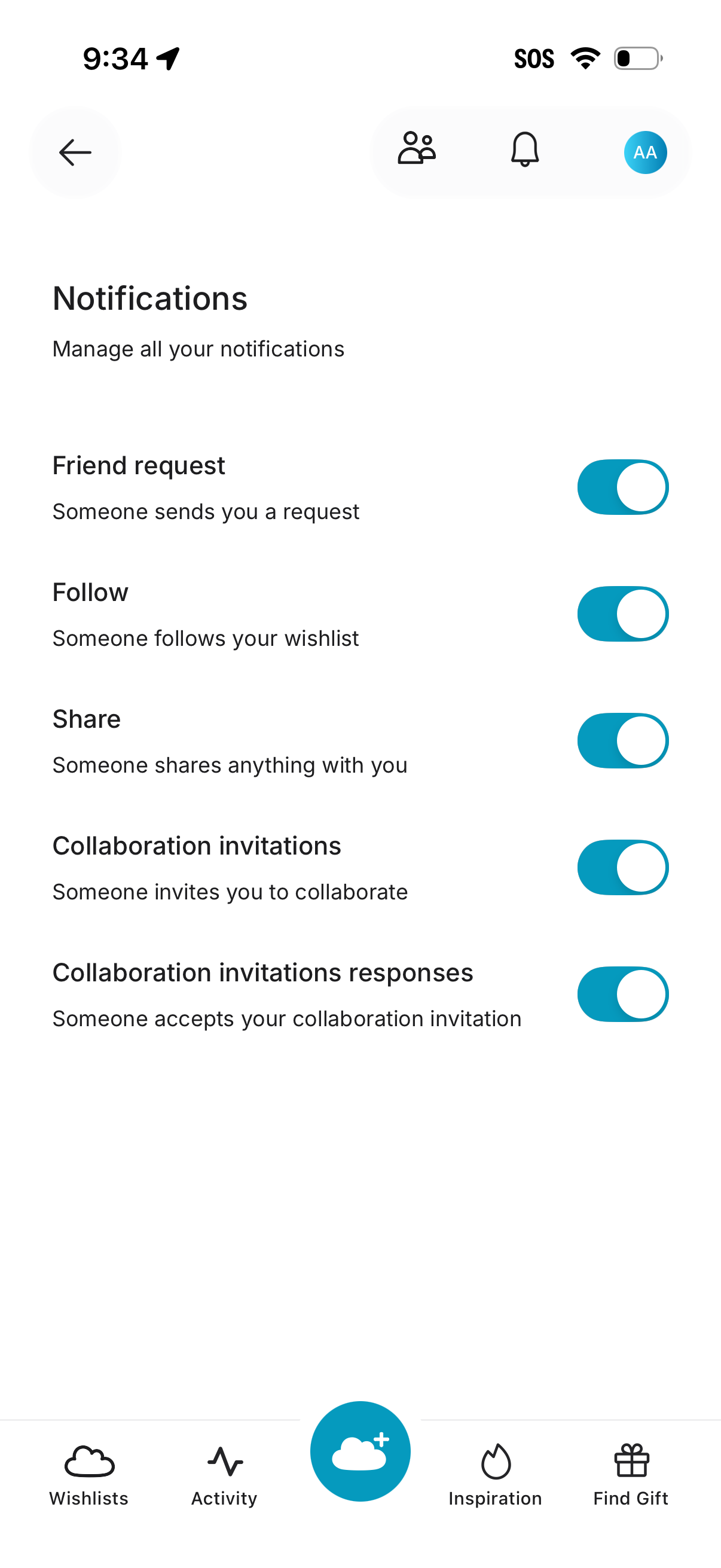
Notifications settings screen for managing push alerts with toggle switches for friend requests, wishlist follows, shares, collaboration invitations, and invitation responses. Includes back navigation, profile/notifications icons, and a bottom tab bar for wishlists, activity, inspiration, and gift finding.