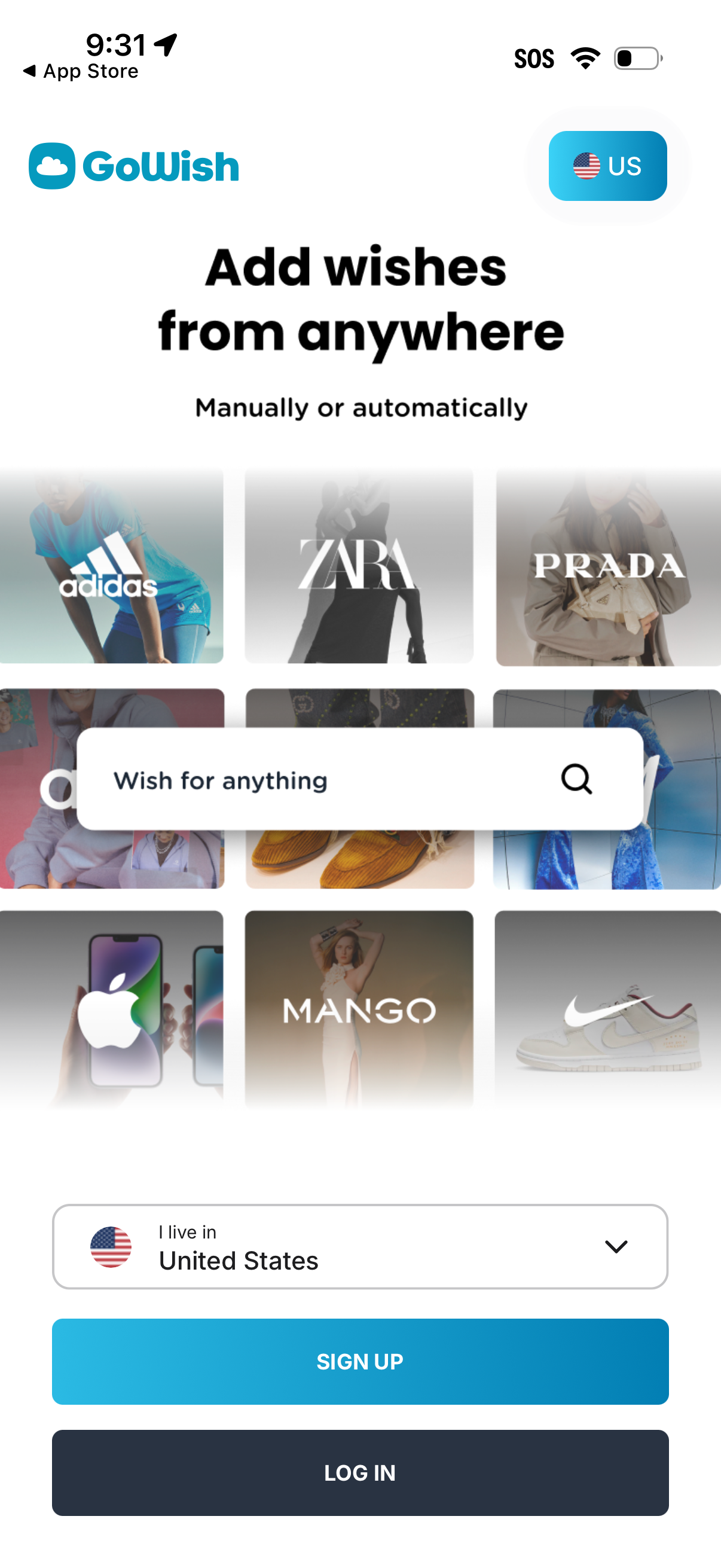
Onboarding welcome screen for a wishlist app promoting “add wishes from anywhere,” with a search field to wish for products and a grid of brand/category tiles. Includes country/region selection dropdown and primary actions to sign up or log in.
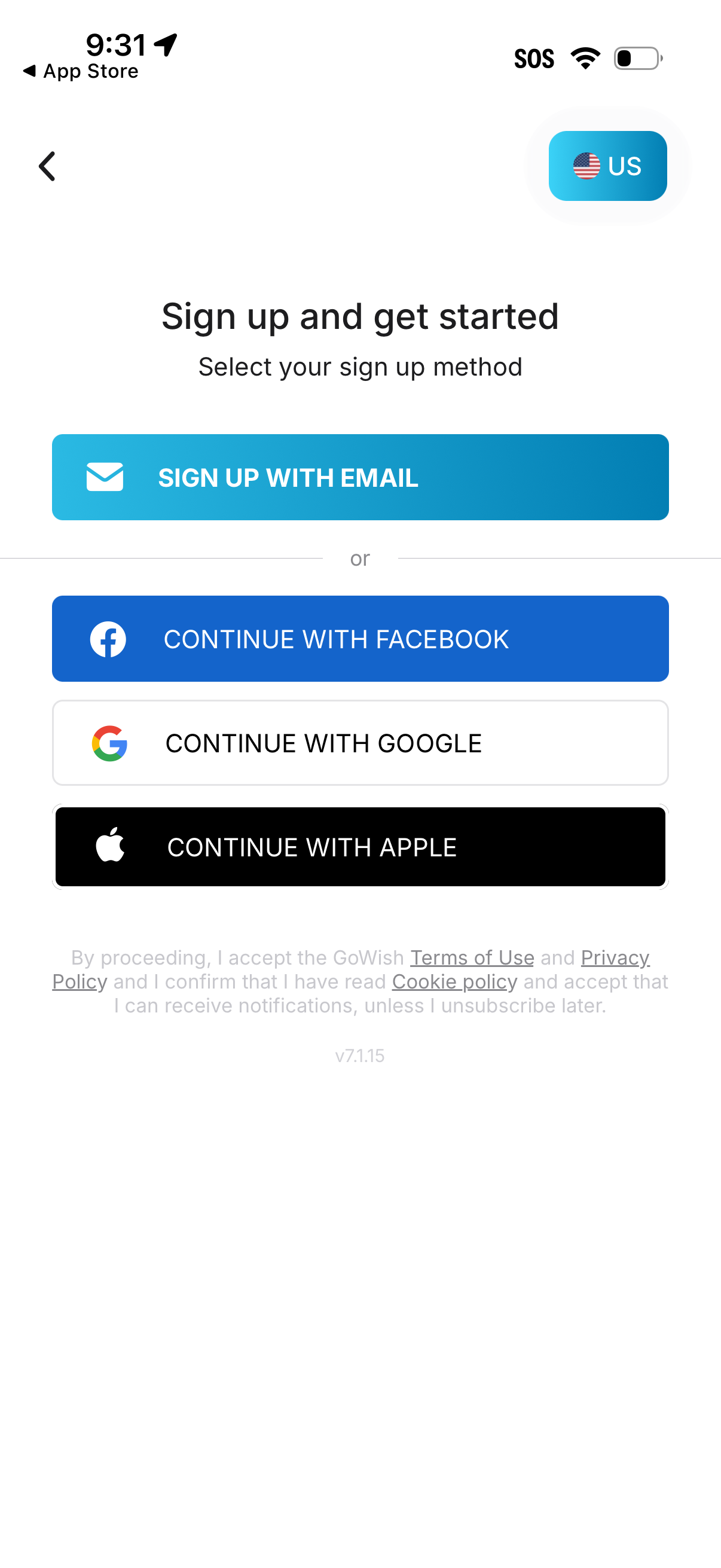
User registration screen prompting “Sign up and get started” with multiple account creation options: sign up with email or continue with Facebook, Google, or Apple. Includes a country/region selector, back navigation, and legal consent text for terms of use, privacy policy, cookies, and notifications.
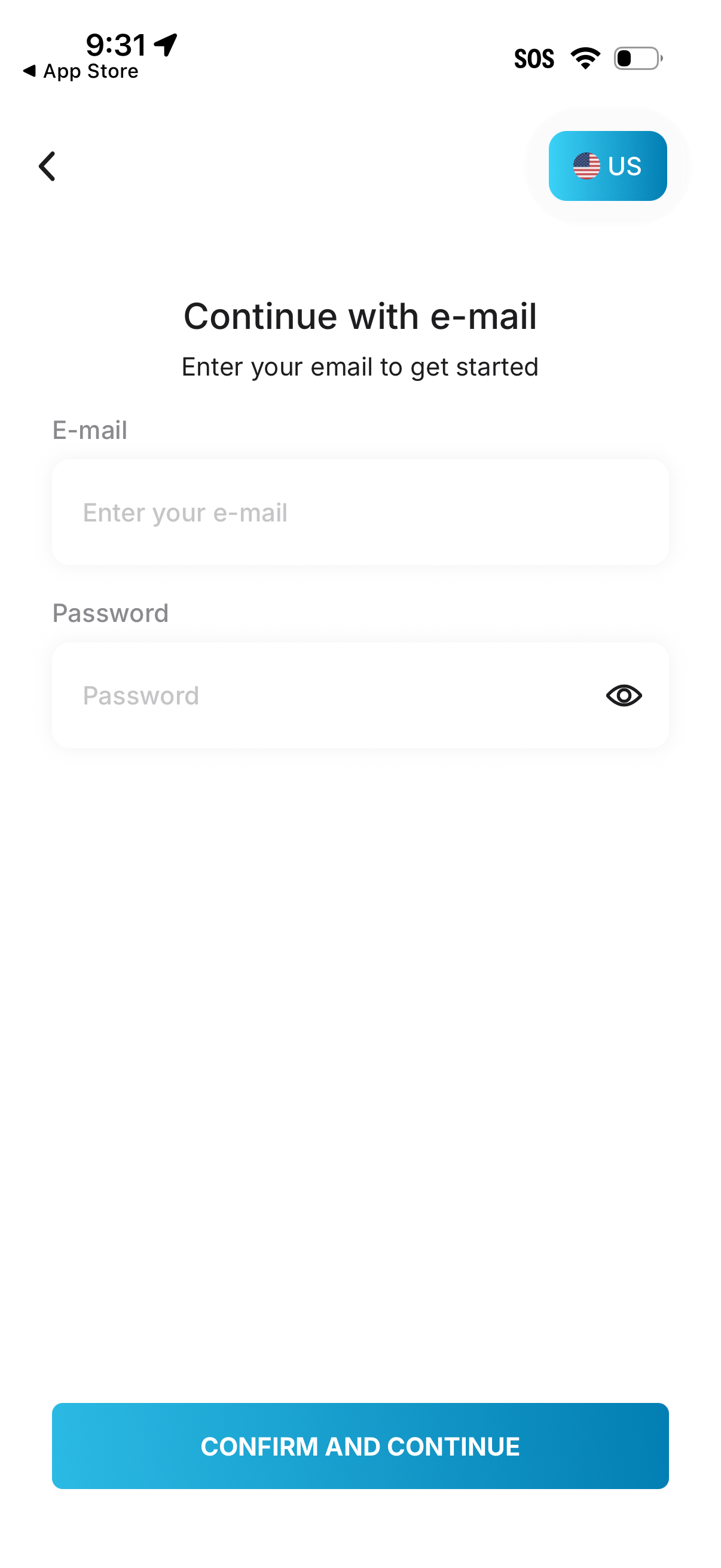
Email login/registration screen prompting the user to continue with email by entering an email address and password, with an eye icon to toggle password visibility. Includes a country selector (US) and a primary “Confirm and Continue” CTA with a back navigation arrow.
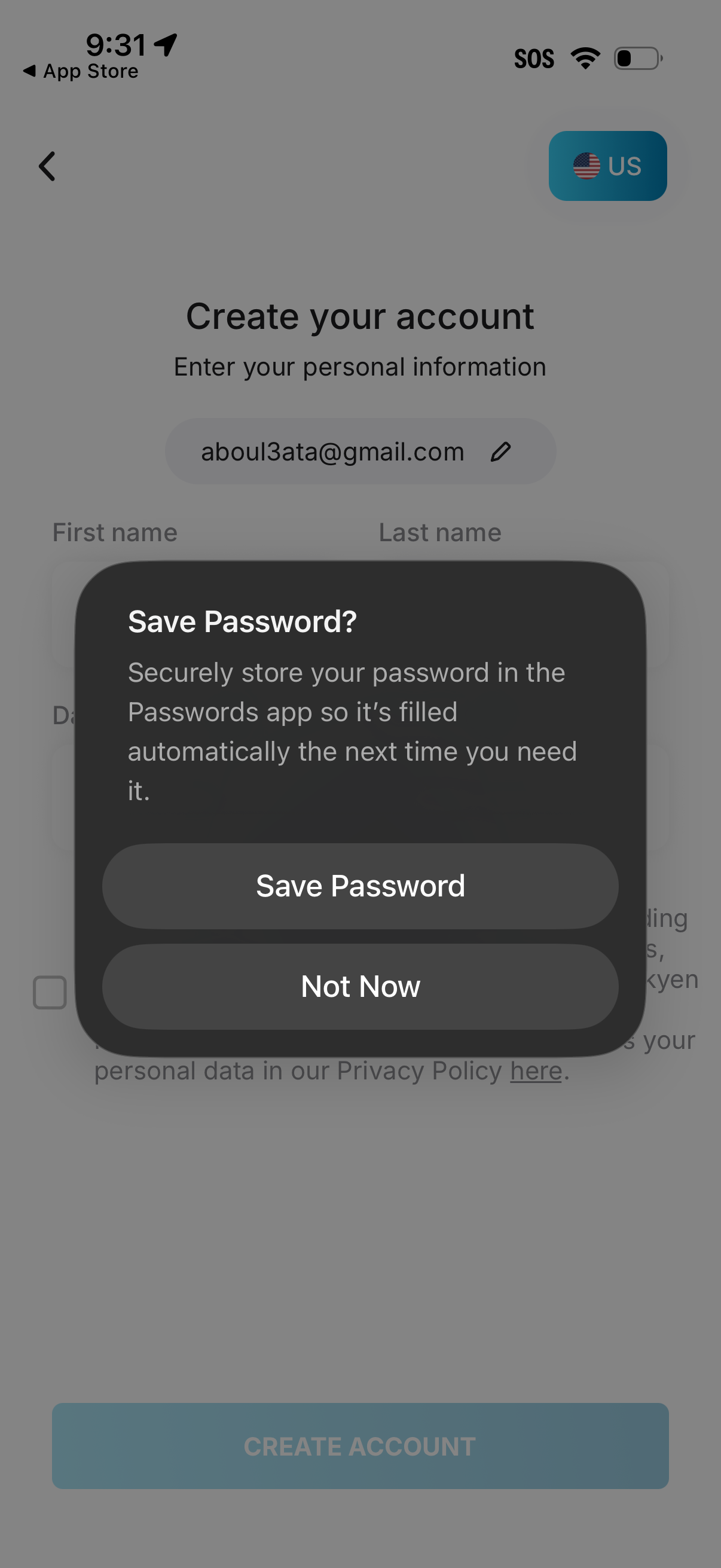
Account creation screen for entering personal information (email, first name, last name, date of birth) with a “Create Account” button, overlaid by a system modal prompting the user to save the password to the device password manager. The dialog offers primary and secondary actions: “Save Password” or “Not Now.
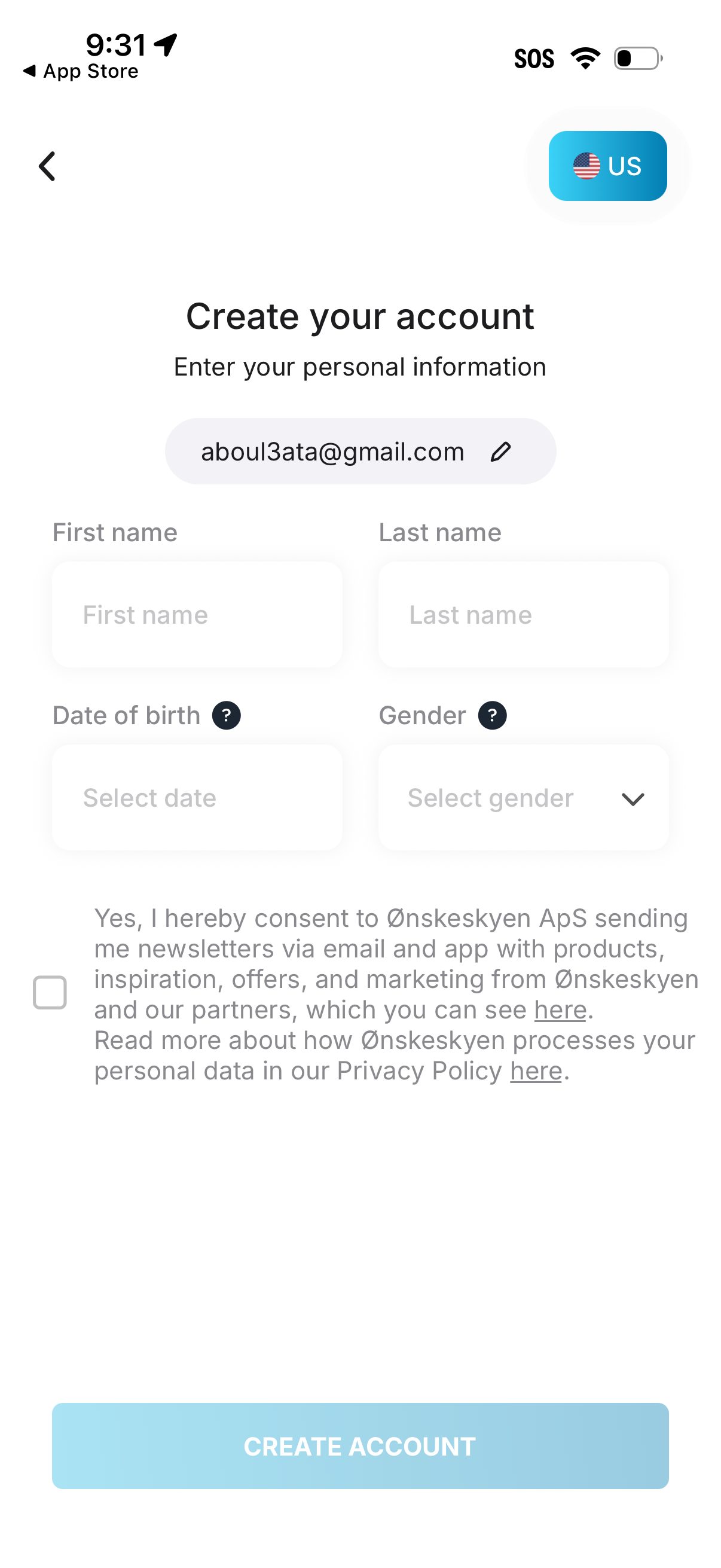
Account sign-up screen for creating a new profile, showing an email field with edit option plus form inputs for first name, last name, date of birth, and gender selection. Includes an optional marketing/newsletter consent checkbox with privacy policy links and a primary “Create account” button, with a country/region selector in the header.
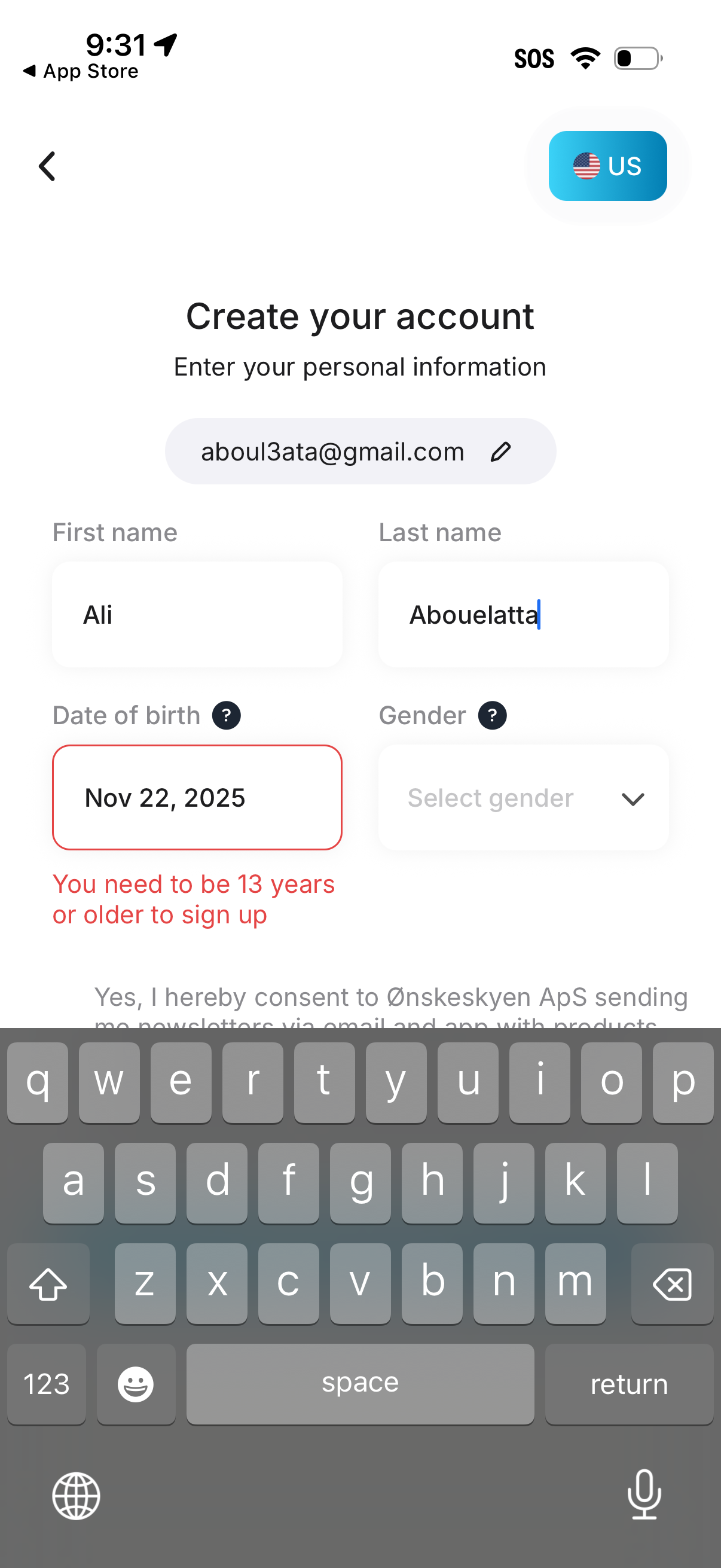
Account creation sign-up form for entering personal details, including editable email, first and last name, date of birth picker, and gender dropdown. The screen shows inline validation with a red error message enforcing a minimum age requirement (must be 13+ to sign up) and includes a country selector.
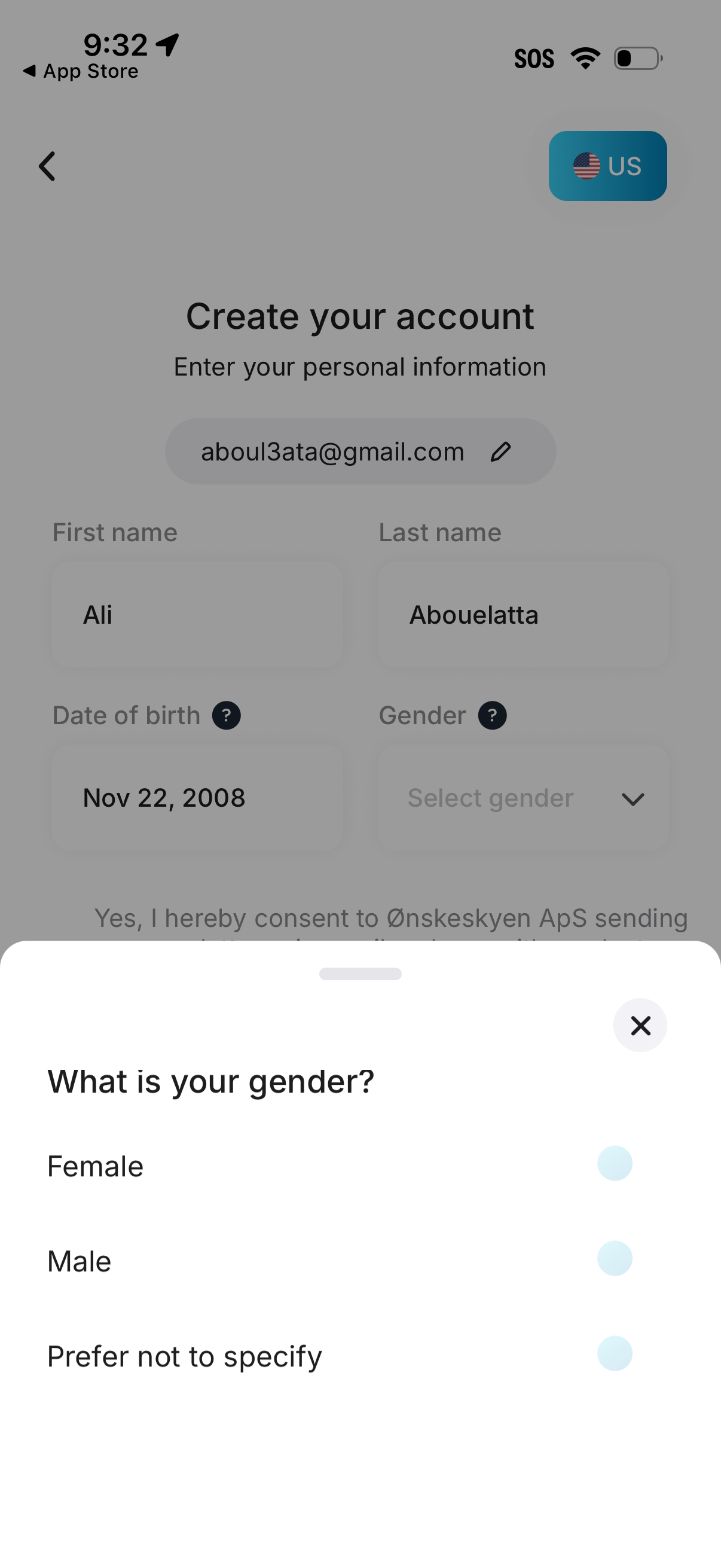
Account creation form for onboarding where users enter personal details like email, first/last name, and date of birth, with a country selector in the header. A bottom sheet modal is open to choose gender with radio options (female, male, prefer not to specify) and a close button.
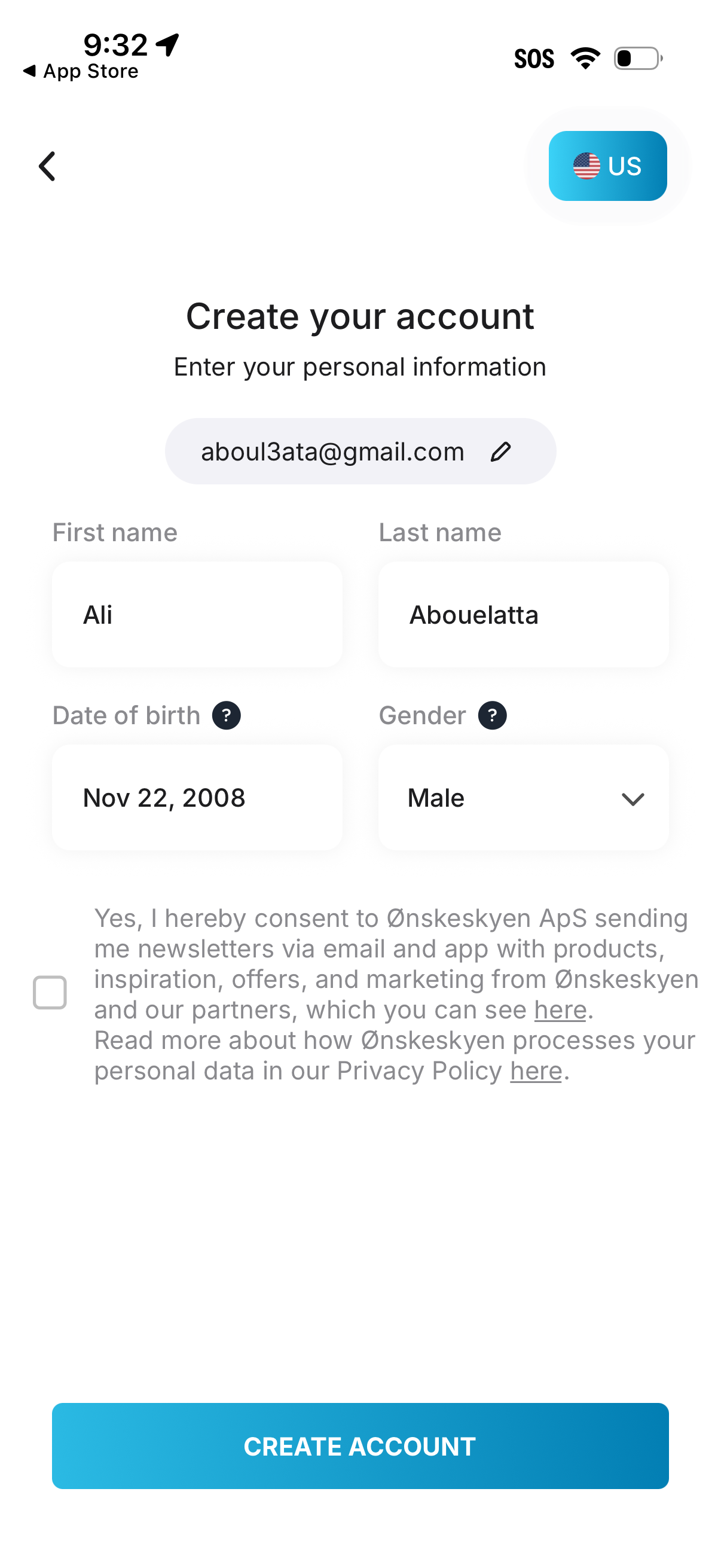
Account sign-up screen for creating a new user profile by entering personal details including email, first and last name, date of birth, and selecting gender, with an optional marketing/newsletter consent checkbox. Primary action is a “Create account” button, with a back navigation control and a country/region selector at the top.
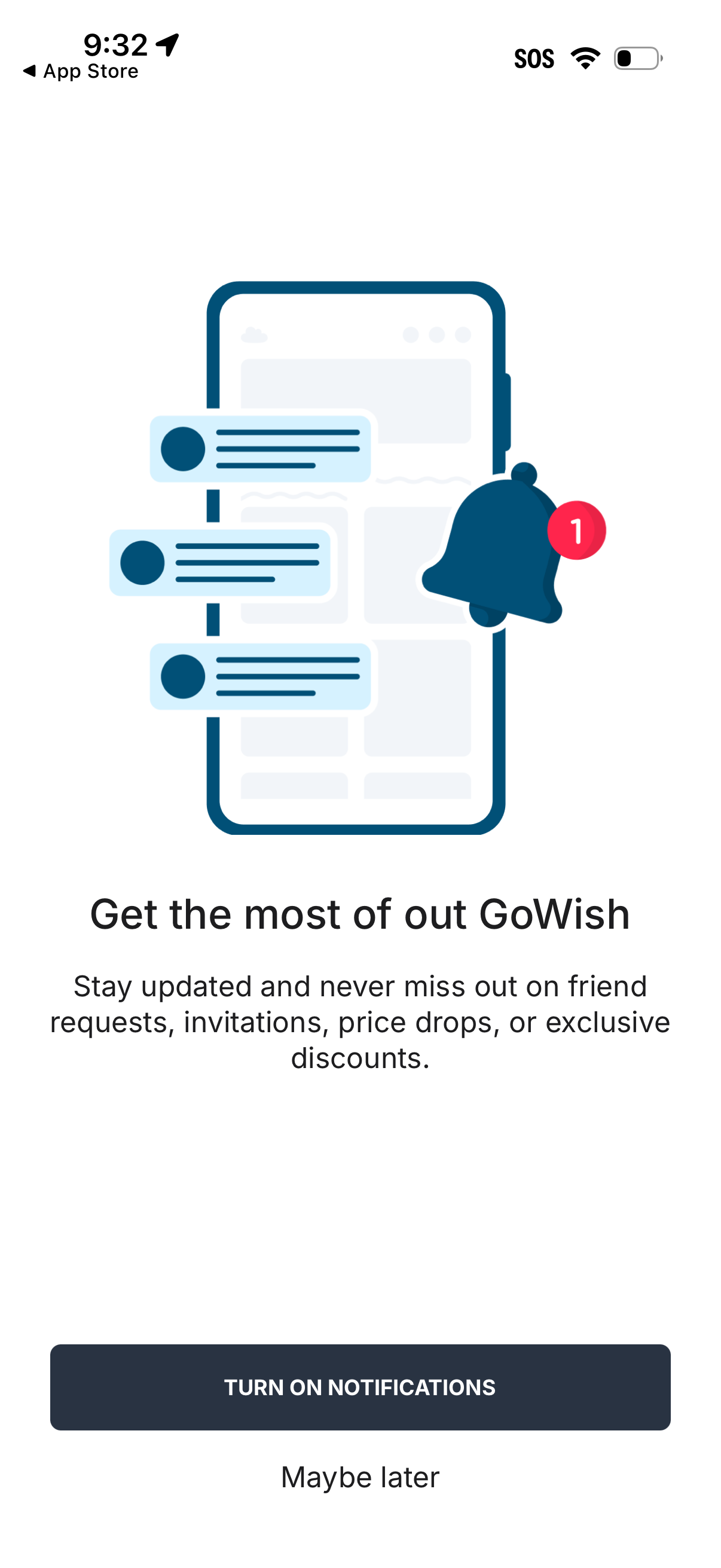
Onboarding prompt asking users to enable push notifications to stay updated on friend requests, invitations, price drops, and exclusive discounts. Primary CTA is “Turn on notifications” with a secondary “Maybe later” option.
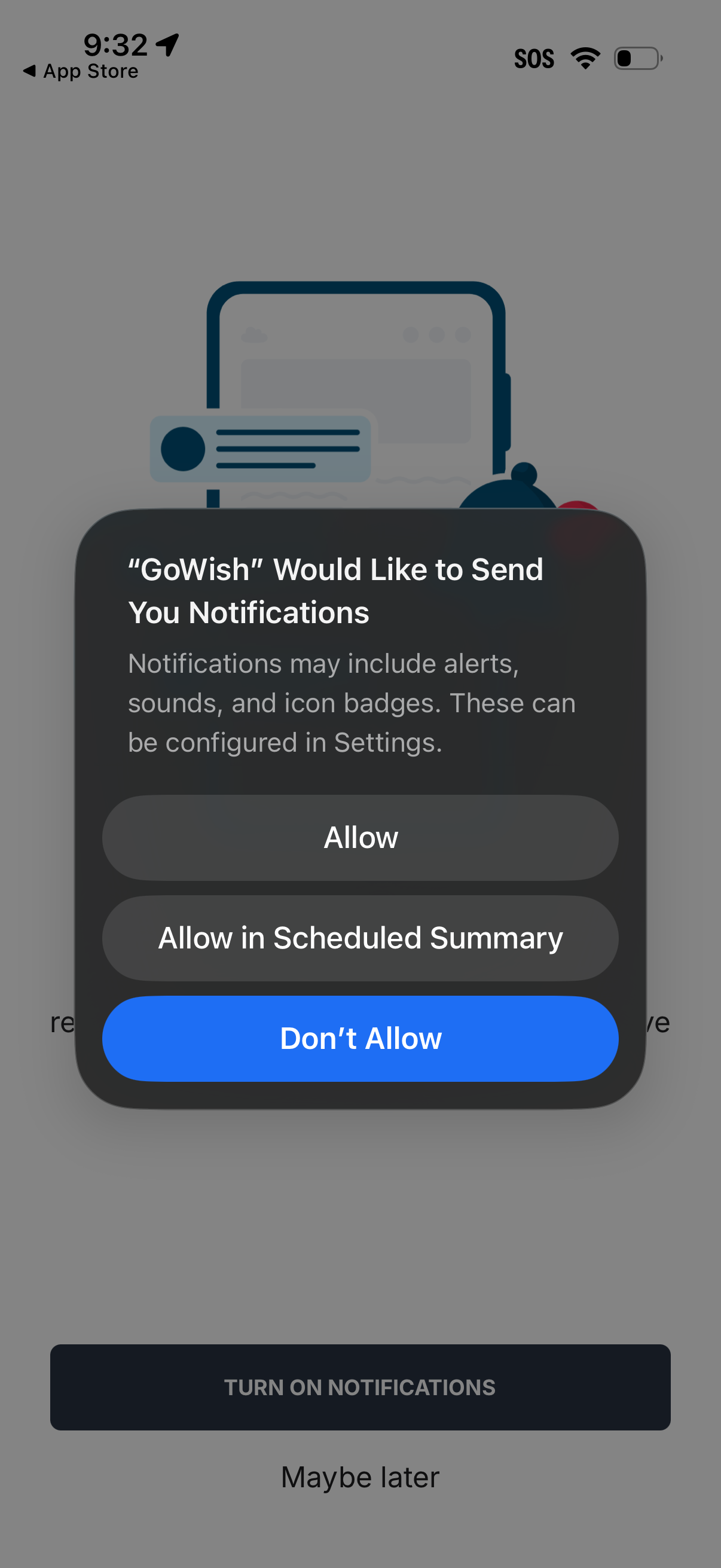
iOS system permission popup asking to enable push notifications for an app, explaining alerts, sounds, and badges with actions to Allow, Allow in Scheduled Summary, or Don’t Allow. The underlying onboarding screen prompts the user to turn on notifications with a “Maybe later” option.
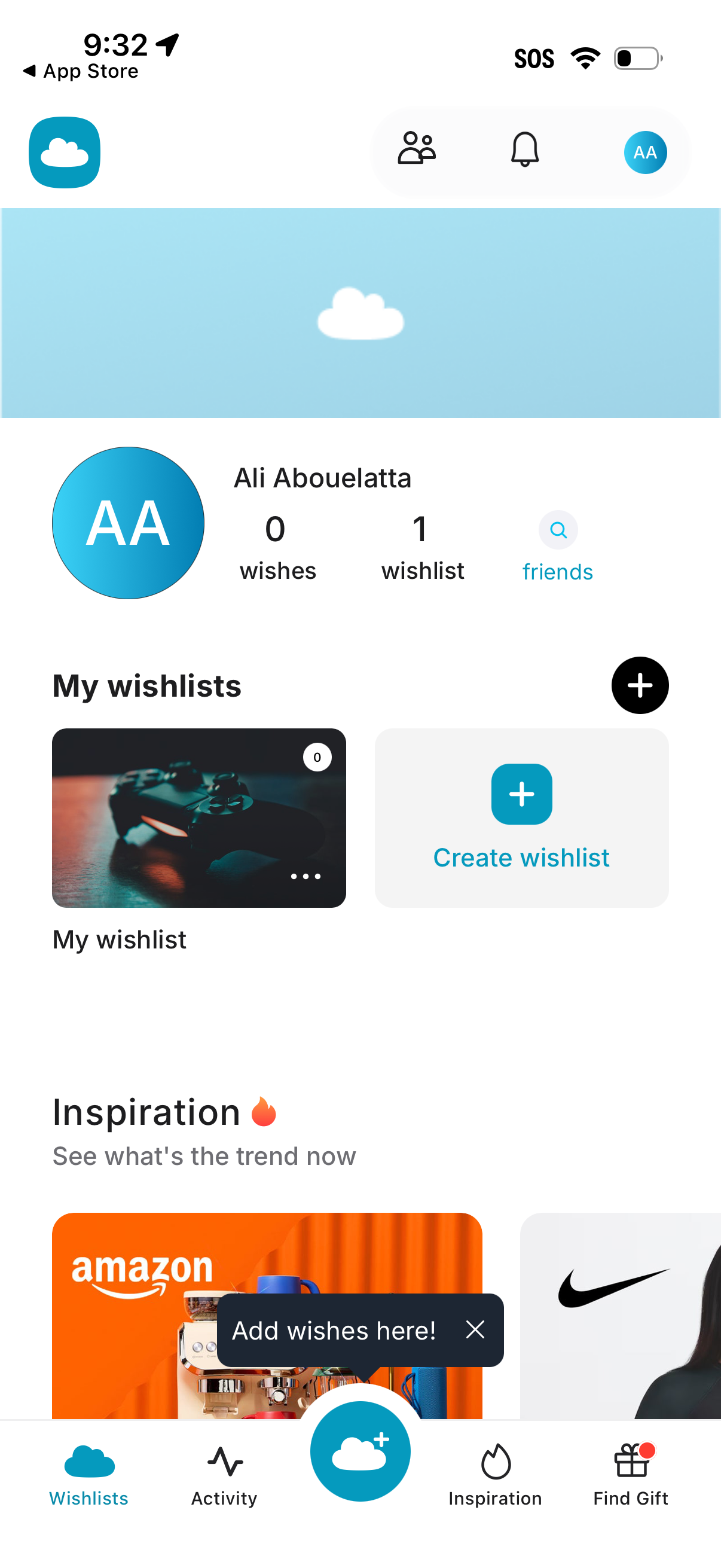
Profile and wishlists dashboard for a gift/wishlist app showing user stats (wishes, wishlists) with a friends search link and quick access to notifications. Main actions include creating a new wishlist via a plus button, viewing existing wishlists, and browsing inspiration/trending items from the bottom navigation (Wishlists, Activity, add wish, Inspiration, Find Gift).