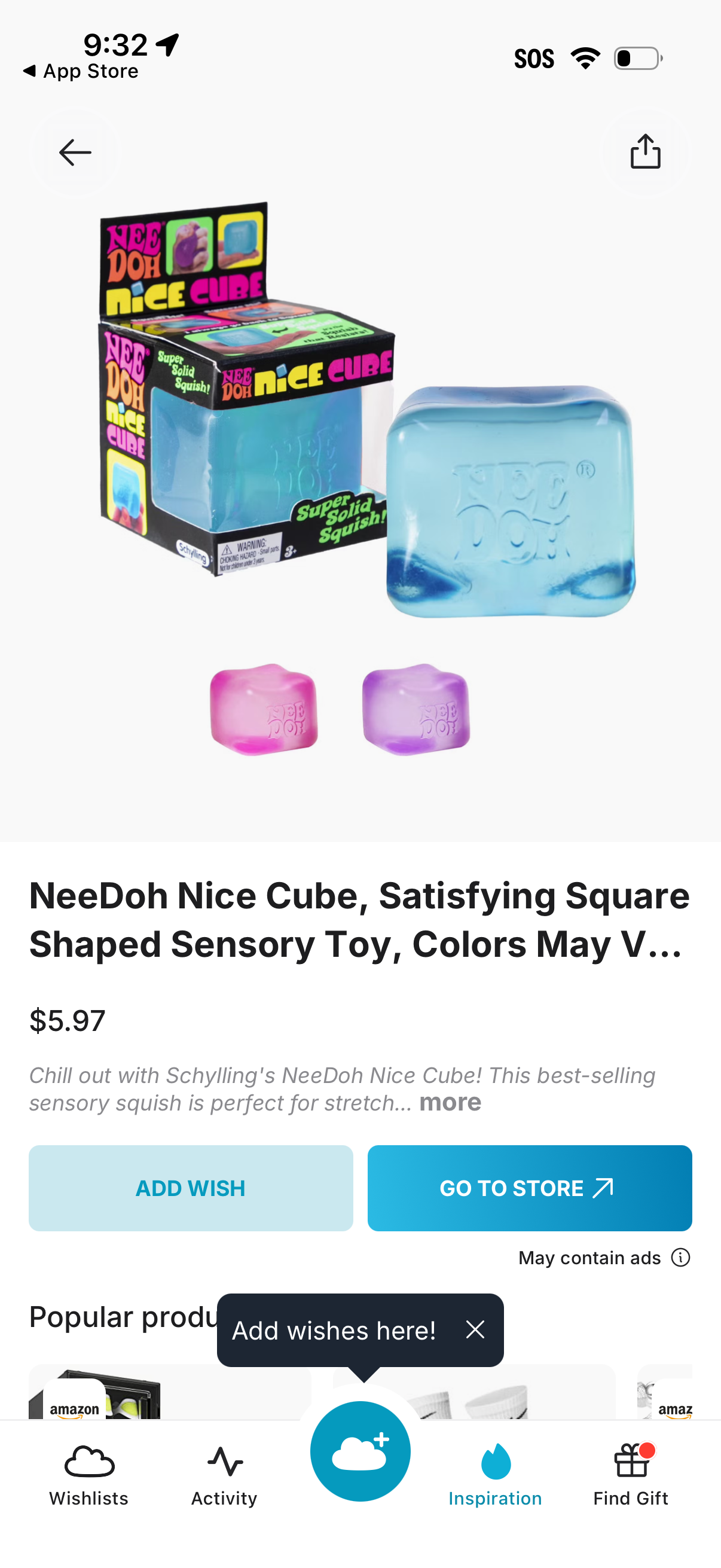
Product detail screen for a gift/wishlist shopping app showing a large product image, item name, price, and short description with an option to expand. Primary actions include adding the item to a wishlist (“Add Wish”) or opening the retailer page (“Go to Store”), with back and share icons and a bottom navigation bar for wishlists, activity, inspiration, and find gift.
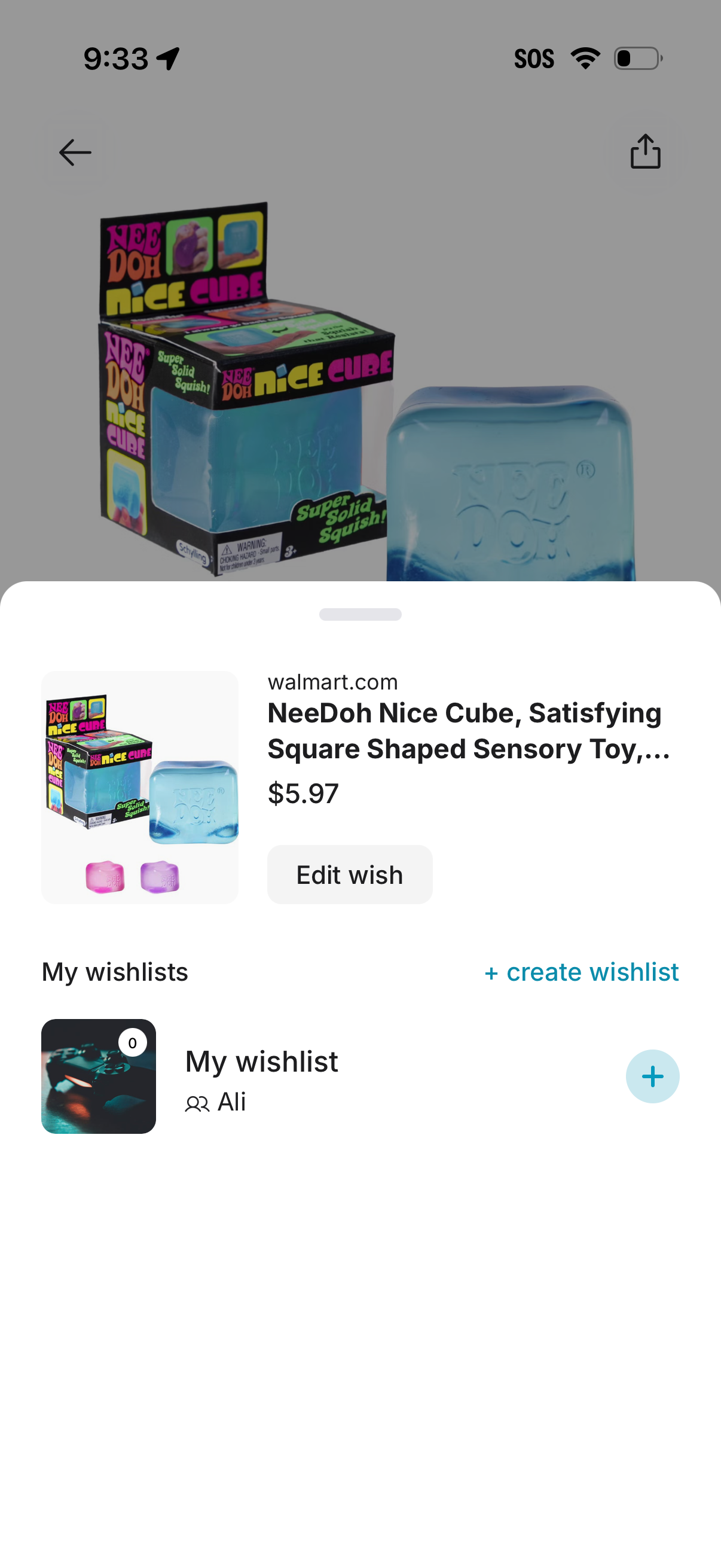
E-commerce product save-to-wishlist bottom sheet showing a preview card with retailer, item title, price, and an “Edit wish” action. Below, users can choose an existing wishlist or create a new wishlist, with a plus button to add the item to the selected list.
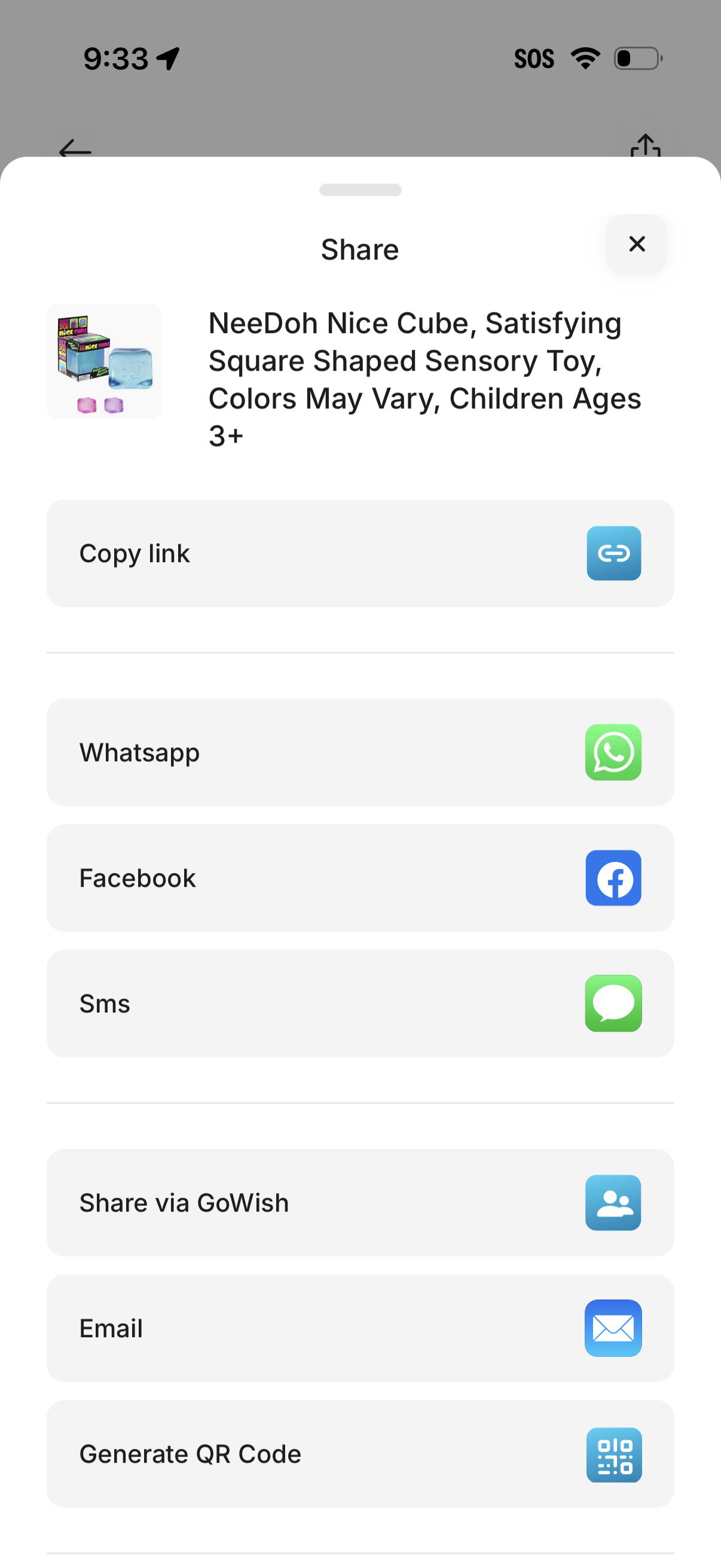
A share sheet modal for a product detail page showing the item thumbnail and name, with quick actions to copy the product link and share via WhatsApp, Facebook, SMS, email, or an in-app sharing option. Also includes an option to generate a QR code and a close button to dismiss the sheet.