1
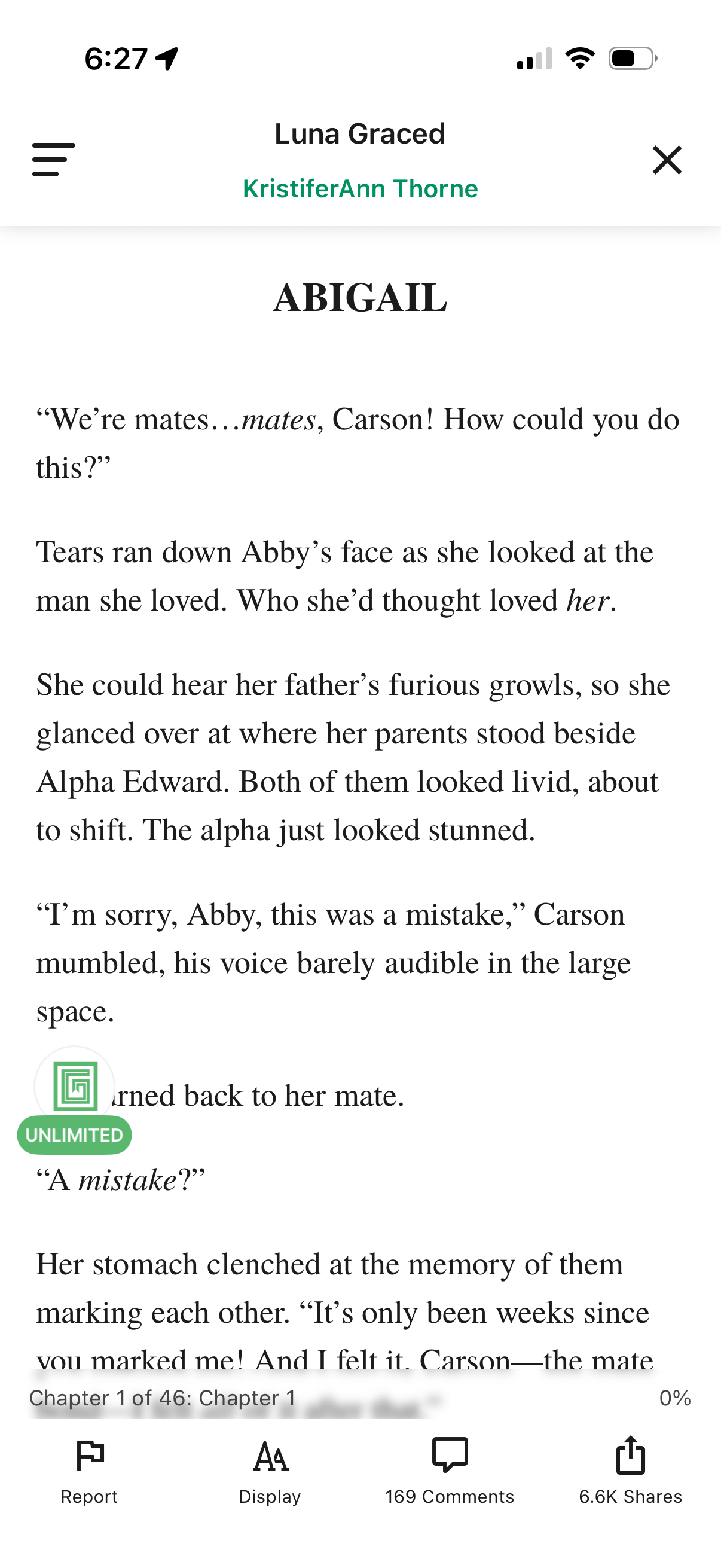
In-app ebook/story reader screen showing a chapter text page with a header for the story and author plus menu and close controls. Bottom toolbar provides actions to report content, adjust reading display/typography settings, view comments, and share, along with chapter progress indicator.
2
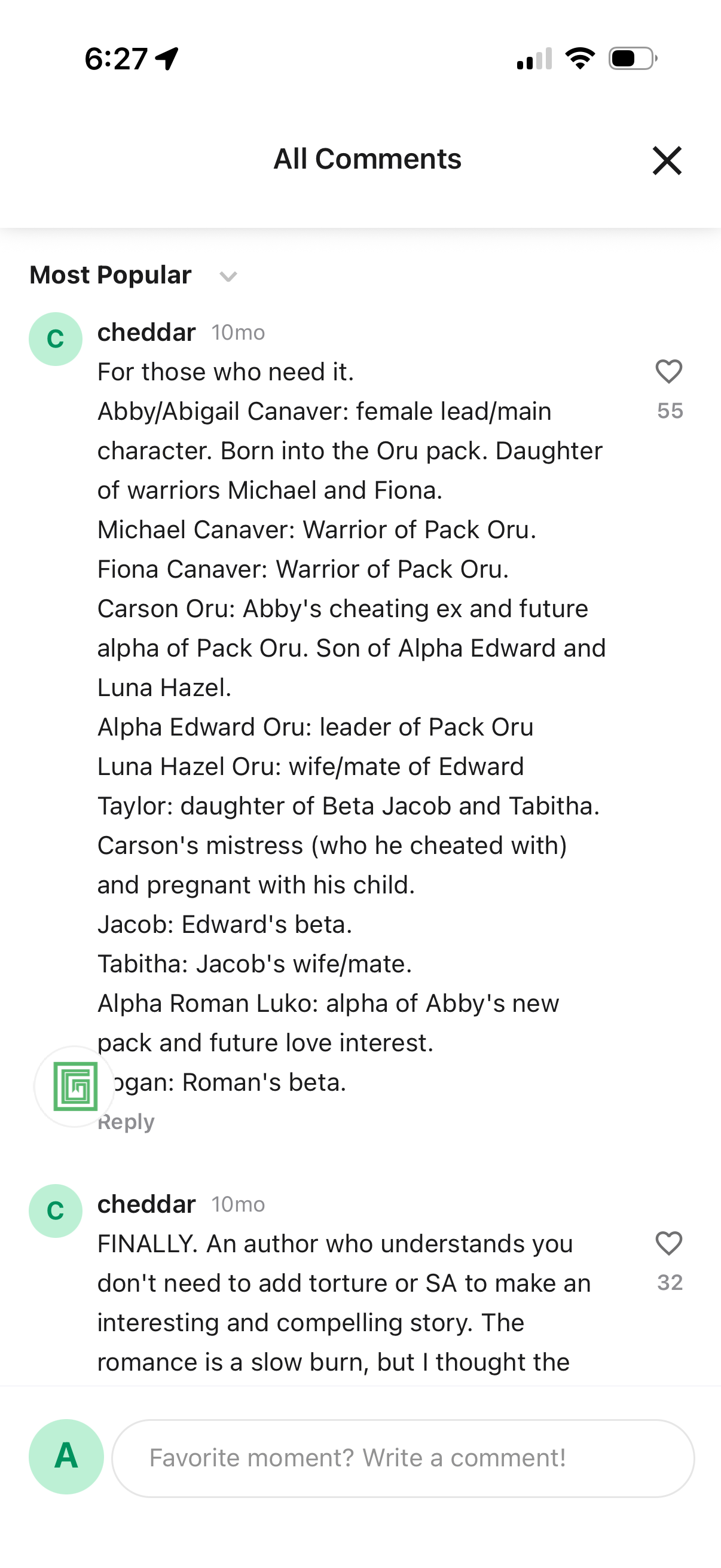
Comments modal for a piece of content showing “All Comments” with a sort dropdown (Most Popular), a scrollable list of user comments with timestamps, like/heart counts and reply actions, and a text field at the bottom to write a new comment, with an X button to close.