adjust reading display
1
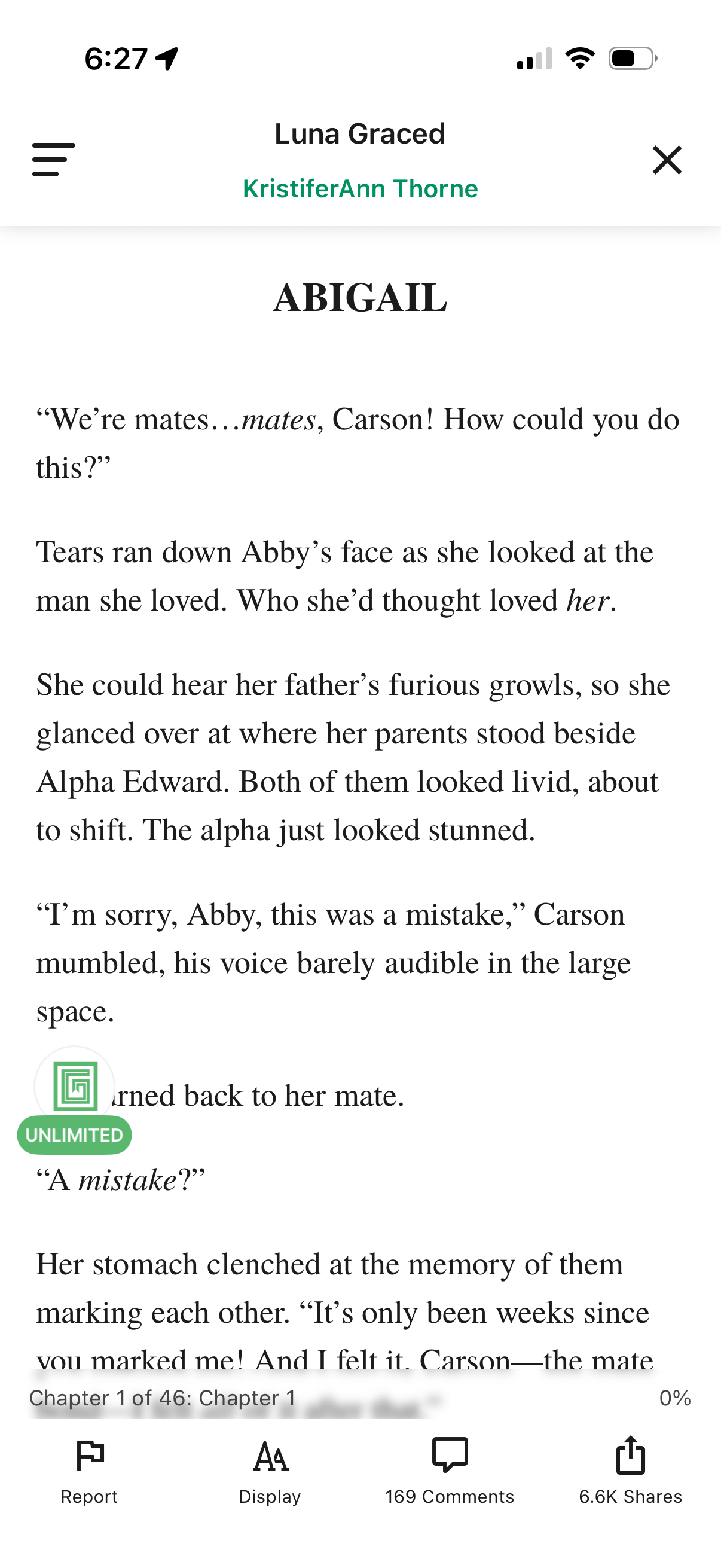
In-app ebook/story reader screen showing a chapter text page with a header for the story and author plus menu and close controls. Bottom toolbar provides actions to report content, adjust reading display/typography settings, view comments, and share, along with chapter progress indicator.
2
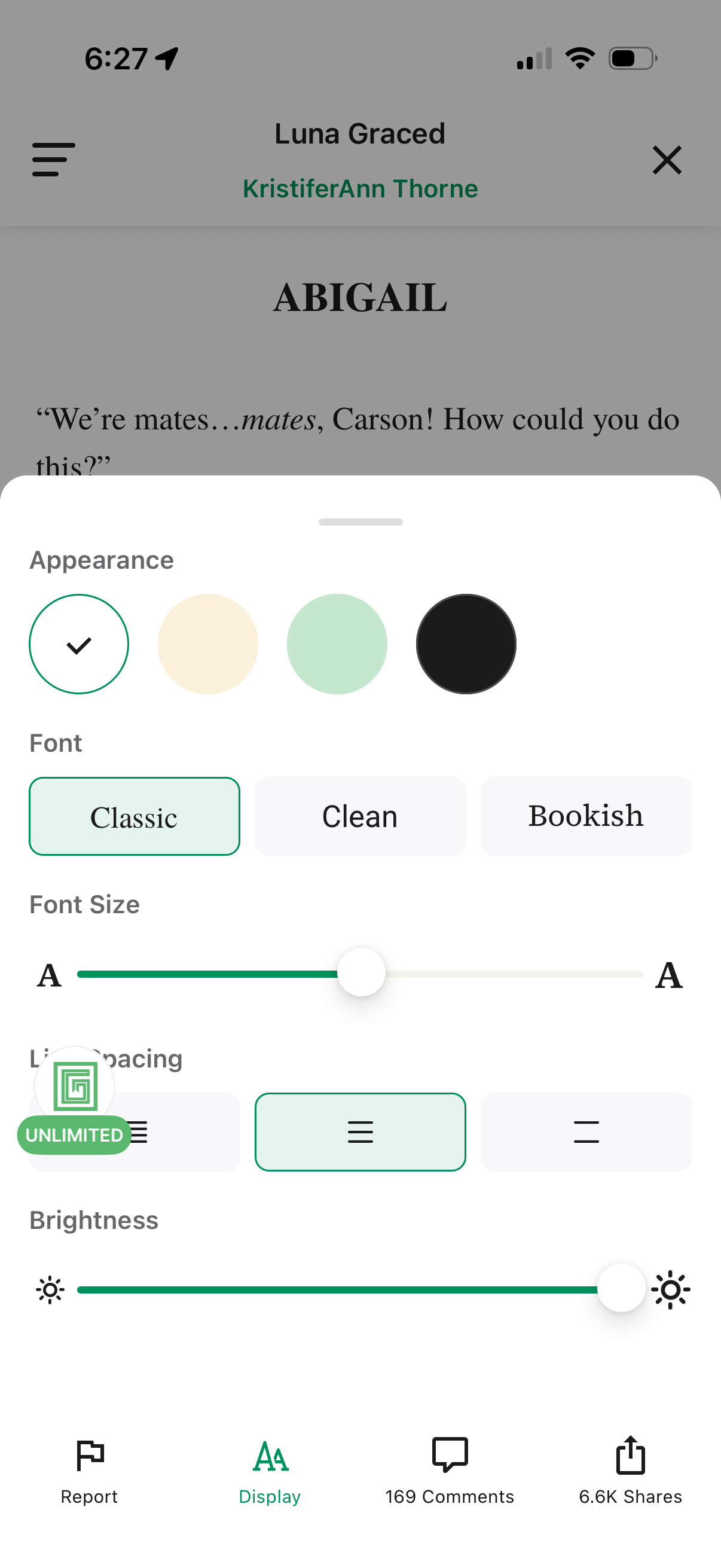
E-book reading screen with a “Display” settings bottom sheet to customize reading appearance, including theme/background color, font style options, font size slider, line spacing controls, and brightness slider. Bottom navigation provides actions to report the story, open display settings, view comments, and share.