use story search assistant
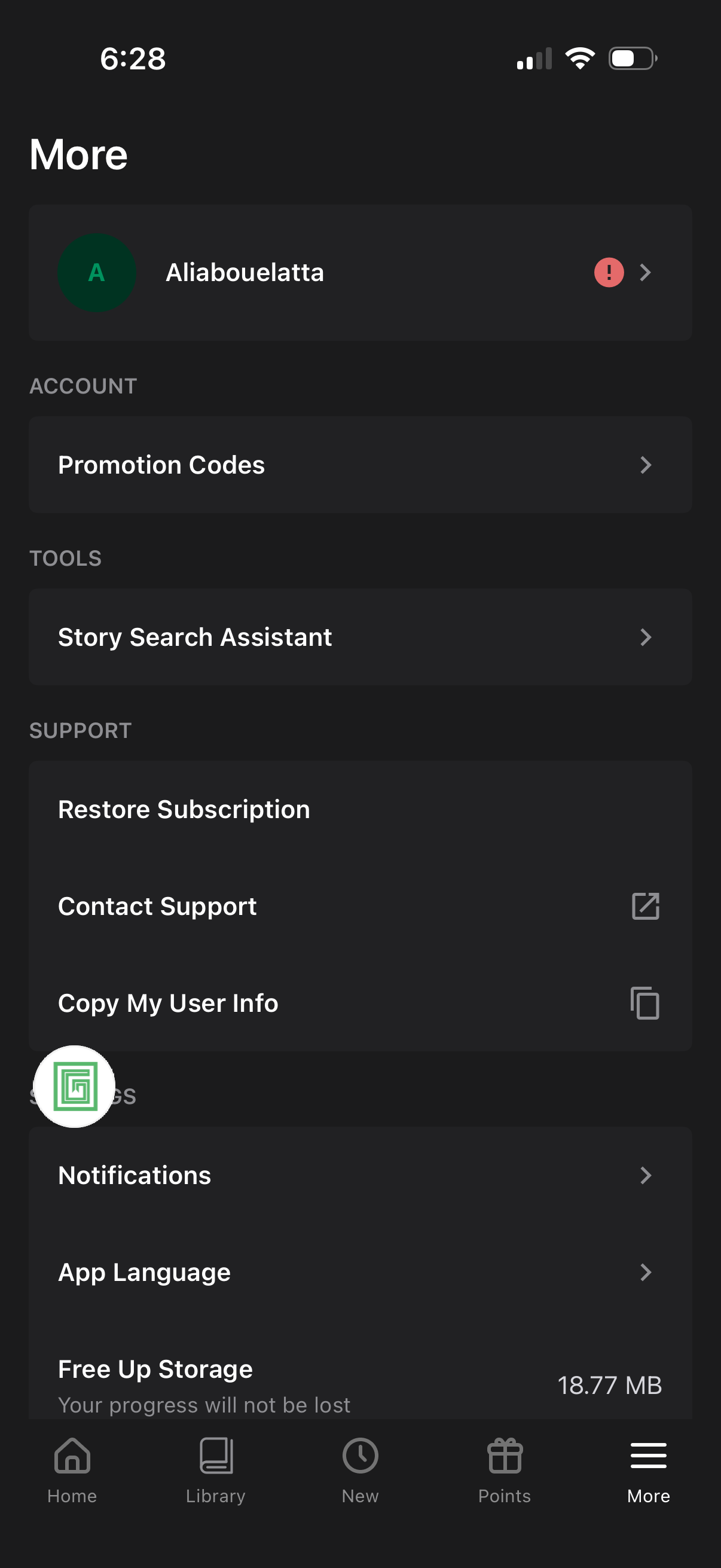
More/settings menu screen showing the user account header and navigation links for promotion codes, a story search assistant tool, and support actions like restore subscription, contact support, and copy user info. Also includes settings options such as notifications, app language, and freeing up storage, with a bottom tab bar for Home, Library, New, Points, and More.
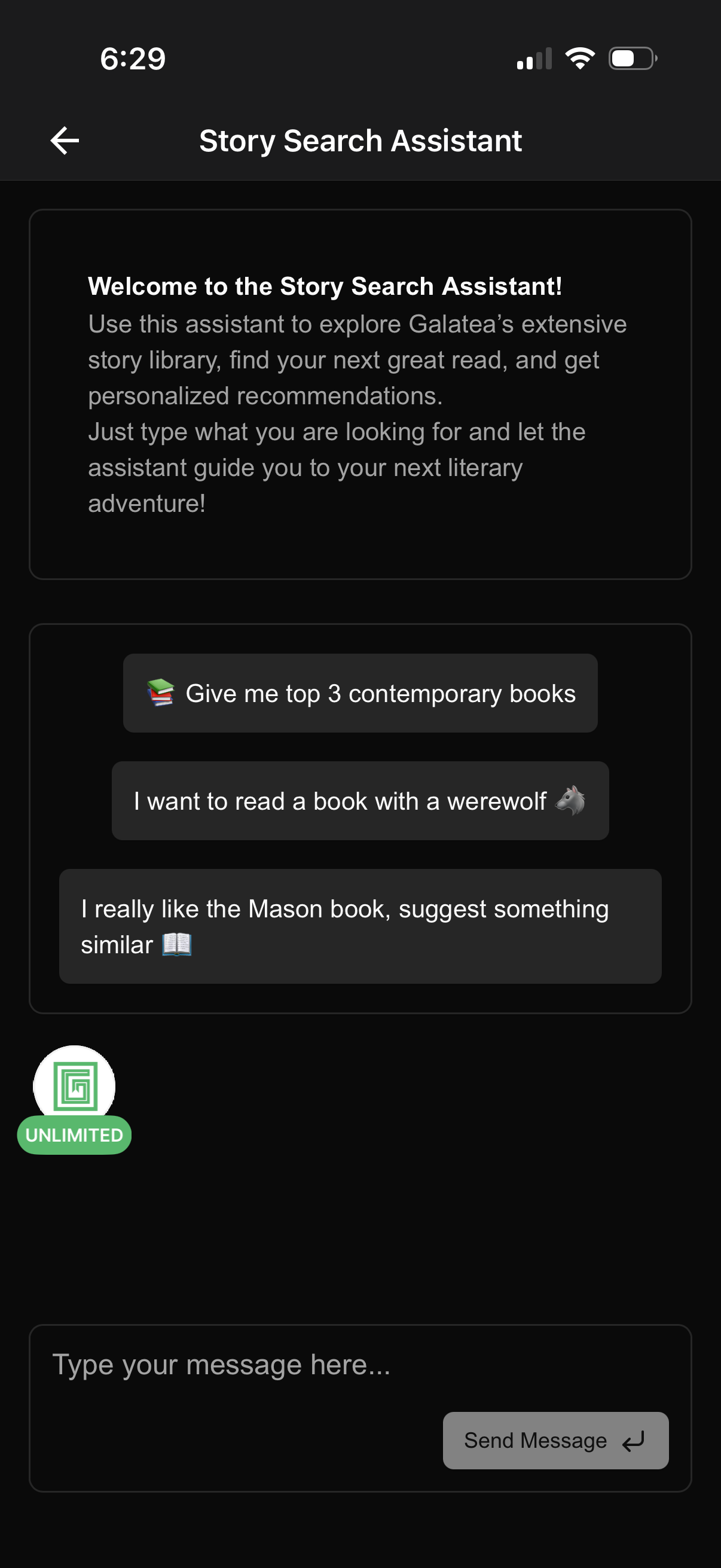
Chat-based story search assistant screen that helps users explore a story library and get personalized reading recommendations, with onboarding copy and suggested prompt chips for common queries. Includes a message input field and send button to type what you’re looking for and receive recommendations.
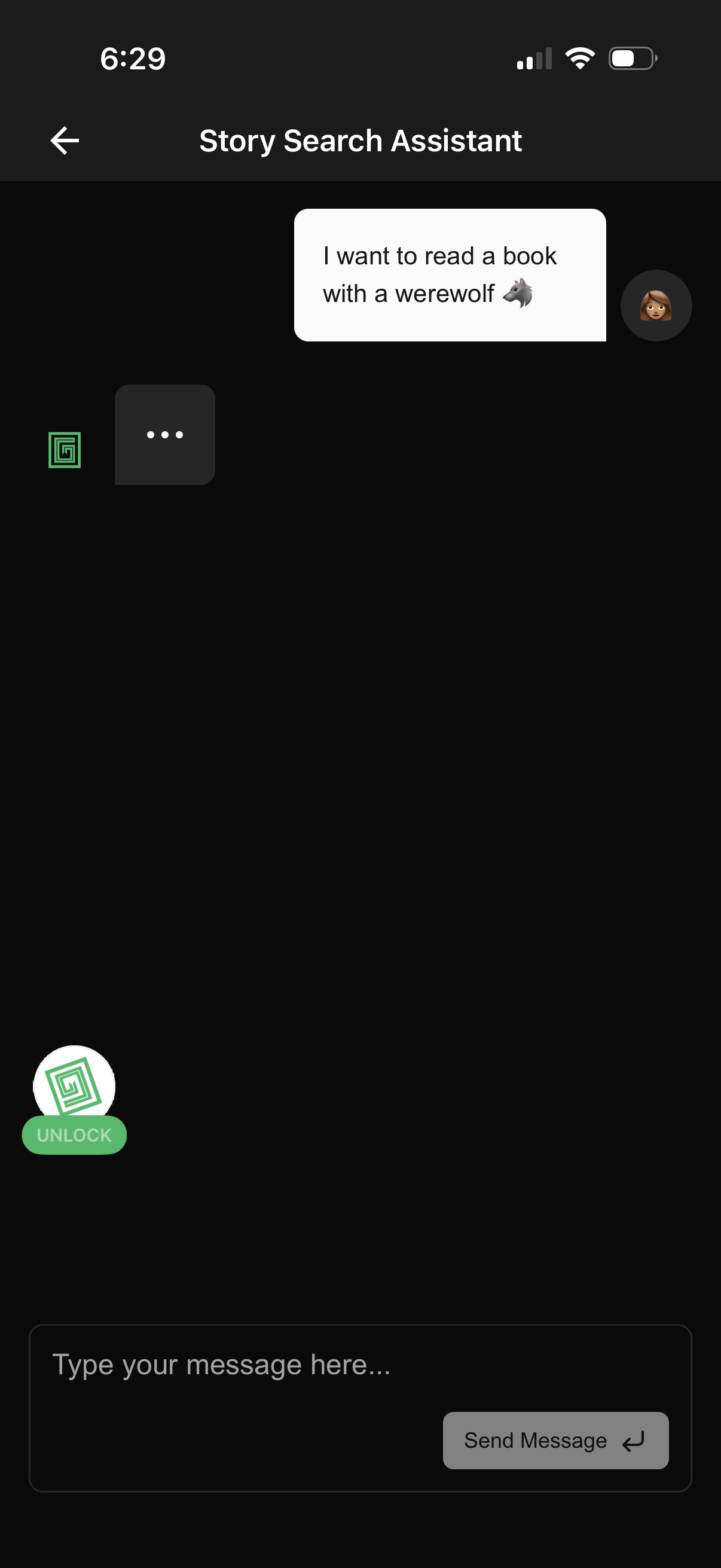
Chat-style “Story Search Assistant” screen where a user sends a natural-language request to find a story/book (e. g.
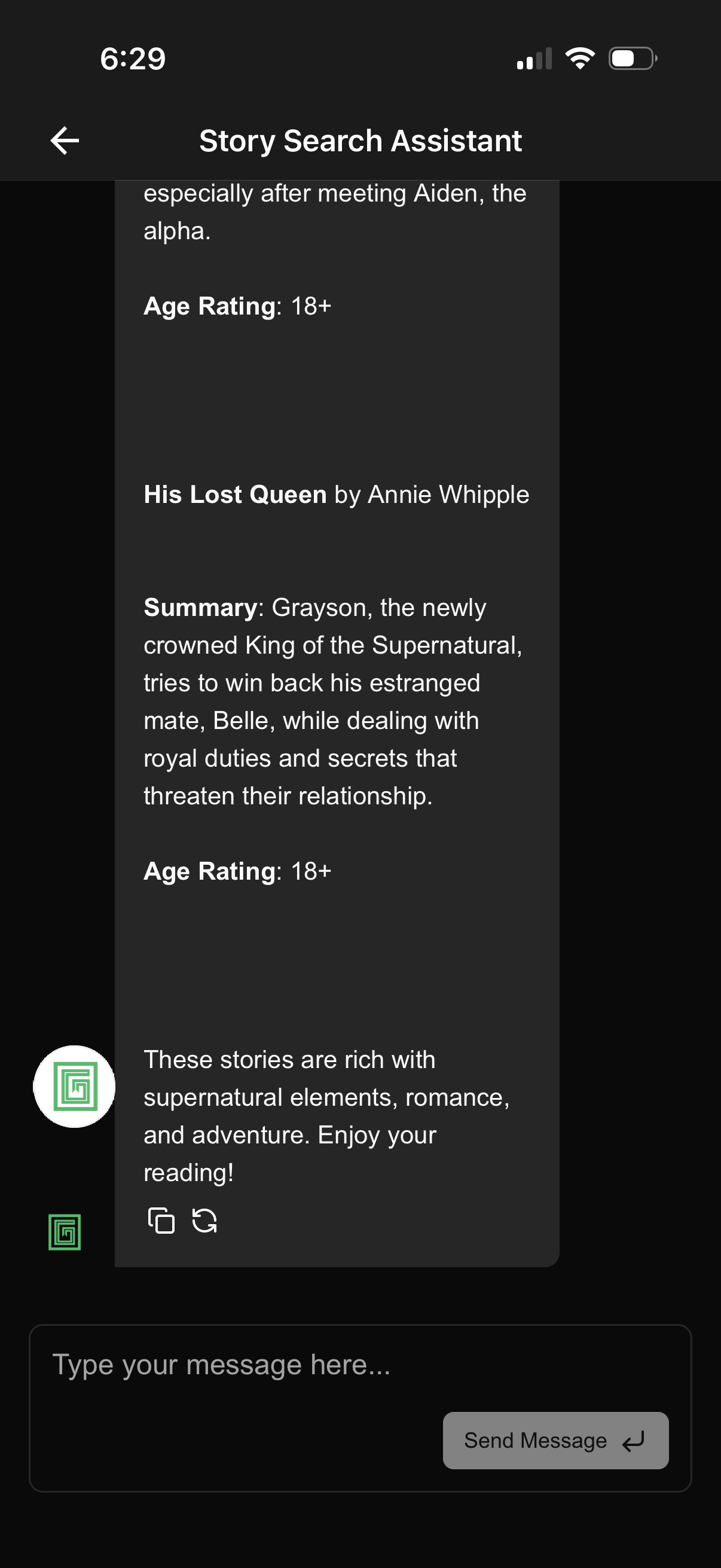
Chat-based “Story Search Assistant” screen showing a conversational result card with book recommendations, including title/author, summary, and 18+ age rating. Users can type a message in the input field and tap Send to continue the search conversation.