1
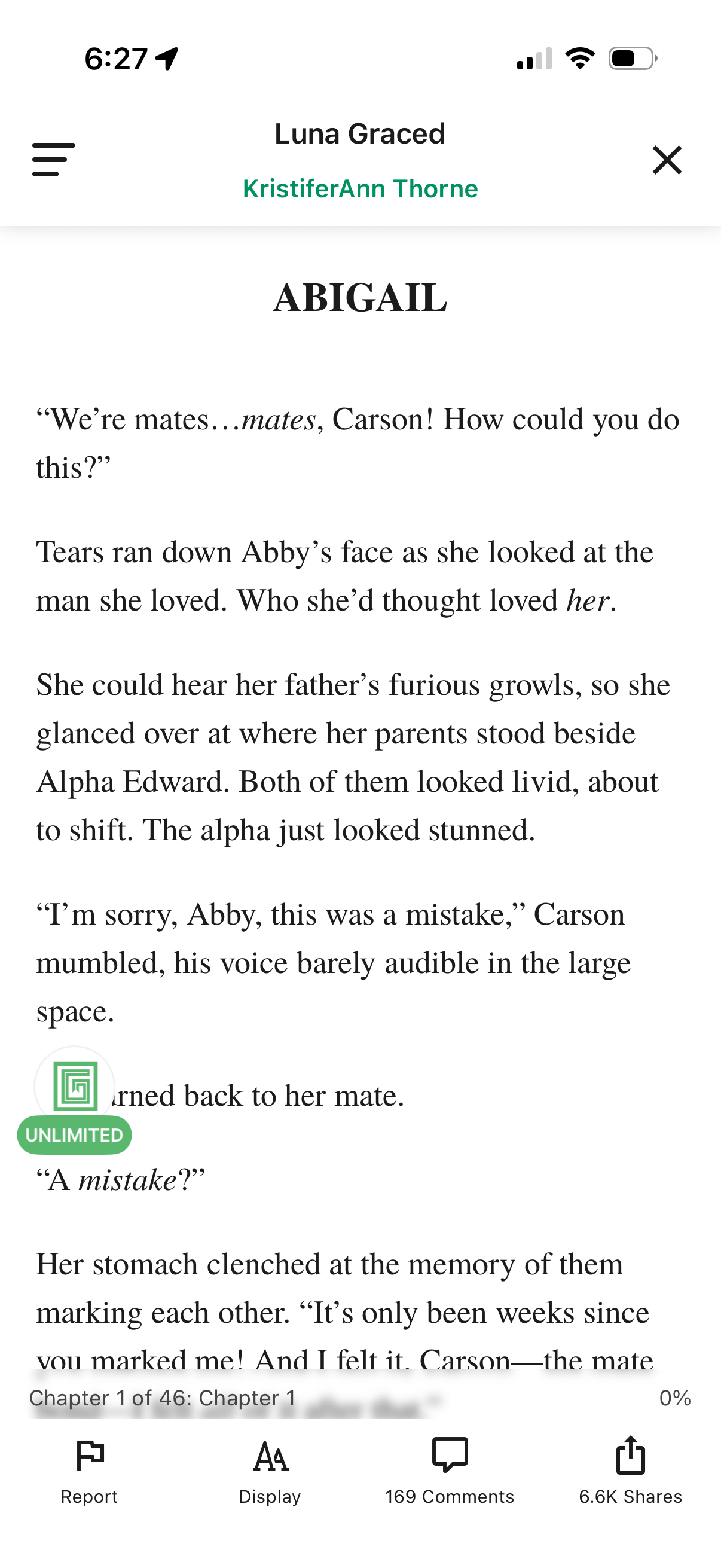
In-app ebook/story reader screen showing a chapter text page with a header for the story and author plus menu and close controls. Bottom toolbar provides actions to report content, adjust reading display/typography settings, view comments, and share, along with chapter progress indicator.
2
A reading app chapter screen with a modal confirmation dialog asking if the user wants to spend points to unlock the next chapter. The pop-up presents primary and secondary actions to proceed with unlocking for a set number of points or cancel and return to reading.