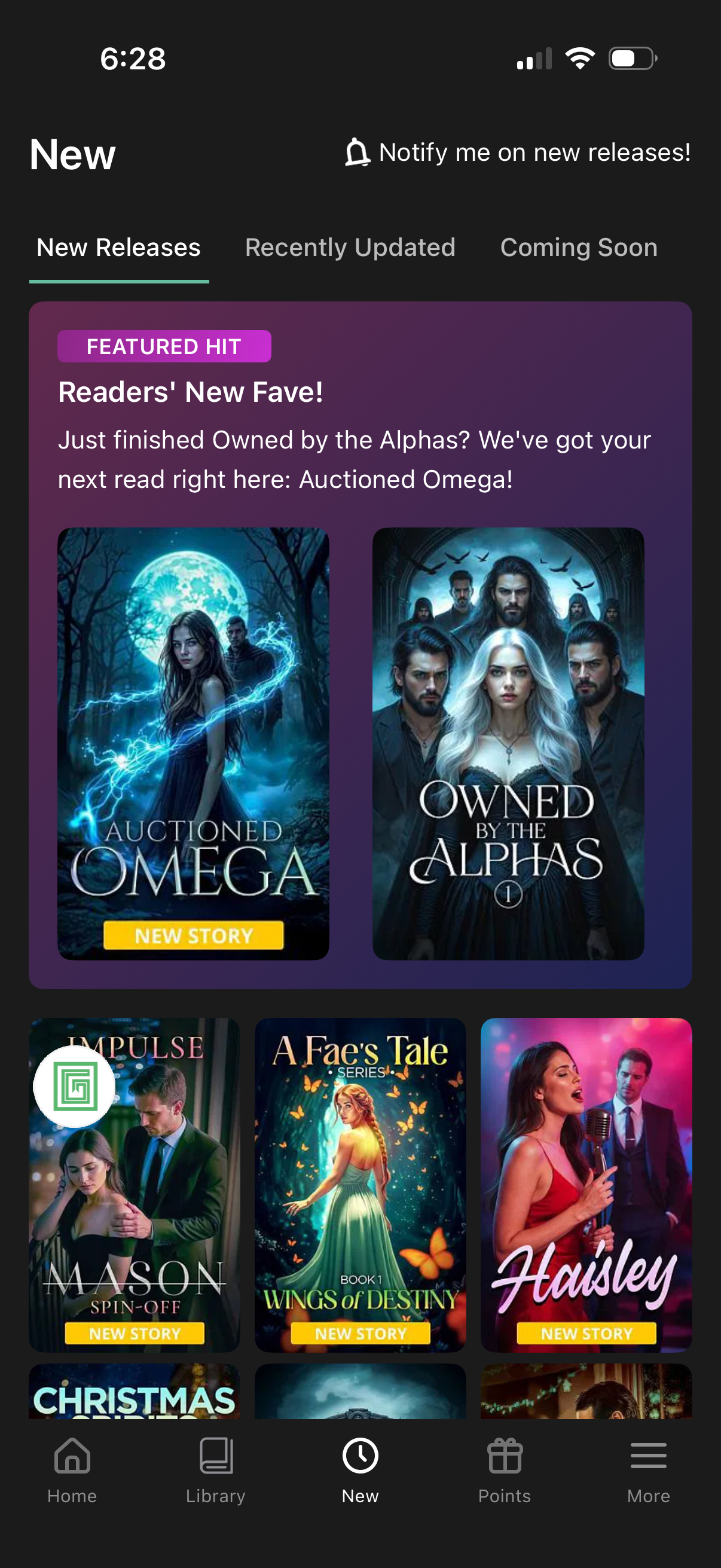
New releases browse screen for a reading/ebook app with tabs for New Releases, Recently Updated, and Coming Soon, plus a “notify me on new releases” alert toggle. Features a highlighted promotional carousel and a grid of story cover cards labeled “New story,” with bottom navigation to Home, Library, New, Points, and More.
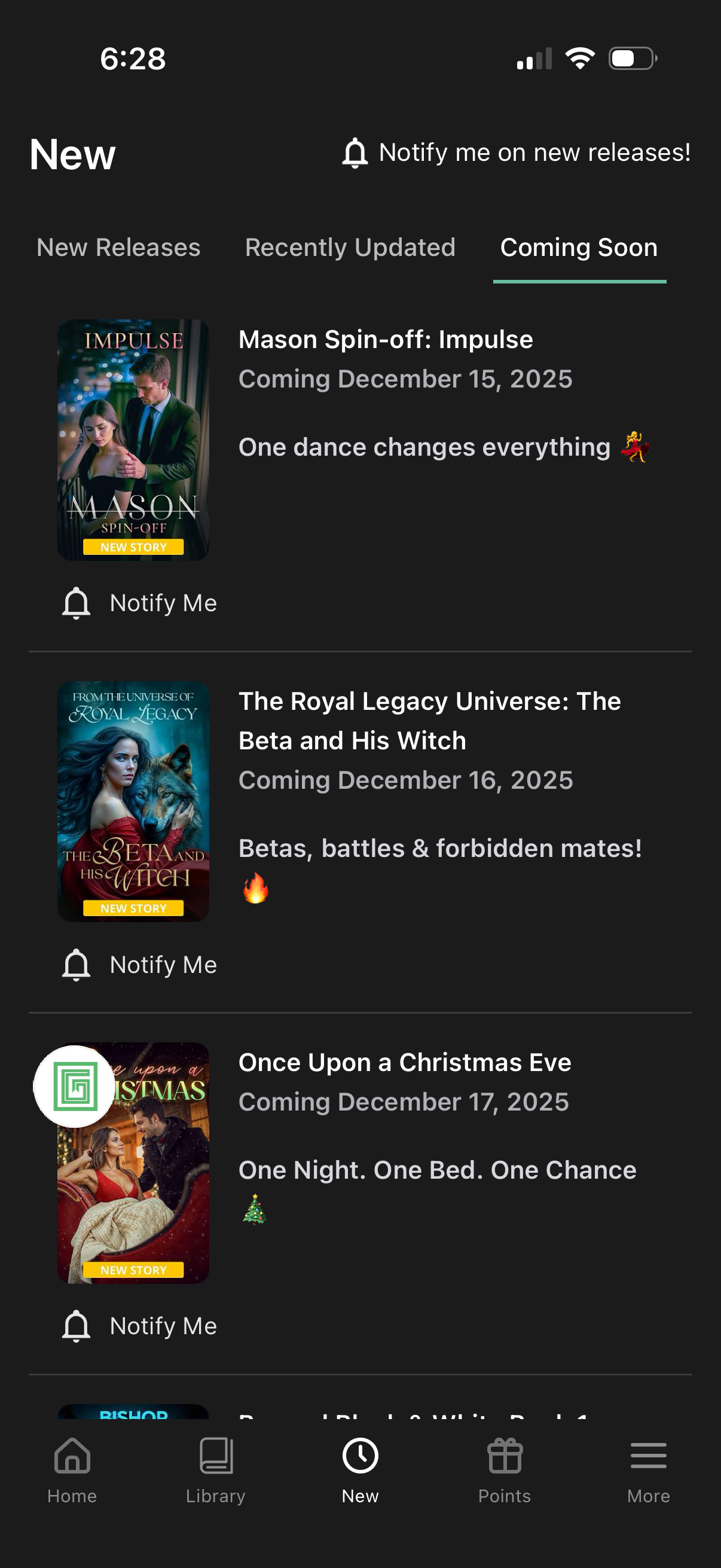
A “New” content discovery screen showing a tabbed list for New Releases, Recently Updated, and Coming Soon, with each upcoming title displayed as a card with cover art, tagline, and release date. Users can opt in to notifications via a “Notify me on new releases” prompt and individual “Notify Me” buttons for each item.
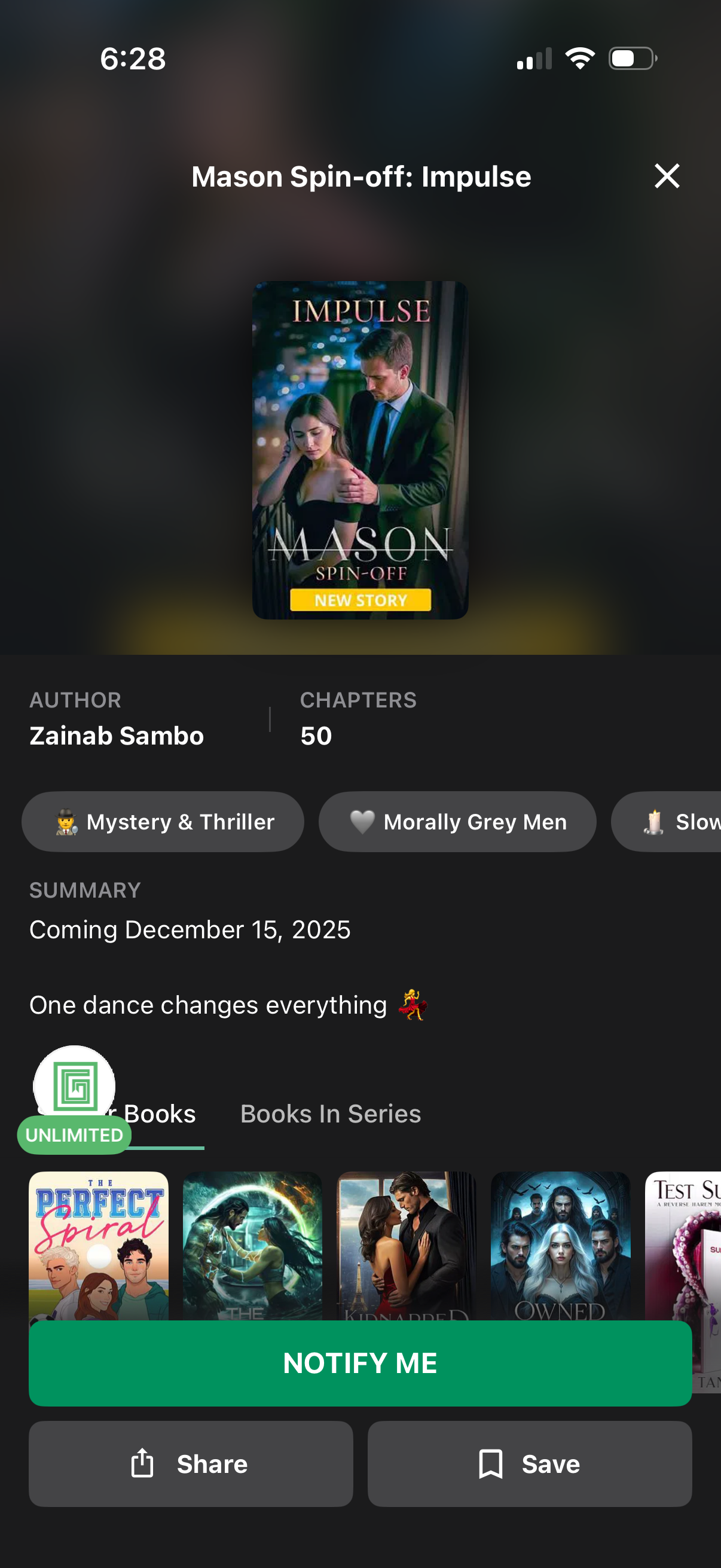
Book/story detail screen for an upcoming serialized fiction spin-off, showing cover art, author name, chapter count, genre tags, and a summary with release date. Primary action is a “Notify me” button to get alerts when it launches, with secondary actions to share or save and tabs to browse other books in the series.
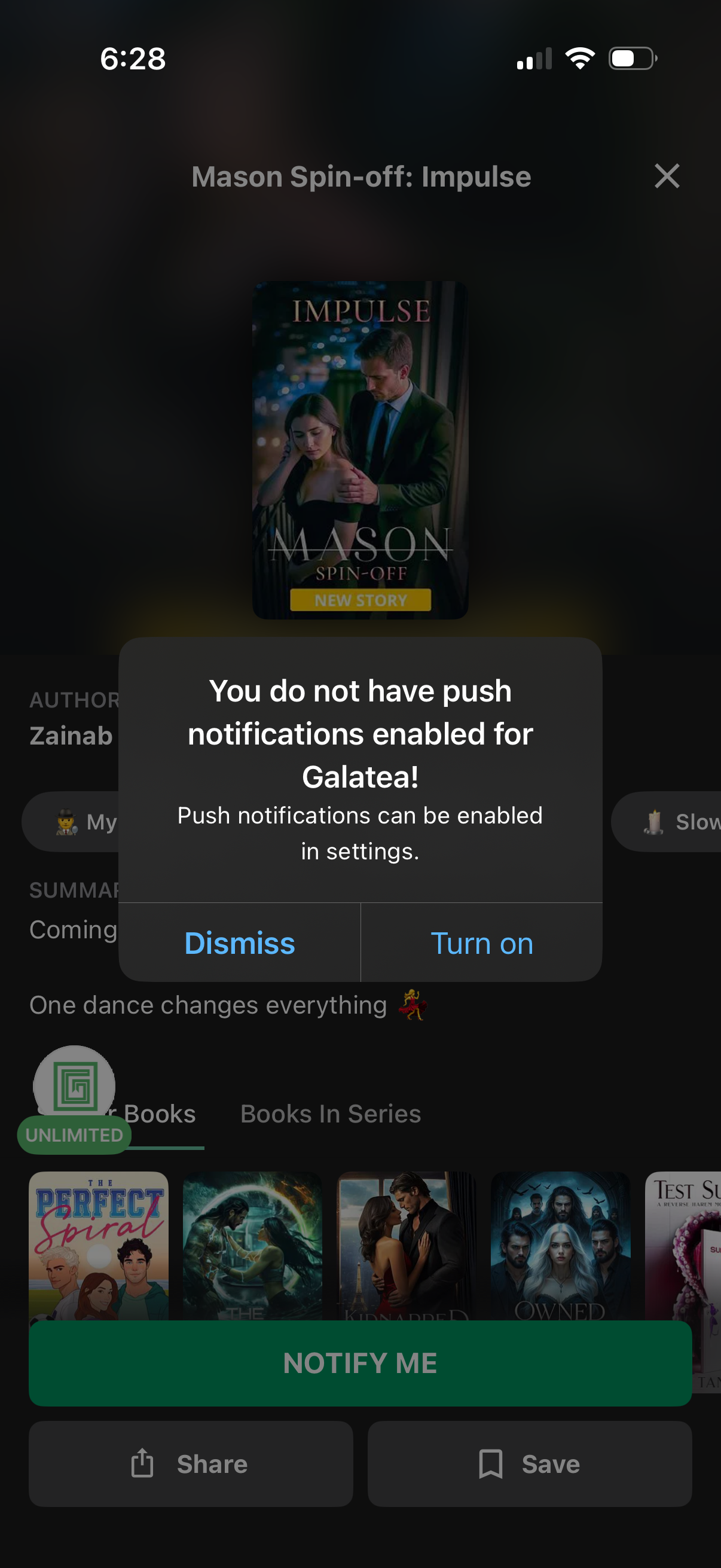
A reading app book/story detail page is overlaid with a system-style modal prompting the user to enable push notifications, explaining notifications can be turned on in settings. The dialog offers primary actions to Dismiss or Turn on, while the background shows the story cover and a “Notify me” CTA for release updates.