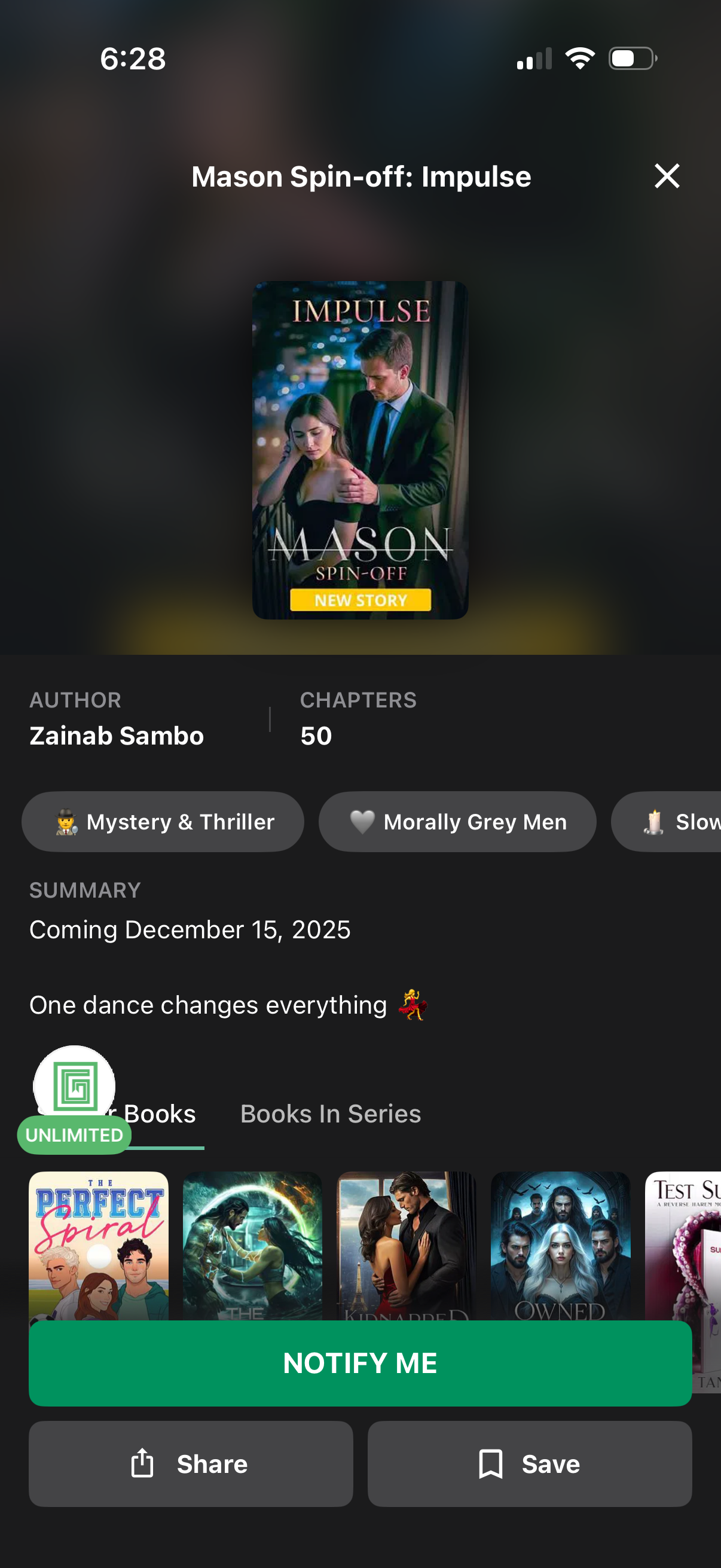
Book/story detail screen for an upcoming serialized fiction spin-off, showing cover art, author name, chapter count, genre tags, and a summary with release date. Primary action is a “Notify me” button to get alerts when it launches, with secondary actions to share or save and tabs to browse other books in the series.
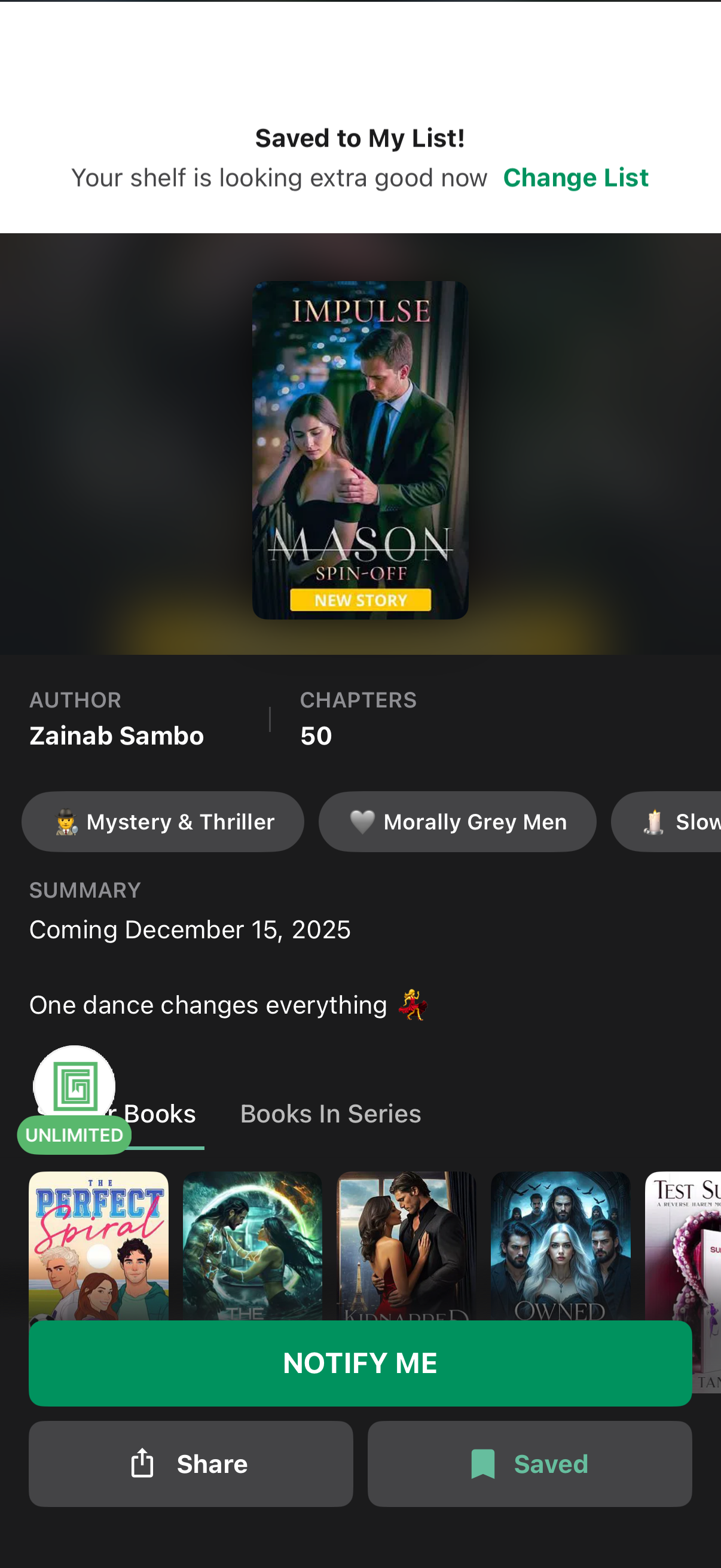
Book details screen in a reading app showing a “Saved to My List” confirmation with an option to change the list, plus cover art, author, chapter count, genre tags, and a short summary with a release date for an upcoming story. Primary actions include a large “Notify Me” button for release alerts and bottom actions to share and view saved status, with tabs for similar books and books in the series.
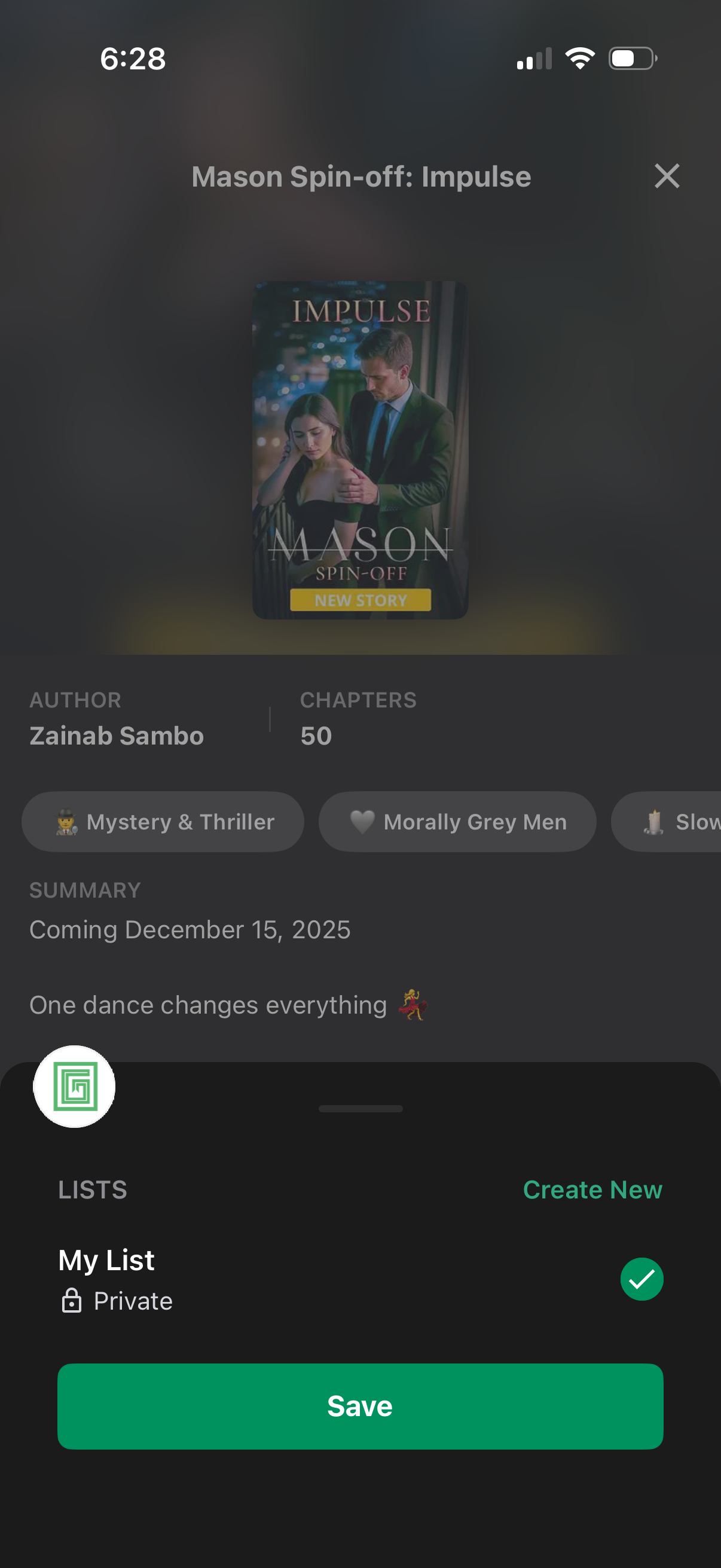
A book/story detail screen in a reading app with cover art, title, author, chapter count, genre/trope tags, and summary. A bottom sheet lets users save the story to a list by selecting a list, optionally creating a new list, and tapping Save or closing the modal.