1
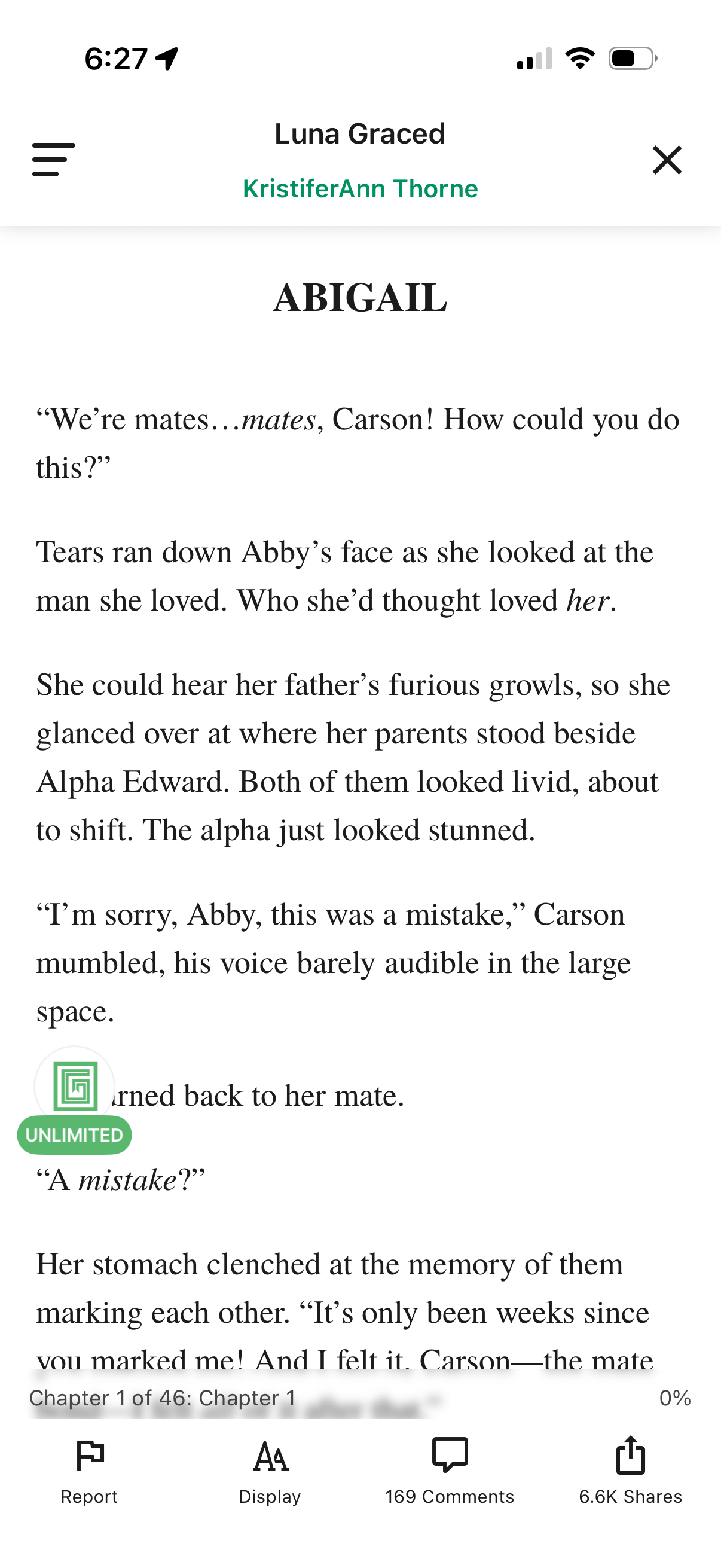
In-app ebook/story reader screen showing a chapter text page with a header for the story and author plus menu and close controls. Bottom toolbar provides actions to report content, adjust reading display/typography settings, view comments, and share, along with chapter progress indicator.
2
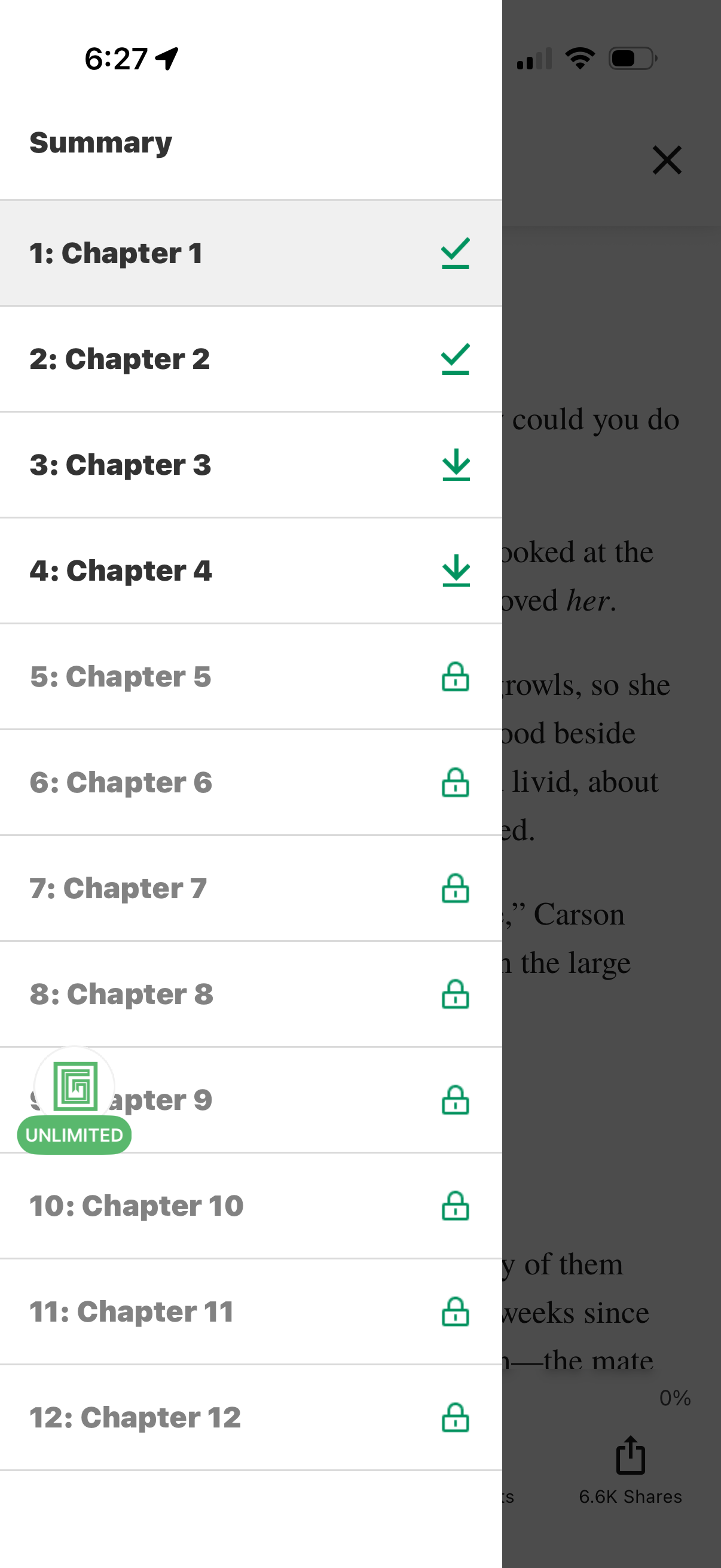
A reading app slide-over “Summary” panel showing a table of contents with numbered chapters and status icons for progress. Users can tap chapters to navigate, see completed chapters with checkmarks, download chapters with a downward arrow, and view locked chapters requiring access or subscription.