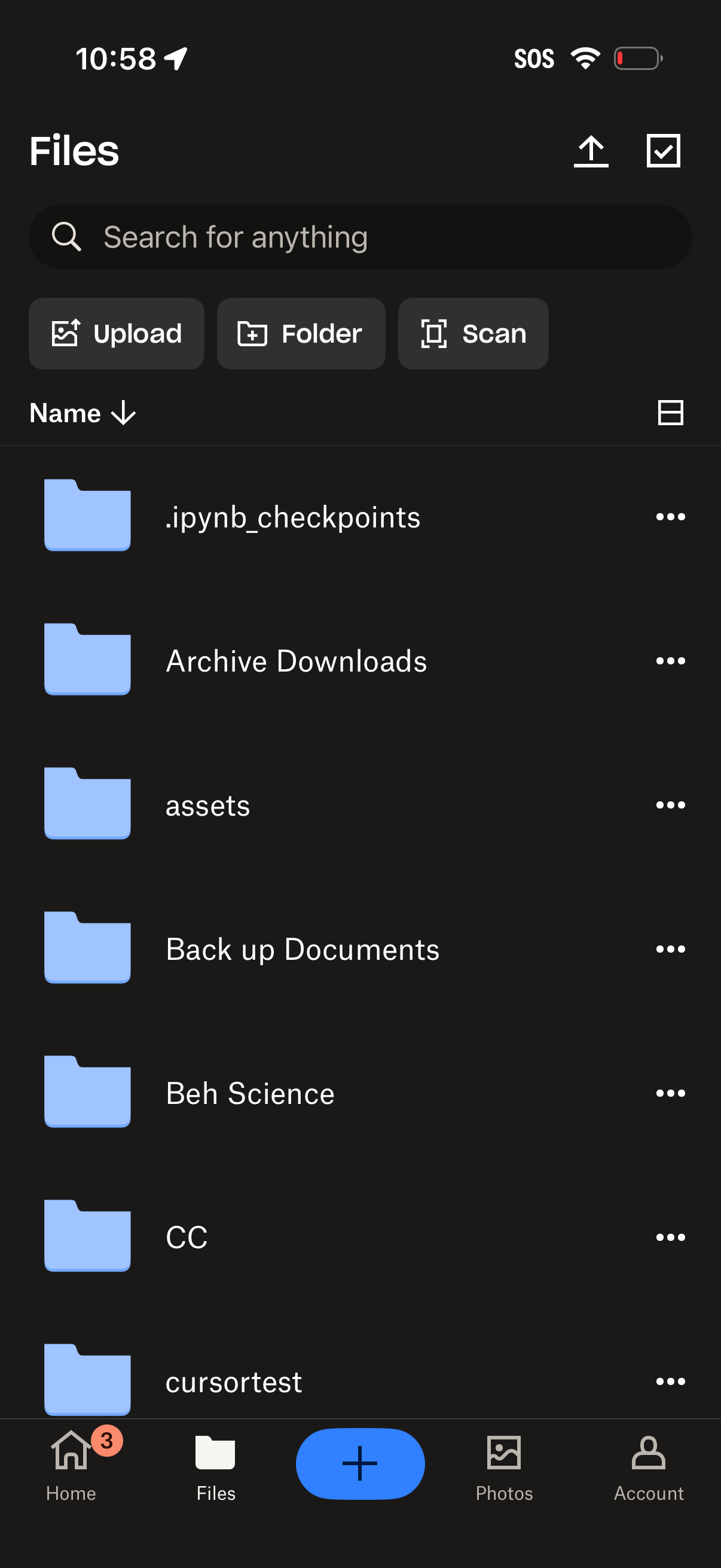
Cloud storage file manager screen showing a searchable list of folders/files with options to sort by name, switch view, and open overflow actions. Primary actions include uploading files, creating a new folder, scanning documents, multi-select, and a bottom navigation with a floating add button.
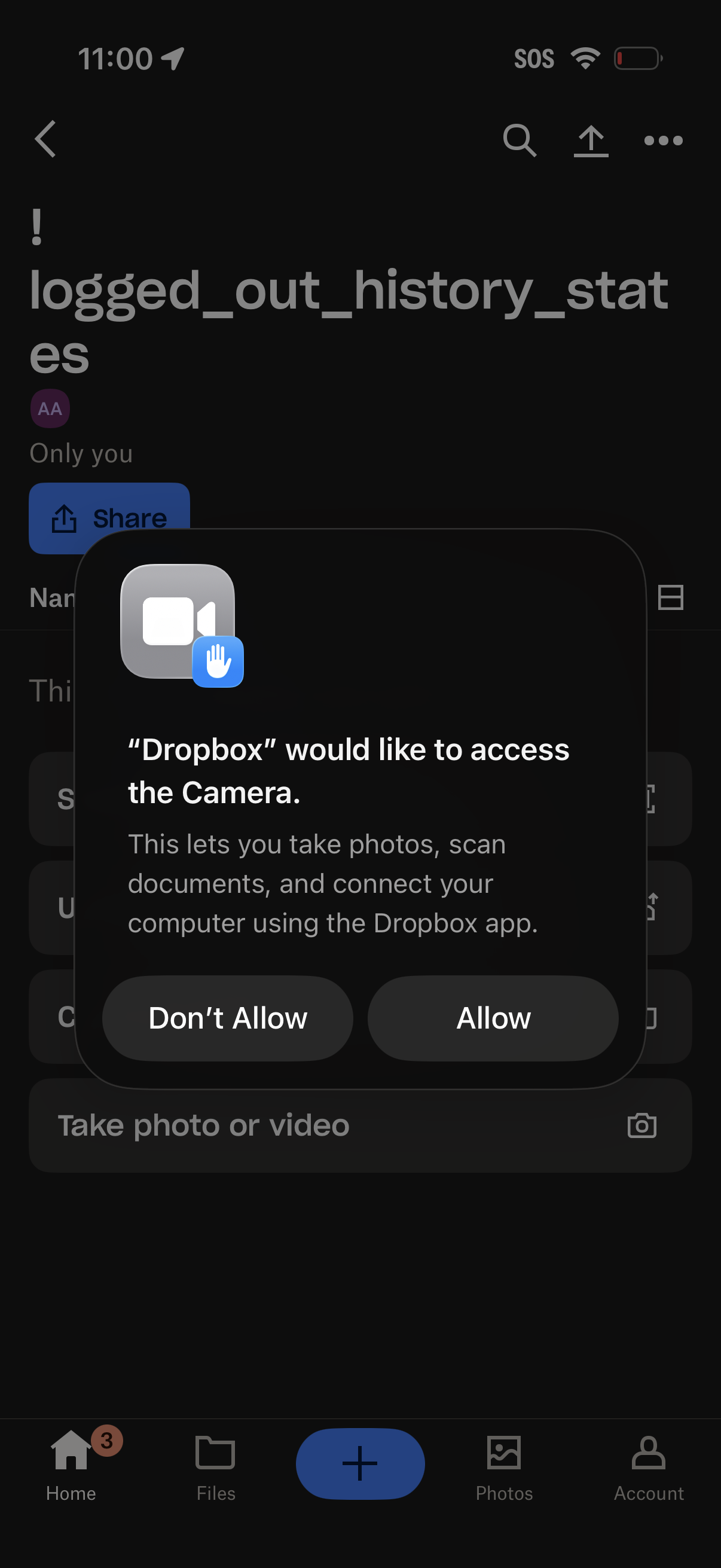
iOS system permission modal requesting camera access for Dropbox, explaining it’s needed to take photos, scan documents, and connect a computer. The dialog offers primary actions to Allow or Don’t Allow while the app’s file view screen is visible in the background.
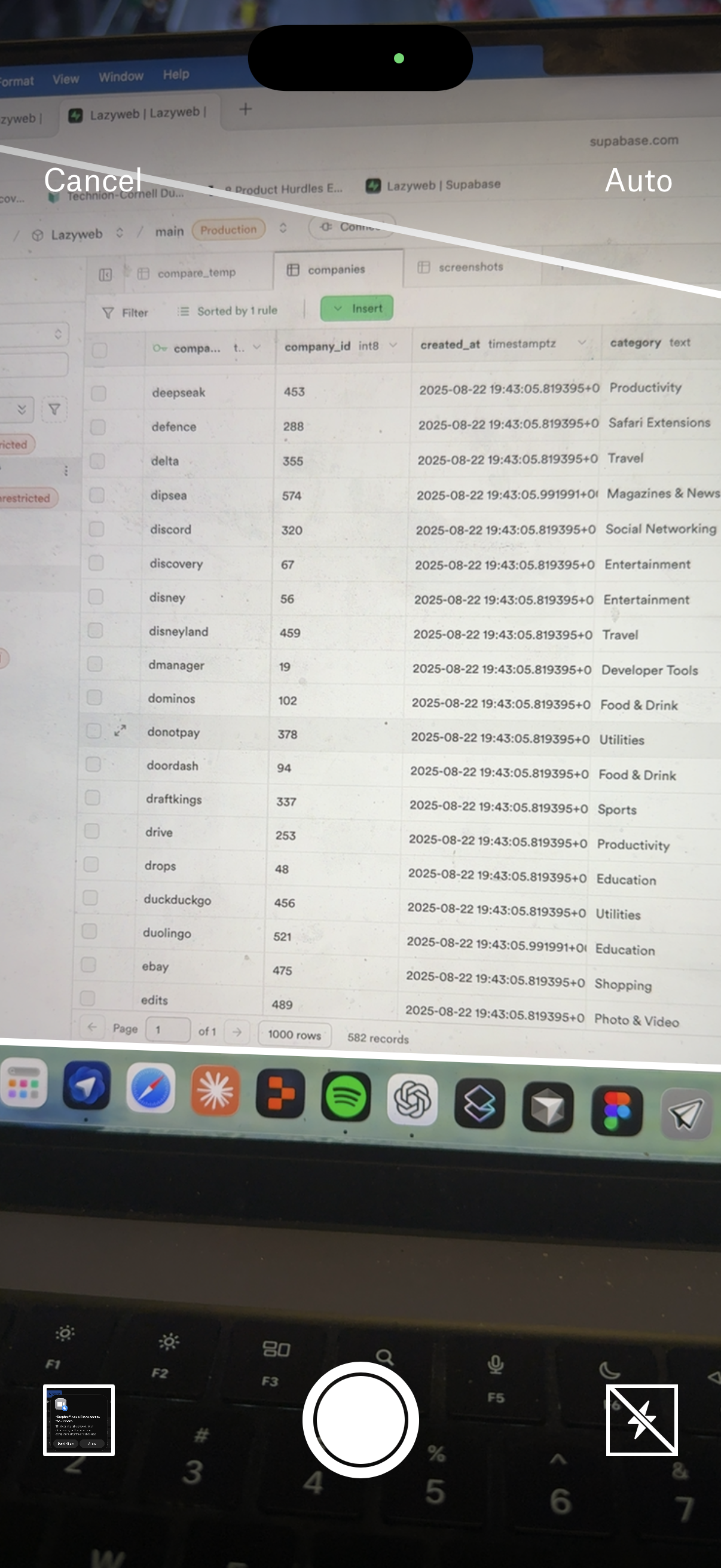
Camera capture screen showing a live preview of a laptop displaying a database table/grid interface with rows and columns and an Insert action. The camera UI includes Cancel, Auto mode indicator, shutter button, thumbnail preview, and flash toggle for taking a photo.
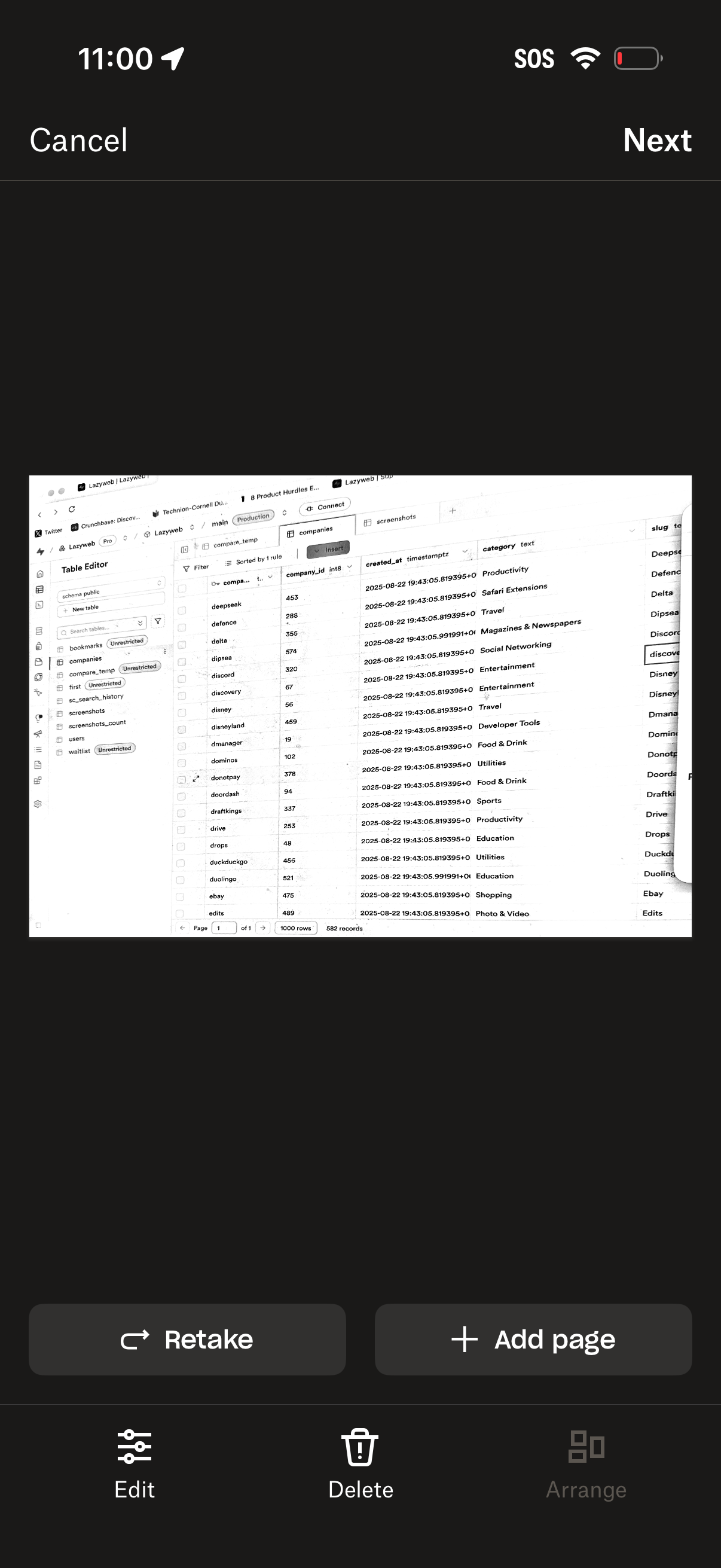
Document scanning preview screen showing a captured page with options to retake or add another page, plus edit, delete, and arrange tools. Top navigation includes Cancel and Next to discard or continue the scan workflow.
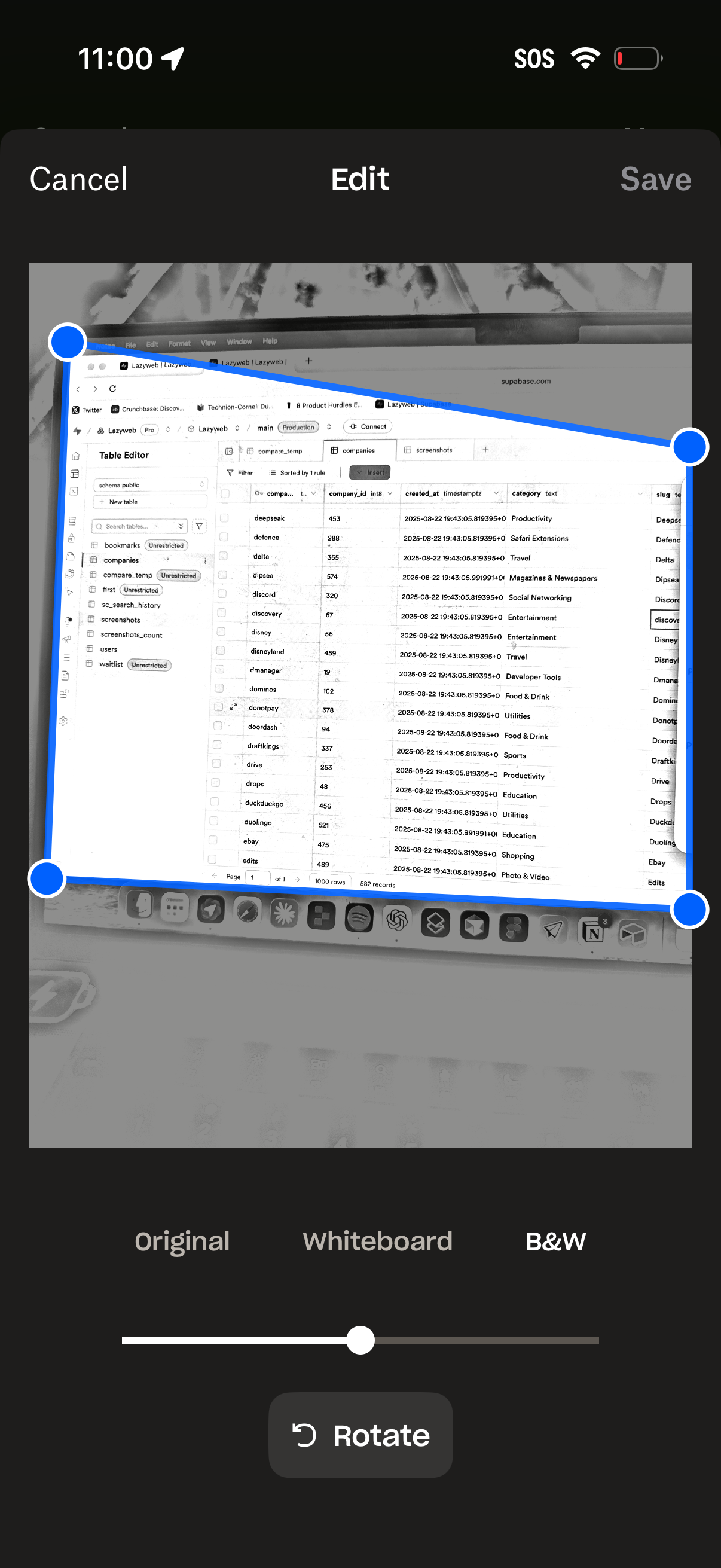
Photo editing screen with a perspective/crop tool that lets users adjust the image corners via draggable handles and then save or cancel the edit. Includes filter options (Original, Whiteboard, B&W), a rotate button, and an intensity slider for the selected filter.