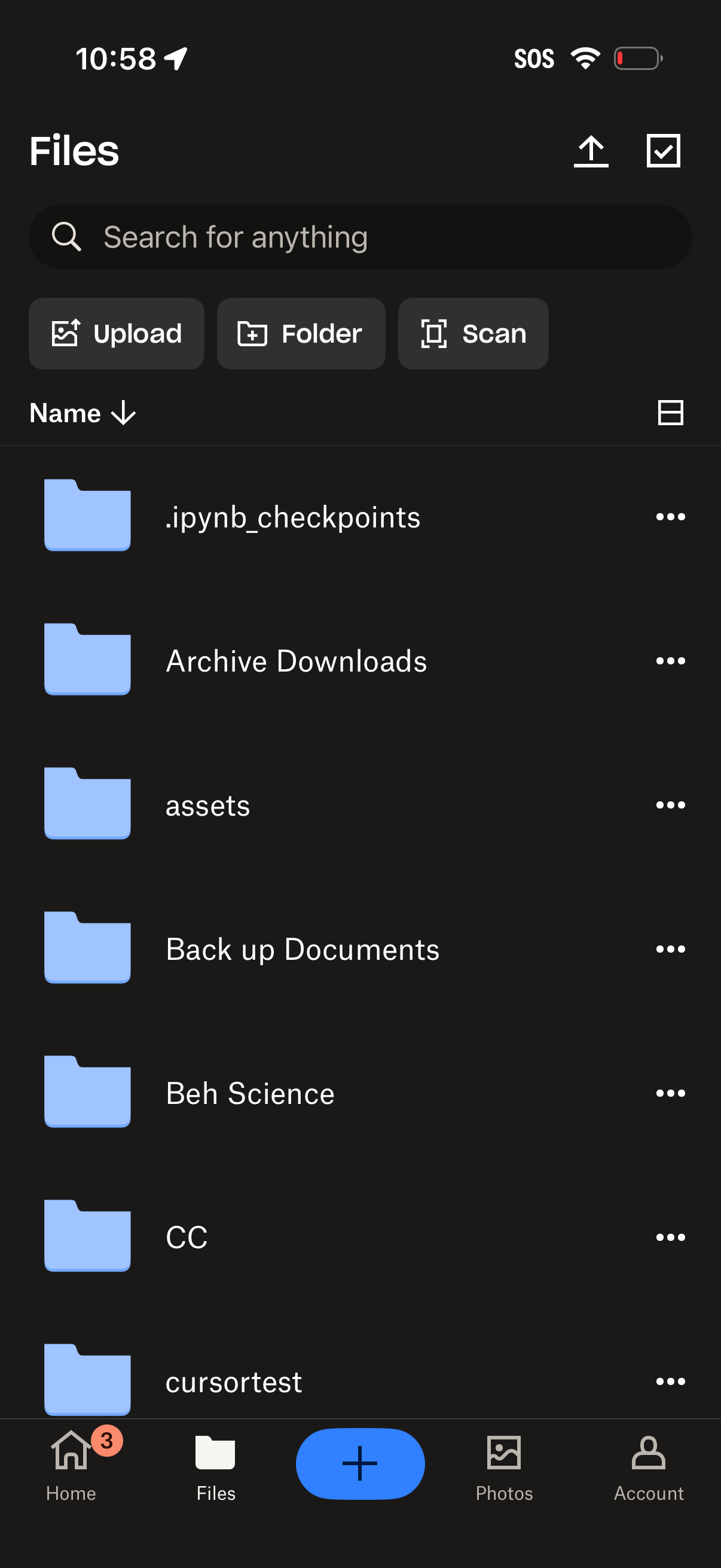
Cloud storage file manager screen showing a searchable list of folders/files with options to sort by name, switch view, and open overflow actions. Primary actions include uploading files, creating a new folder, scanning documents, multi-select, and a bottom navigation with a floating add button.
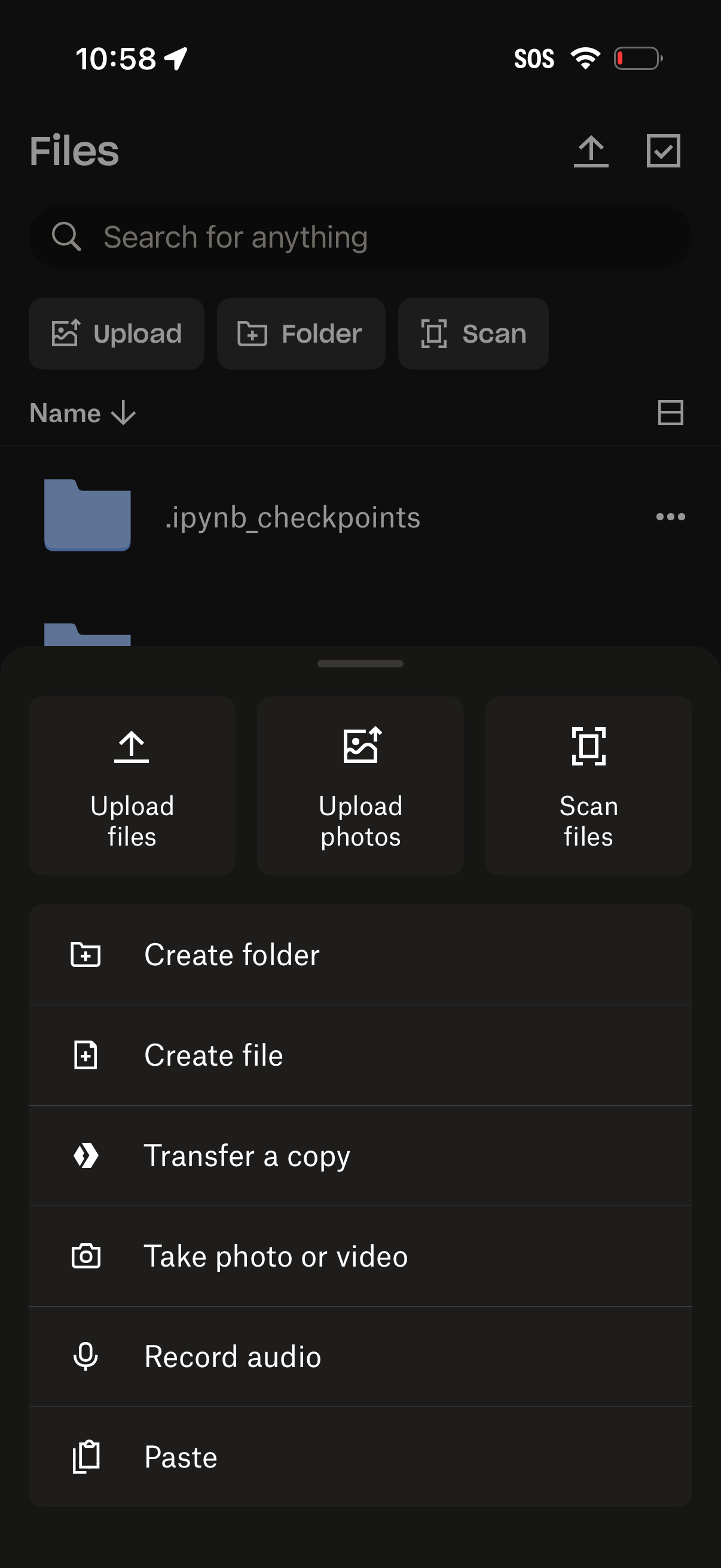
Mobile file manager “Files” screen with a search bar, sorting by name, and a folder list, plus quick actions to upload, create a folder, or scan documents. A bottom sheet creation menu is open offering upload files/photos, scan files, create folder/file, transfer a copy, take photo or video, record audio, and paste.
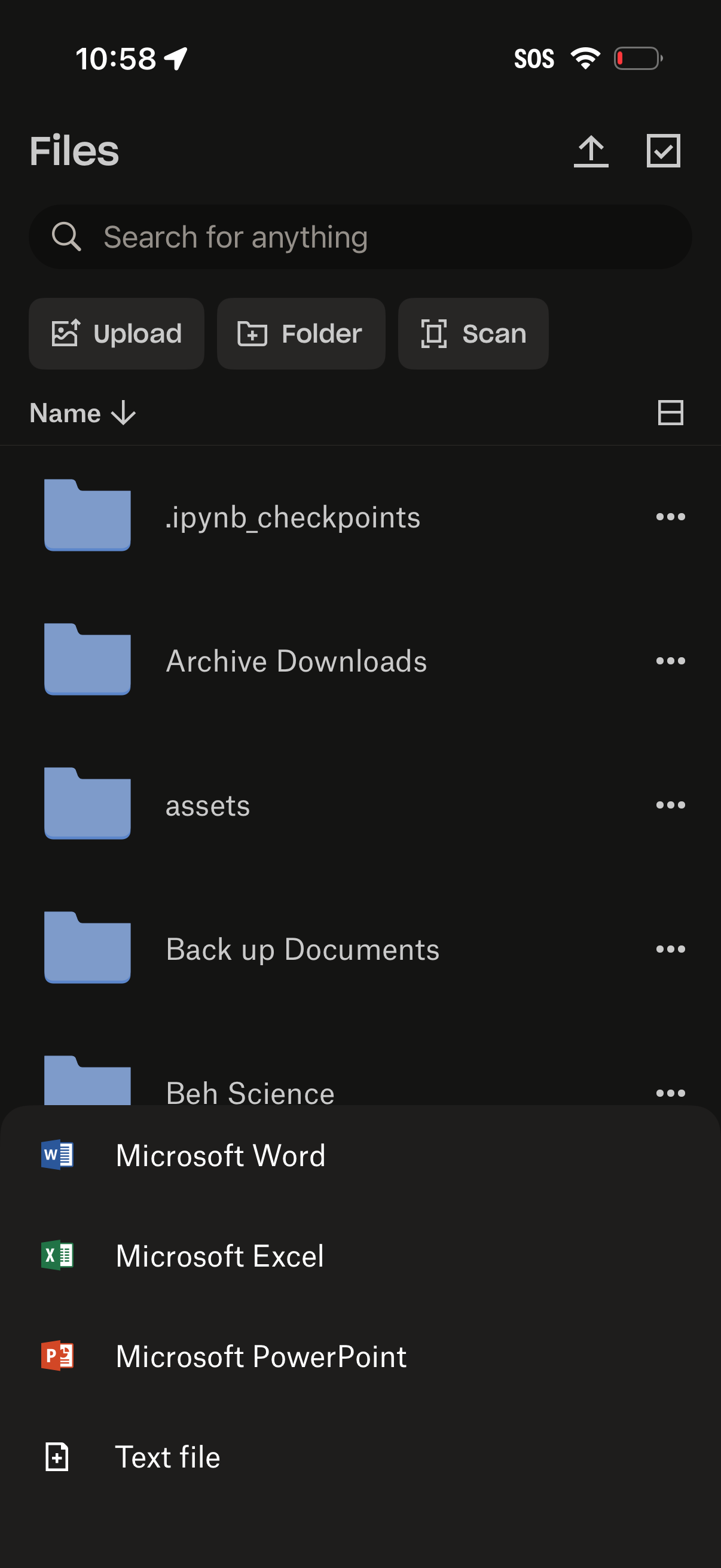
File manager home screen showing a searchable list of folders with sorting and overflow actions, plus top shortcuts to upload files, create a new folder, or scan documents. A bottom sheet “create new” menu is open to start a new document (Word, Excel, PowerPoint) or a text file.
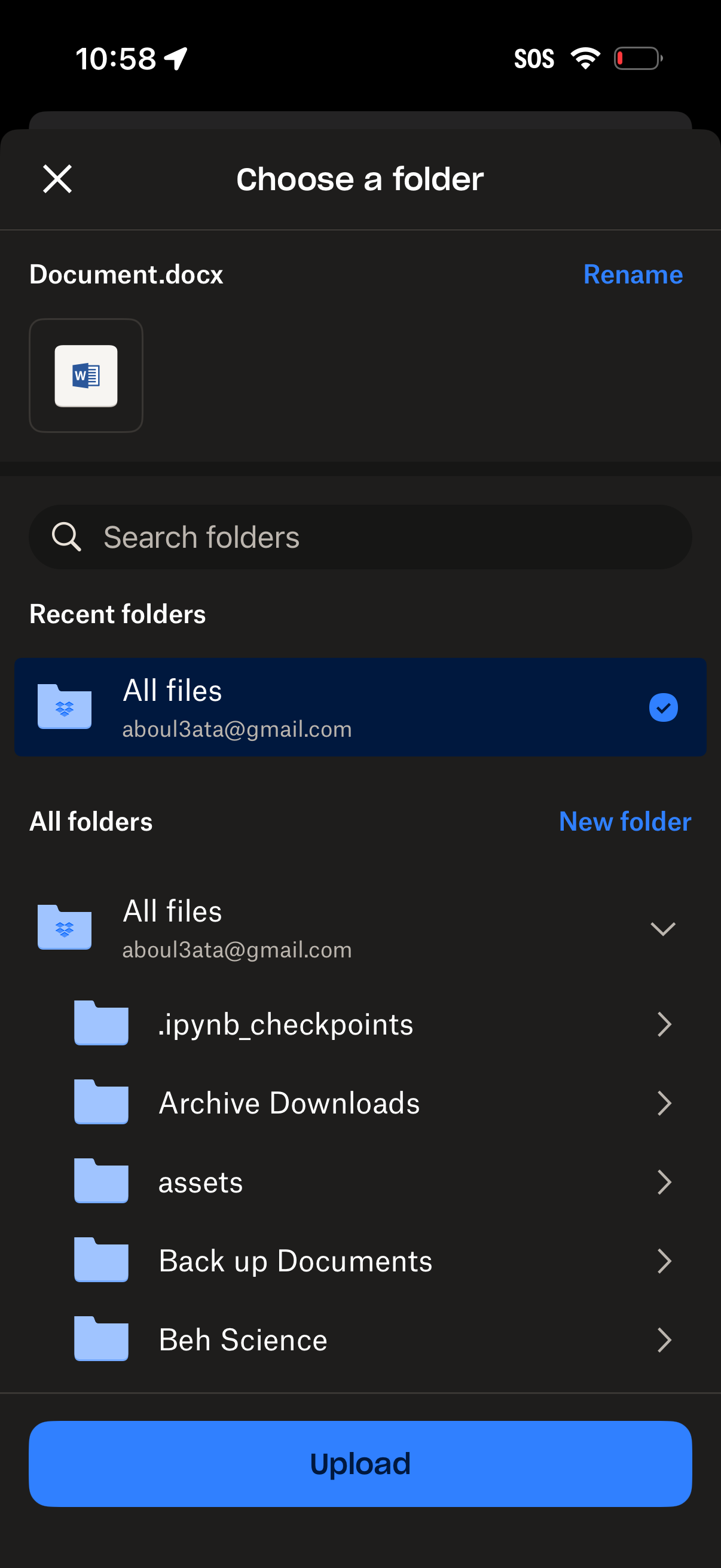
File upload destination picker modal that lets users choose a cloud storage folder for a document, with options to rename the file, search folders, view recent and all folders, create a new folder, and confirm upload.
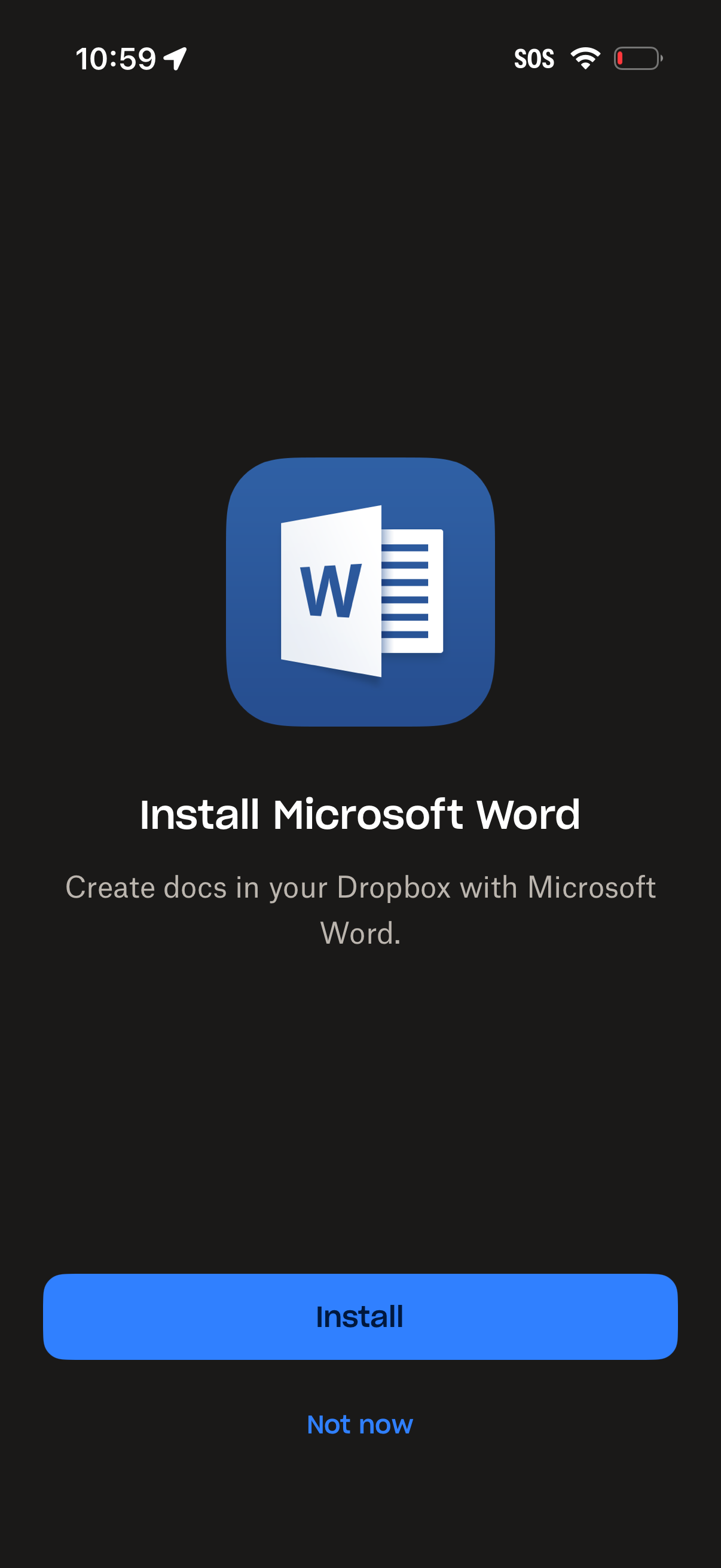
Prompt screen encouraging users to install Microsoft Word to create documents within a cloud storage app integration (e. g.
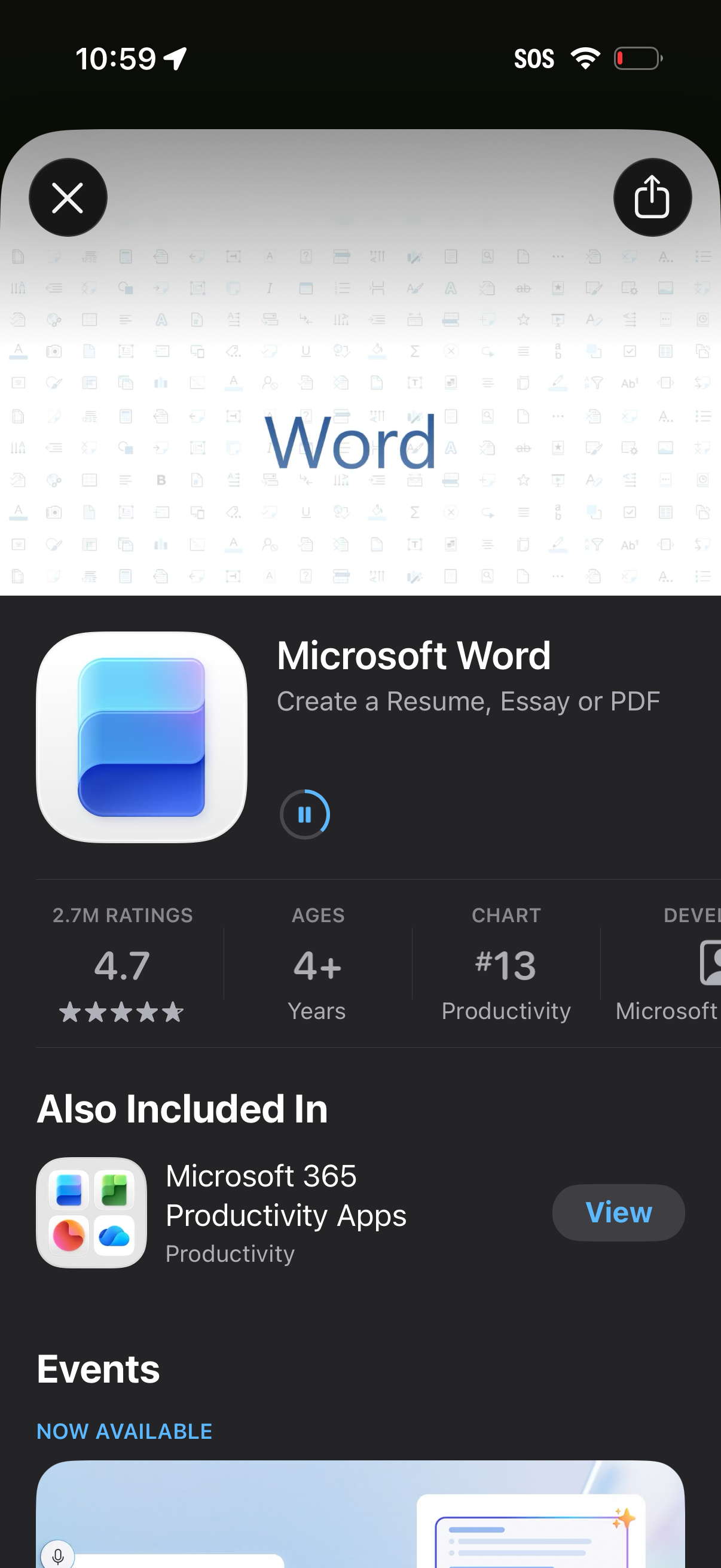
App Store product page for Microsoft Word showing the app icon, name, tagline, ratings, age rating, and category rank, with controls to close the page or share the listing. The screen also highlights the app’s inclusion in the Microsoft 365 bundle and promotes related events/updates.
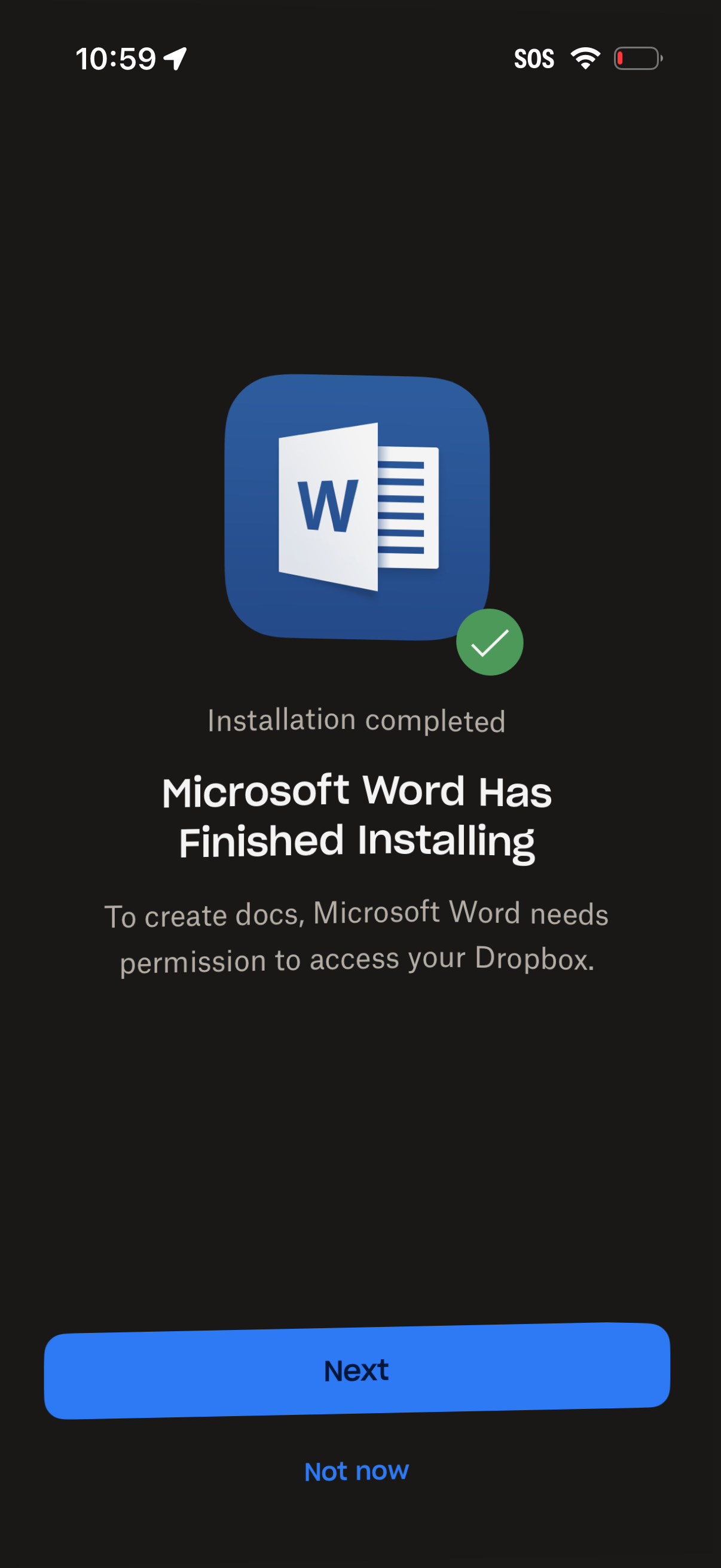
Post-installation confirmation screen indicating Microsoft Word has finished installing and requesting permission to access the user’s Dropbox to create documents. Provides primary “Next” CTA to proceed with cloud storage authorization and a secondary “Not now” option to skip.
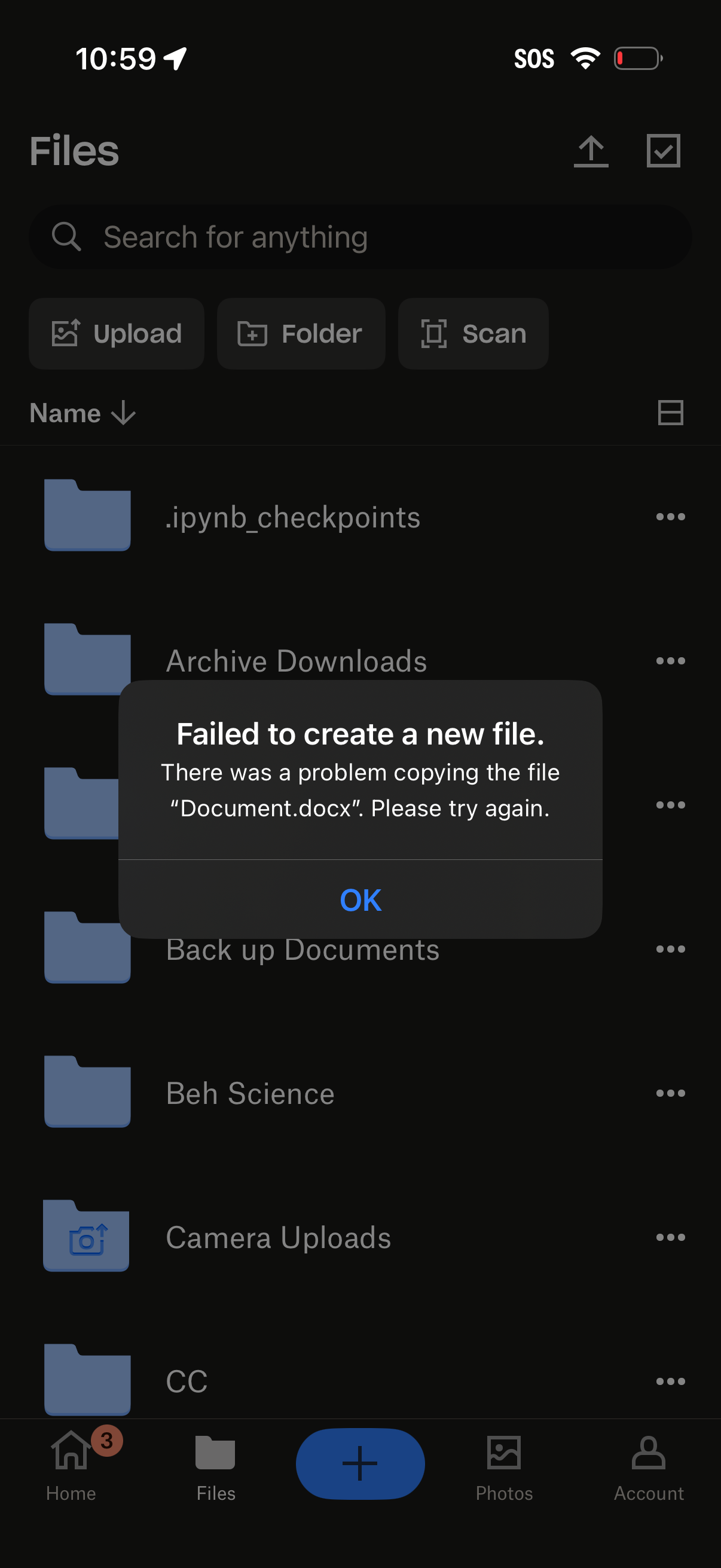
Cloud file manager screen showing a searchable list of folders with quick actions to upload, create a new folder, or scan documents. An error alert modal appears stating “Failed to create a new file” due to a problem copying a document, with an OK button to dismiss.