manage linked devices
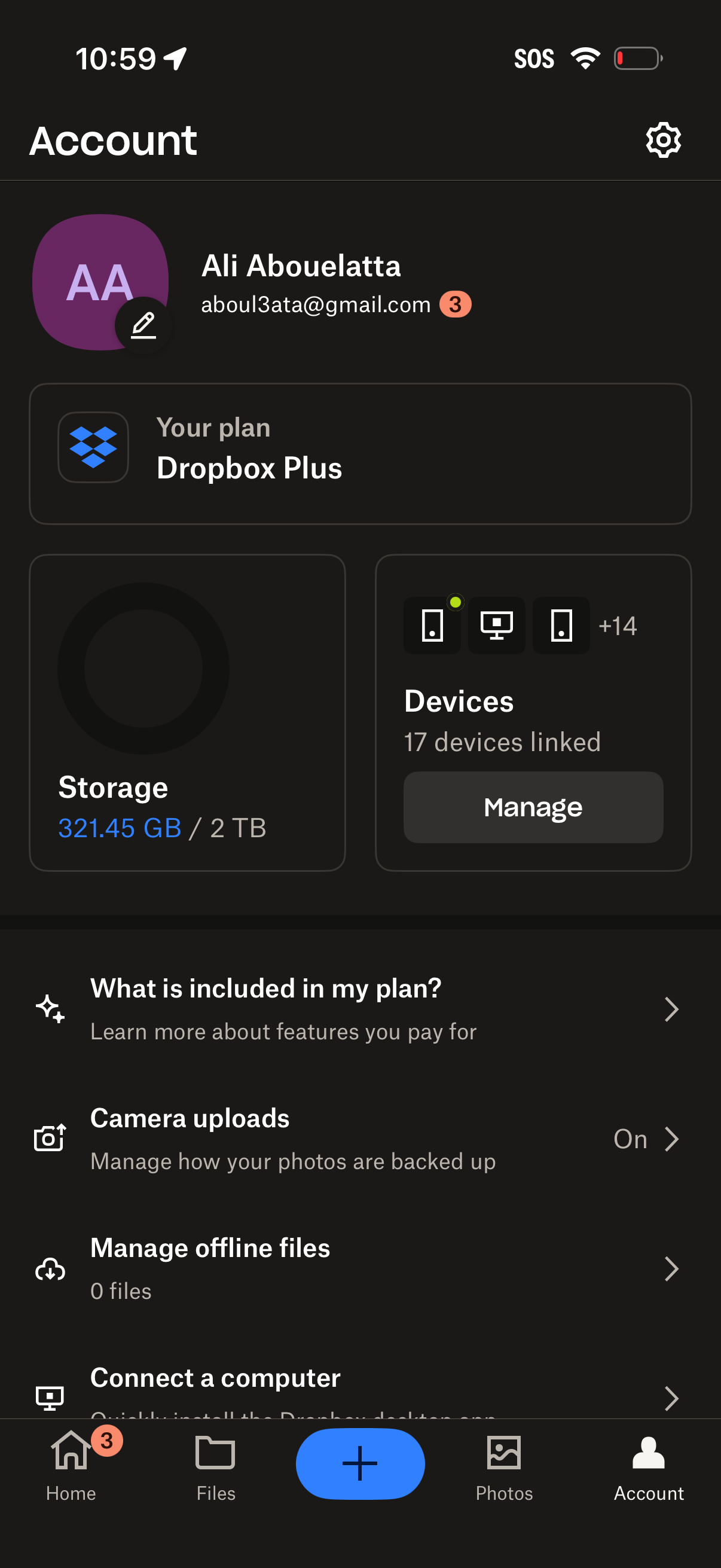
Account settings dashboard for a cloud storage app showing the user profile, subscription plan details, and storage usage, with quick access to linked devices management. Provides entry points to plan features, camera uploads settings, offline files management, and connecting a computer, plus a gear icon for additional settings.
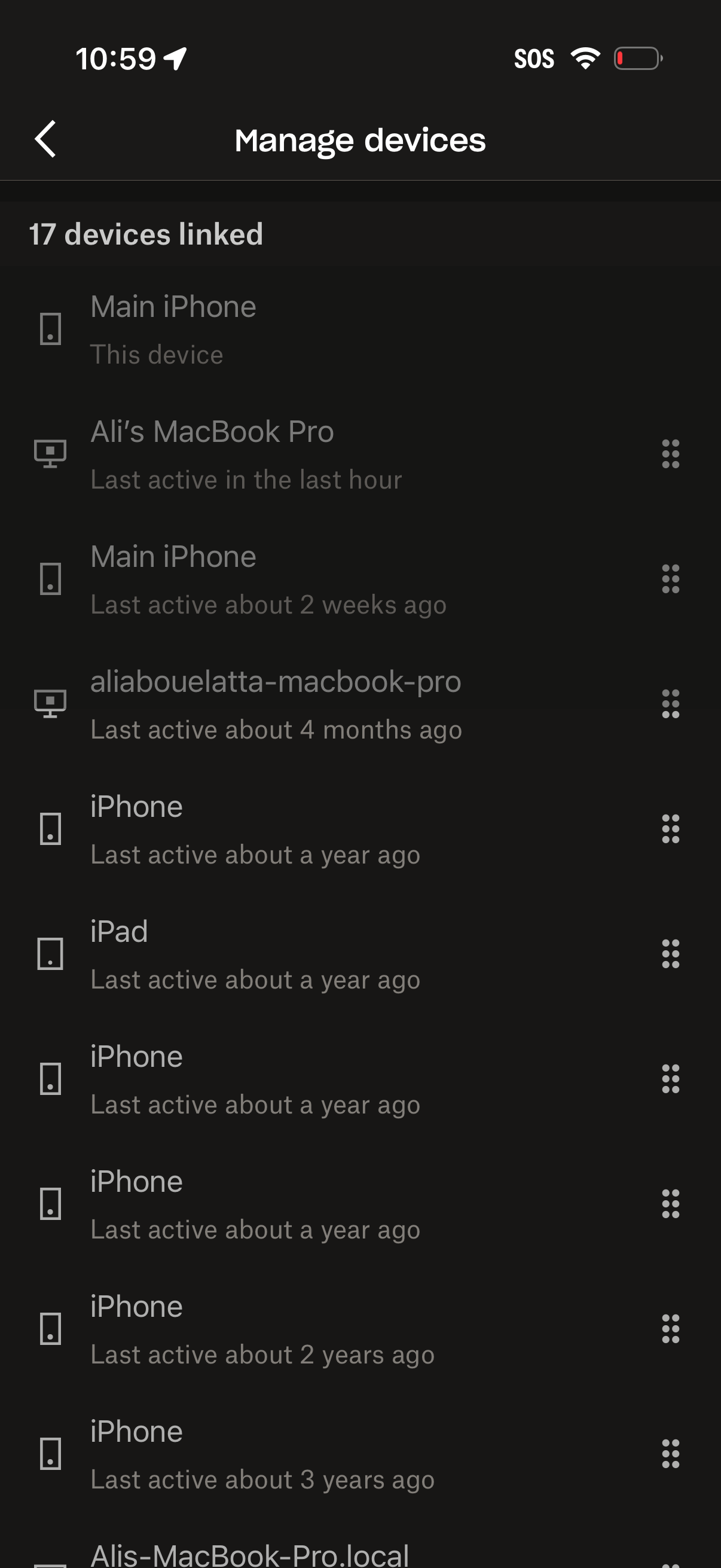
Manage devices settings screen showing a list of linked devices (phones, tablets, laptops) with device name, type icon, and last active status, highlighting the current device. Each device row includes an overflow menu to manage or remove the device, with a back button for navigation.
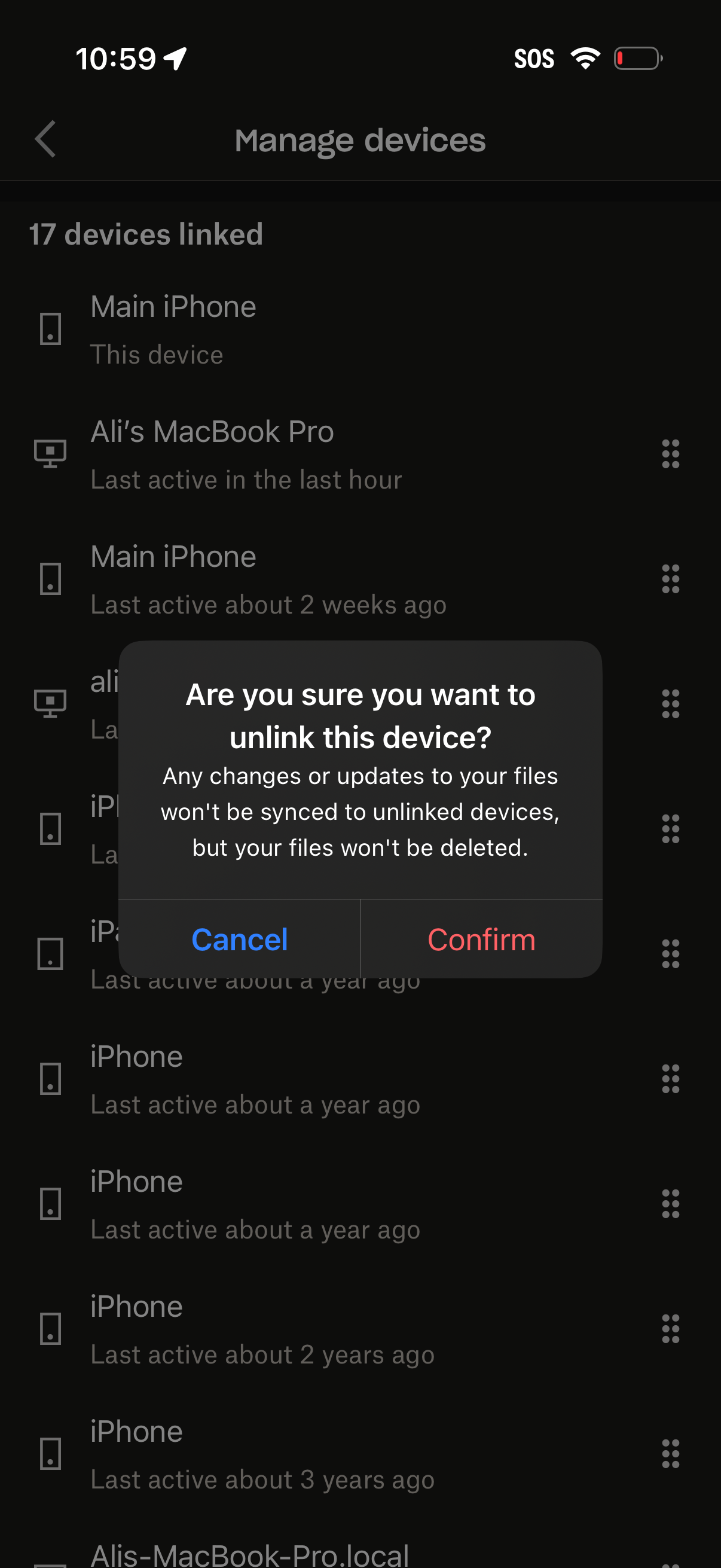
Device management screen showing a list of linked devices with device type icons and last active timestamps, allowing users to manage and unlink devices. A confirmation modal warns that syncing will stop for the unlinked device and offers Cancel or Confirm actions.