Start Watching Button
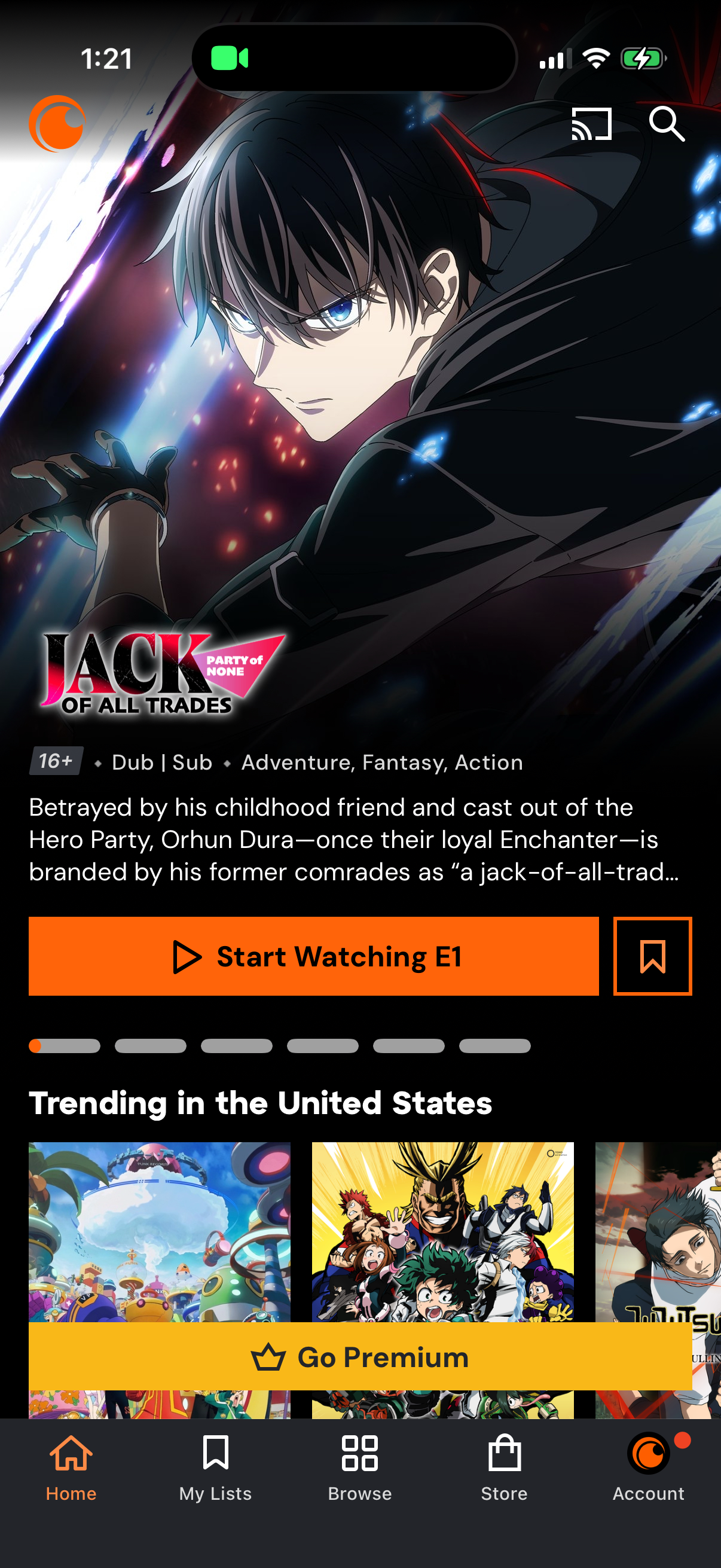
Anime streaming app home screen featuring a highlighted series detail panel with age rating, dub/sub tags, genre, synopsis, and primary CTA to start watching the first episode plus a save/bookmark action. Below are trending title carousels and a prominent “Go Premium” upsell banner, with bottom navigation for Home, My Lists, Browse, Store, and Account and top icons for casting and search.
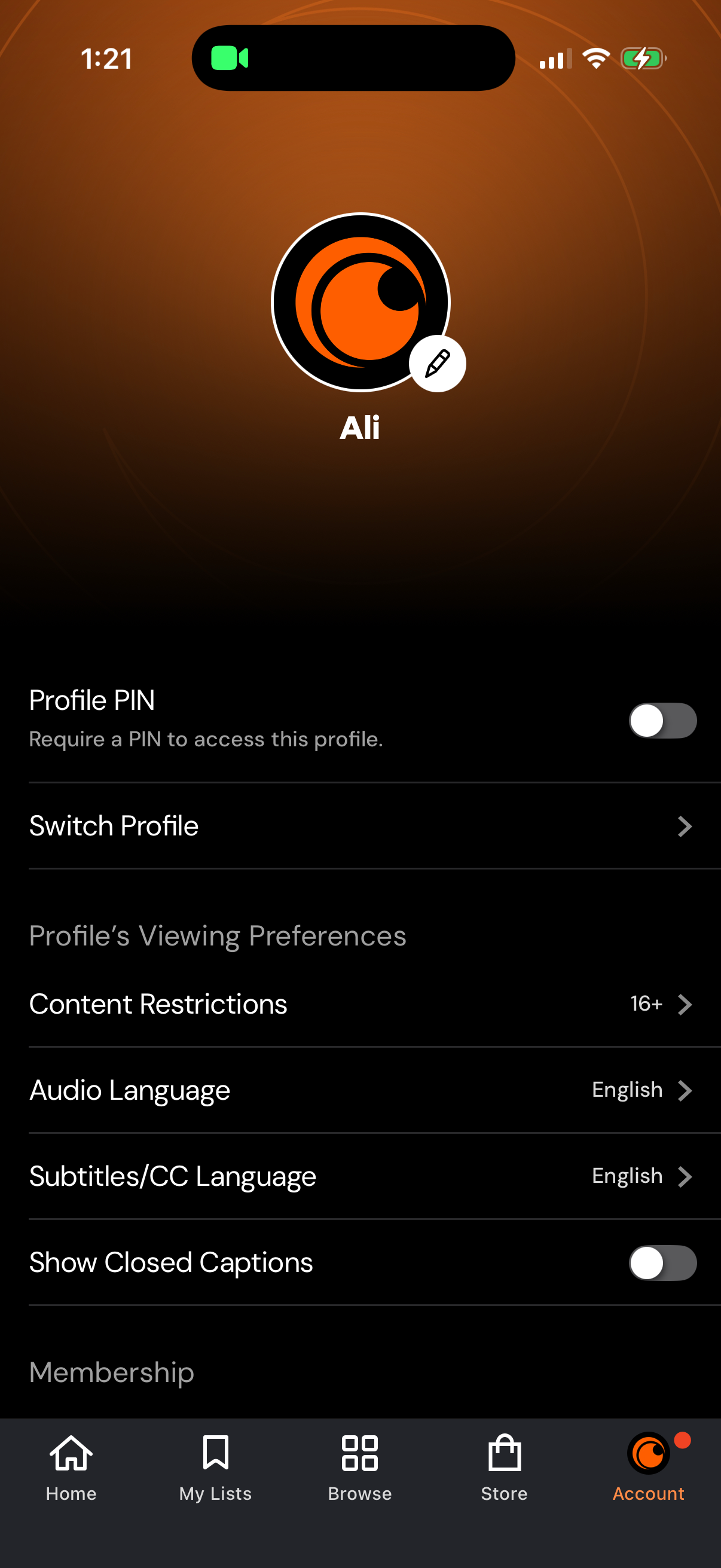
Account profile settings screen for a streaming app where users can manage a specific profile, including toggling a Profile PIN, switching profiles, setting content restrictions/age rating, choosing audio and subtitles languages, and enabling closed captions. The page centers on the profile avatar/name and uses list rows with chevrons plus on/off switches for key preferences.
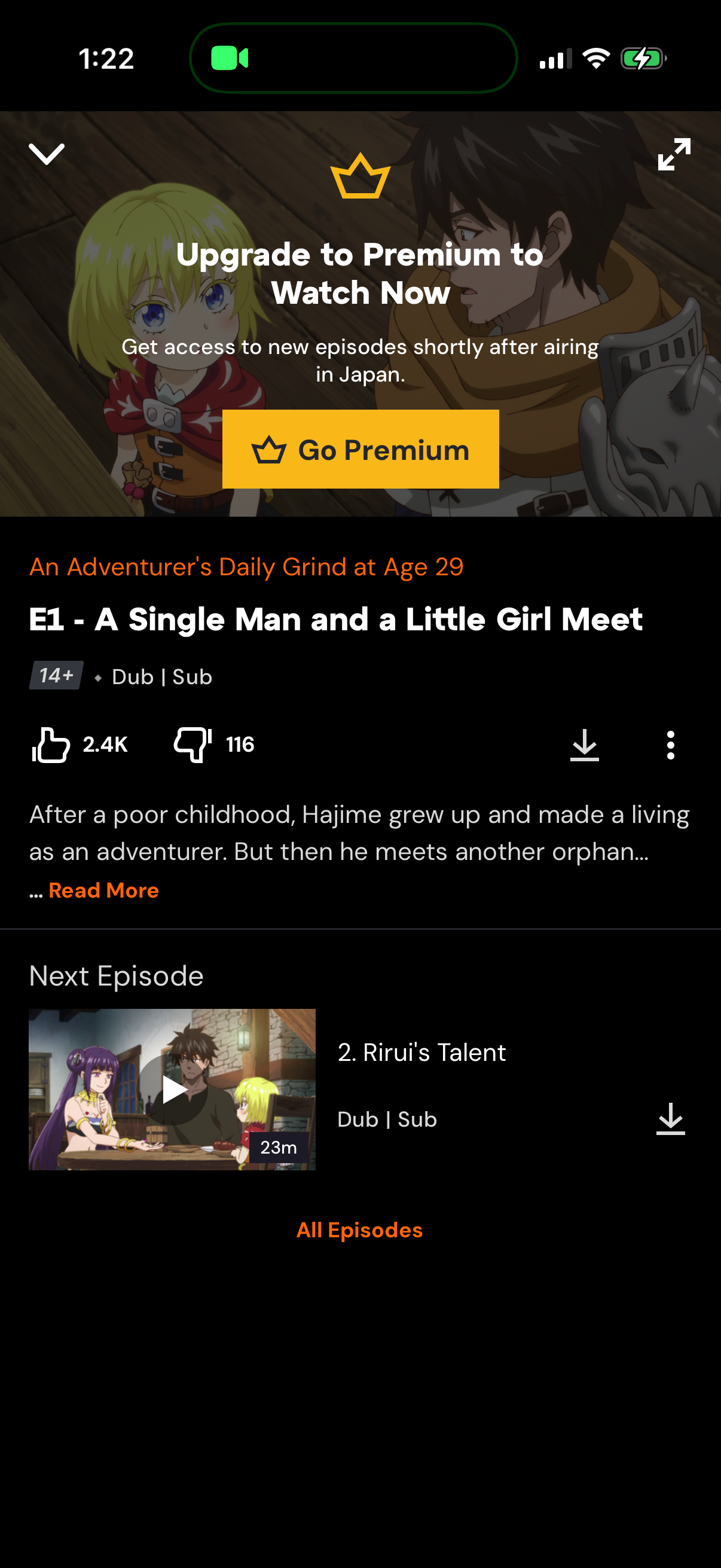
Anime episode detail and playback page with a premium upsell overlay prompting users to “Go Premium” to watch, plus episode title, age rating, dub/sub options, like/dislike counts, and a short synopsis with “Read more. ” The screen also shows next-episode preview with thumbnail, duration, download action, and an “All Episodes” link for browsing the series.