Series Filter Tab
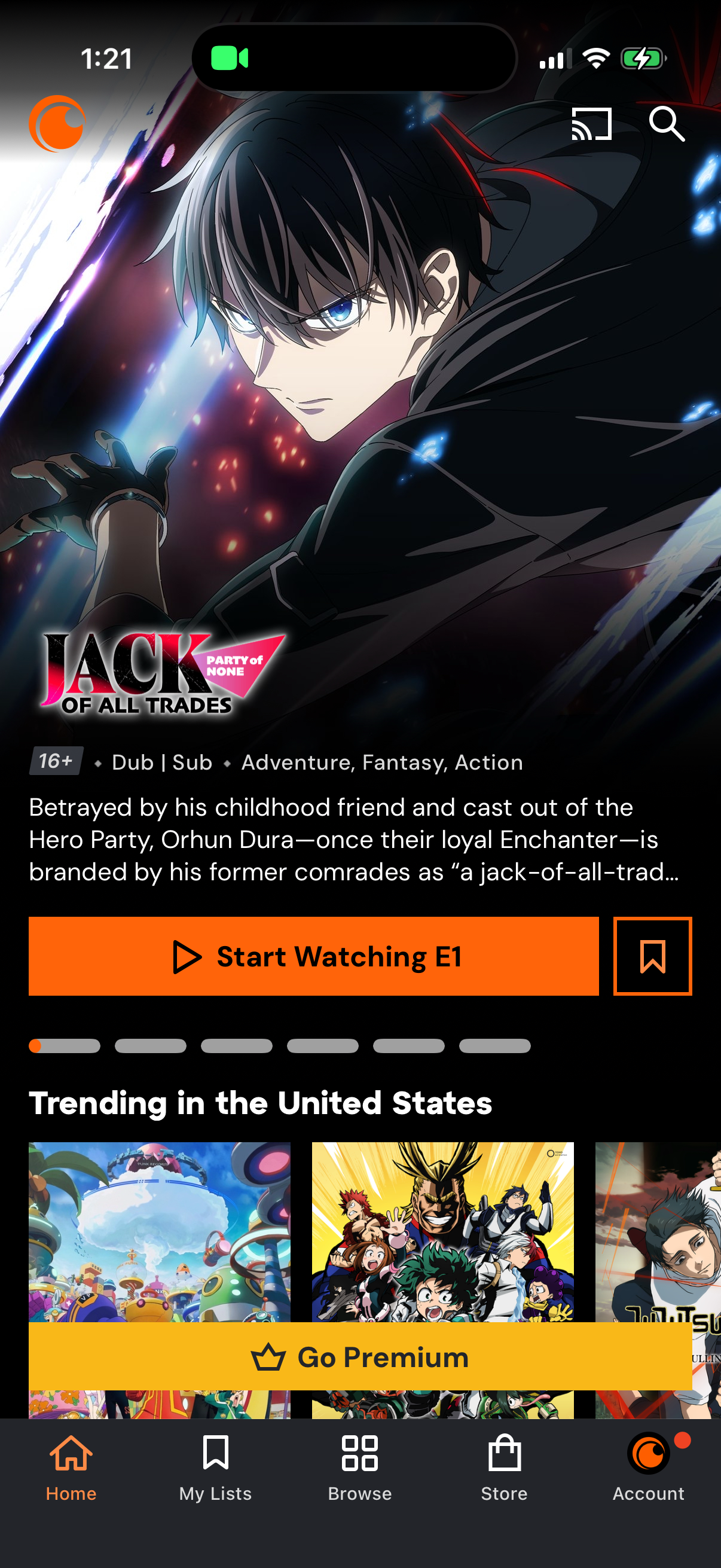
Anime streaming app home screen featuring a highlighted series detail panel with age rating, dub/sub tags, genre, synopsis, and primary CTA to start watching the first episode plus a save/bookmark action. Below are trending title carousels and a prominent “Go Premium” upsell banner, with bottom navigation for Home, My Lists, Browse, Store, and Account and top icons for casting and search.
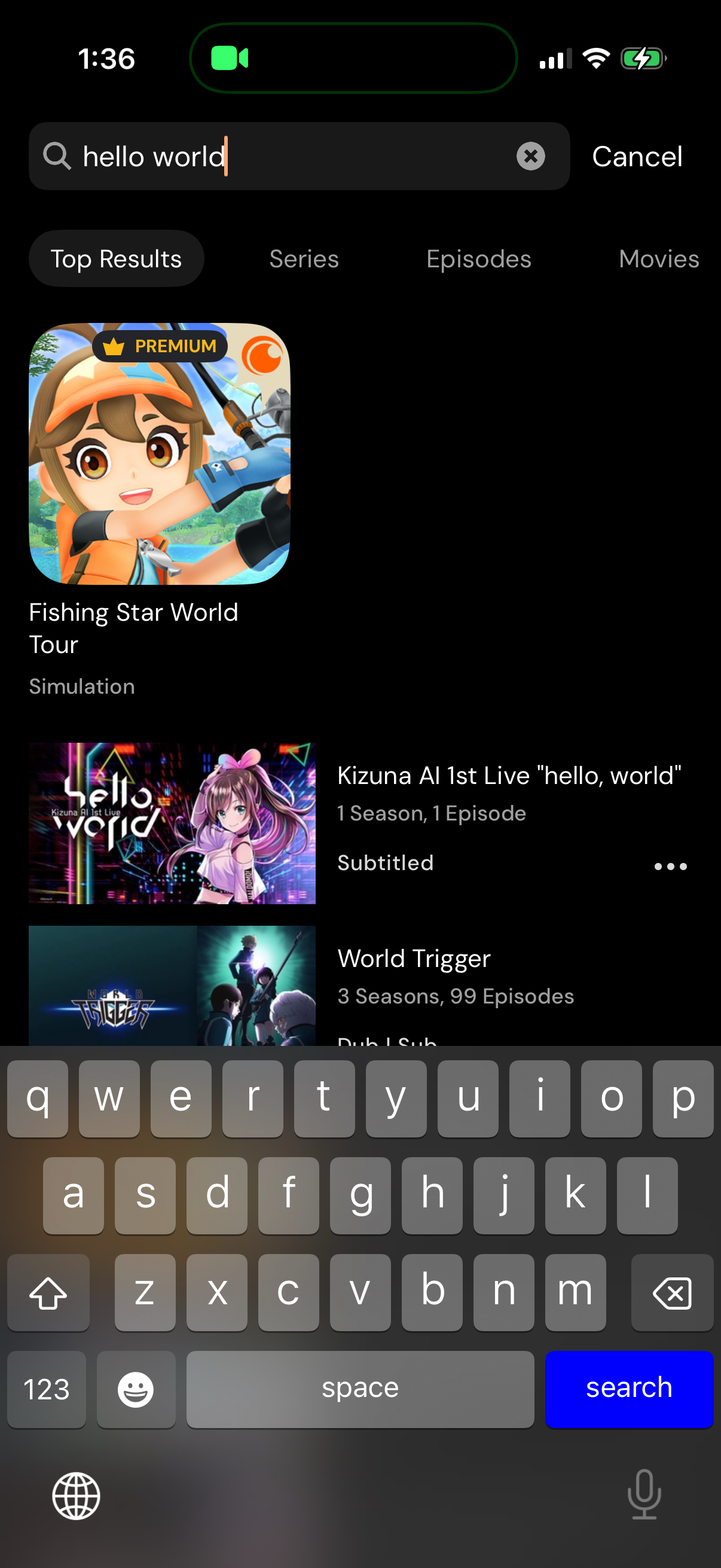
Media search results screen with a search bar and cancel action, showing category tabs to filter results (Top Results, Series, Episodes, Movies). Displays a list of matching content cards with thumbnails and metadata like title, seasons/episodes, subtitles, and an overflow menu for item actions.

Streaming app search results screen with a search bar and cancel button, showing category tabs (Top Results, Series, Episodes, Movies) with the Series filter selected. Displays a scrollable list of matching series with poster thumbnails, title, seasons/episodes count, language/subtitle info, and a three-dot overflow menu for more actions on each result.