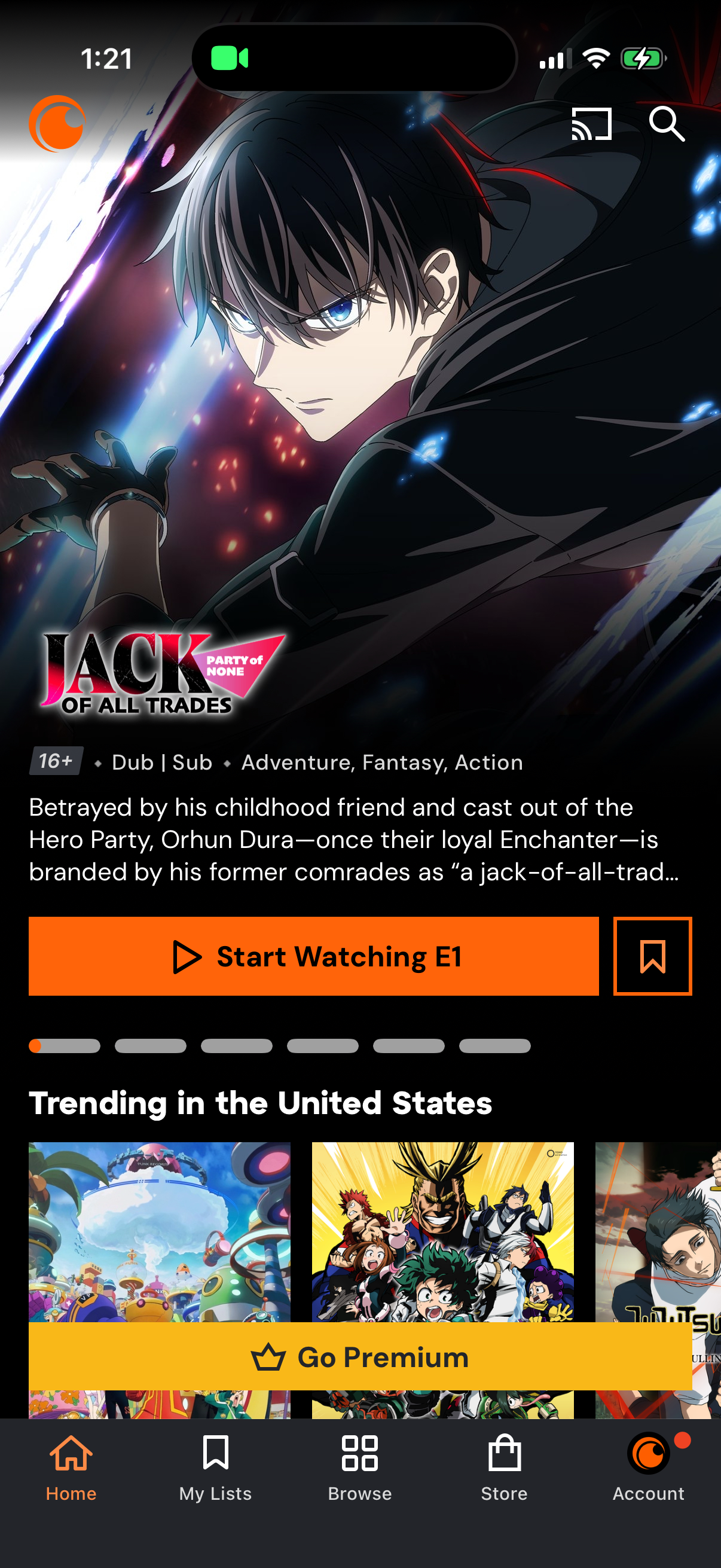
Anime streaming app home screen featuring a highlighted series detail panel with age rating, dub/sub tags, genre, synopsis, and primary CTA to start watching the first episode plus a save/bookmark action. Below are trending title carousels and a prominent “Go Premium” upsell banner, with bottom navigation for Home, My Lists, Browse, Store, and Account and top icons for casting and search.

Anime streaming app Browse screen showing a grid of popular titles with poster art and dub/sub labels, with tabs to switch between All Anime, Simulcasts, Genres, and Music. Includes search and cast icons plus sort/filter controls, and a bottom navigation bar for Home, My Lists, Browse, Store, and Account.

Video streaming app search screen with a query field (“What would you like to watch? ”) and a Recent Searches list.