Anime Genres Tab
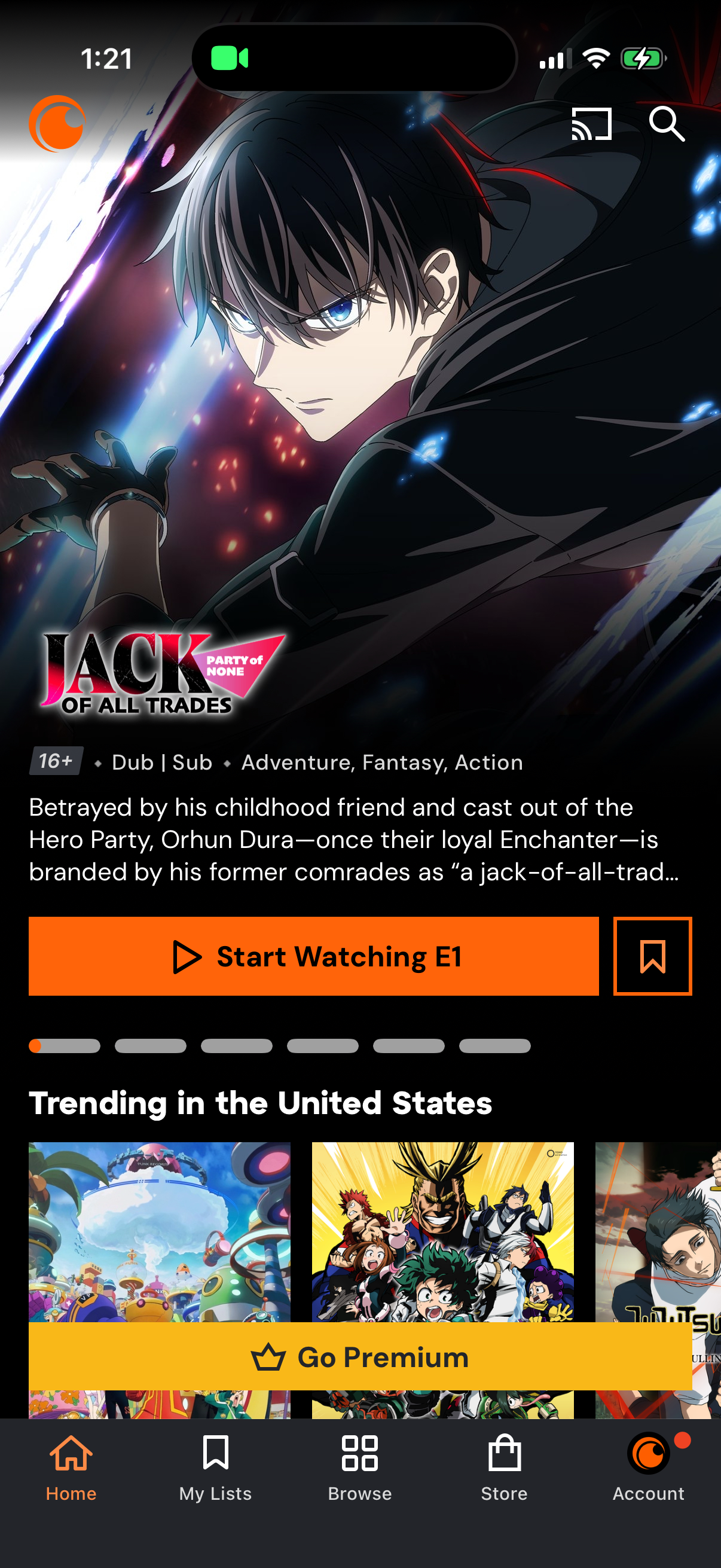
Anime streaming app home screen featuring a highlighted series detail panel with age rating, dub/sub tags, genre, synopsis, and primary CTA to start watching the first episode plus a save/bookmark action. Below are trending title carousels and a prominent “Go Premium” upsell banner, with bottom navigation for Home, My Lists, Browse, Store, and Account and top icons for casting and search.

Anime streaming app Browse screen showing a grid of popular titles with poster art and dub/sub labels, with tabs to switch between All Anime, Simulcasts, Genres, and Music. Includes search and cast icons plus sort/filter controls, and a bottom navigation bar for Home, My Lists, Browse, Store, and Account.

Browse screen in an anime streaming app showing an “Anime Genres” tab with a grid of genre tiles (Action, Adventure, Comedy, Drama, Fantasy, Music, Romance, Sci‑Fi, Seinen, Shojo, Shonen, Slice of Life) to filter content. Top includes cast and search icons plus category tabs (All Anime, Simulcasts, Anime Genres, Music), with bottom navigation for Home, My Lists, Browse, Store, and Account.