set step timer
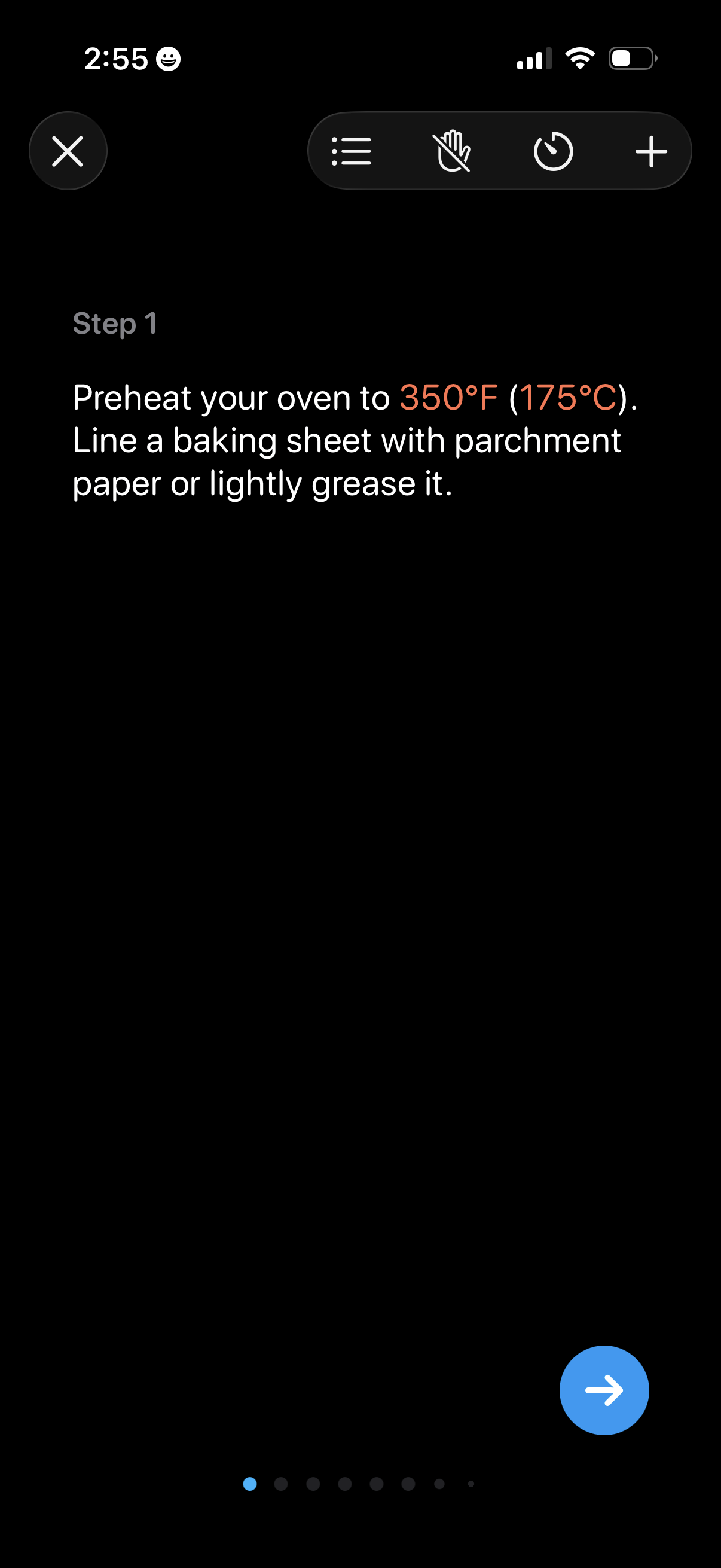
Cooking recipe step-by-step instruction screen showing “Step 1” with detailed prep text and highlighted temperature, plus controls to close, view steps list, start/stop voice or hands-free mode, set a timer, and add items. A pagination indicator and next-step arrow button let users advance through the recipe steps.
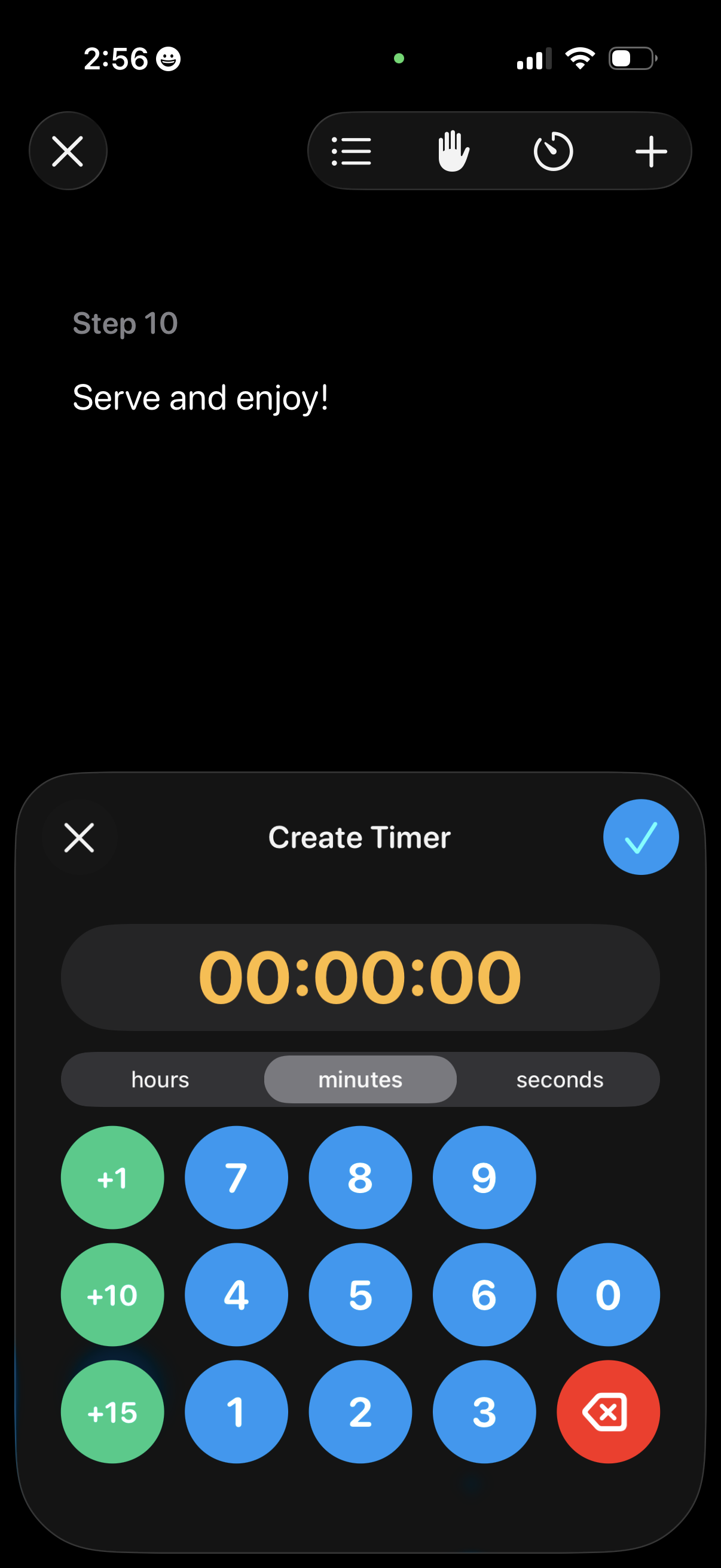
Recipe step view showing the current instruction (“Serve and enjoy! ”) with a bottom-sheet modal to create a cooking timer.
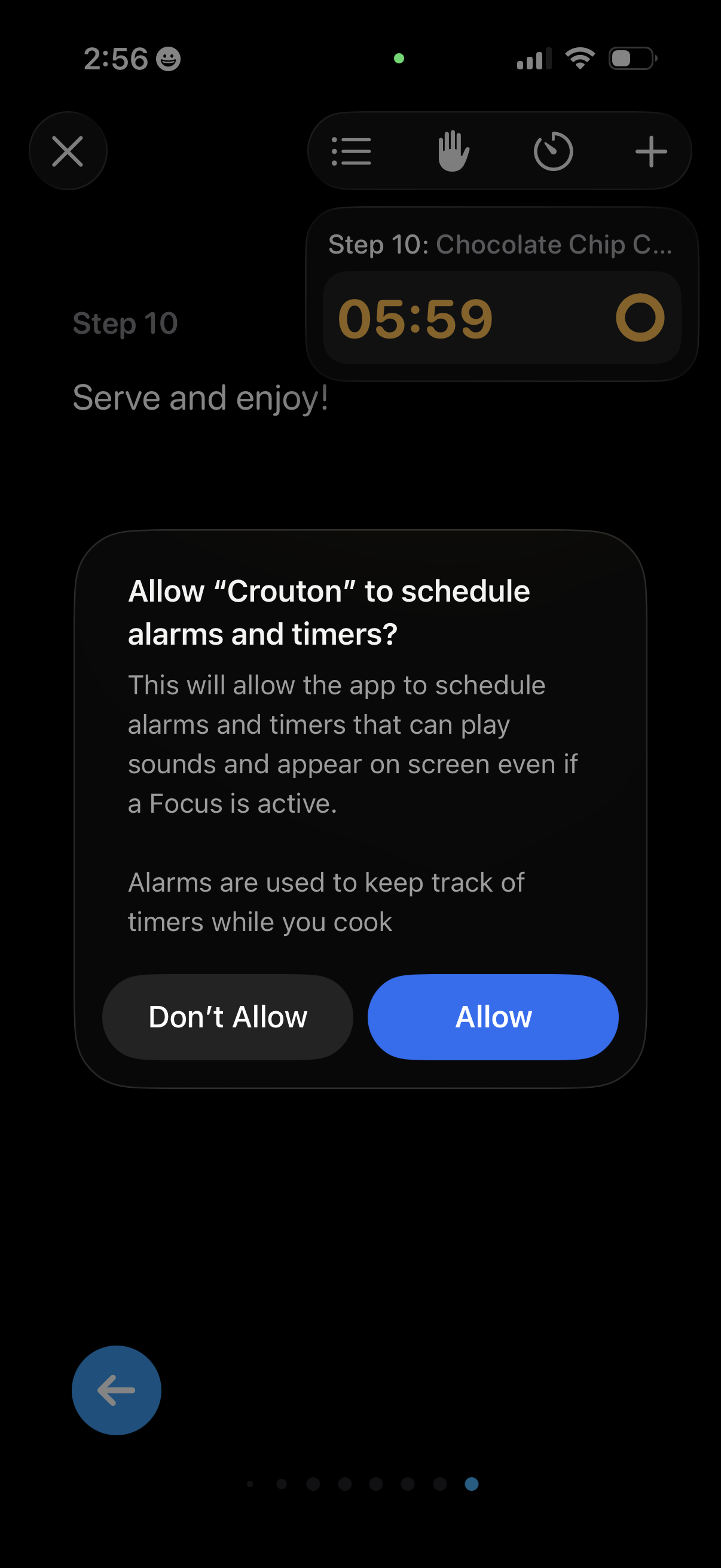
iOS permission prompt asking to allow a cooking app to schedule alarms and timers so countdowns can play sounds and appear on screen even during Focus mode. Modal dialog offers primary actions to Allow or Don’t Allow while a recipe step screen with an active timer runs in the background.
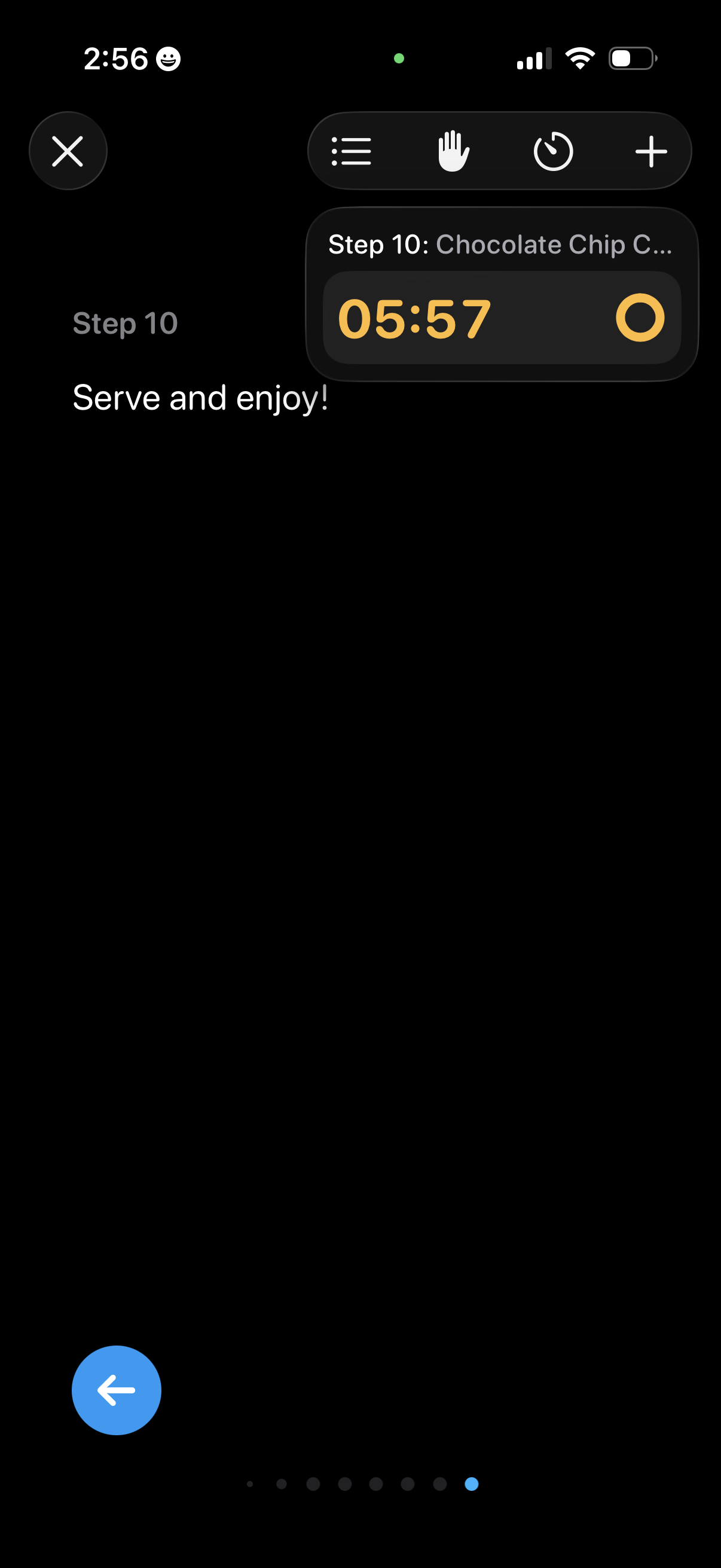
Cooking recipe step view showing the current instruction (Step 10: “Serve and enjoy! ”) with a compact floating countdown timer for the step.