add meal plan item
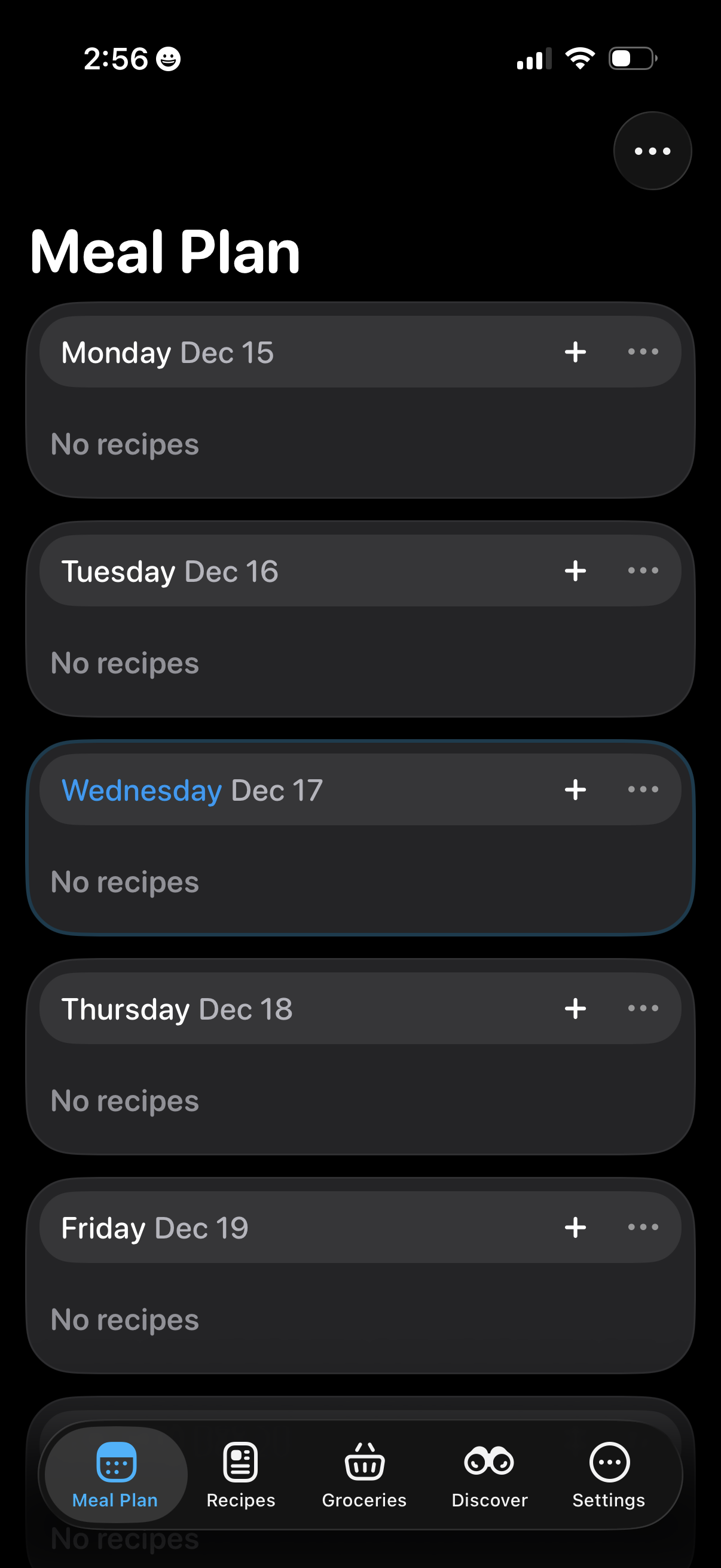
Meal planning screen showing a weekly list of days and dates, each section indicating whether recipes are assigned and offering a plus button to add a recipe plus an overflow menu for more options. Bottom tab navigation lets users switch between Meal Plan, Recipes, Groceries, Discover, and Settings.
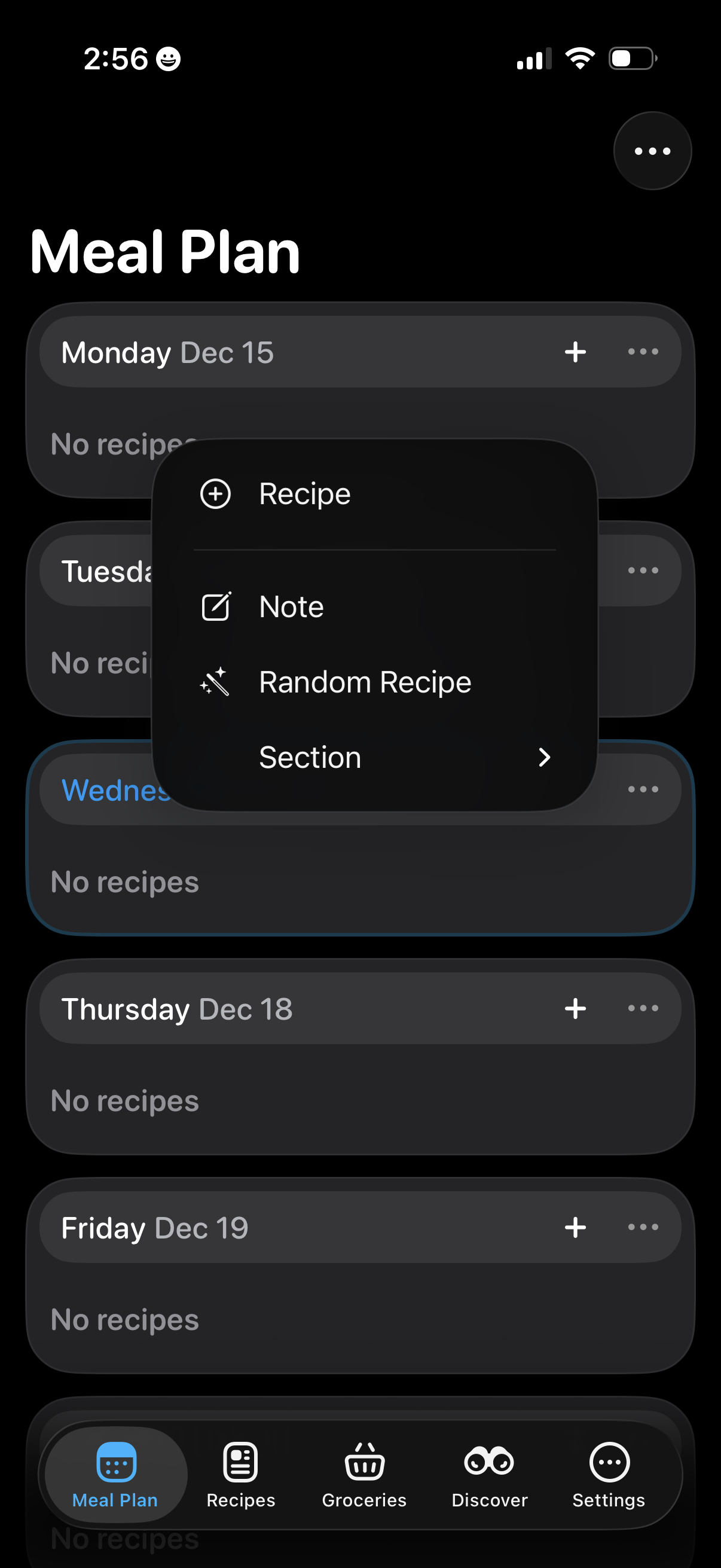
Weekly meal planning screen showing a list of days with empty meal slots and per-day actions, with a contextual add menu to insert a recipe, add a note, pick a random recipe, or choose a section. Bottom tab navigation lets users switch between Meal Plan, Recipes, Groceries, Discover, and Settings.
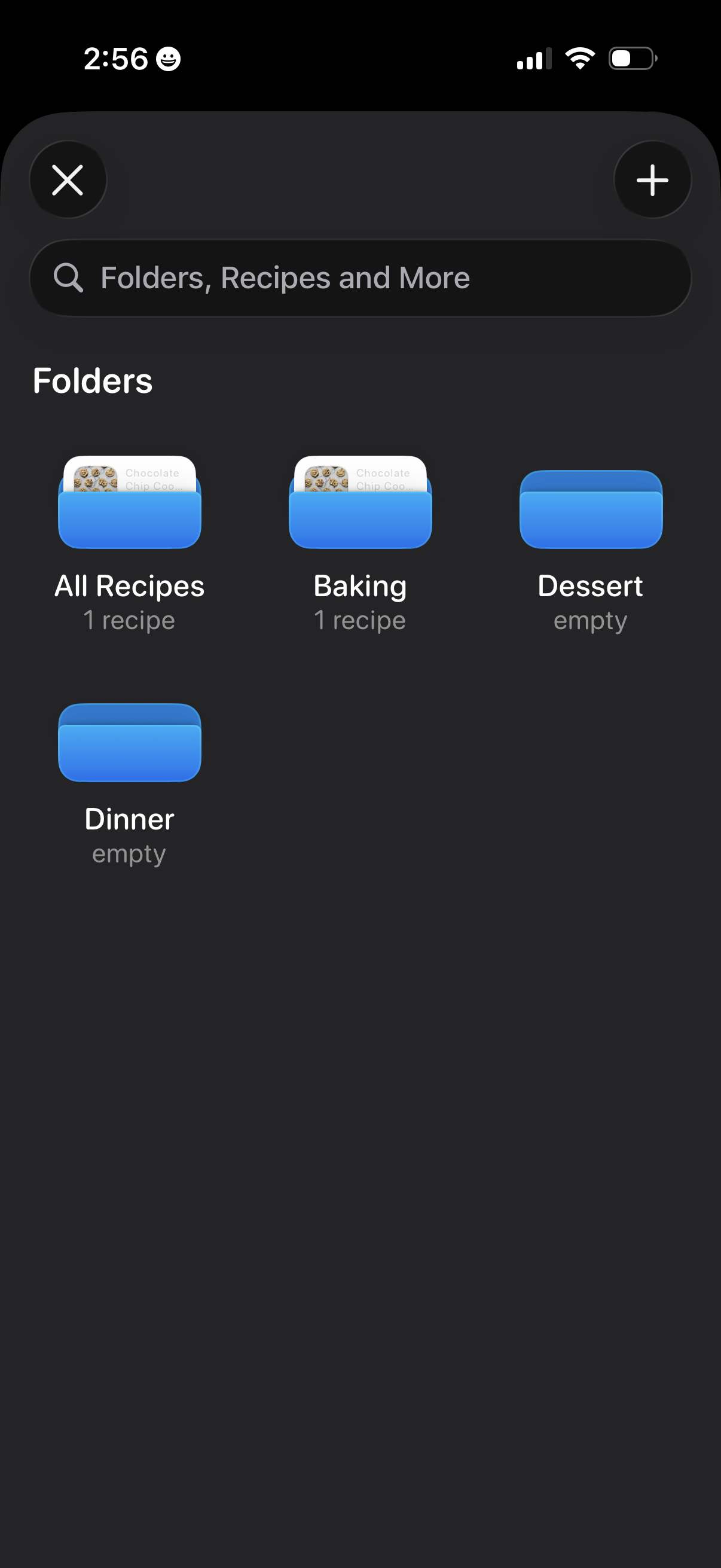
Recipe organizer folders screen showing a searchable grid of recipe categories (e. g.
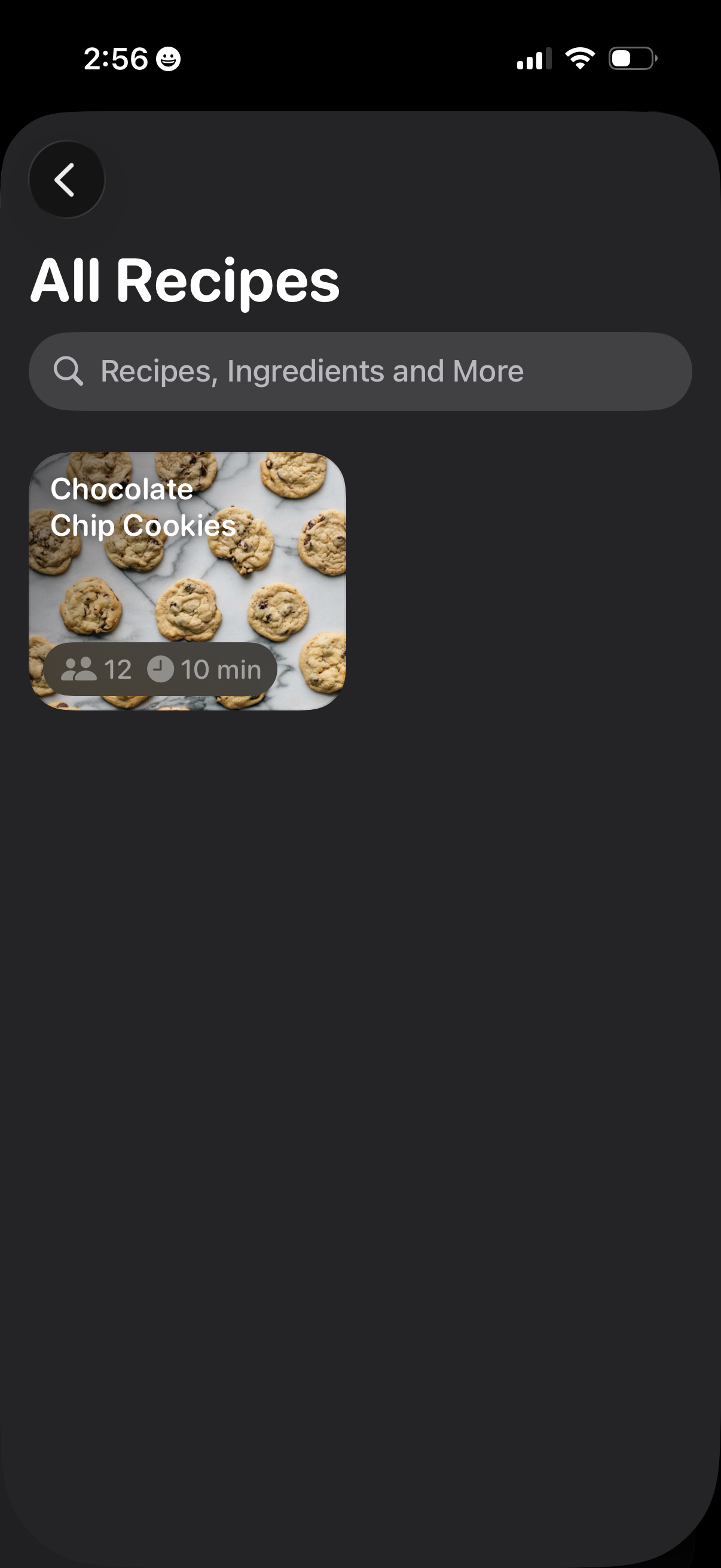
Recipe browsing screen showing an “All Recipes” list with a search bar to find recipes, ingredients, and more. Displays recipe cards with photo, title, serving size, and estimated cook time, with back navigation to return to the previous page.