manage general settings
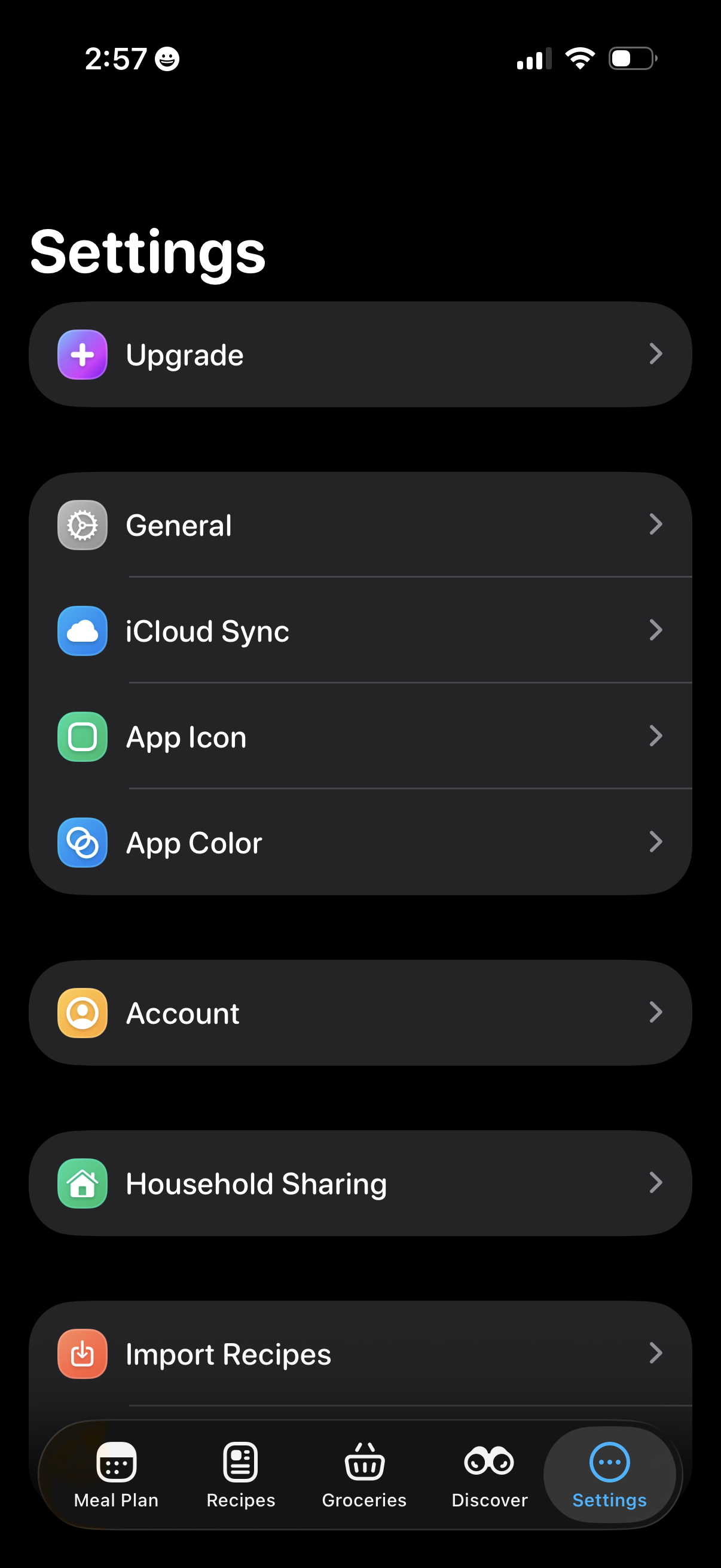
Settings screen in a meal planning/recipe app showing options to Upgrade, manage General preferences, enable iCloud sync, customize app icon and app color, view Account settings, set up household sharing, and import recipes, with a bottom tab bar for Meal Plan, Recipes, Groceries, Discover, and Settings.
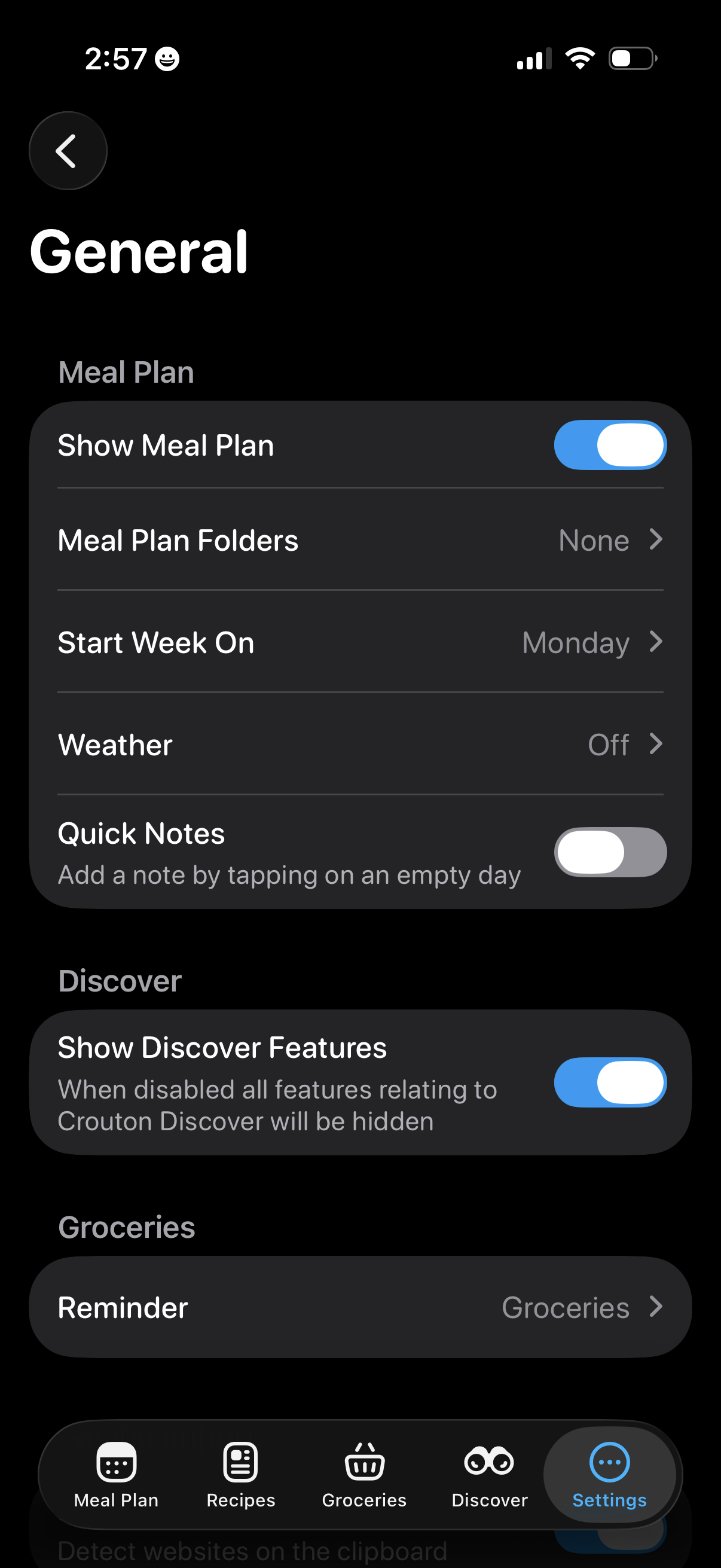
General settings screen for a meal planning app with toggles and options to show the meal plan, configure meal plan folders, choose the week start day, enable weather, and turn on quick notes for empty days. Also includes a switch to show/hide Discover features and a groceries reminder setting, with bottom tab navigation for Meal Plan, Recipes, Groceries, Discover, and Settings.
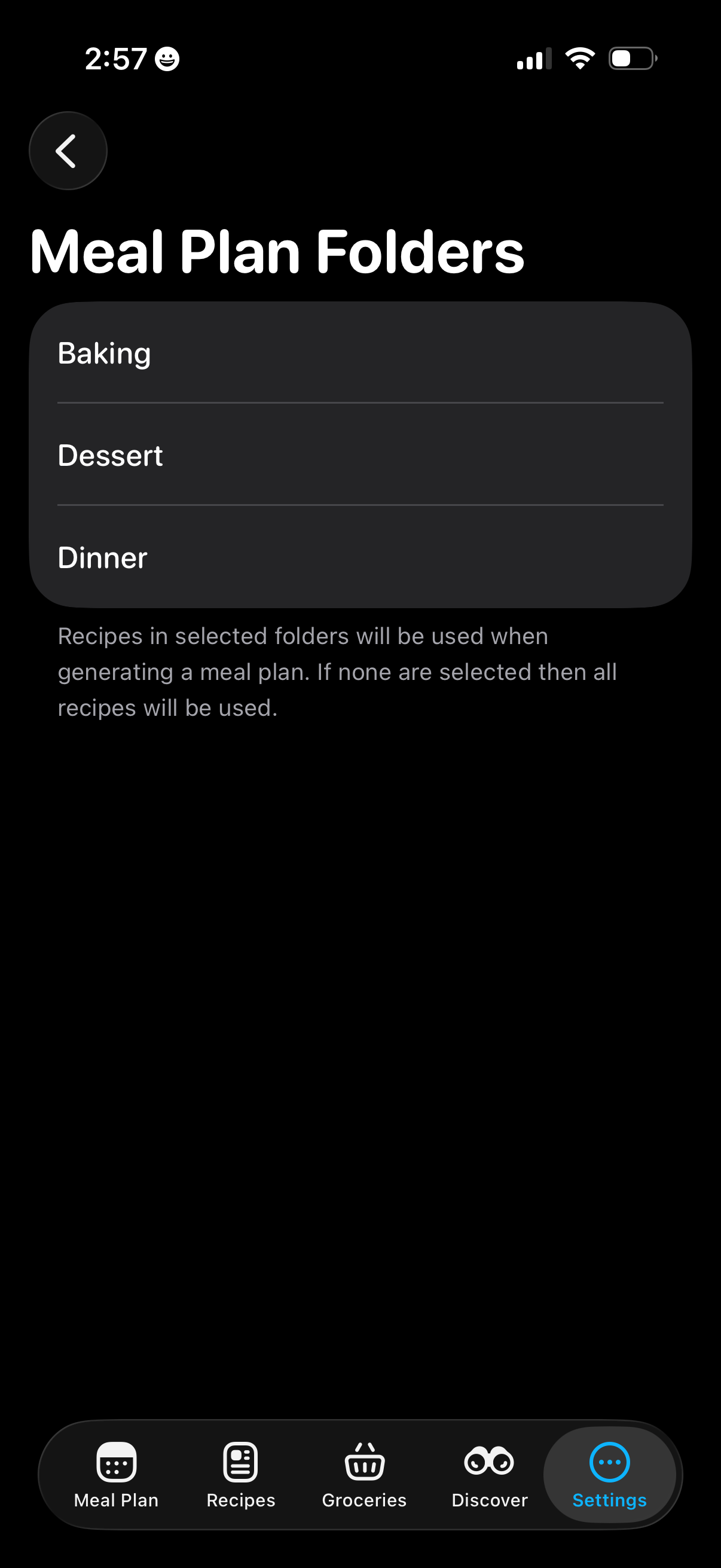
Settings screen for a meal-planning app that lets users choose which recipe folders to include when generating a meal plan, showing a selectable list of folders like Baking, Dessert, and Dinner with guidance that selecting none uses all recipes. Includes back navigation and a bottom tab bar for Meal Plan, Recipes, Groceries, Discover, and Settings.
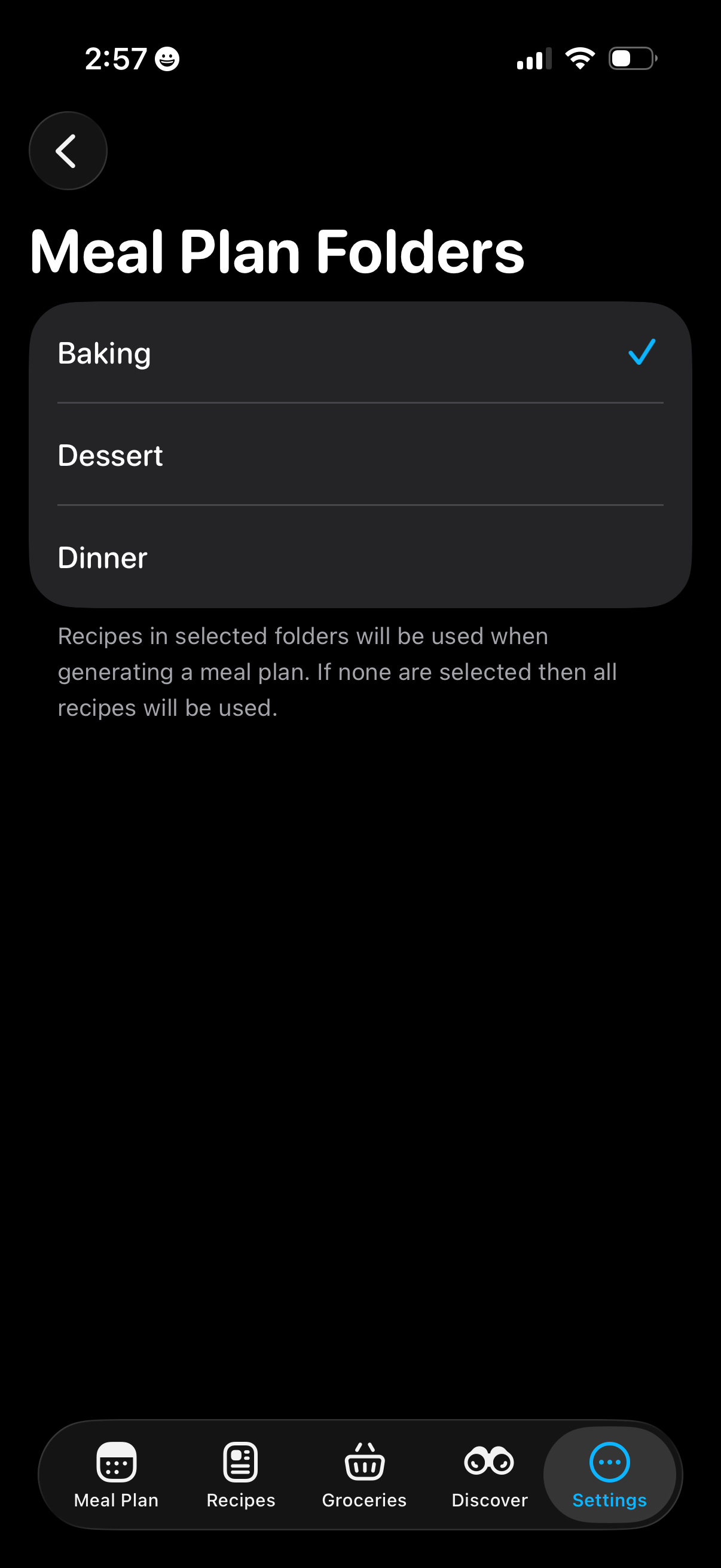
Settings screen for meal planning that lets users choose which recipe folders/categories to include when generating a meal plan, showing a selectable list with checkmarks and an explanation that if none are selected all recipes will be used. Includes back navigation and a bottom tab bar for Meal Plan, Recipes, Groceries, Discover, and Settings.
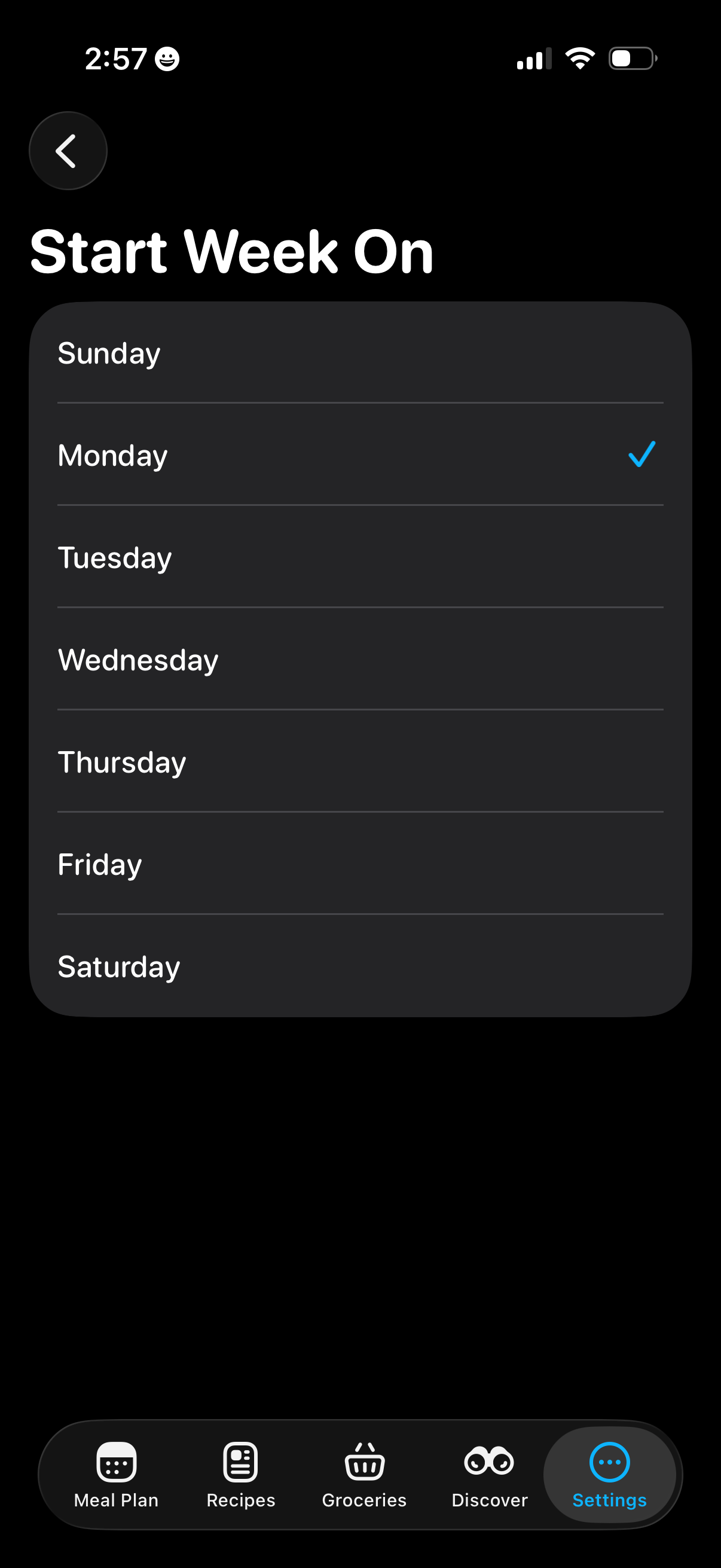
Settings screen for a meal planning app that lets users choose which day the week starts on, showing a single-select list of Sunday through Saturday with a checkmark for the current selection and a back navigation button.
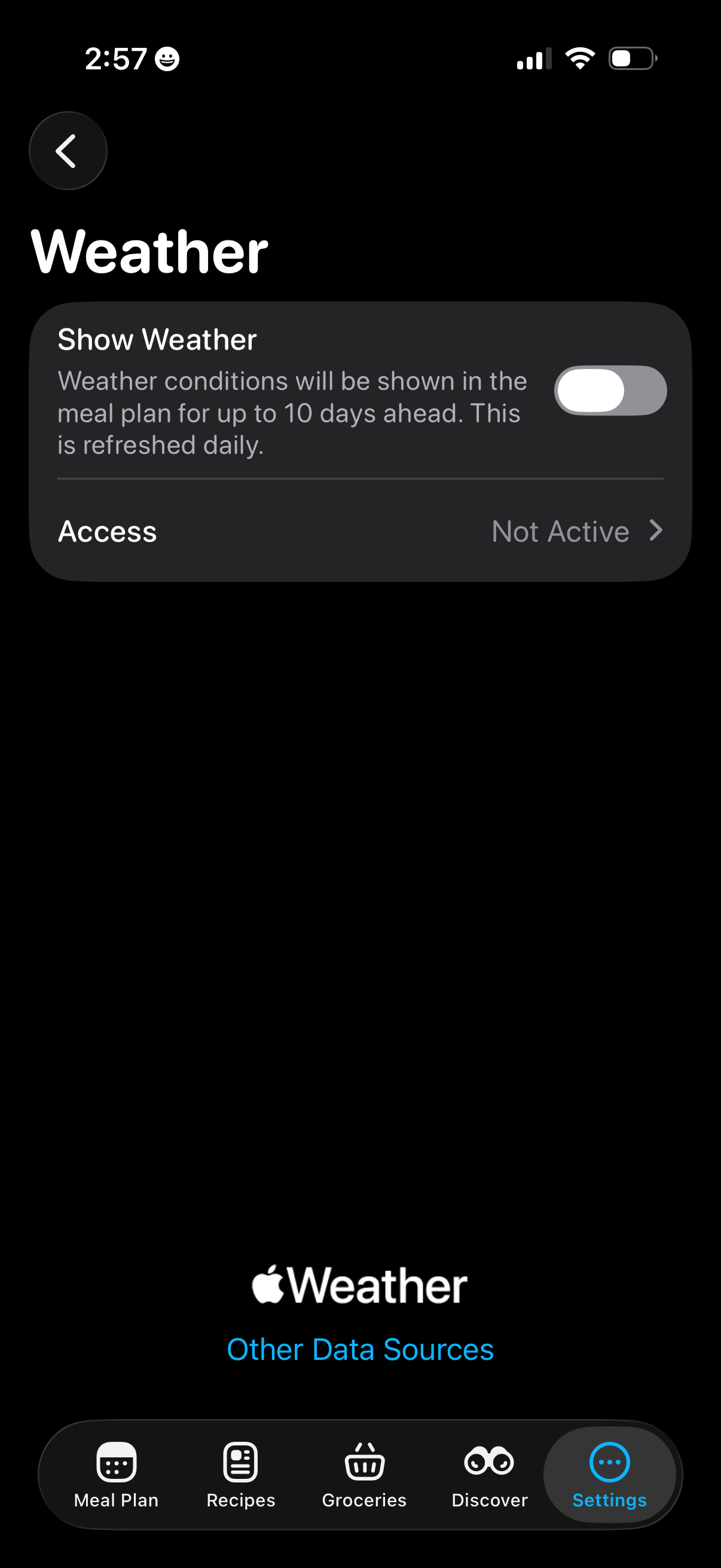
Weather settings screen that lets users toggle “Show Weather” to display daily weather conditions in a meal plan up to 10 days ahead, with an Access row showing permission/status (e. g.