follow cooking steps
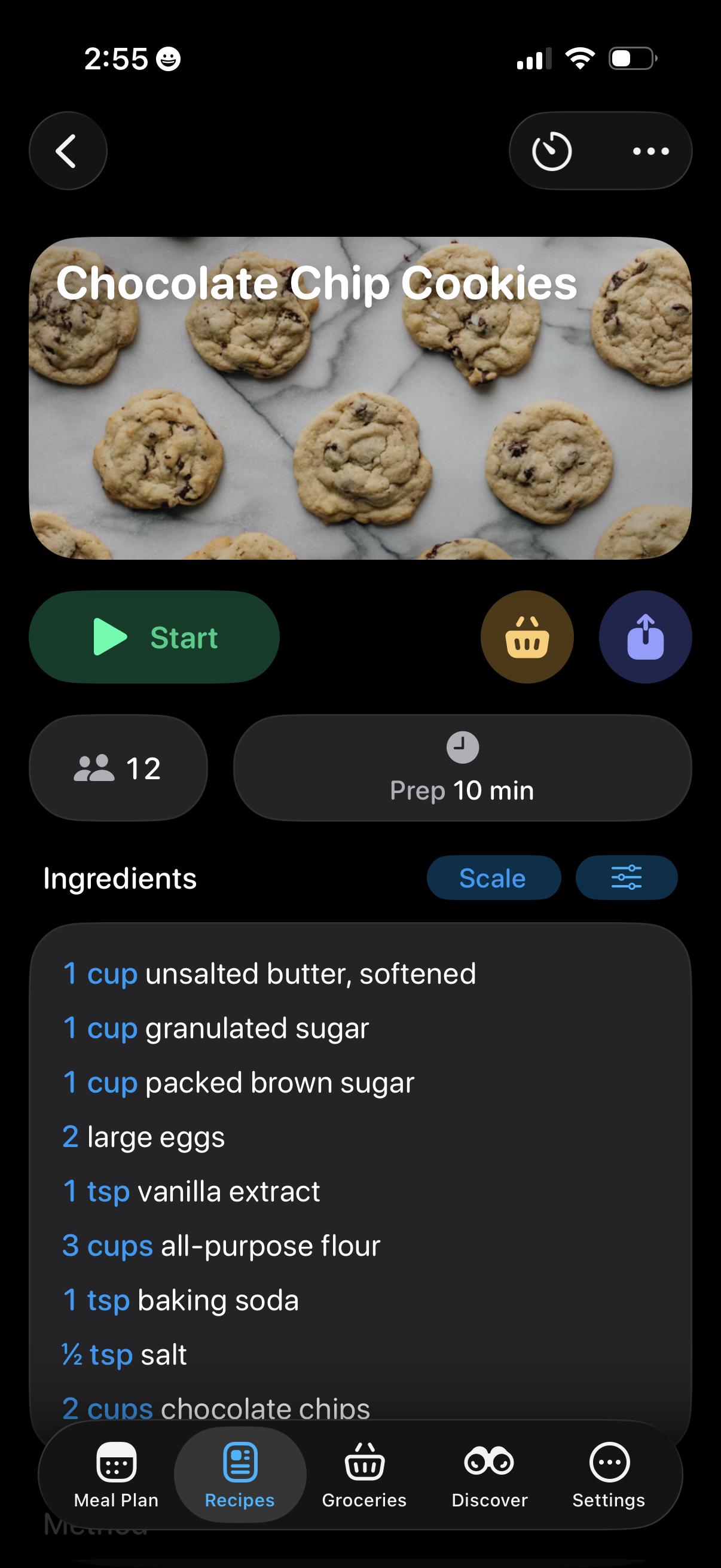
Recipe detail screen for “Chocolate Chip Cookies” showing a hero image, servings and prep time, and an ingredients list with a scale/adjust quantities control. Primary actions include starting a guided cooking mode, adding ingredients to a grocery list, sharing, and accessing timer/more options.
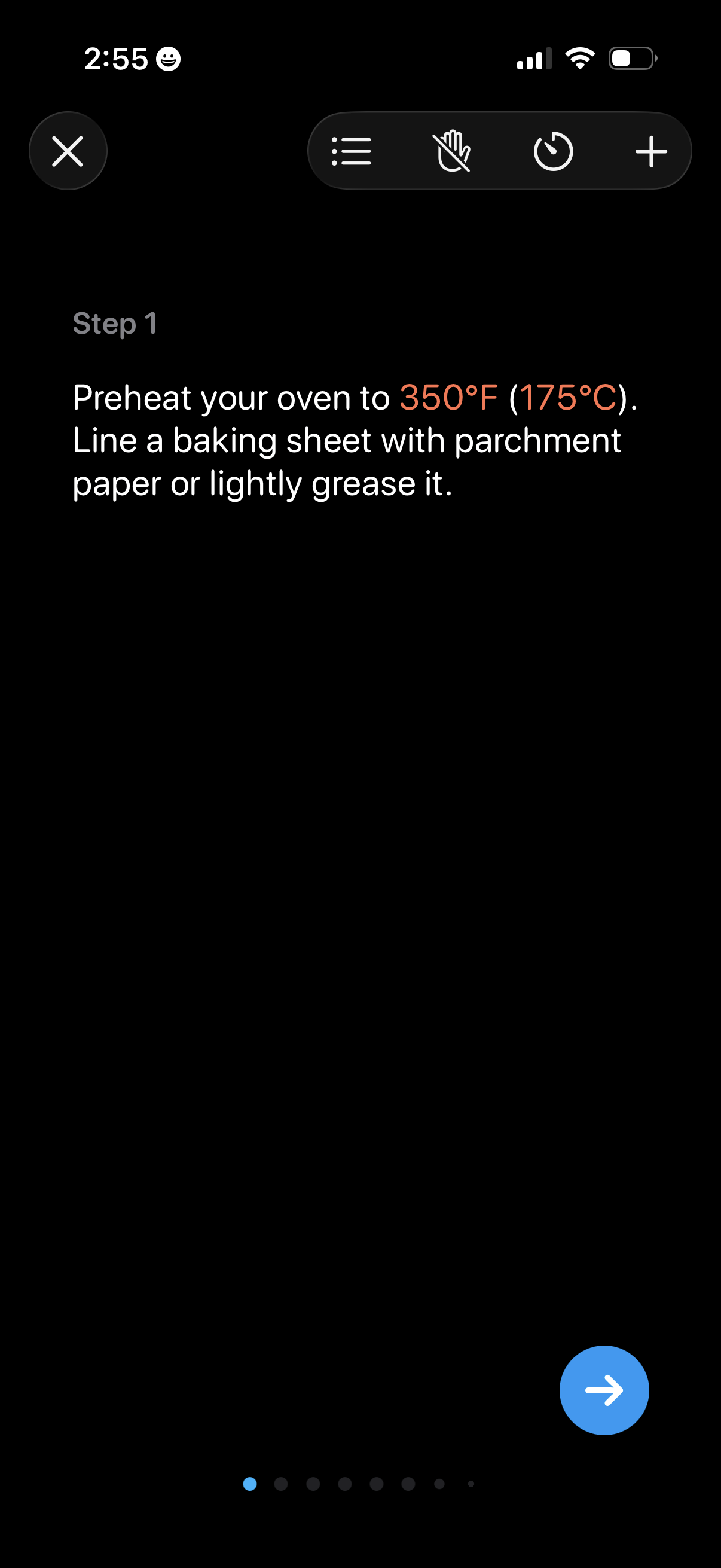
Cooking recipe step-by-step instruction screen showing “Step 1” with detailed prep text and highlighted temperature, plus controls to close, view steps list, start/stop voice or hands-free mode, set a timer, and add items. A pagination indicator and next-step arrow button let users advance through the recipe steps.
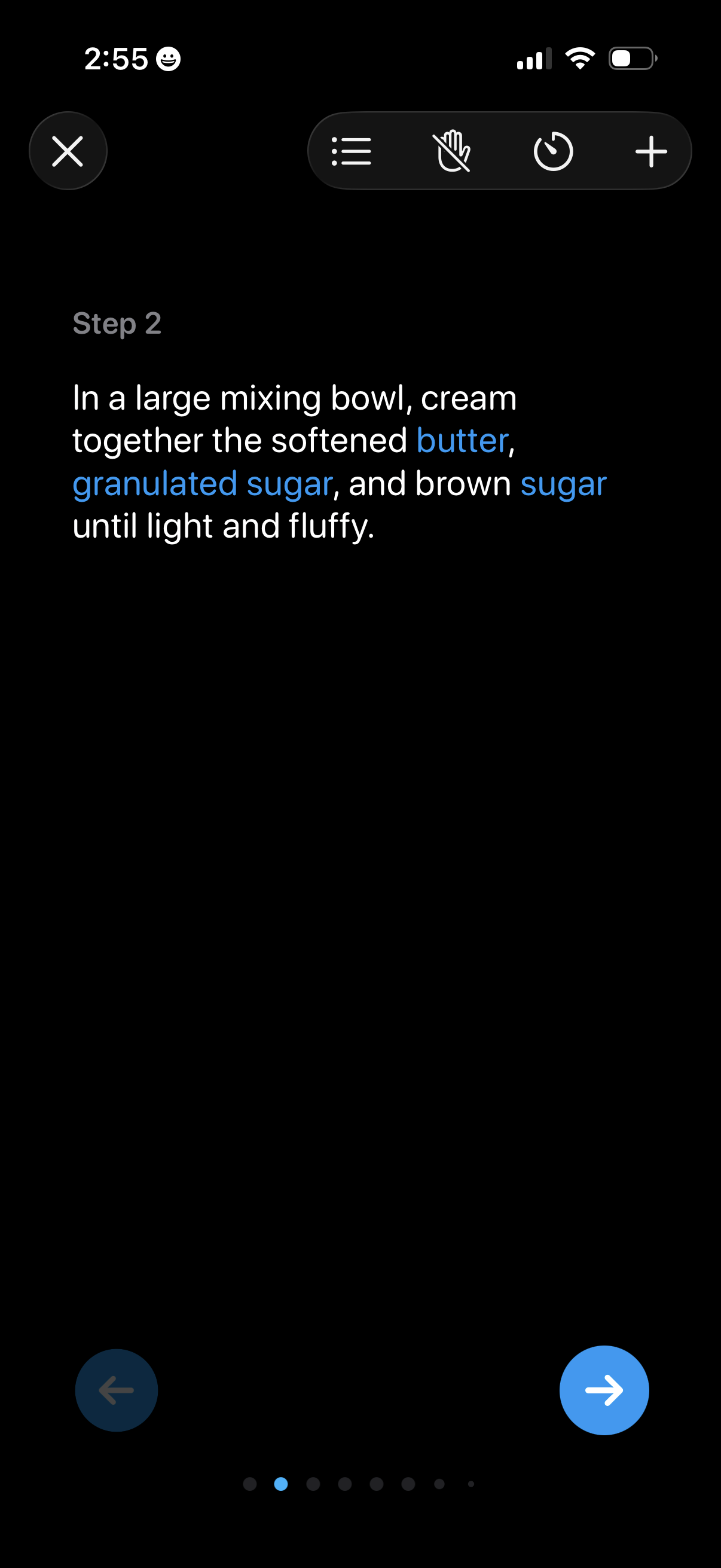
Recipe cooking step screen showing step-by-step instructions with ingredient keywords highlighted, presented in a distraction-free dark reading mode. Includes navigation to previous/next step, close button, and quick actions for list view, gesture/hand-free mode, timer, and adding items.
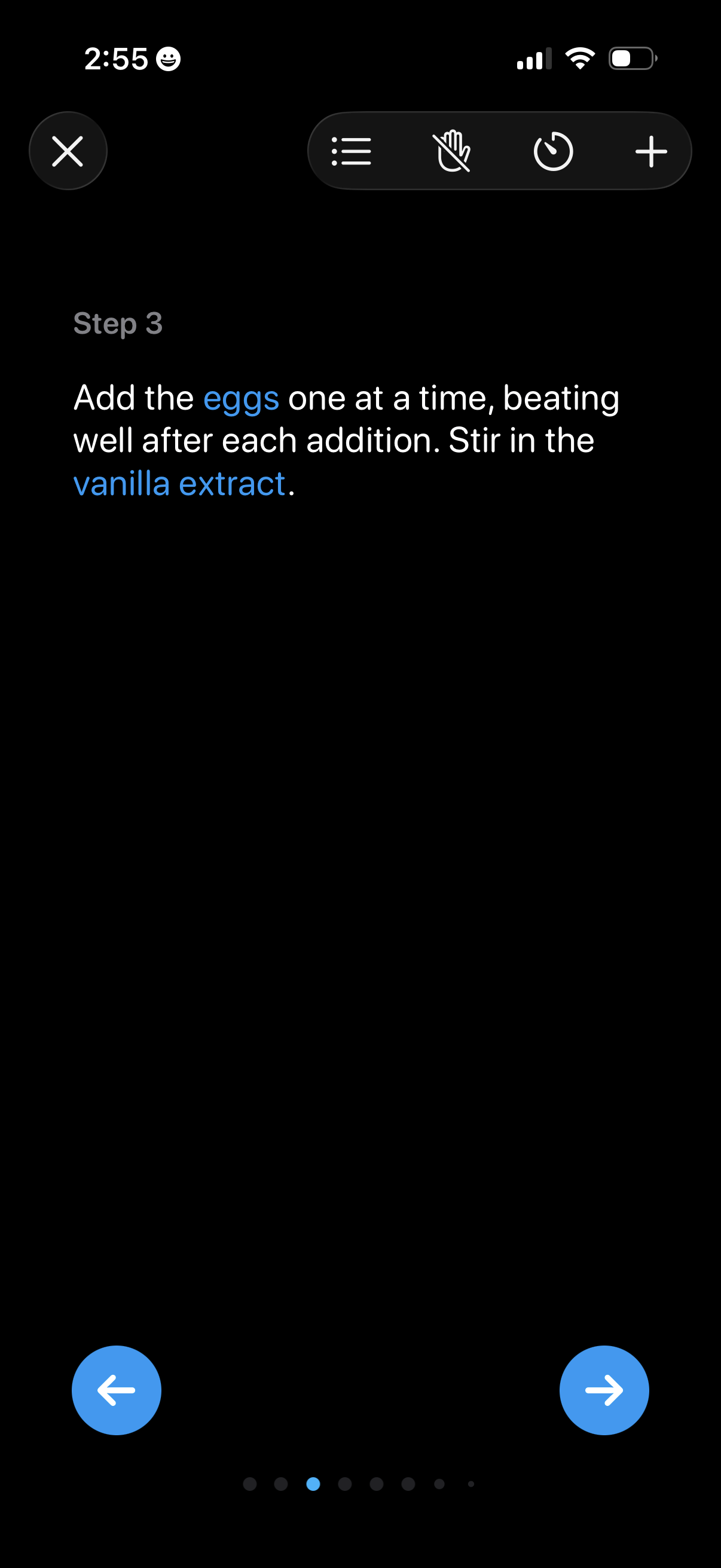
Step-by-step cooking recipe instruction screen showing the current step text with highlighted ingredients, plus controls to view the step list, enable hands-free mode, set a timer, and add items. Includes previous/next navigation arrows and a progress indicator for moving through recipe steps.
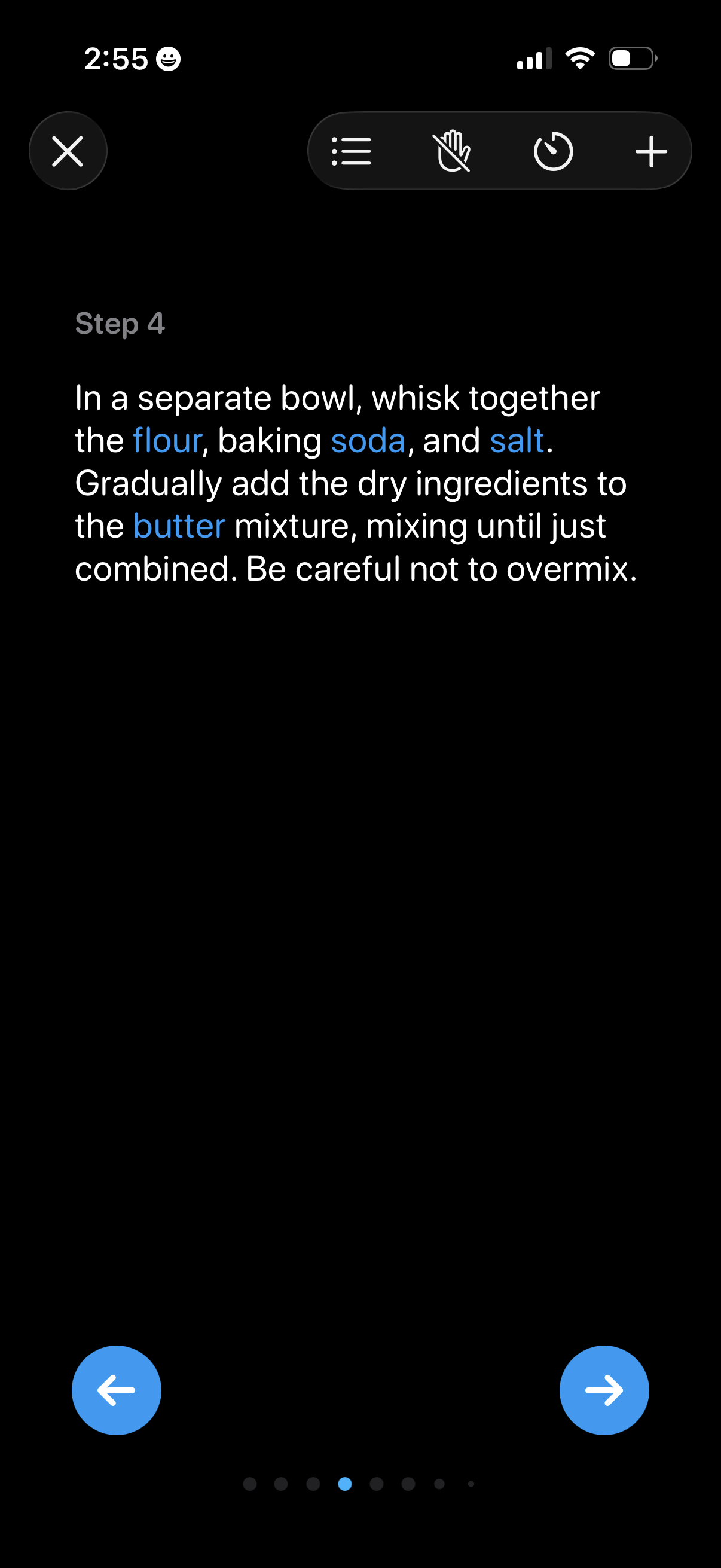
A recipe cooking mode screen showing step-by-step instructions (Step 4) with linked ingredient keywords in the text. Users can navigate between steps with previous/next arrows and access controls like close, step list, hands-free mode, timer, and add.
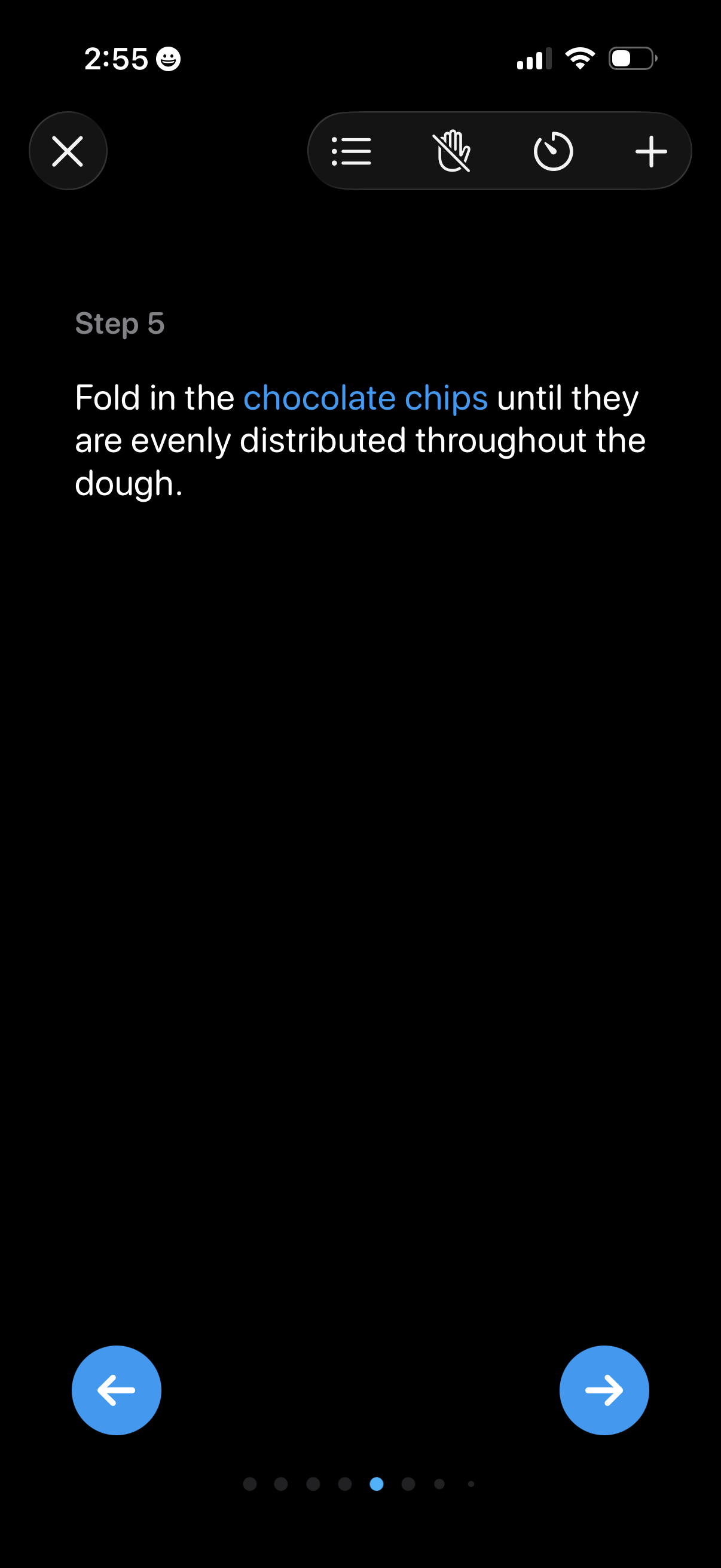
Step-by-step cooking/recipe instruction screen showing the current step number and a single text instruction, with controls to open the step list, enable hands-free mode, set a timer, add items, and navigate to previous/next steps via large arrow buttons and a progress indicator.
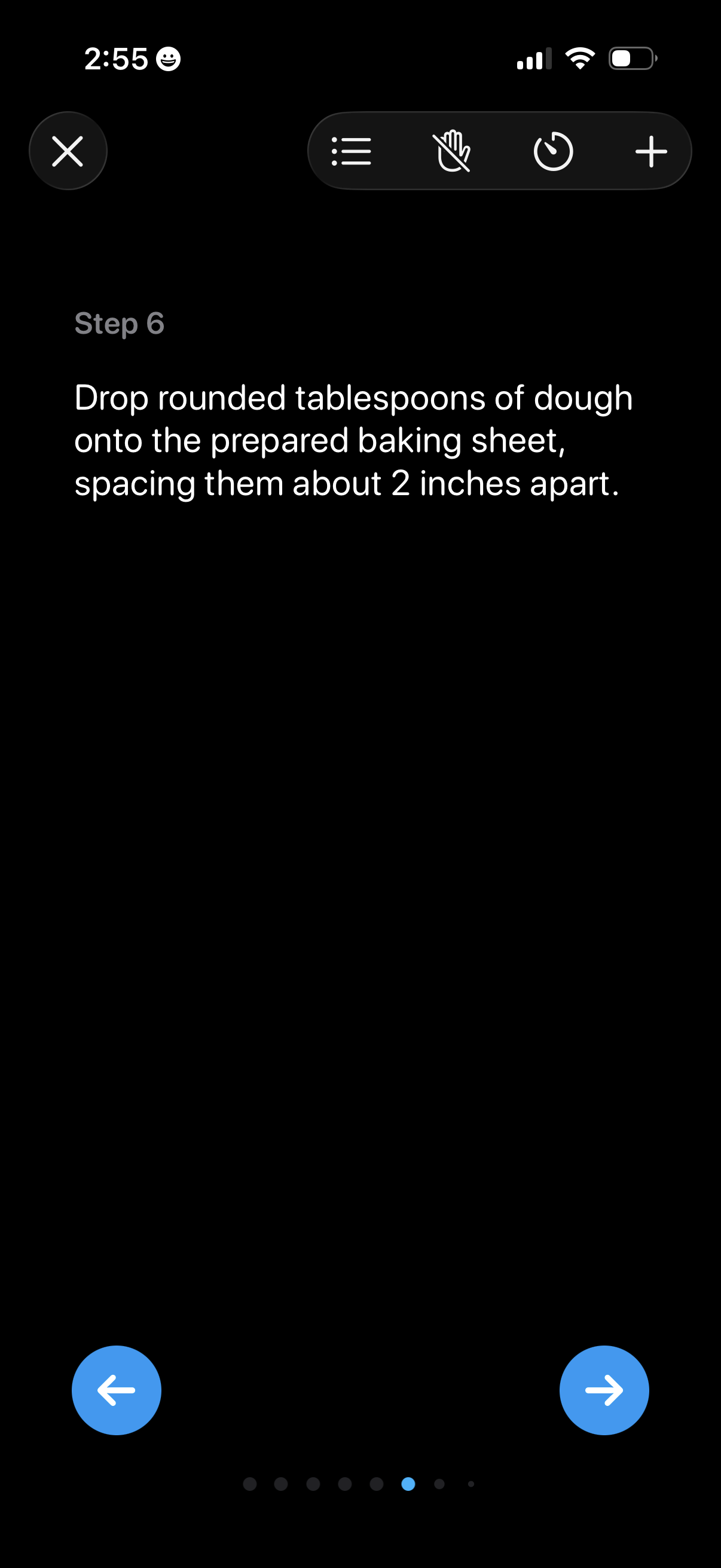
Recipe cooking mode step-by-step instruction screen showing the current step number and detailed direction text, with navigation controls to move to previous or next step. Includes a top toolbar for closing, viewing the step list, toggling hands-free/gesture mode, setting a timer, and adding an item.
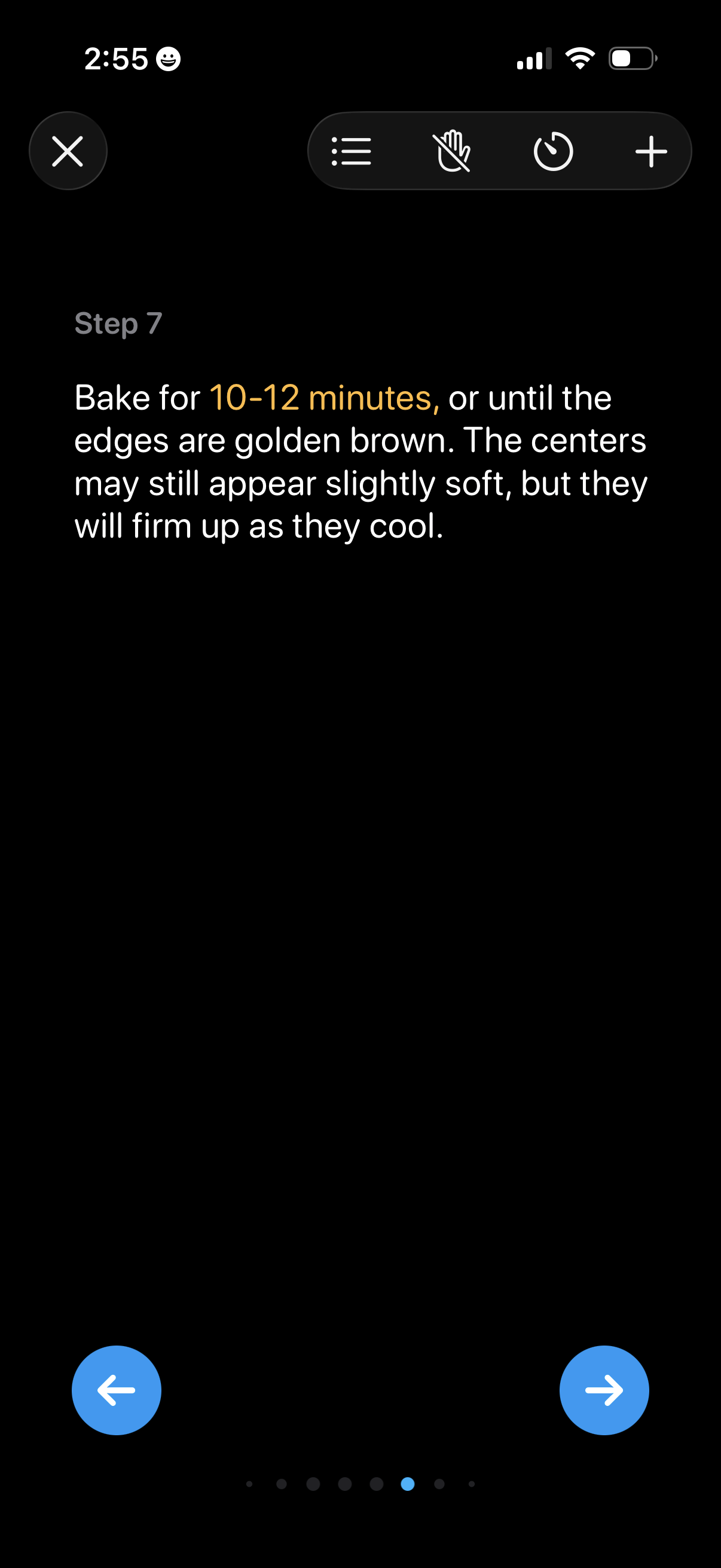
Recipe step detail screen in a cooking app showing a single instruction with highlighted cook time, and navigation controls to move to the previous or next step. Top actions include close, open steps list, mute/disable voice guidance, set a timer, and add/save items.
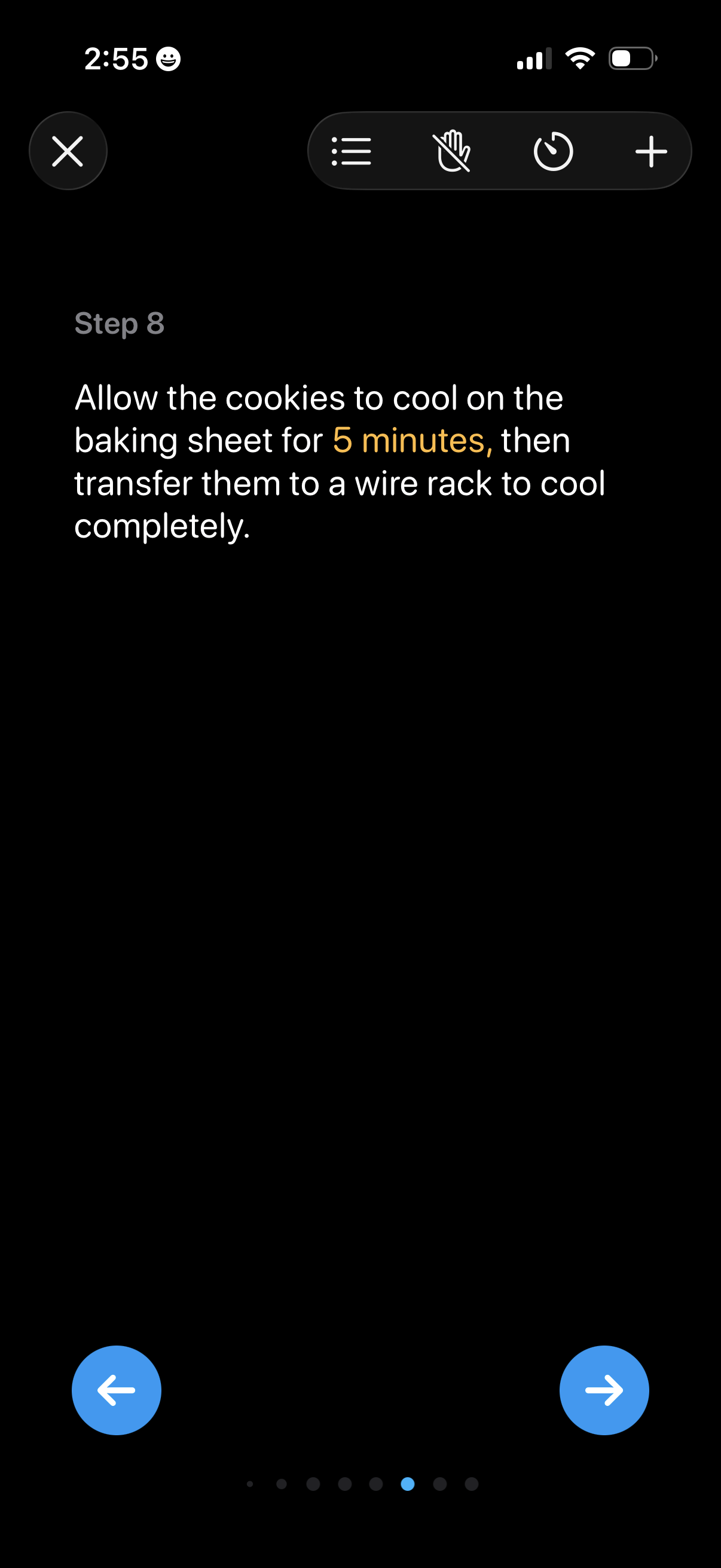
Step-by-step recipe instruction screen showing the current step number and detailed cooking directions with a highlighted time duration. Includes controls to close, open the steps list, toggle hands-free/voice mode, set a timer, add an item, and navigate to previous/next step with arrows and a progress indicator.
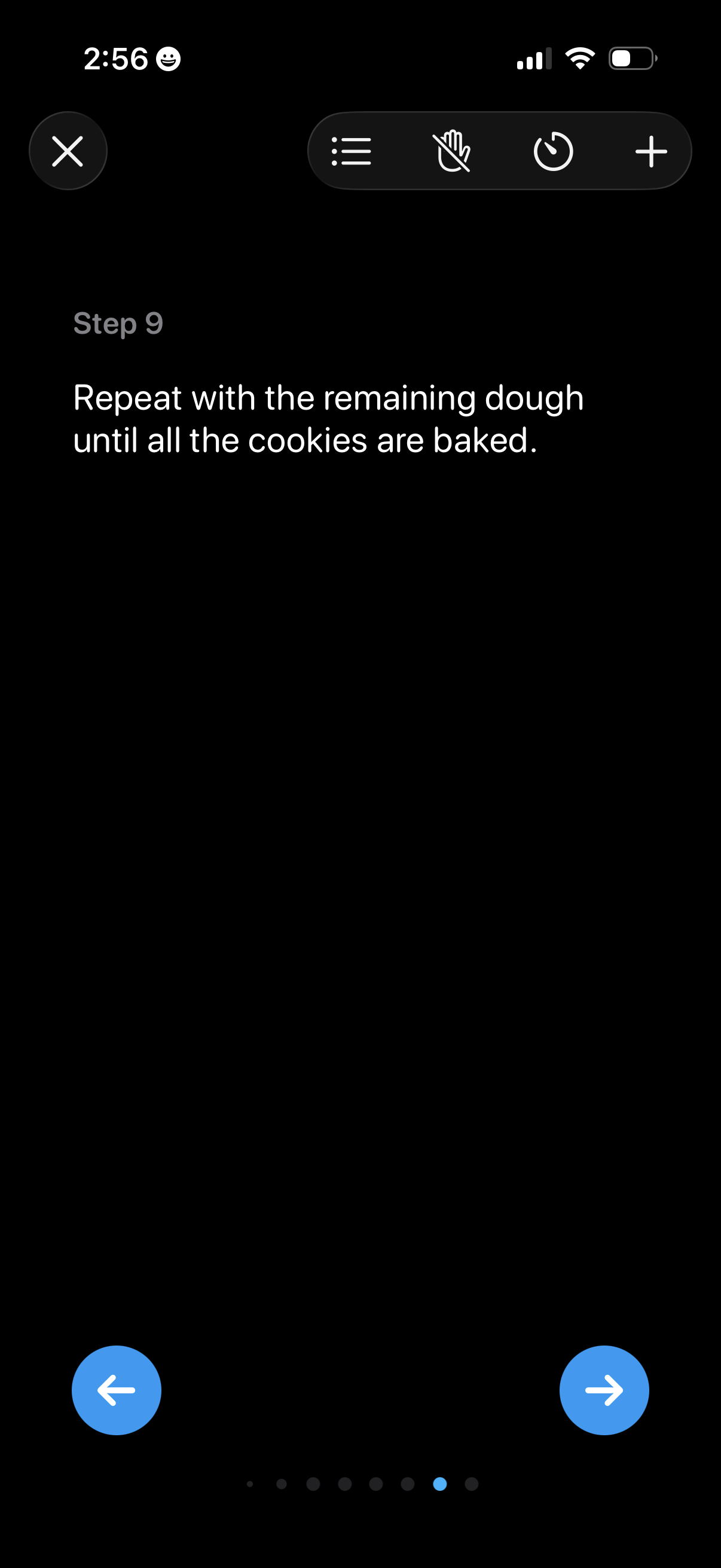
Step-by-step recipe instruction screen showing the current step number and a text-only cooking direction, with controls to exit, open a steps list, mute/unmute, start a timer, and add items. Bottom navigation provides previous/next step arrows with a progress indicator for moving through the recipe steps.
Step-by-step cooking recipe instruction screen showing the final step (“Serve and enjoy! ”) with progress indicators and controls to navigate to previous/next steps.
Recipe cooking mode step screen showing the final instruction (“Step 10: Serve and enjoy! ”) with a back button and progress dots for navigating between steps.