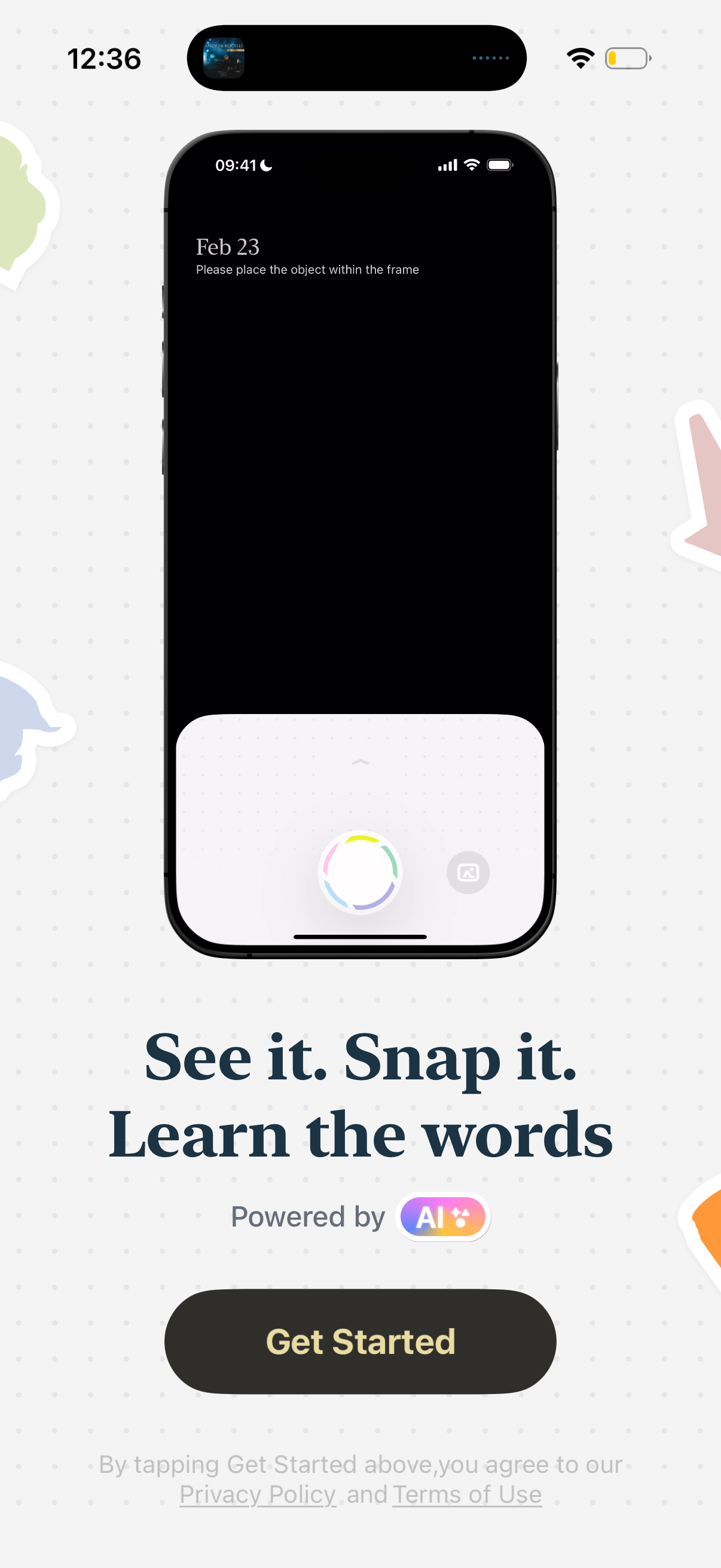
Onboarding/landing screen for an AI-powered visual learning app that teaches vocabulary by snapping photos of objects, showing a camera scan preview with a prompt to place the object in frame. Includes a primary “Get Started” call-to-action plus privacy policy and terms links.
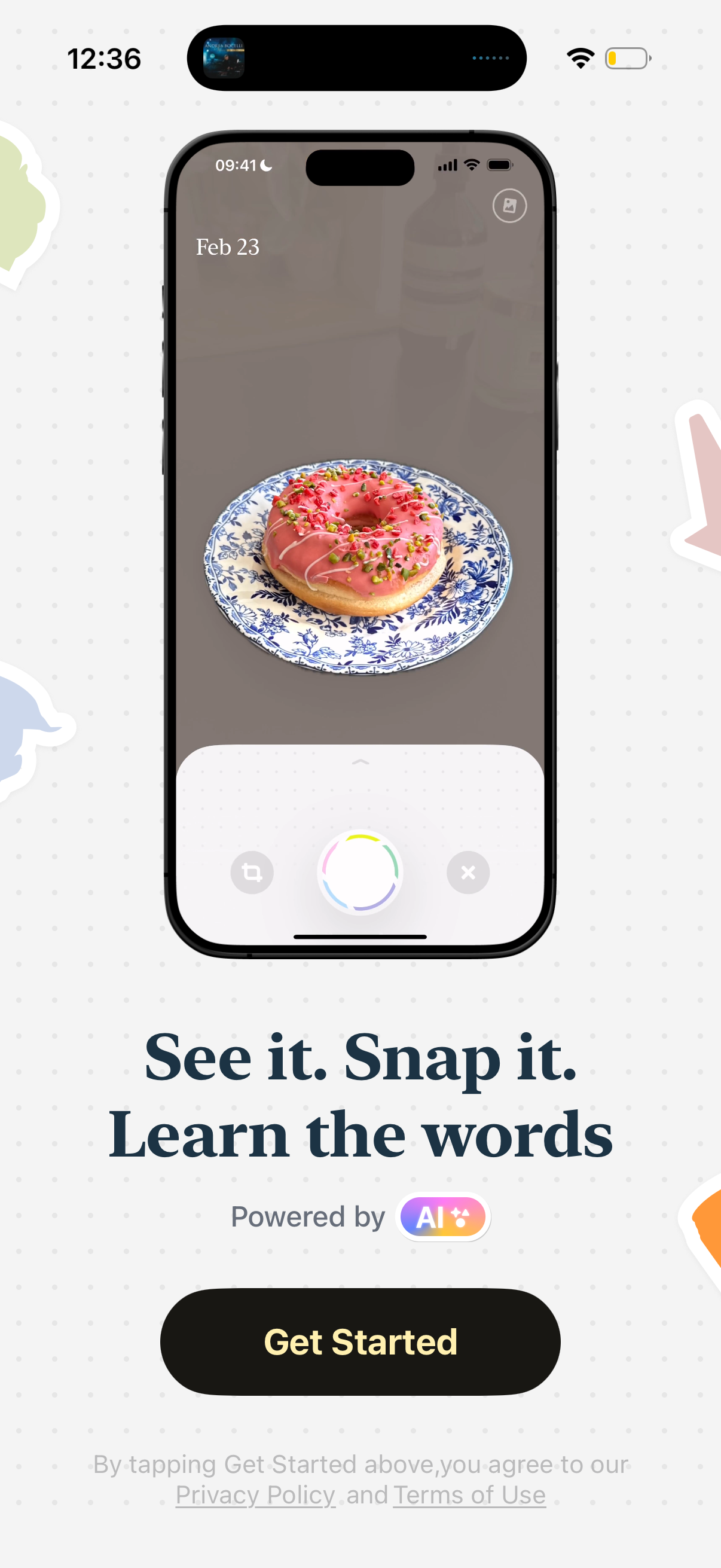
Onboarding/landing screen for an AI-powered vocabulary learning app that teaches words by snapping photos of real-world objects, illustrated with a camera capture interface. Includes a prominent “Get Started” call-to-action and links to privacy policy and terms of use.
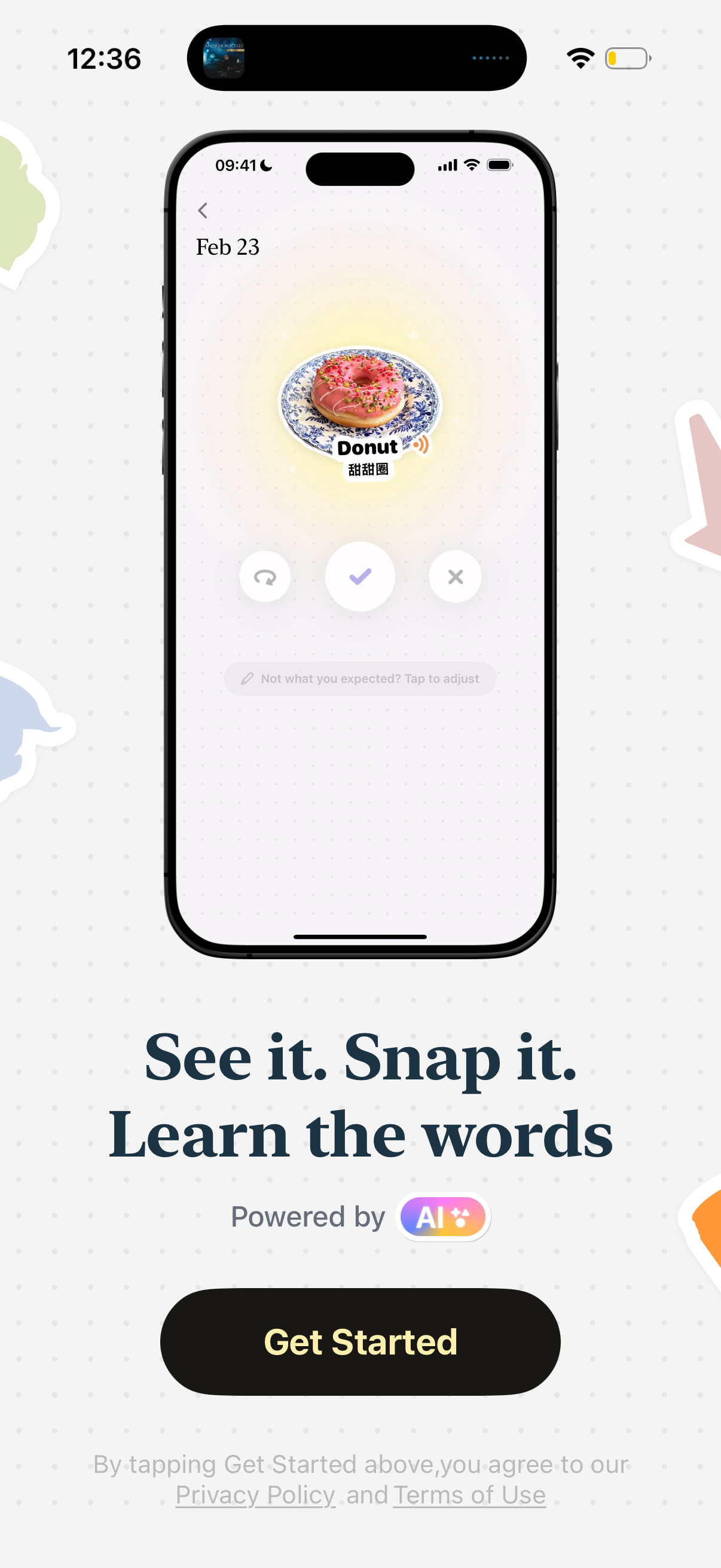
Onboarding intro screen for an AI visual vocabulary learning app, showing an example camera recognition result (object photo with spoken word/translation) and accept/redo/cancel controls. Includes a “Get Started” call-to-action and links to privacy policy and terms.
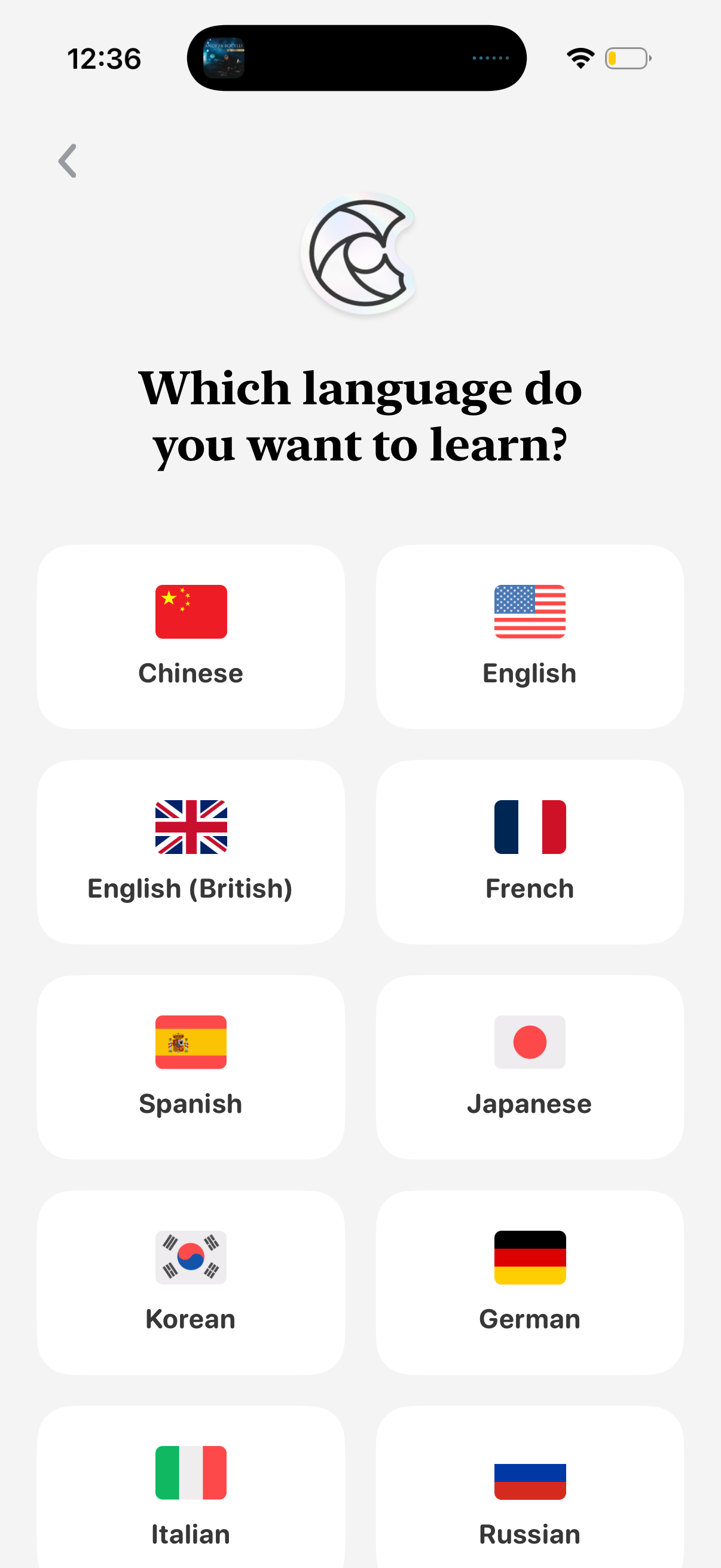
Language learning app onboarding screen asking “Which language do you want to learn? ” with a grid of selectable language cards showing flags and names (e.
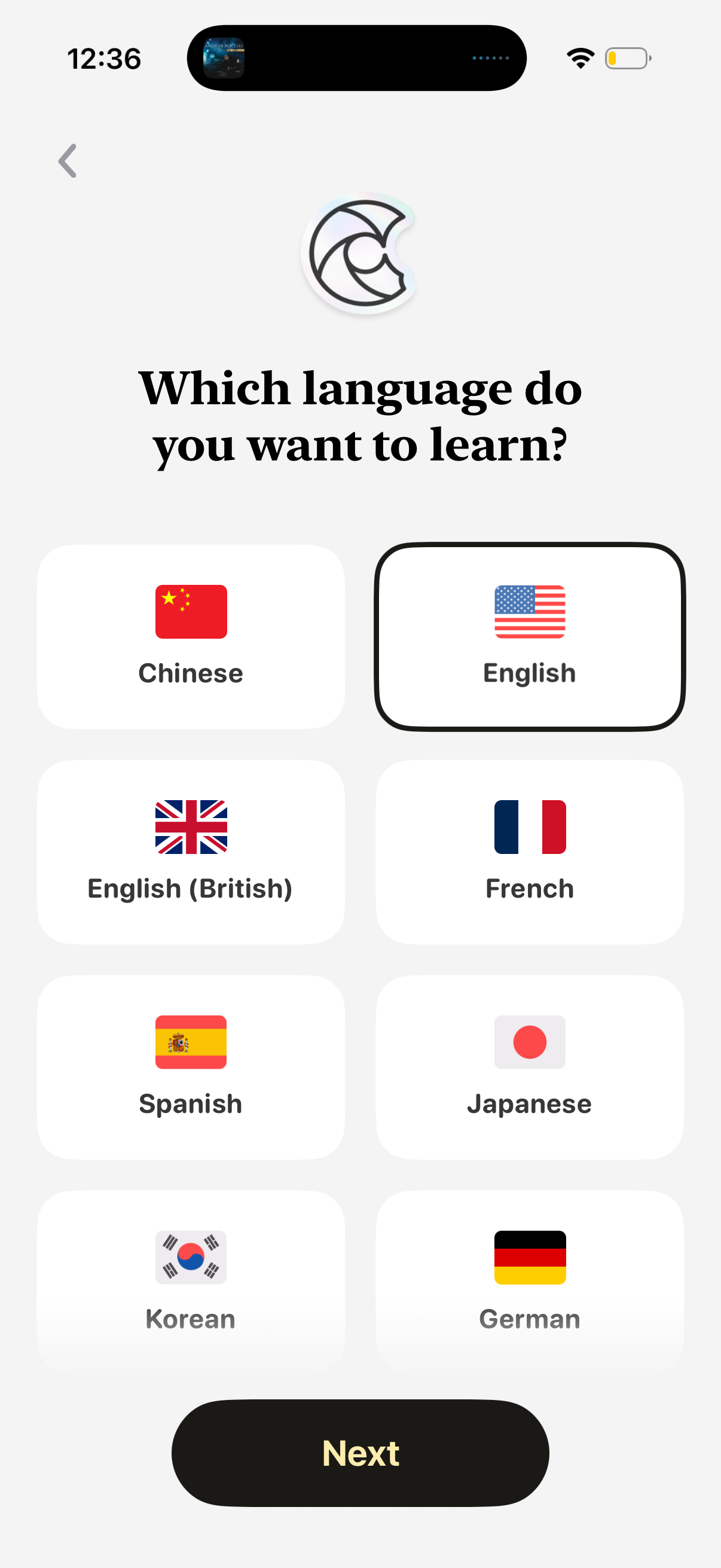
Onboarding language selection screen for a language-learning app asking “Which language do you want to learn? ” with a grid of flag-based options (e.

Onboarding language selection screen prompting the user to choose their native language. Shows a scrollable list of languages with country flags as tappable options and a back button to return to the previous step.
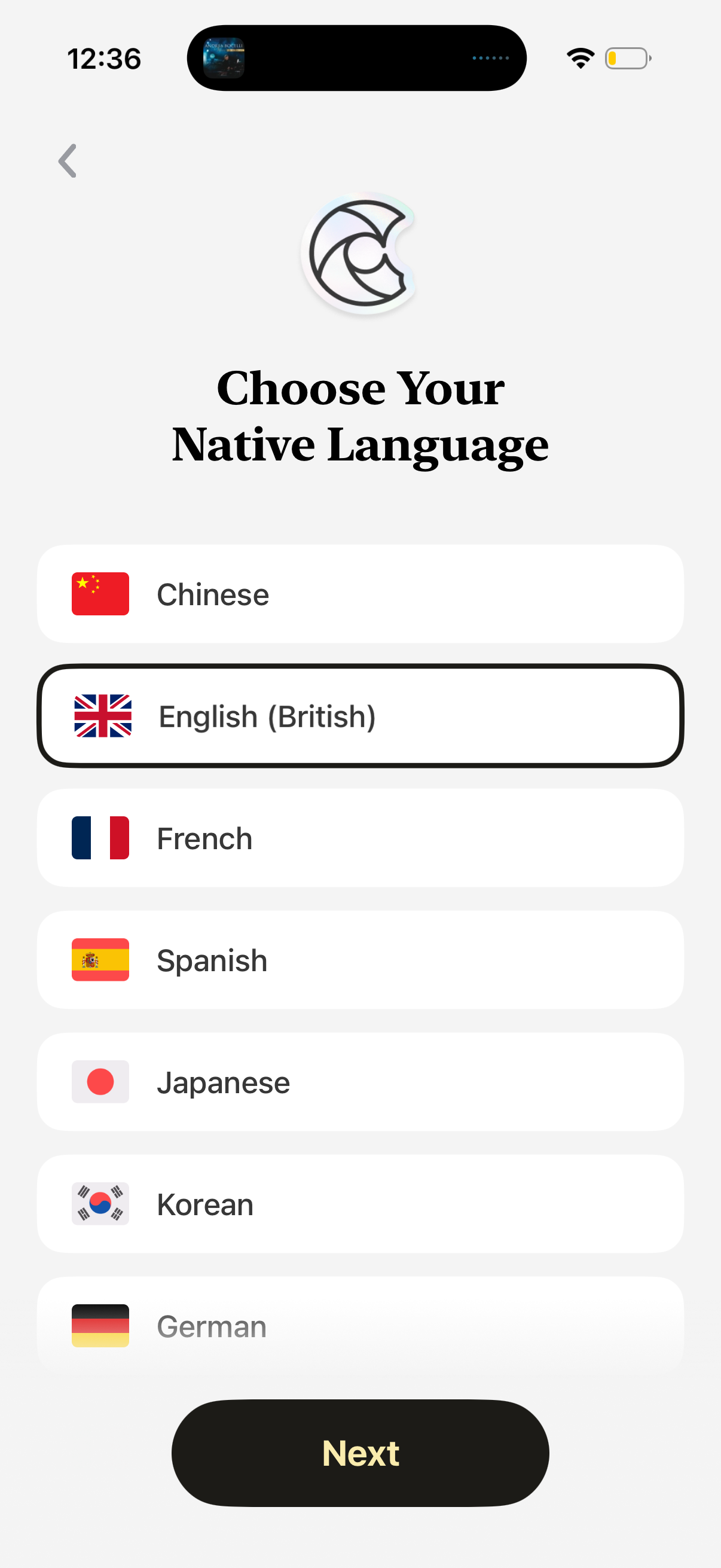
Onboarding language selection screen prompting the user to choose their native language from a list of options with country flags and a highlighted selected row. Includes a back arrow and a prominent “Next” button to confirm and proceed.
Blank placeholder screen with a subtle dotted background and no visible content, navigation, or actions, suggesting an empty state or loading view. Only the device status bar and dynamic island are present.
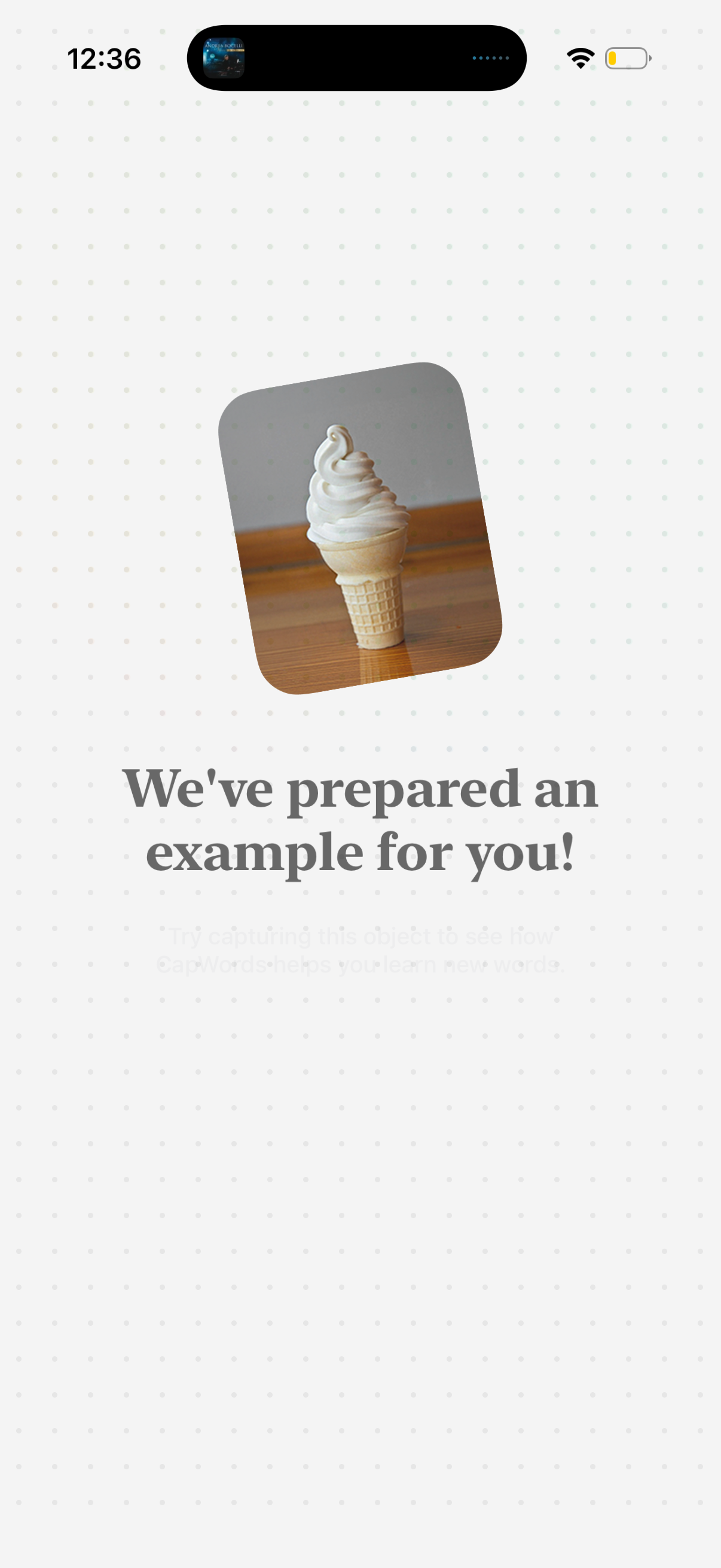
Onboarding tutorial screen for an image-capture learning app, showing a sample photo (ice cream) with a message that an example has been prepared and prompting the user to try capturing an object to see how the feature helps them learn new words.
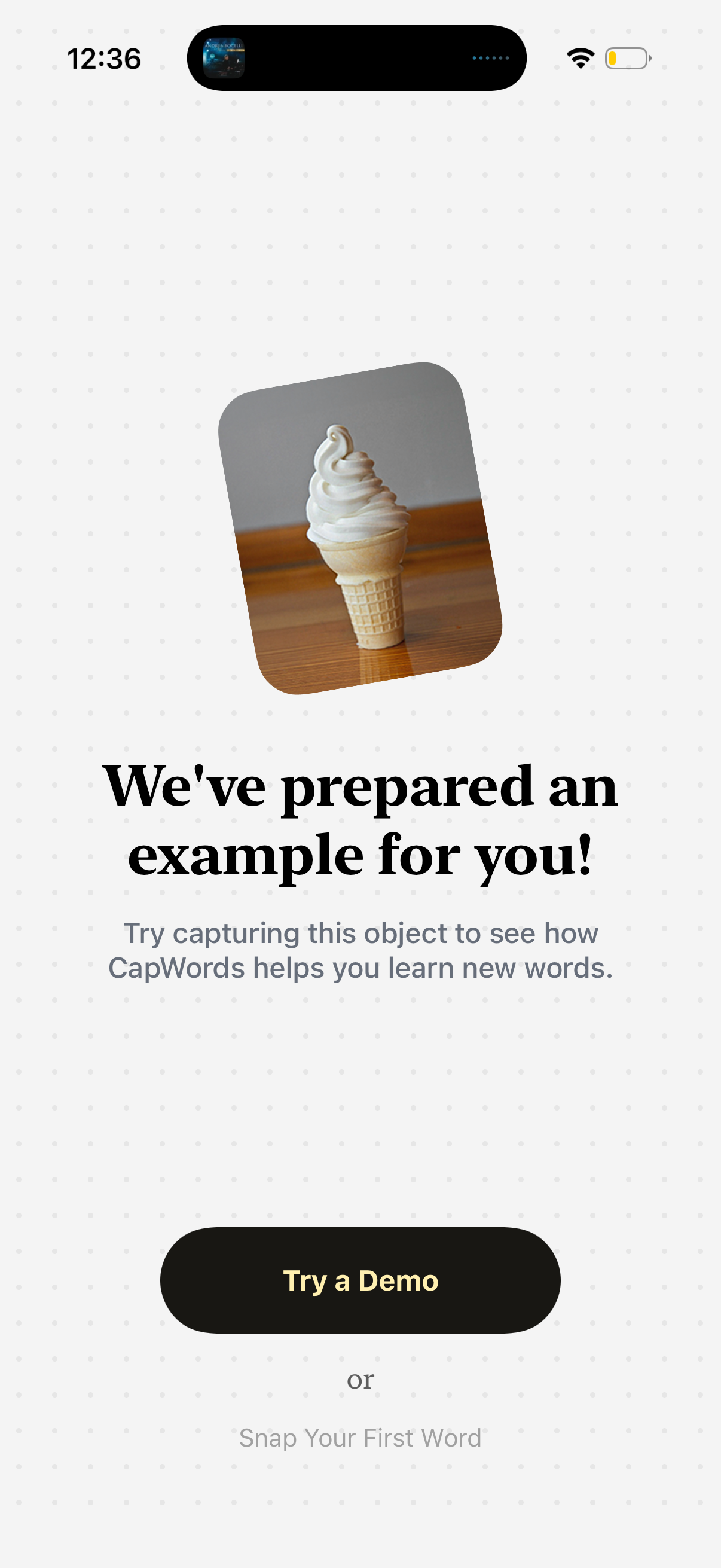
Onboarding/demo prompt screen for a visual vocabulary learning app that invites users to capture an example object (shown with an image) to see how the app teaches new words. Primary CTA button is “Try a Demo,” with an alternate option to “Snap Your First Word.