grant camera access

Camera-based translation screen with a live viewfinder and shutter button that prompts users to snap a photo to learn how to say an object in English. Includes an option to pick an image from the photo gallery and a minimal overlay for framing the subject.
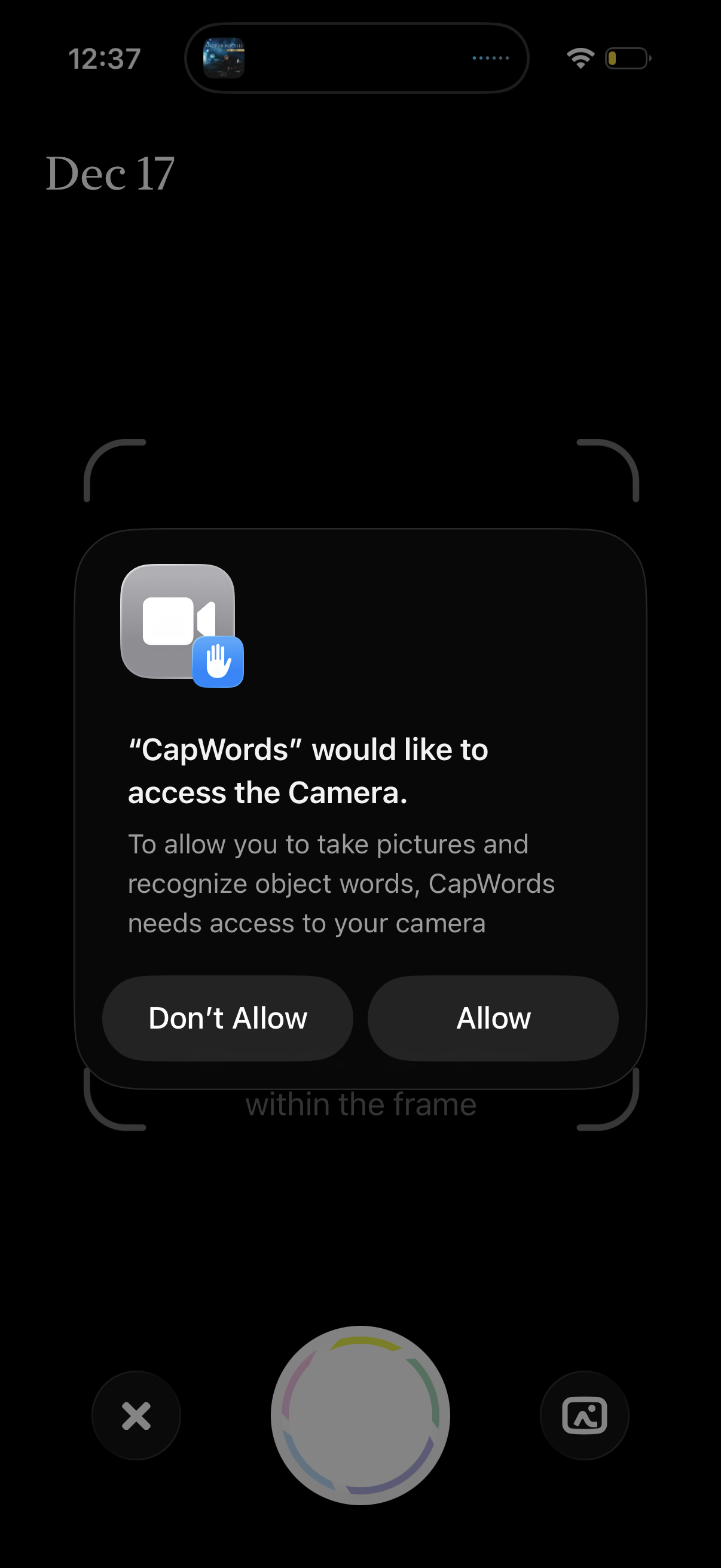
Camera capture screen with an iOS system permission modal requesting access to the device camera for taking photos and recognizing words/objects. The dialog provides primary actions to Allow or Don’t Allow camera access, overlaying a scanning frame view.
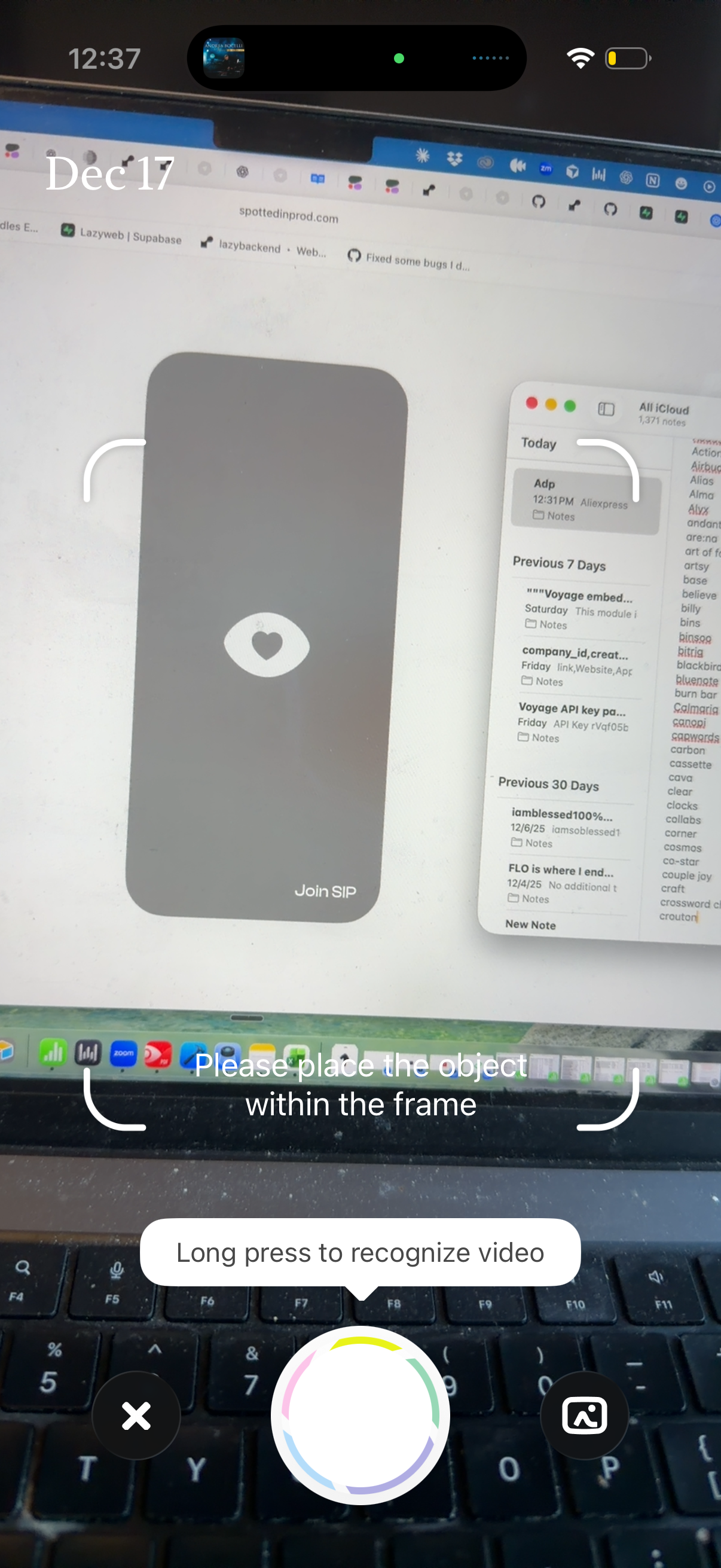
Camera-based visual recognition screen that prompts the user to place an object within a framing guide and long-press the shutter to recognize video. Includes a large capture/scan button with an animated ring, plus cancel and gallery/import actions for selecting media instead of scanning live.