sign in with apple
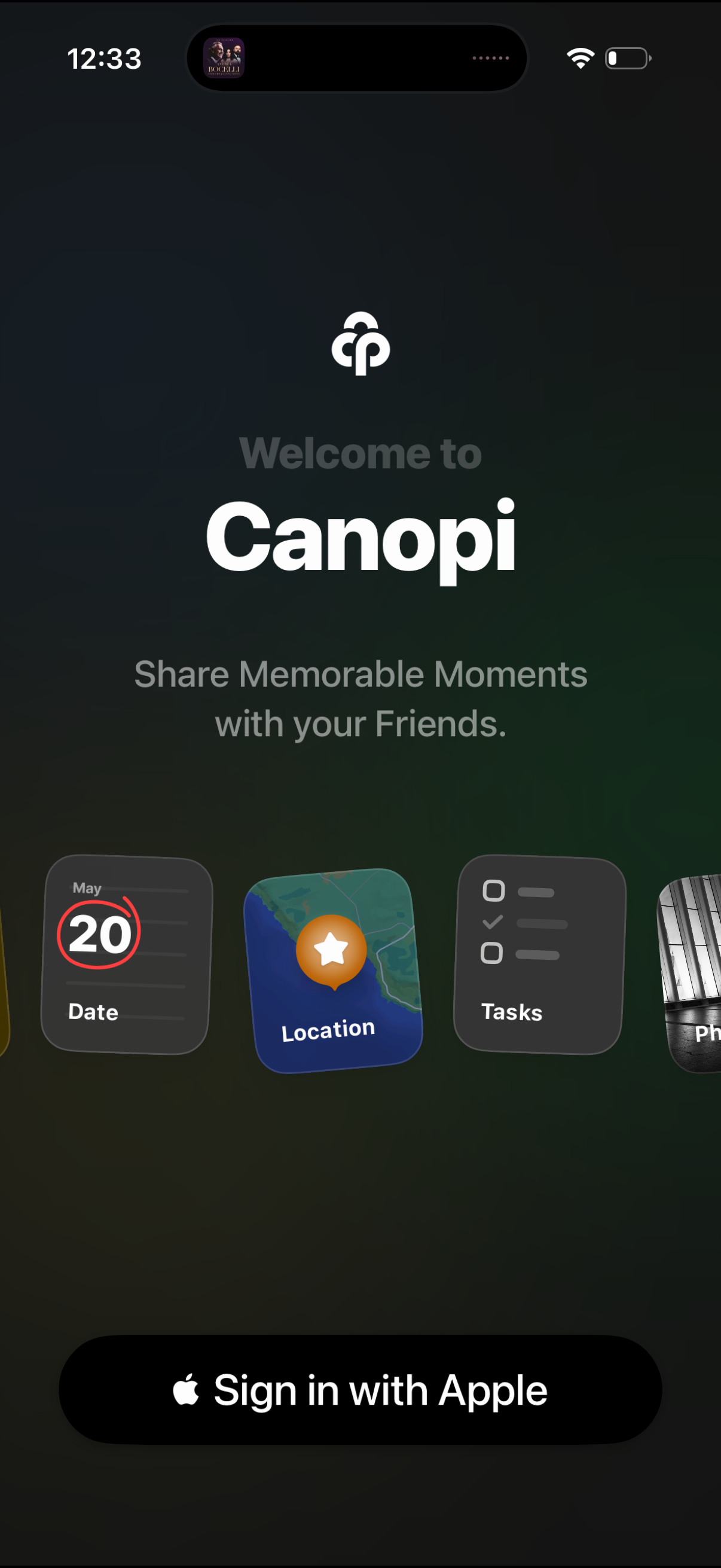
Welcome/onboarding login screen for a social sharing app called Canopi, highlighting the value proposition “Share memorable moments with your friends” and previewing features like date, location, and tasks. Primary call to action is a large “Sign in with Apple” button to authenticate and start using the app.
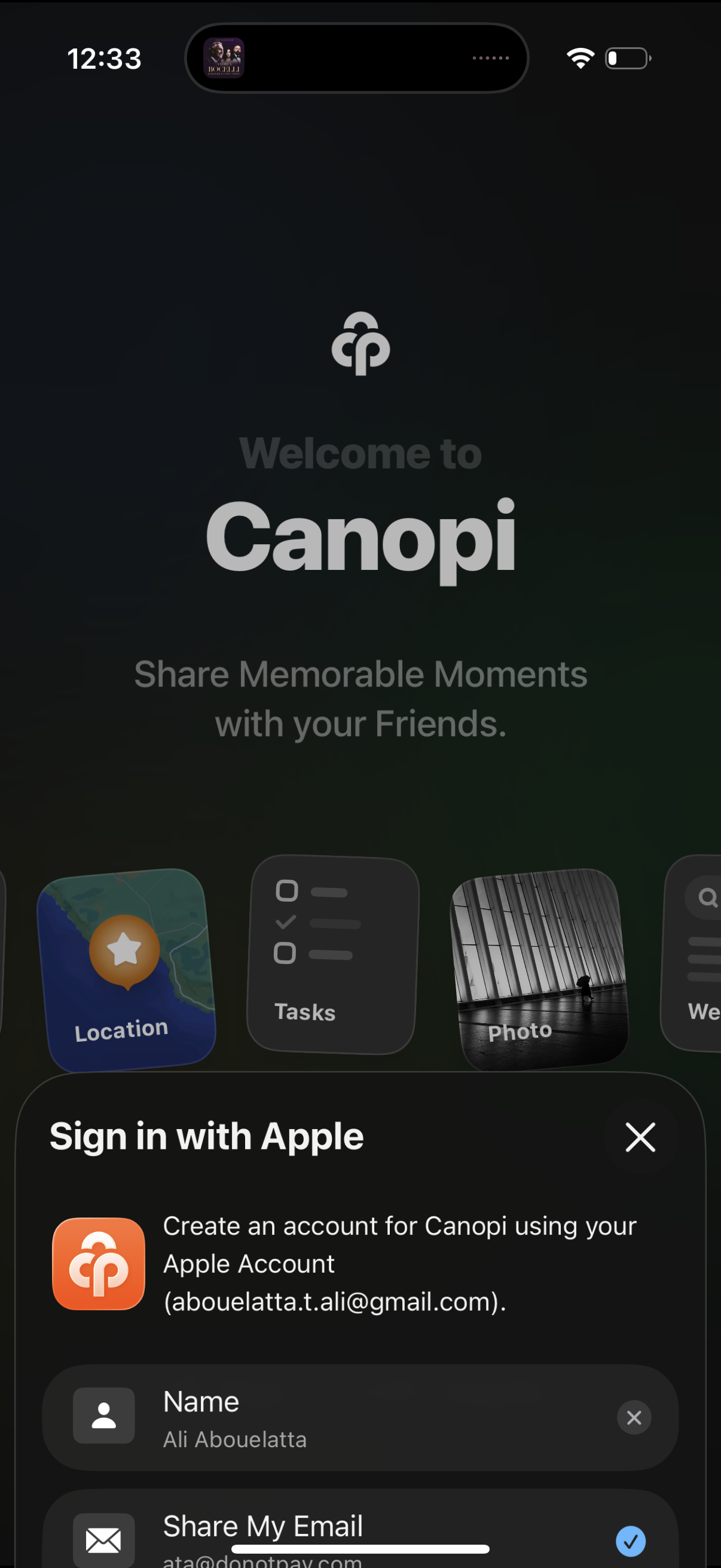
Welcome/onboarding screen for a social sharing app with the tagline “Share Memorable Moments with your Friends,” prompting account creation via a “Sign in with Apple” sheet. The modal includes editable profile fields like name and email plus a close button to dismiss.

App welcome screen with an iOS “Sign in with Apple” modal for account creation, showing fields for name and email privacy options (share email or hide email) and a loading spinner indicating the sign-in process in progress. Includes a close button to dismiss the sign-in dialog.