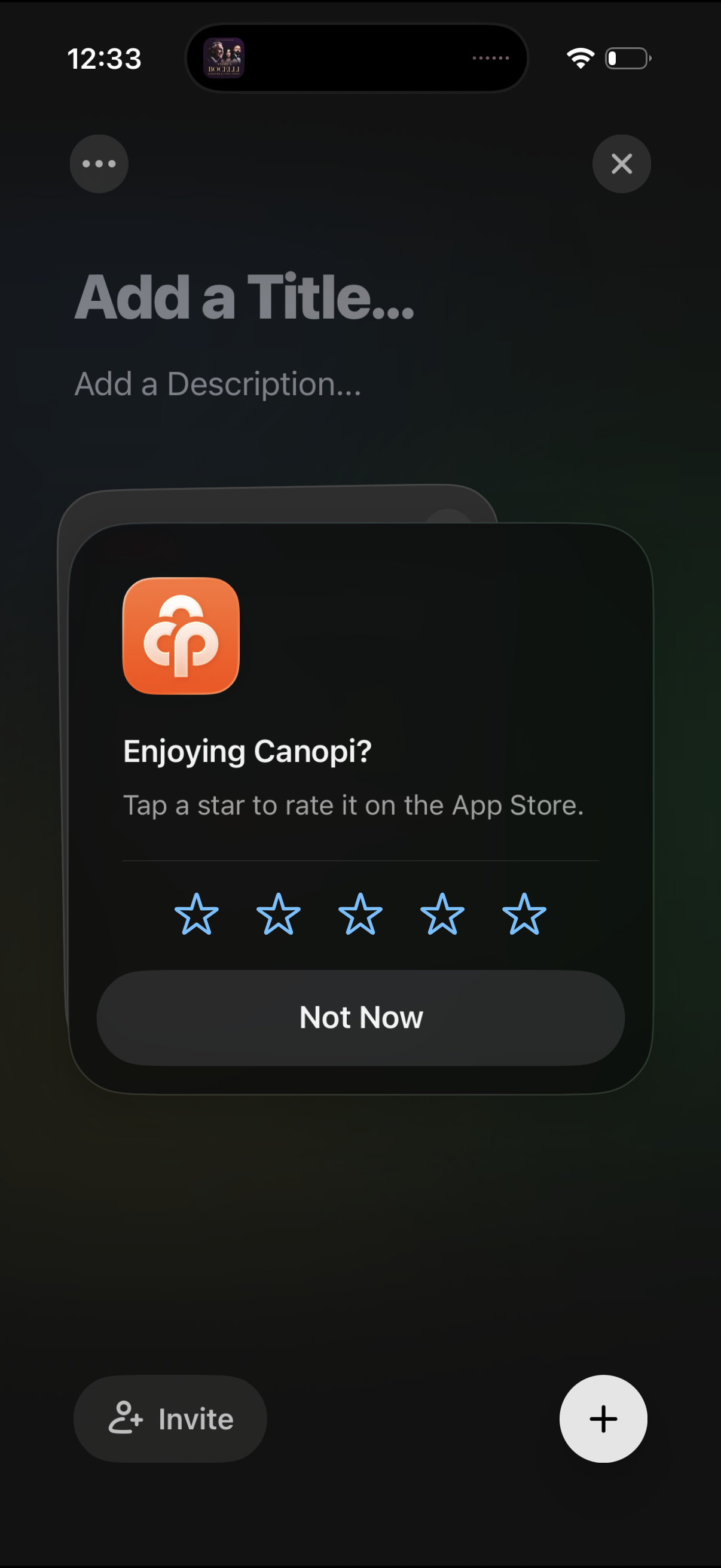
An in-app rating prompt modal asking “Enjoying Canopi? ” with a 5-star App Store rating selector and a “Not Now” dismiss button.
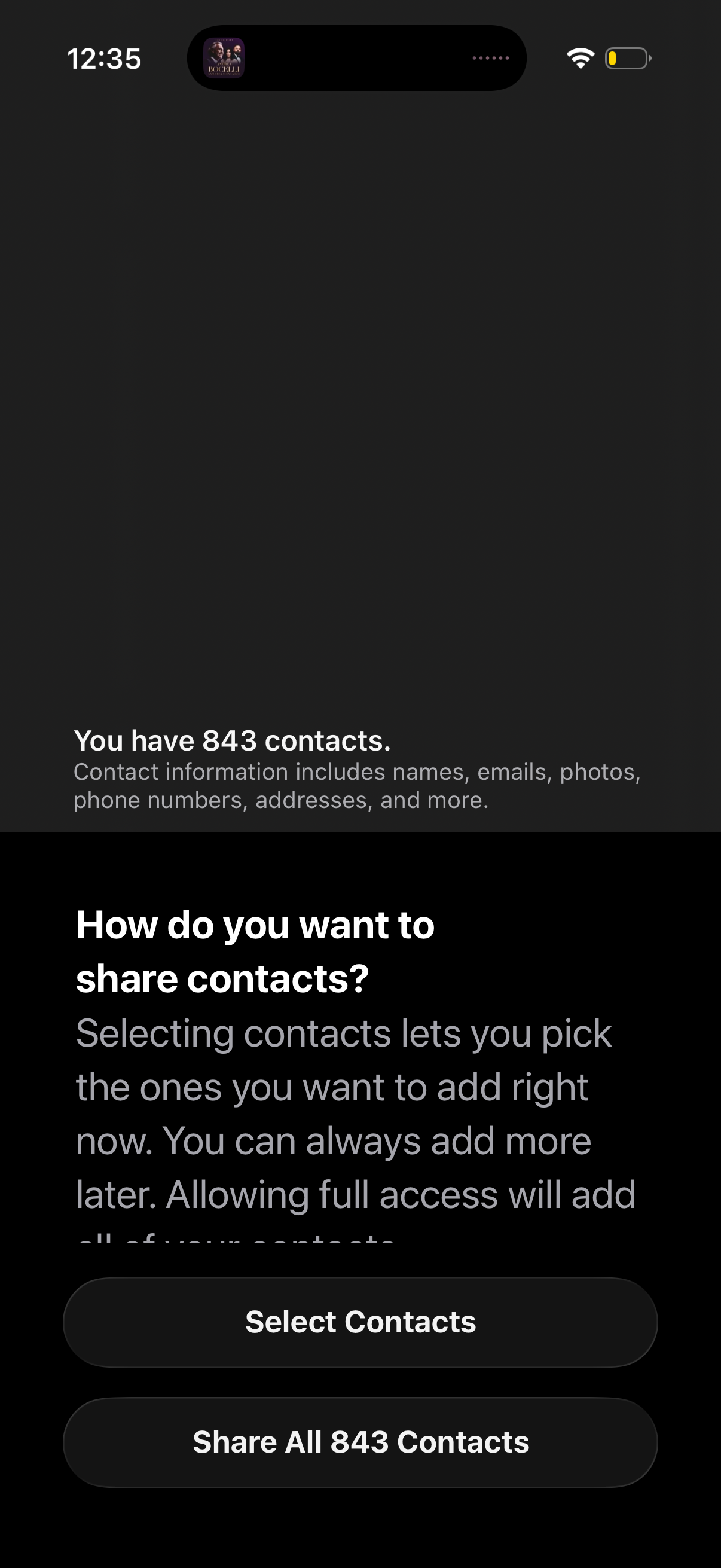
Contacts permission prompt asking how the user wants to share their address book, showing the total number of contacts and explaining what data will be shared. Provides two primary actions: Select Contacts for limited sharing or Share All Contacts for full access.
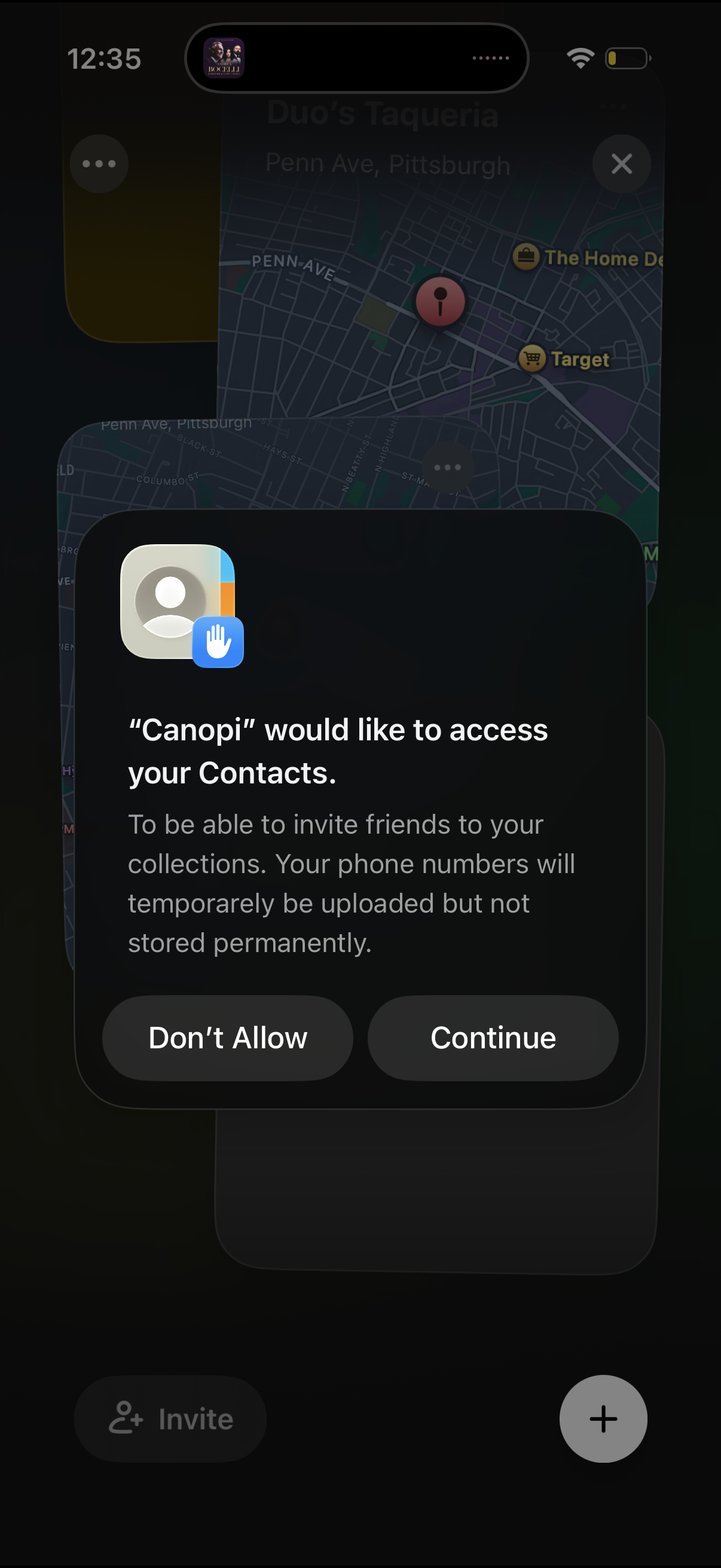
iOS system permission modal asking to allow an app to access the user’s Contacts to invite friends, with a short privacy explanation about temporarily uploading phone numbers. Primary actions are “Don’t Allow” and “Continue” over a blurred app background.
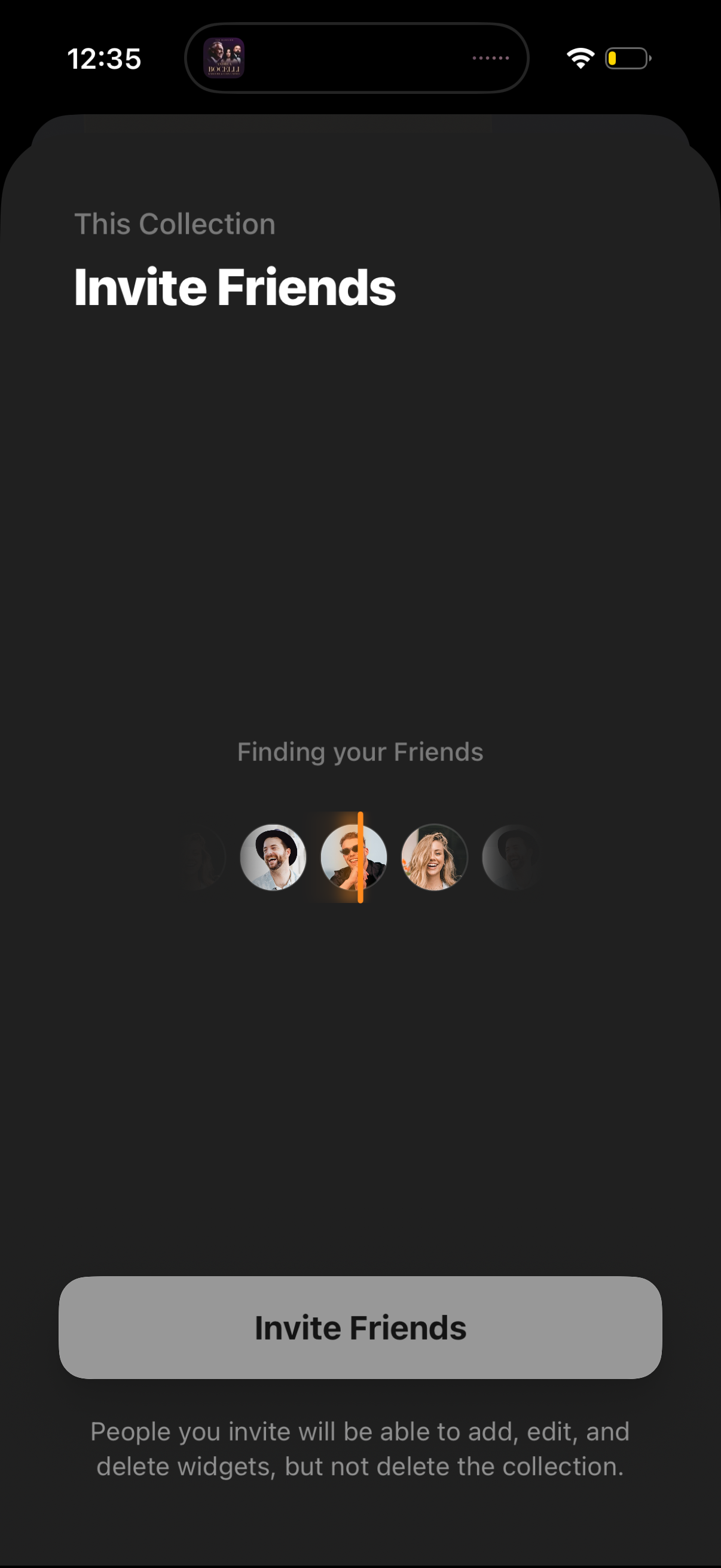
Invite friends screen for a shared collection, showing a “finding your friends” loading state with suggested contacts and a primary Invite Friends button. Includes permission text explaining collaborators can add, edit, and delete items/widgets but cannot delete the collection.
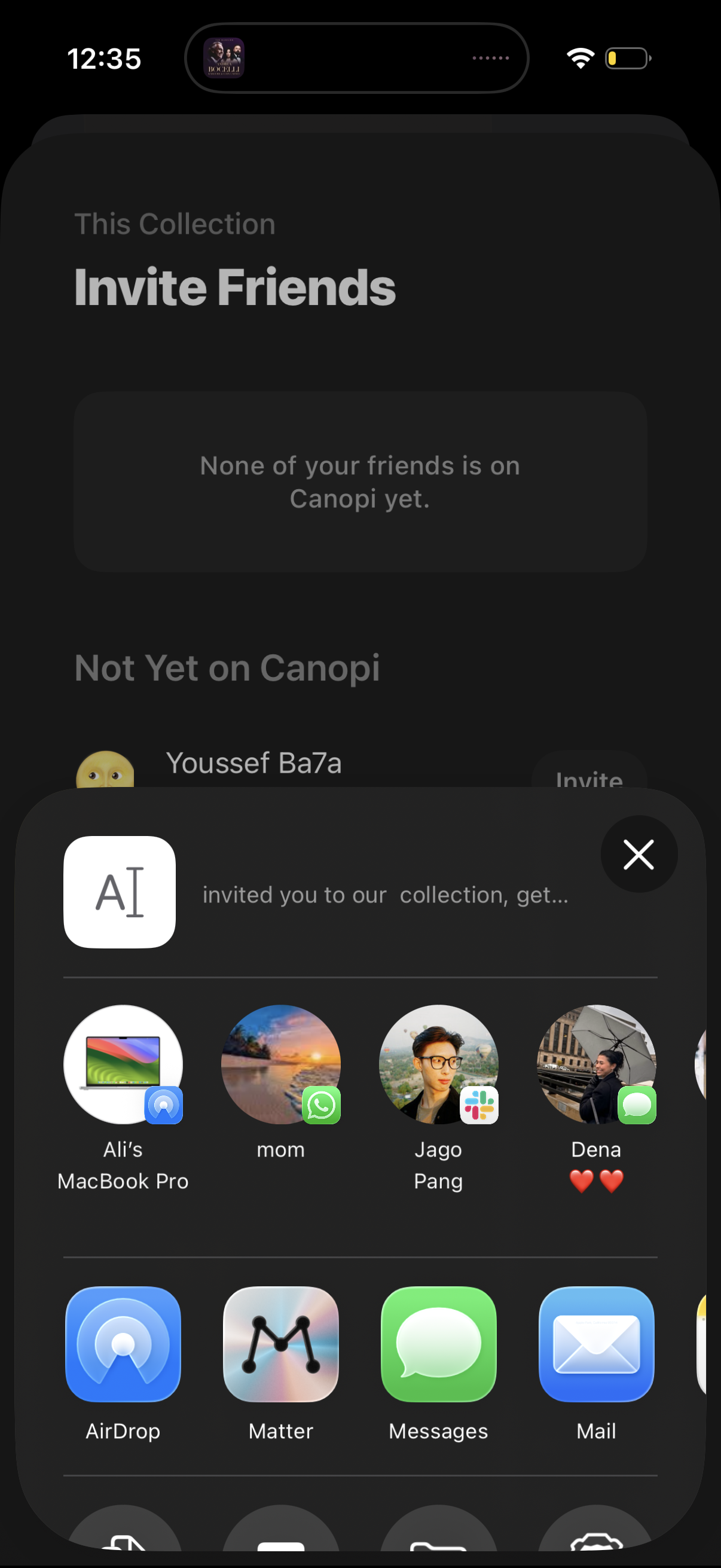
Invite friends screen for a shared collection, showing an empty state when no contacts are on the app and a list of contacts not yet joined with an Invite action. An iOS share sheet is opened to send an invitation link via AirDrop, Messages, Mail, or other apps to specific recipients.
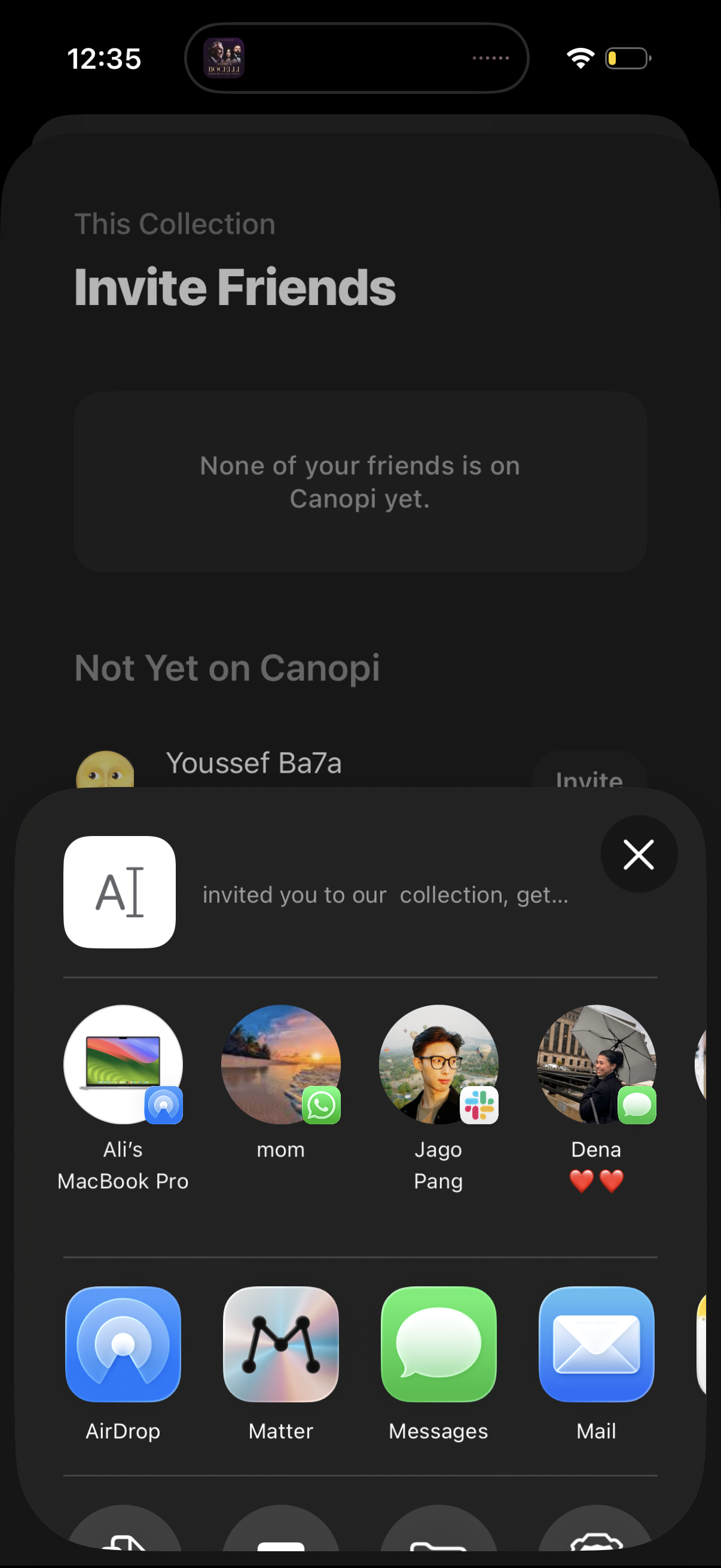
Invite friends screen for a collection, showing a list of contacts not yet on the app with an Invite action and an empty-state message. The iOS share sheet is open to send an invitation via AirDrop or messaging apps like Messages, WhatsApp, Slack, or Mail.