create listing photos
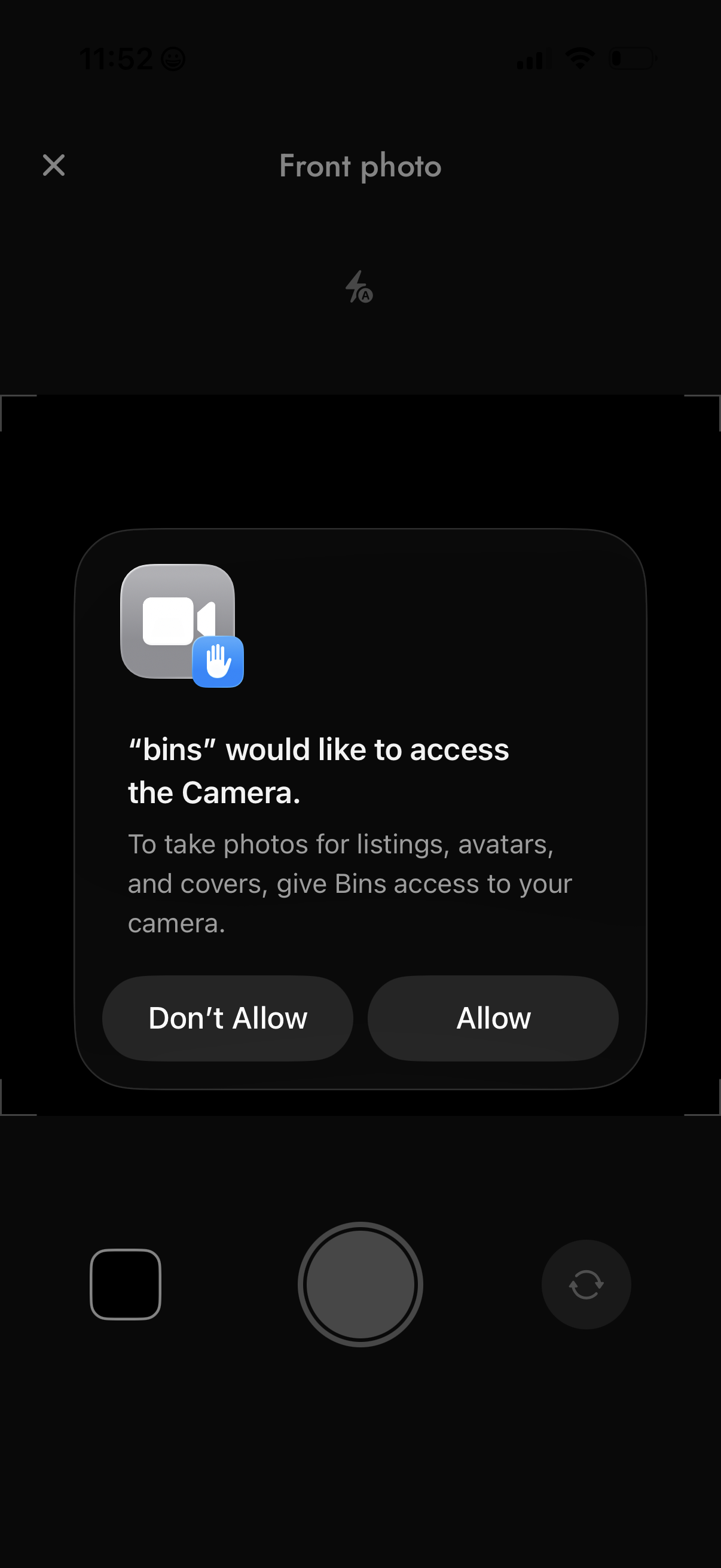
In-app camera capture screen for taking a front photo, overlaid with an iOS system permission prompt requesting access to the device camera for creating listings, avatars, and cover images. Primary actions are to grant or deny camera access (Allow / Don’t Allow) and dismiss the camera view.
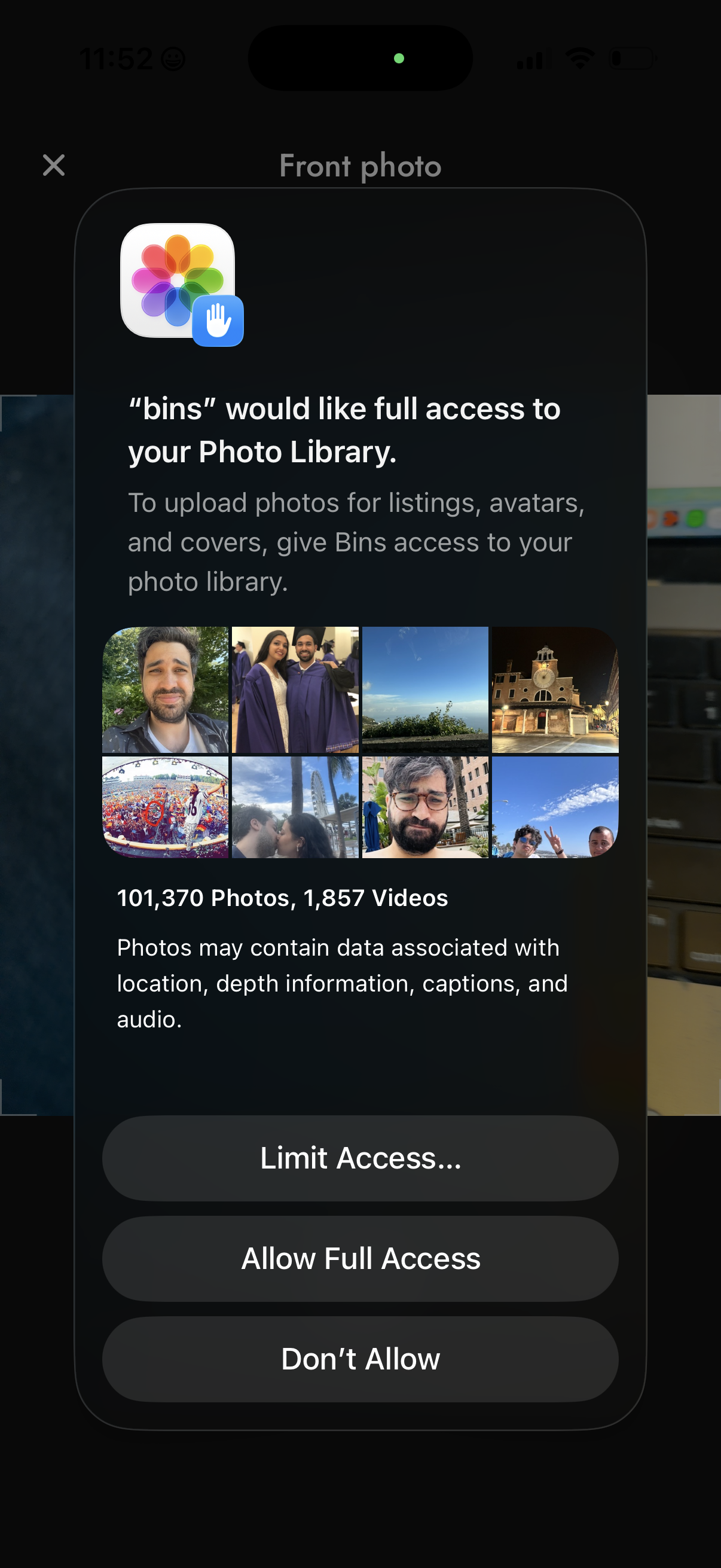
iOS system permission modal requesting photo library access so the app can upload images for listings, avatars, and covers, showing a preview grid and photo/video counts. Primary actions let the user choose Limit Access, Allow Full Access, or Don’t Allow.
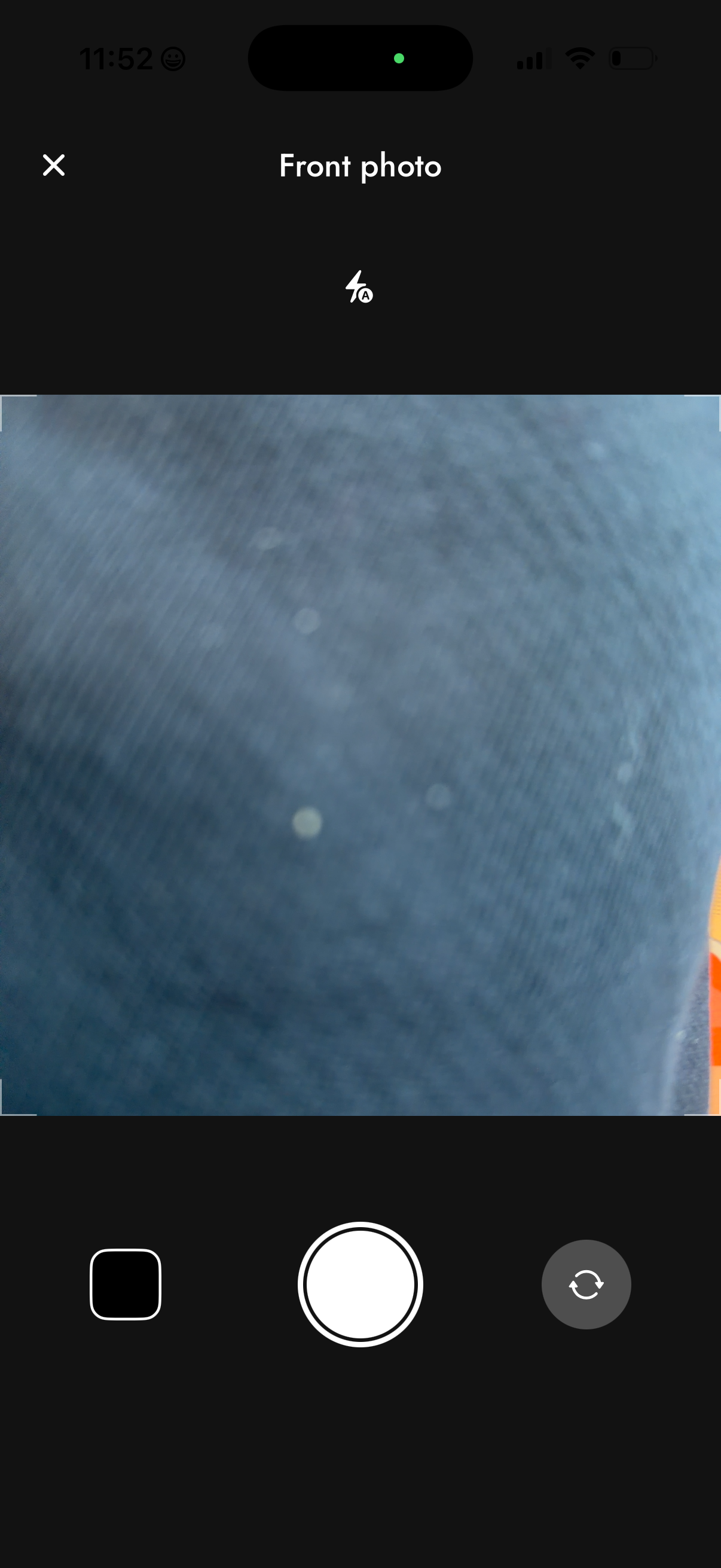
In-app camera capture screen for taking a “Front photo,” likely for identity verification or document submission, with a live preview and framing guides. Includes controls to close/cancel, toggle flash/auto, capture shutter button, open photo gallery, and switch camera (front/back).
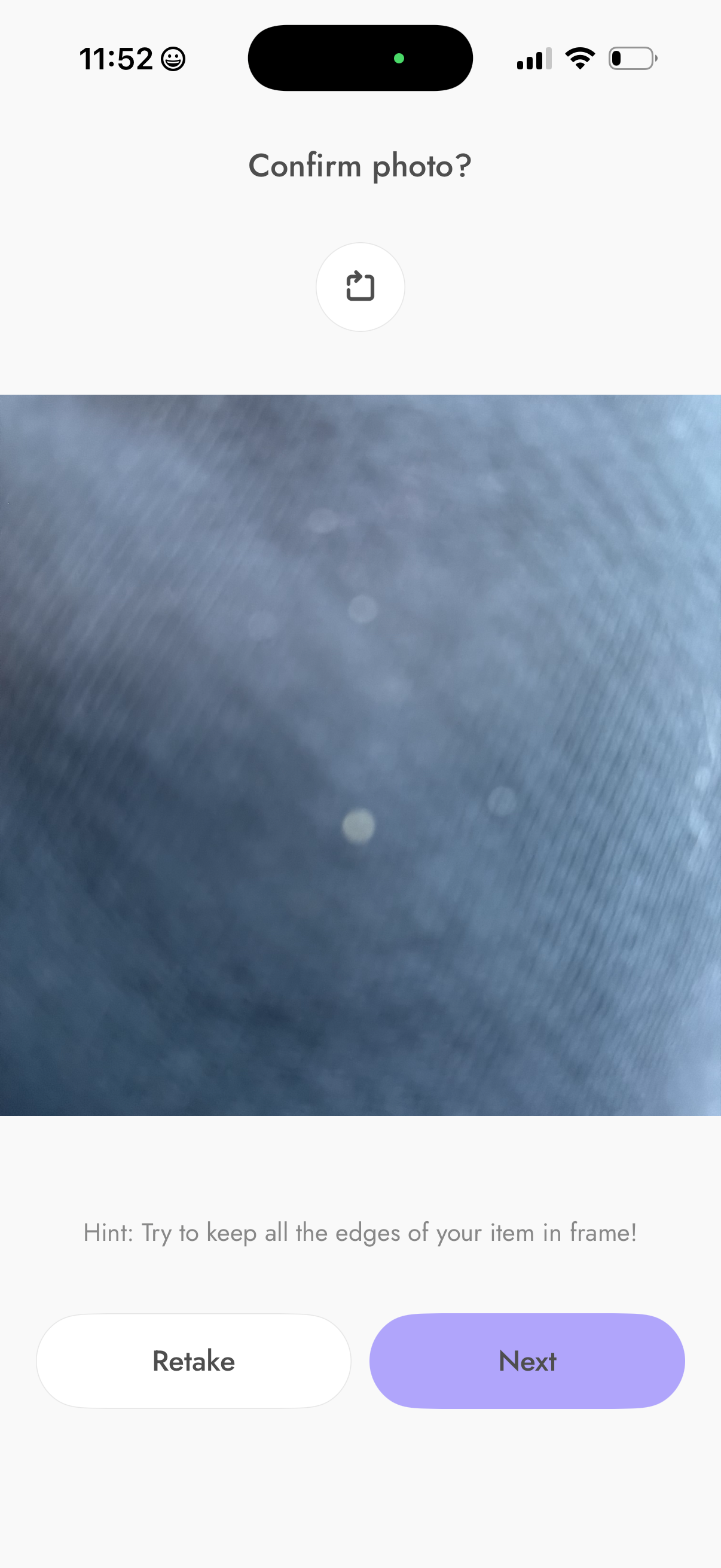
Photo capture confirmation screen showing a preview of the taken image with a hint to keep the item edges in frame. Primary actions let the user retake the photo or proceed to the next step, with an option to share/export.
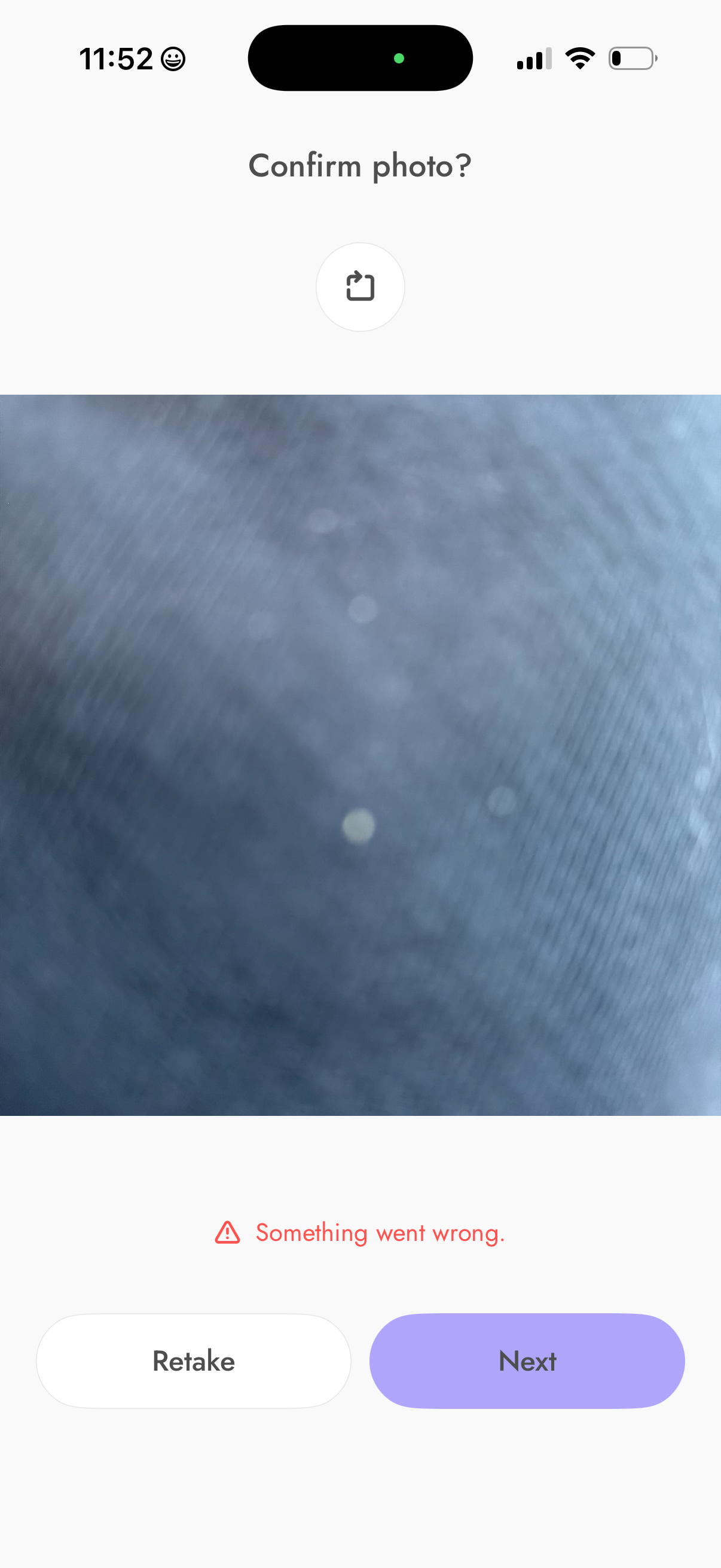
Photo capture confirmation screen prompting the user to review a taken image before continuing, with a share icon and primary actions to Retake or go to Next. An inline error state is shown (“Something went wrong”) indicating the photo can’t be accepted and the user may need to retake.