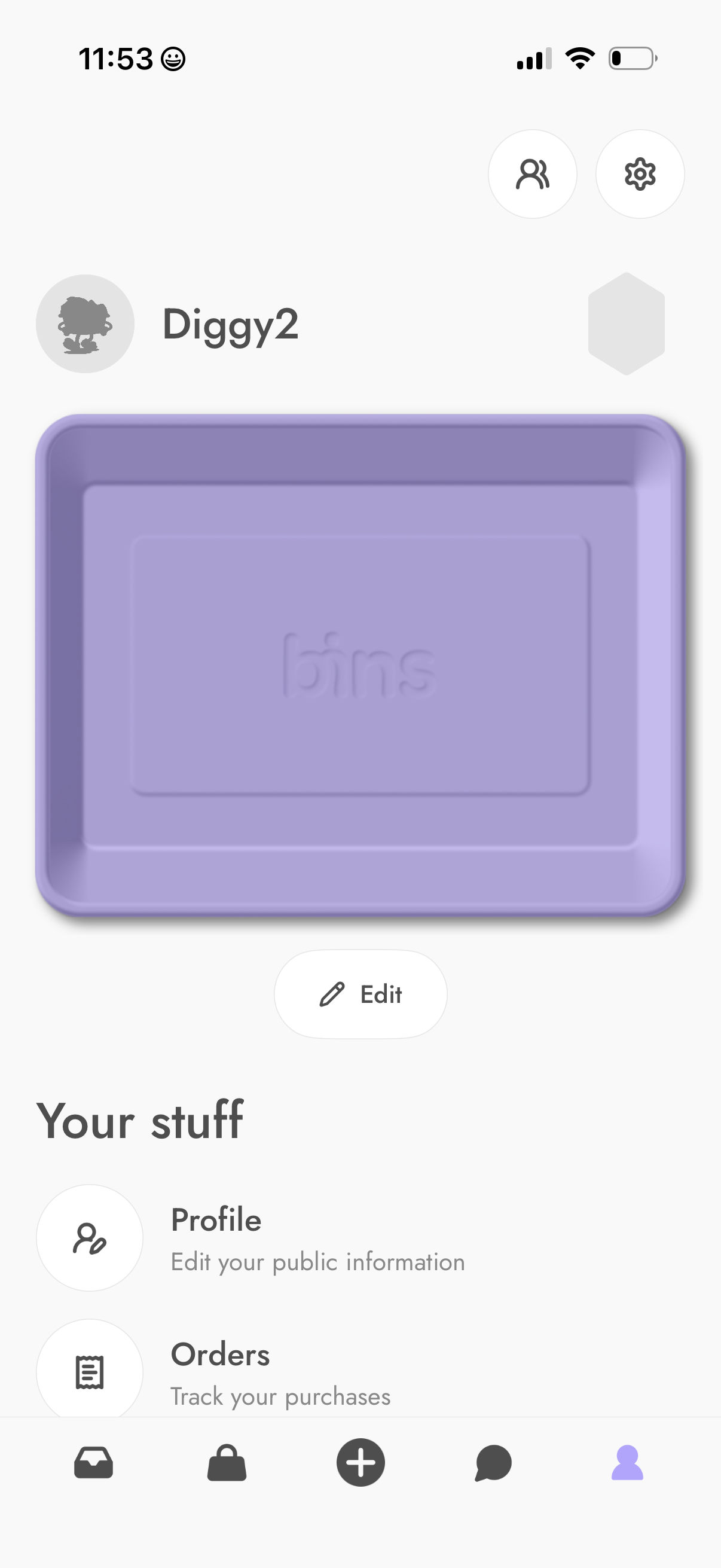
User account/profile dashboard showing a display name, avatar, and editable profile header image with an Edit button. Provides navigation to account sections like Profile (edit public info) and Orders (track purchases), with quick access icons for contacts/friends and settings plus a bottom tab bar.
Marketplace seller listings dashboard showing segmented tabs for Active, Unlisted, and Private listings, with search and calendar/filter actions in the top bar. The empty state indicates there are currently no listings available and prompts the user that items for sale will appear here.
Empty state screen for a drafts inbox labeled “Your drafts,” indicating there are no saved drafts and that drafts will appear here. Includes navigation back plus actions to create/edit a draft and access a calendar/download option.
Marketplace selling dashboard showing the Sold tab in an orders/listings manager with segmented statuses (Sold, Ready, Moving, Completed, Canceled) and an empty state message “No items sold. ” Top actions include back navigation, search, and a calendar/date filter icon.