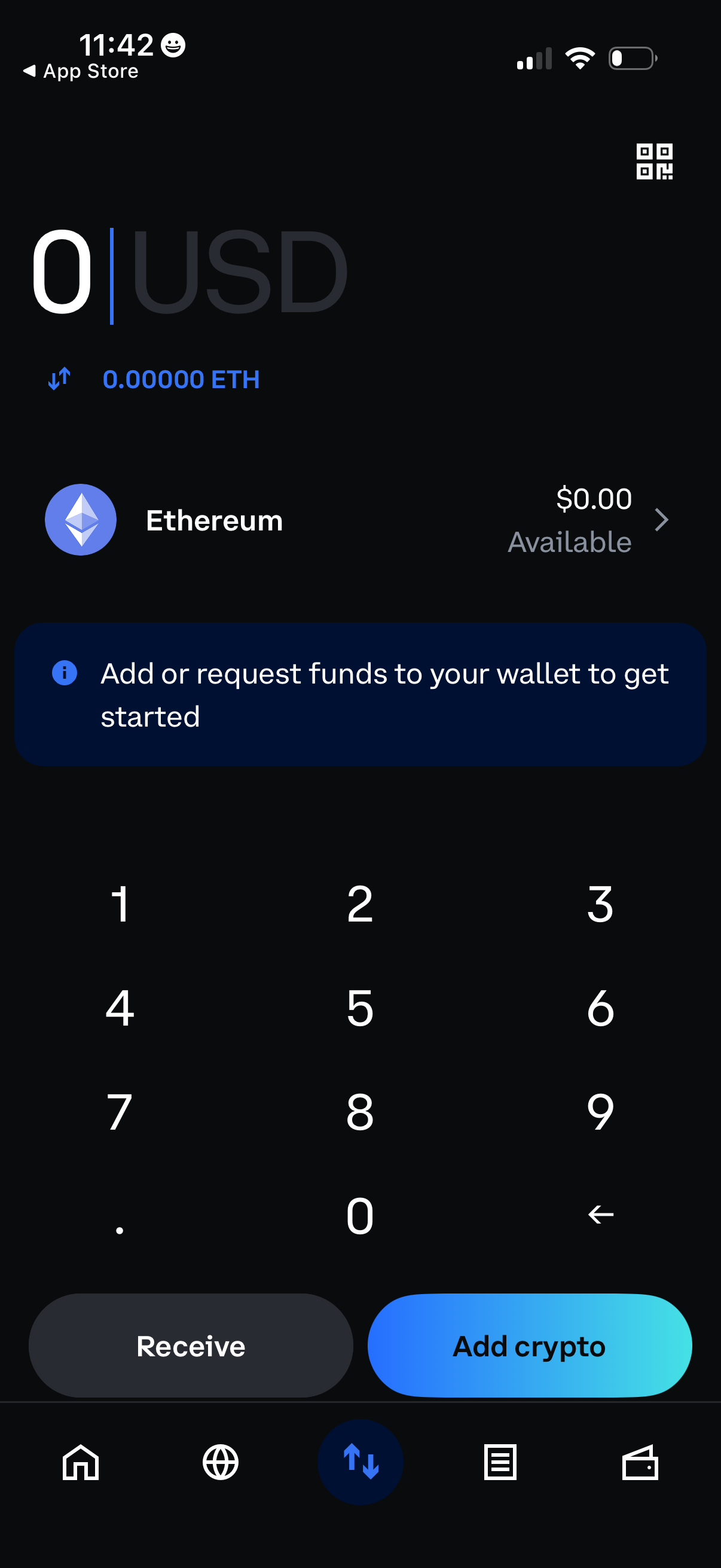
Crypto wallet “add funds” screen showing a USD amount entry keypad with the selected network/asset (Ethereum) and current available balance. Primary actions let the user receive/request funds or add crypto to the wallet, with a prompt to get started by adding or requesting funds.
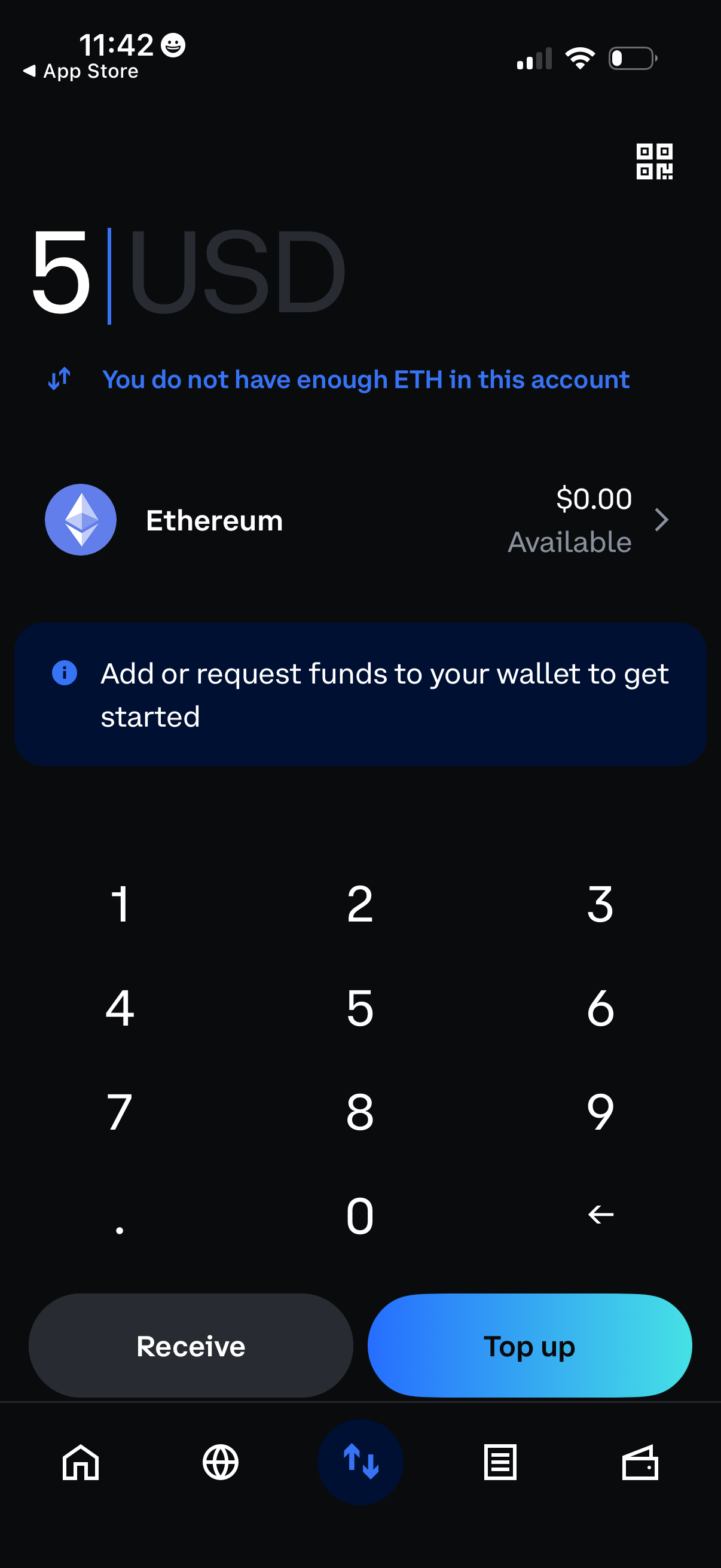
Crypto wallet send screen for entering a USD amount with a numeric keypad, showing an ETH balance warning and available funds. Includes primary actions to Receive or Top up the wallet and a prompt to add or request funds to get started.
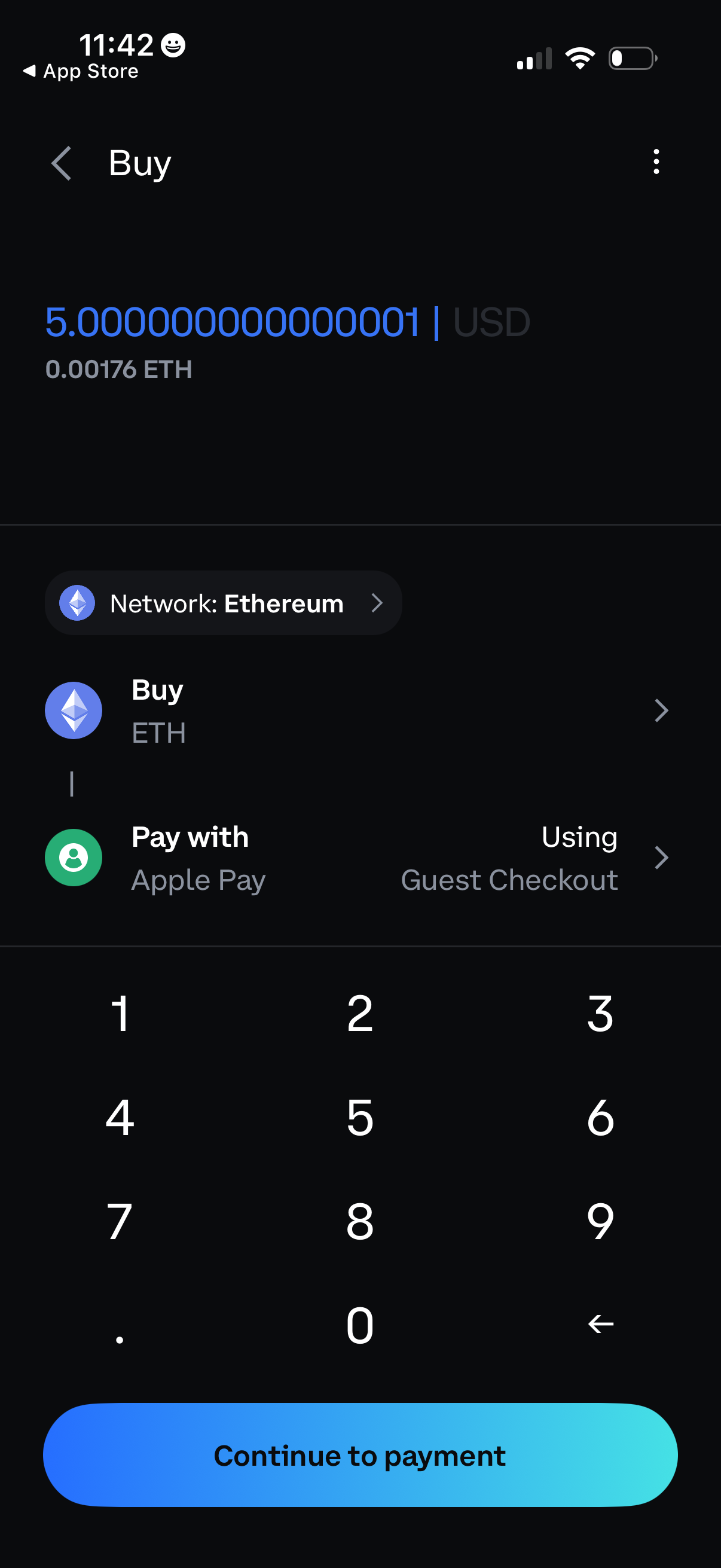
Crypto purchase screen for buying Ethereum where the user enters an amount in USD (with ETH equivalent shown), selects the Ethereum network, and chooses Apple Pay as the payment method via guest checkout. A numeric keypad supports amount entry and a primary “Continue to payment” button advances to checkout.