manage notification preferences
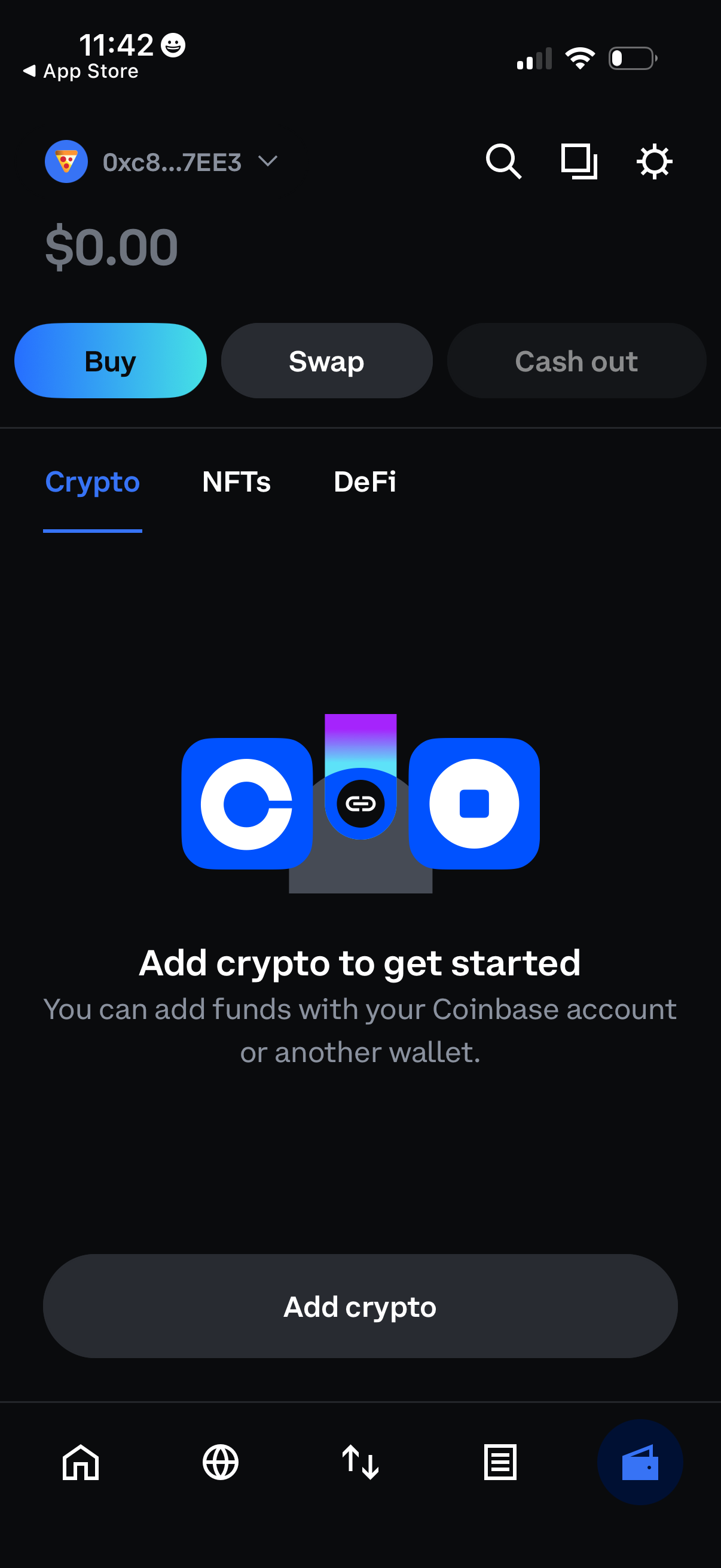
Crypto wallet home screen showing a $0 balance with primary actions to Buy, Swap, and Cash out, plus tabs for Crypto, NFTs, and DeFi. An empty-state prompt encourages the user to add funds via a linked exchange account or another wallet, with a prominent “Add crypto” button and top search/settings shortcuts.
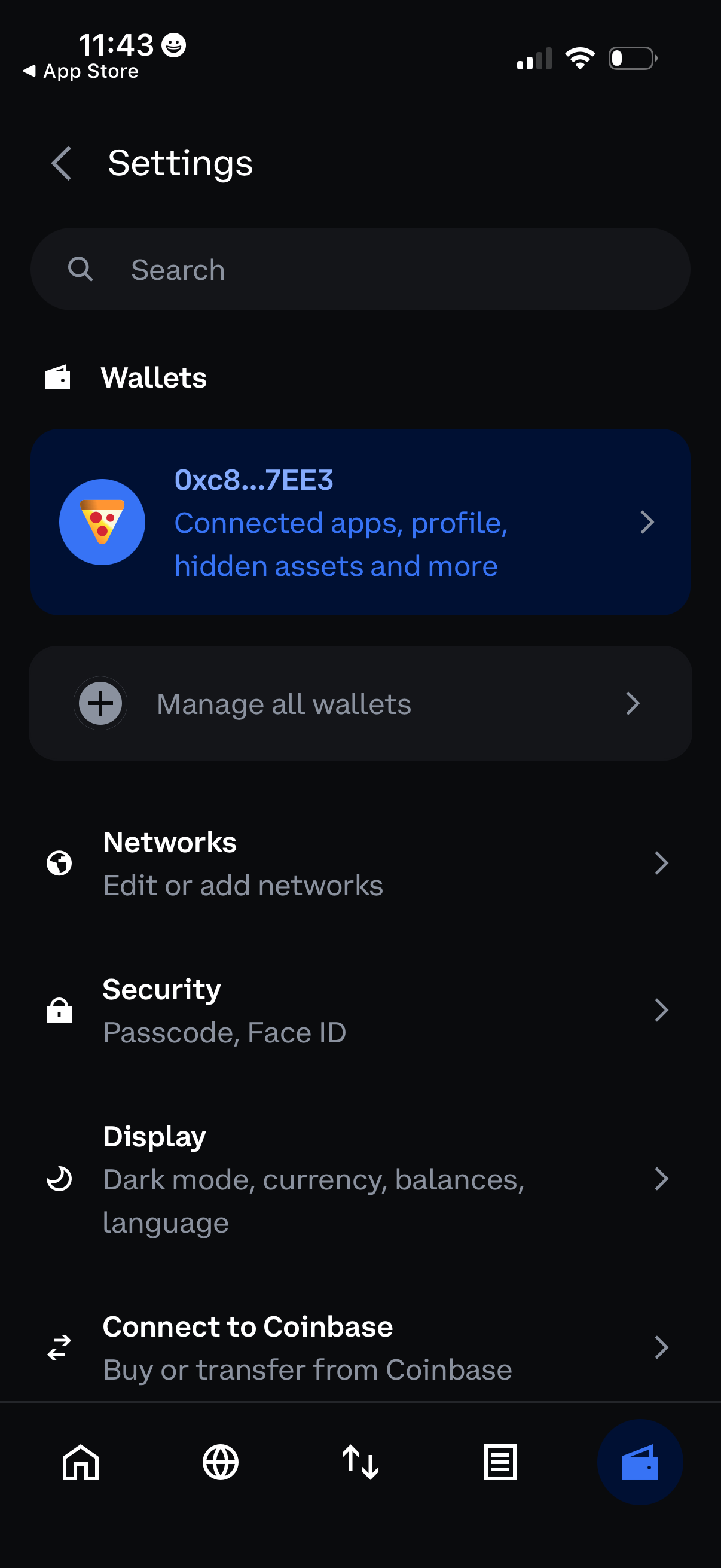
Settings screen for a crypto wallet app with a search bar and sections to manage wallets (view a specific wallet, manage all wallets), edit or add networks, and configure security options like passcode/Face ID. Also includes display preferences (dark mode, currency, balances, language) and an option to connect to Coinbase for buying or transferring funds.
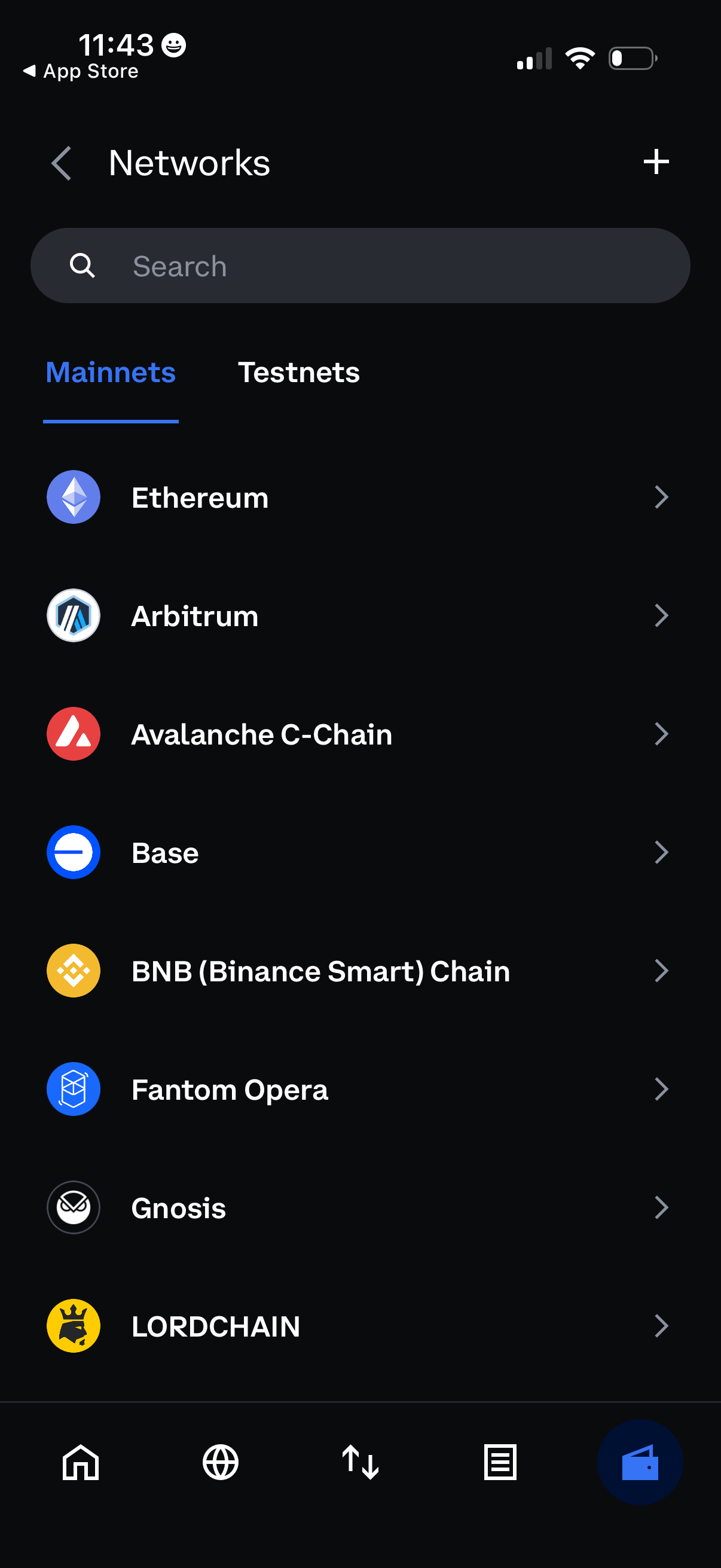
Network selection screen in a crypto wallet showing a searchable list of blockchain networks with tabs for Mainnets and Testnets. Users can tap a network to view/select it and use the plus button to add a new custom network.
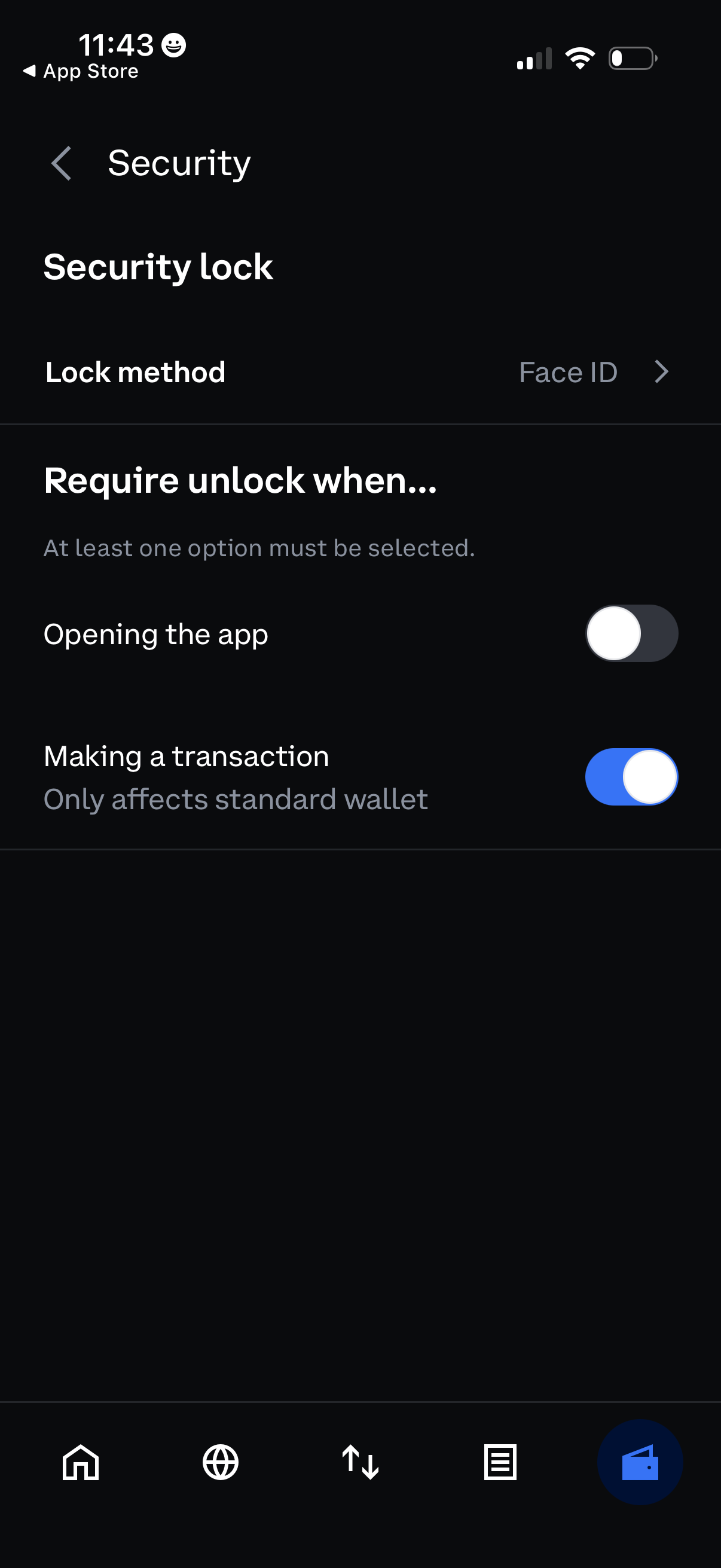
Security settings screen for a wallet app where users choose a lock method (Face ID) and configure when unlocking is required. Includes toggles to require authentication when opening the app and/or when making a transaction, with at least one option required.
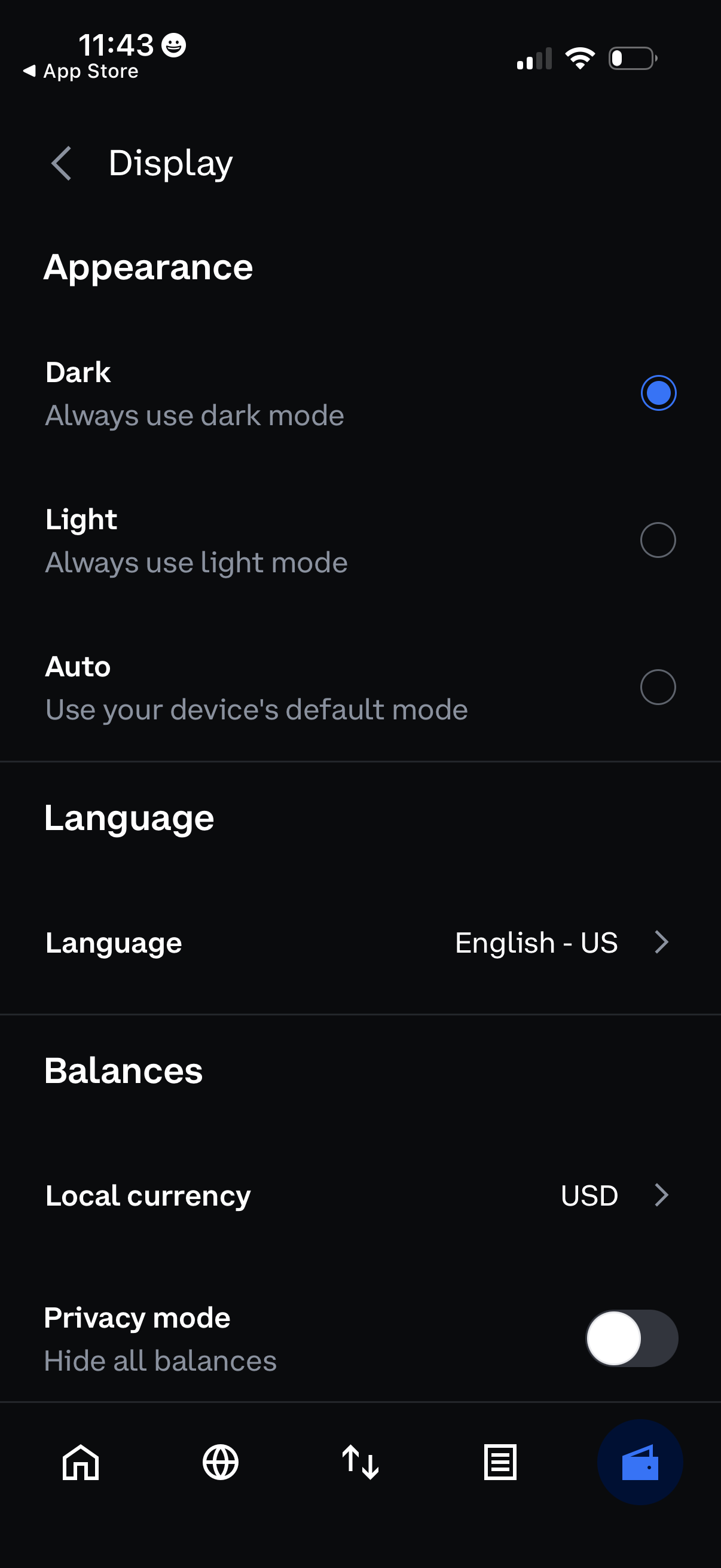
Settings “Display” screen for customizing app appearance with radio options for Dark, Light, or Auto theme. Also includes language selection, balance preferences like local currency, and a privacy mode toggle to hide all balances.
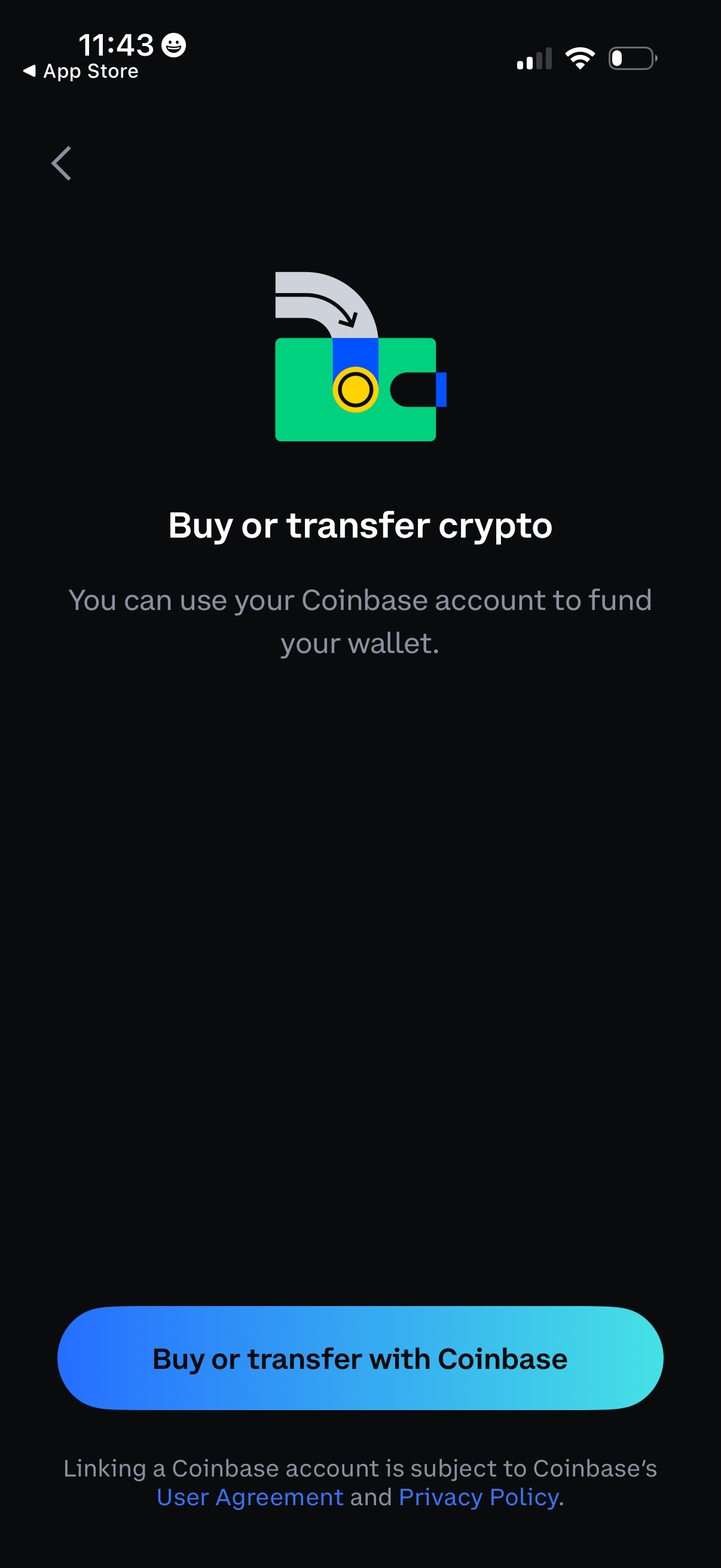
Crypto wallet funding screen prompting users to buy or transfer cryptocurrency using a linked Coinbase account. Includes a primary CTA button to “Buy or transfer with Coinbase” and legal links to the user agreement and privacy policy.
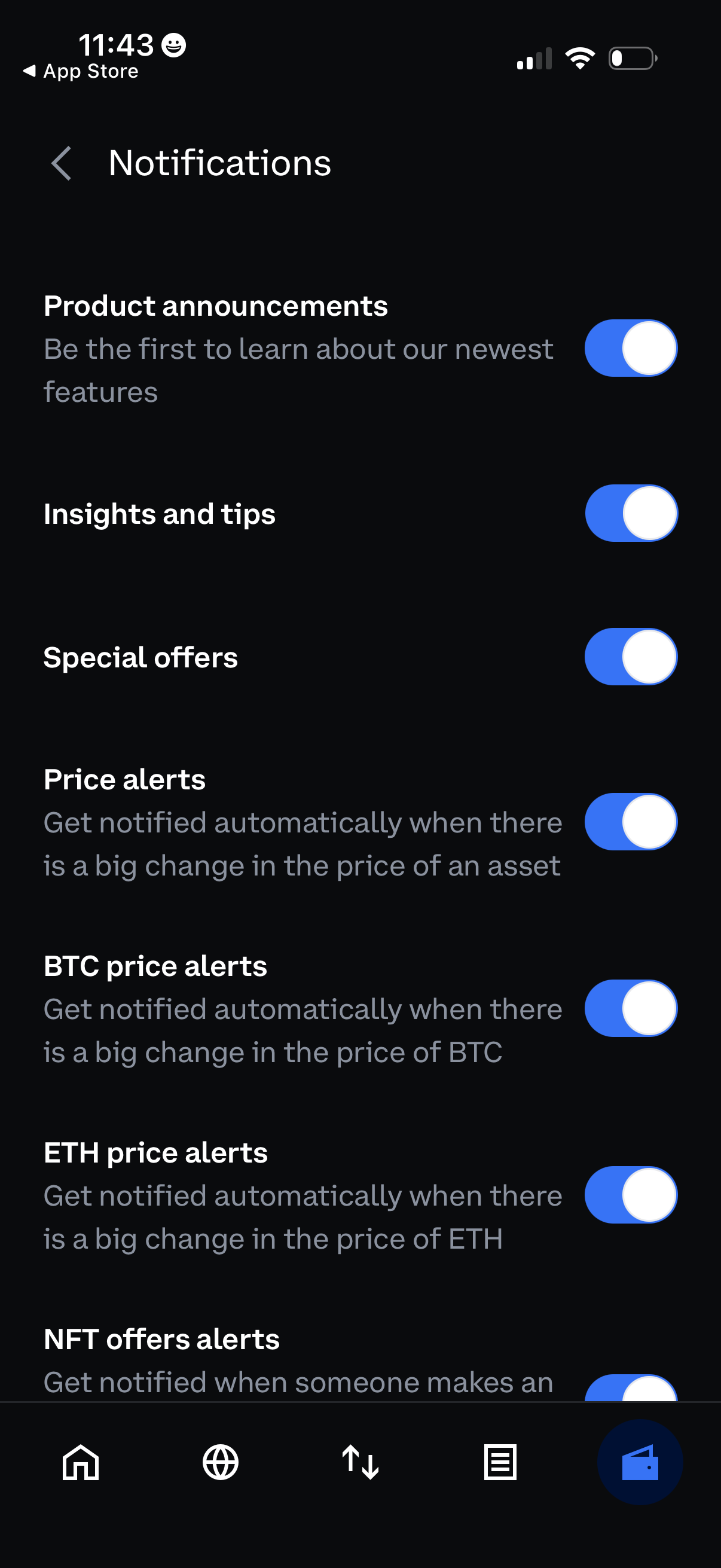
Notifications settings screen with a list of toggle switches to enable or disable different alert categories, including product announcements, insights and tips, special offers, and market price alerts. Also includes crypto-specific alerts such as BTC and ETH price alerts and NFT offer alerts, each with a brief description.