search and filter results
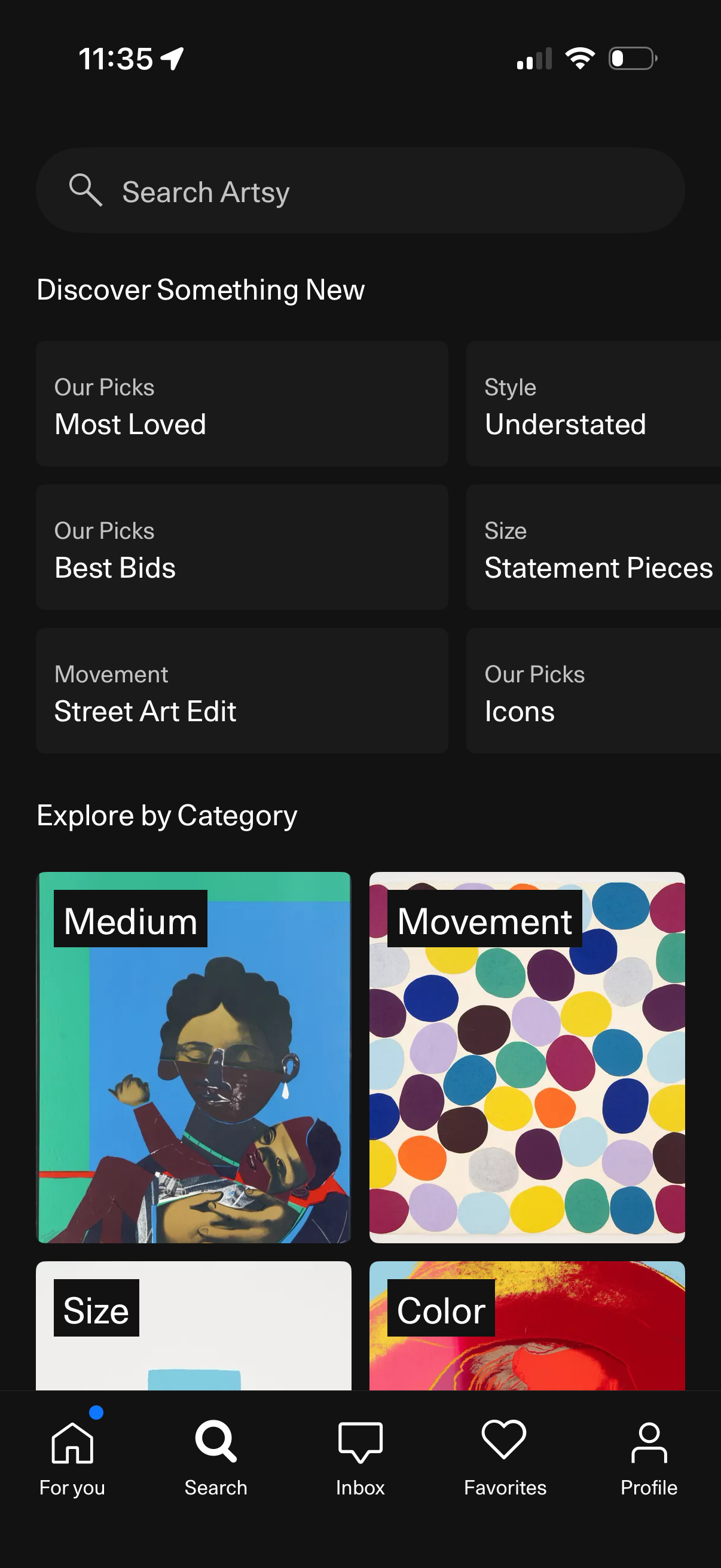
Search and discovery screen for an art marketplace app with a global search bar and curated recommendation tiles like Most Loved, Best Bids, Icons, and style/size/movement filters. Users can also browse “Explore by Category” with visual category cards such as Medium, Movement, Size, and Color to find artworks.
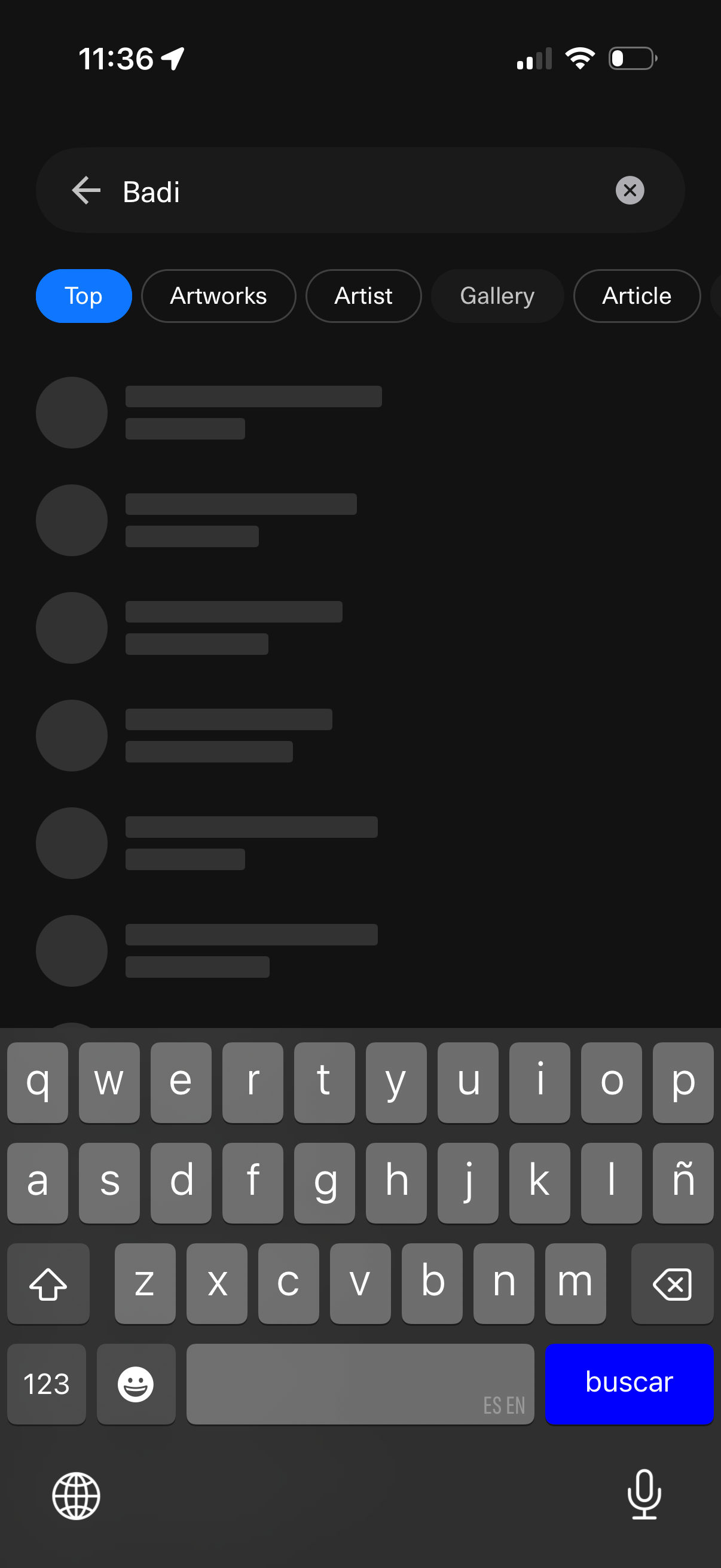
Search results screen in a dark-themed art app with a search bar and back/clear controls, showing the query and a list of results with loading placeholders. Category filter tabs let users switch between Top, Artworks, Artist, Gallery, and Article while typing with the on-screen keyboard.
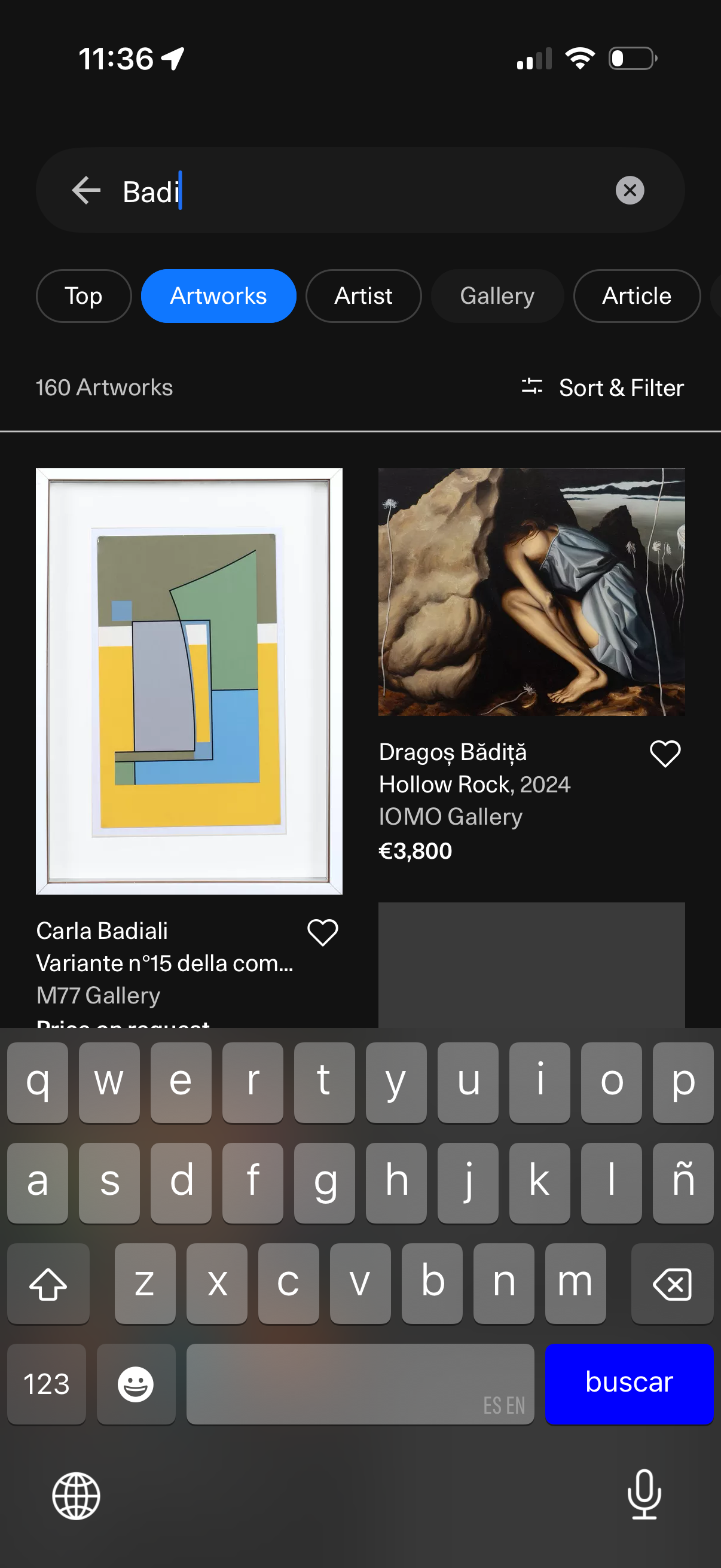
Art marketplace search results screen with a search bar and category tabs (Top, Artworks, Artist, Gallery, Article) showing an artwork grid. Users can sort and filter results, view artwork cards with image, title/artist, gallery, and price, and tap a heart icon to save to favorites.
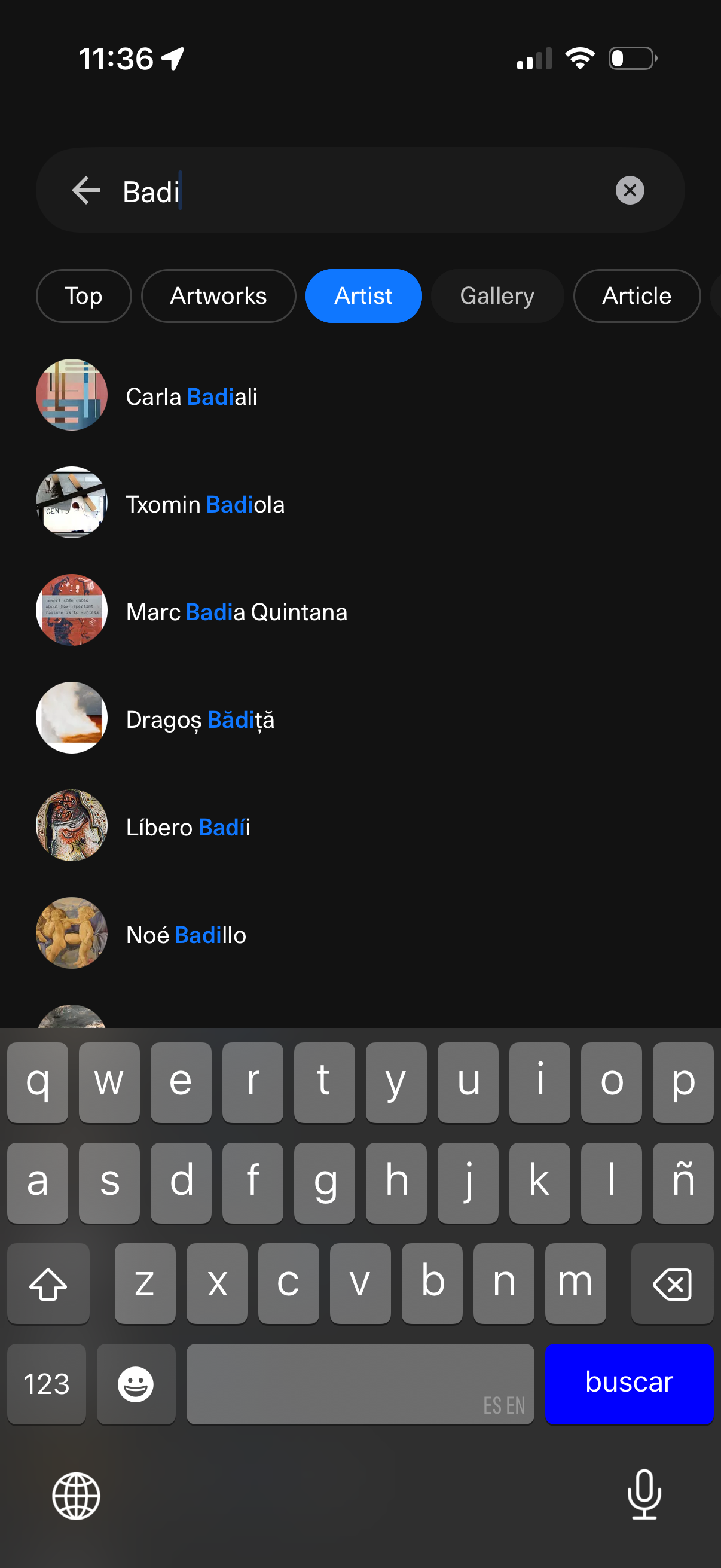
Search results screen in an art discovery app with a search bar and cancel/back controls, showing filter tabs for Top, Artworks, Artist, Gallery, and Article. The Artist tab is selected and displays a scrollable list of matching artists with profile thumbnails and names, allowing users to tap an artist to view their page.
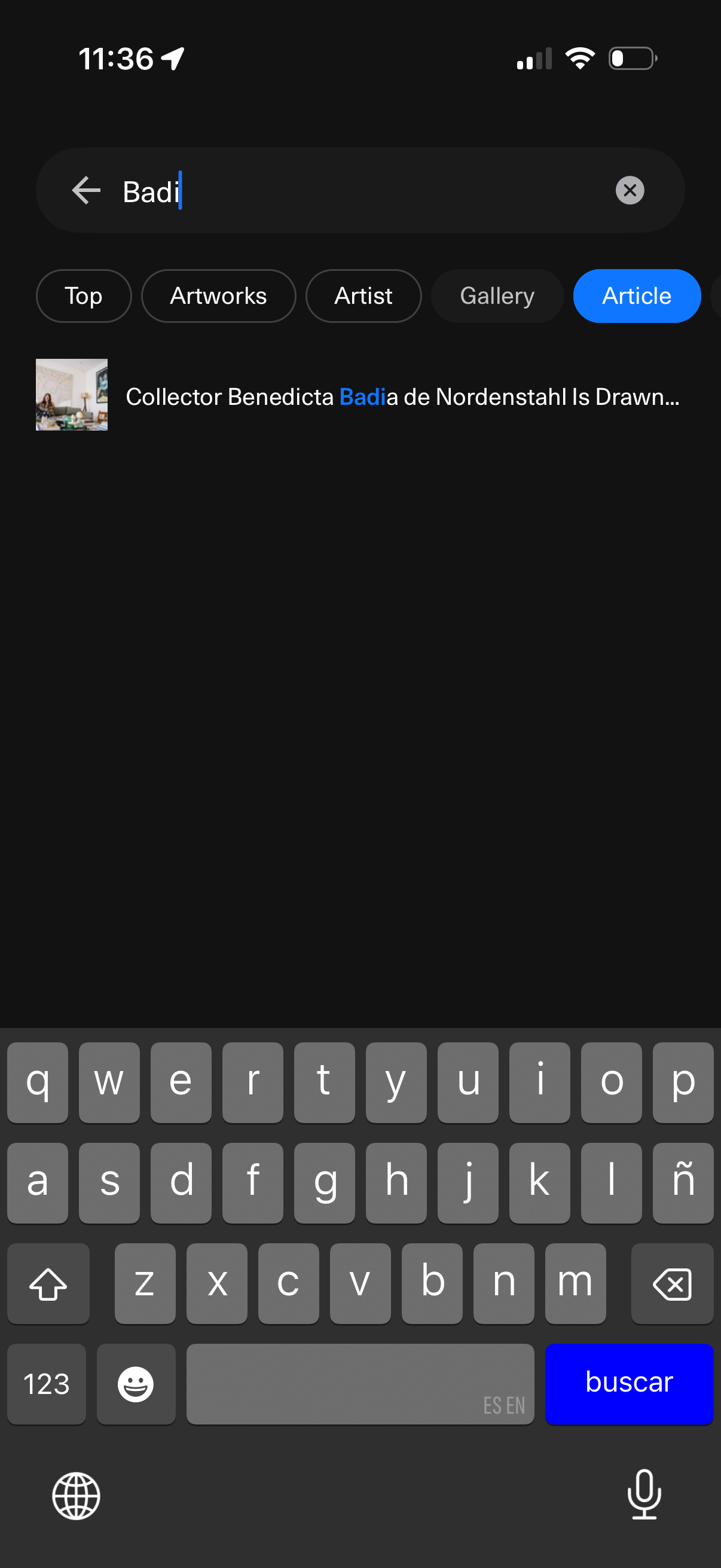
Search results screen for an art marketplace app with a keyword search bar, back and clear controls, and category filter chips (Top, Artworks, Artist, Gallery, Article) to refine results. Displays a list of matching content items such as an article result with thumbnail and title while typing a query.