create an alert
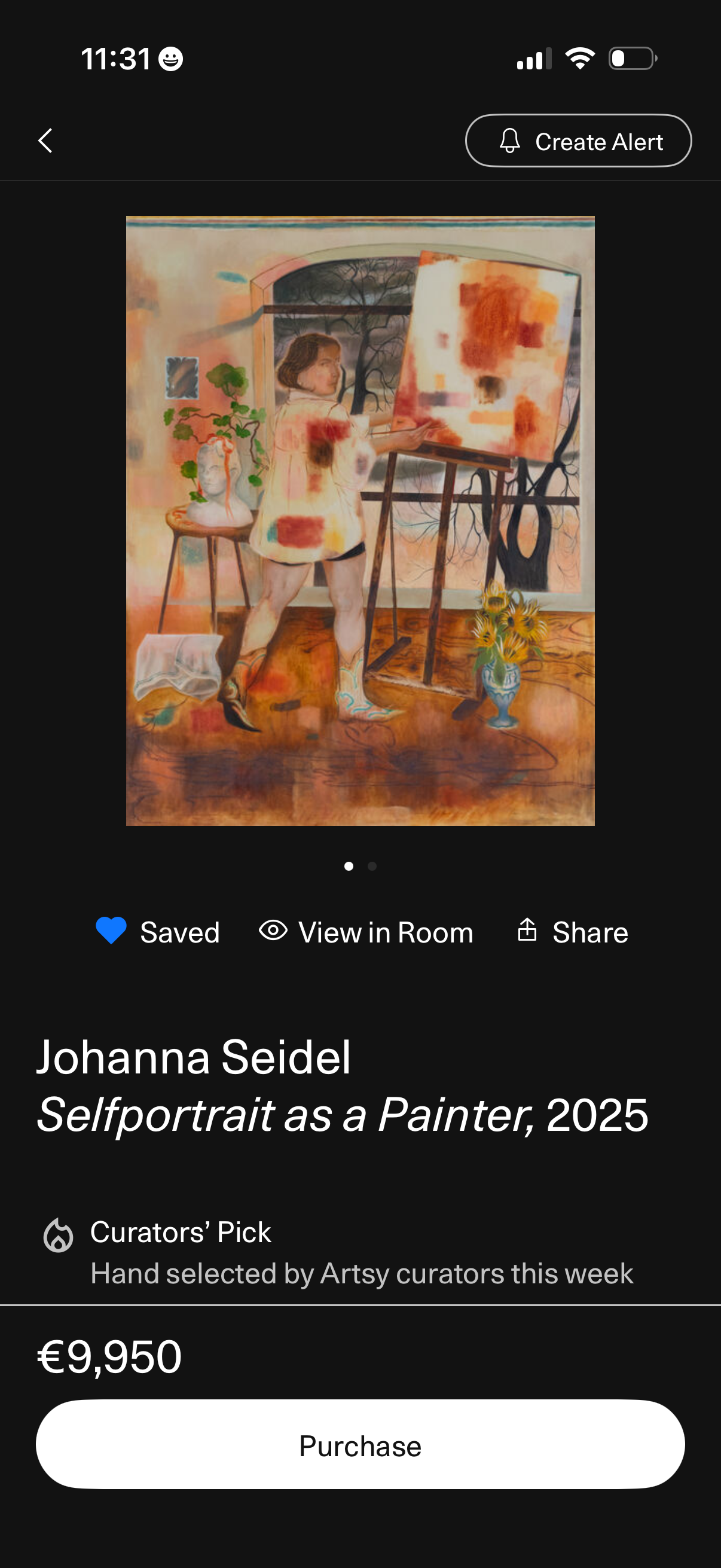
Artwork detail and purchase screen in an art marketplace showing a large image of the piece with actions to create a price alert, save/unsave, view the artwork in a room (AR preview), and share. Below the image it displays the artist name, artwork title and year, a curator’s pick badge, the price, and a prominent purchase button.
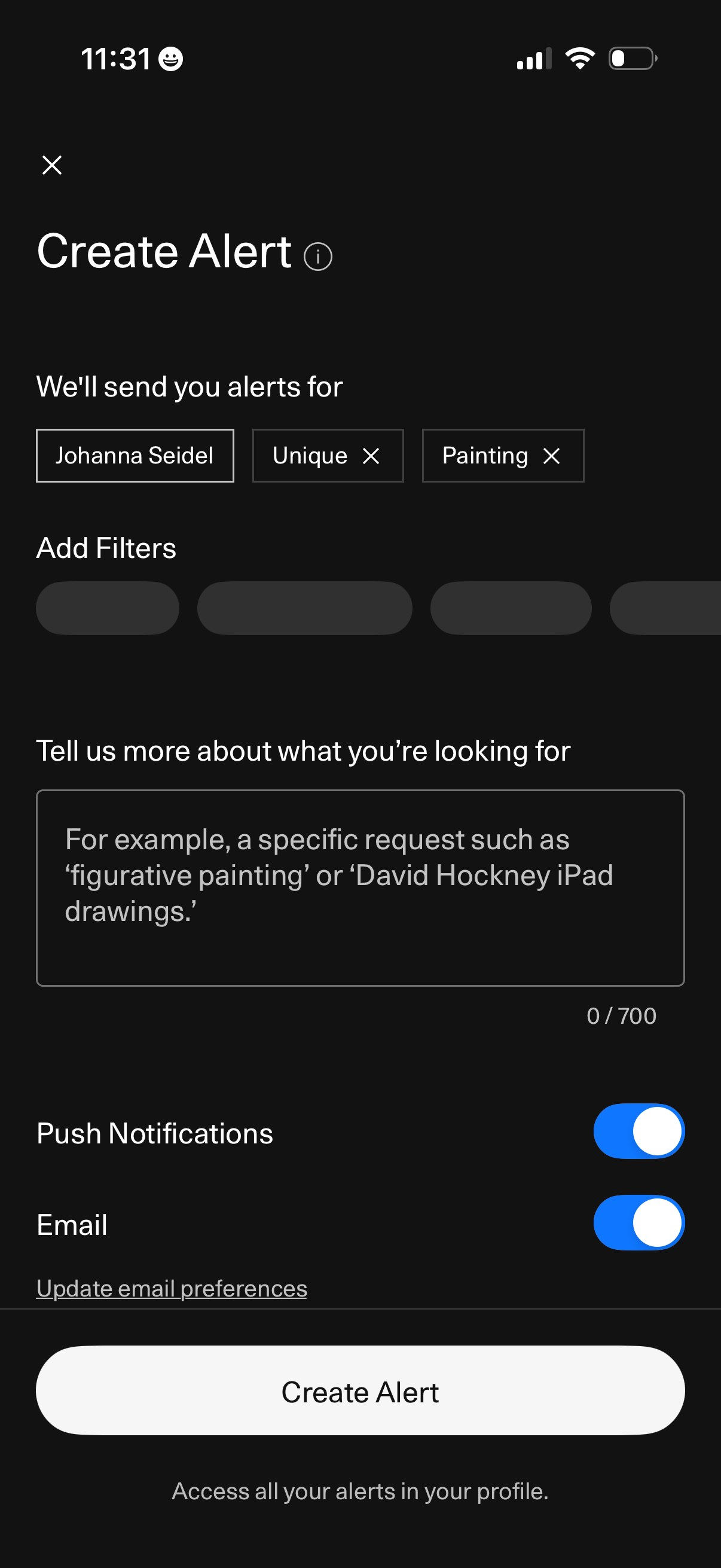
Create alert setup screen for an art marketplace where users choose alert keywords/tags and add filters, optionally describe what they’re looking for in a text field, and select notification channels via push and email toggles before tapping a primary “Create Alert” button.
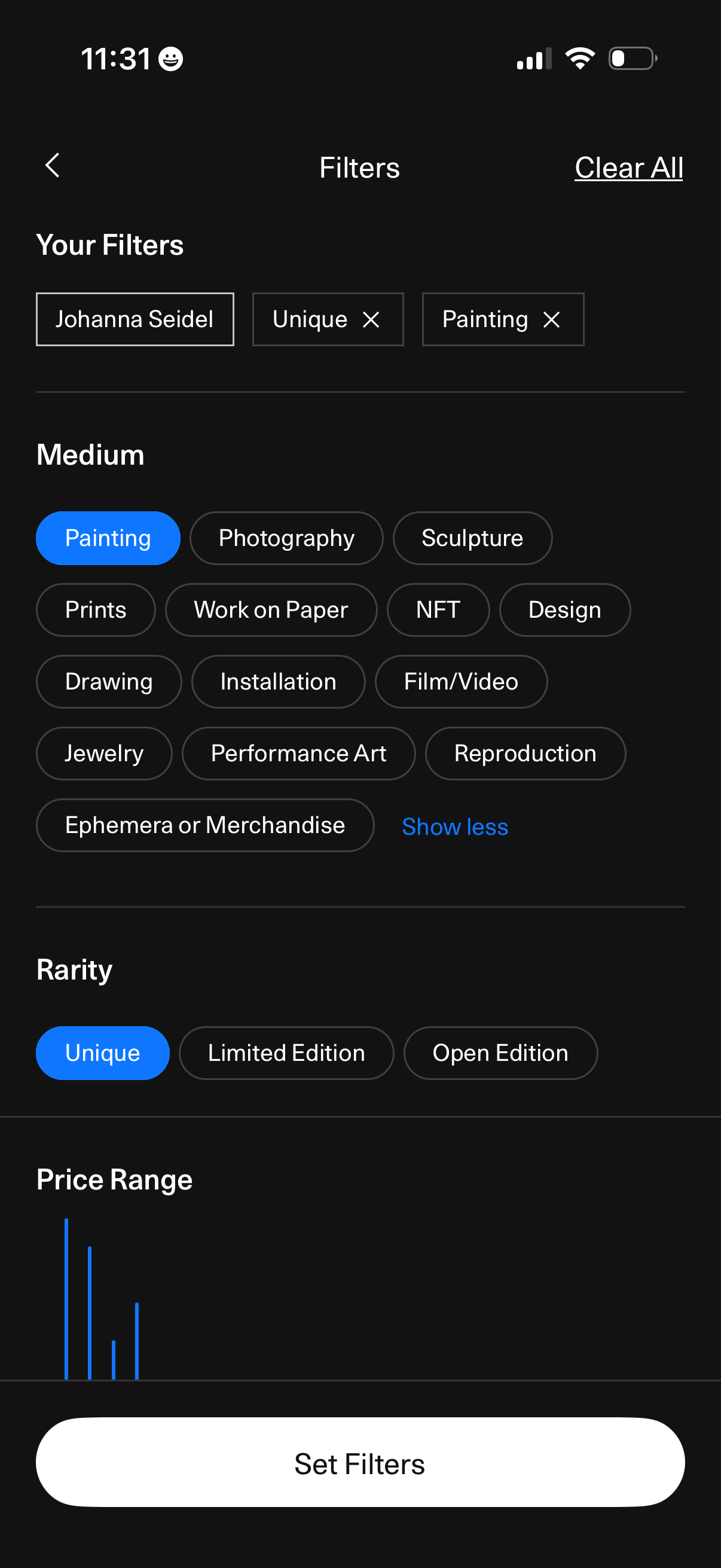
Art marketplace filter screen showing selected filter chips with remove icons and a Clear All option, letting users refine results by medium (painting, photography, sculpture, NFT, etc. ), rarity (unique, limited edition, open edition), and price range.
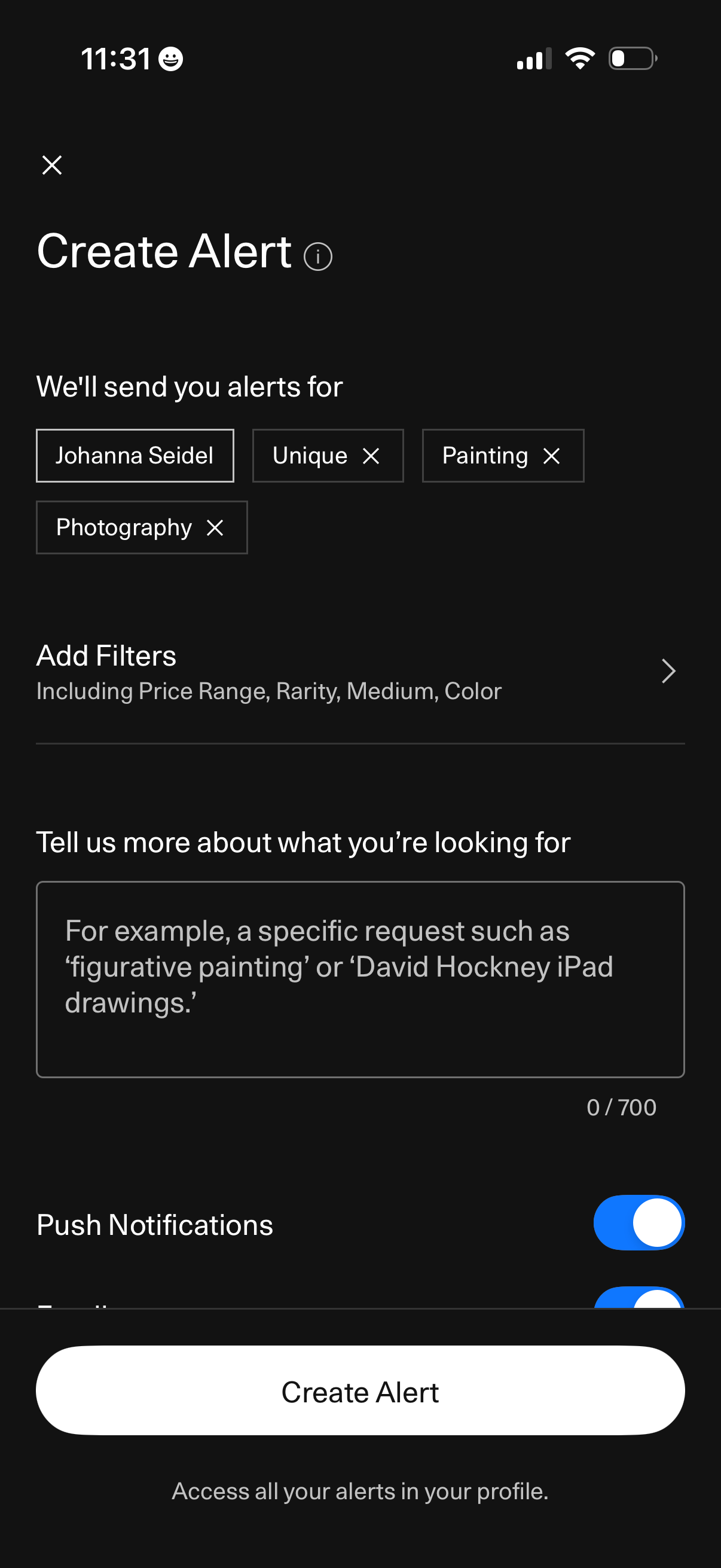
Screen to create a saved alert for art listings using selected keyword tags, with an option to add filters like price range, rarity, medium, and color. Includes a text field to describe what you’re looking for, toggles for notification preferences (e.
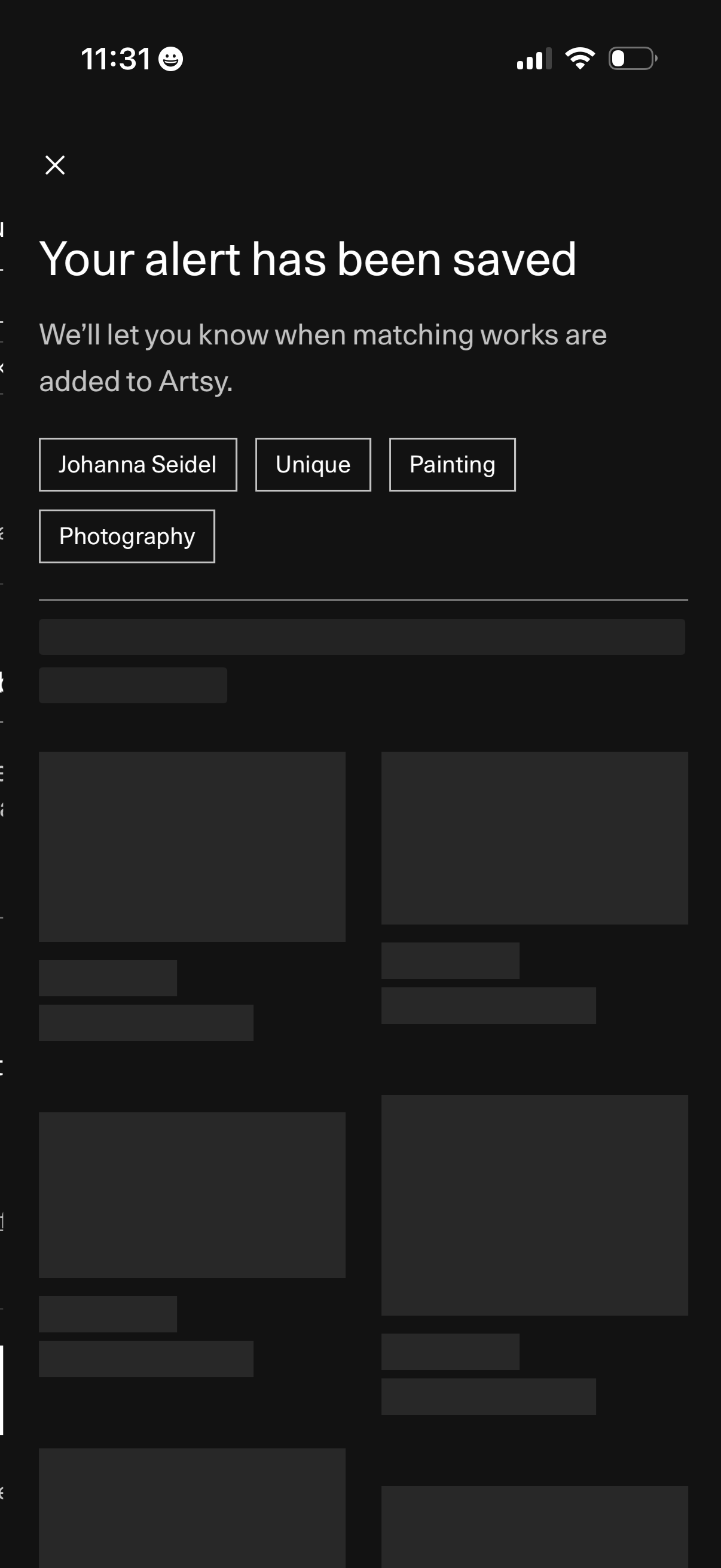
Confirmation screen indicating a saved alert for new matching artwork, explaining that notifications will be sent when items are added. Displays the alert criteria as filter chips (artist name, uniqueness, medium/type such as painting and photography) with a close/dismiss action.
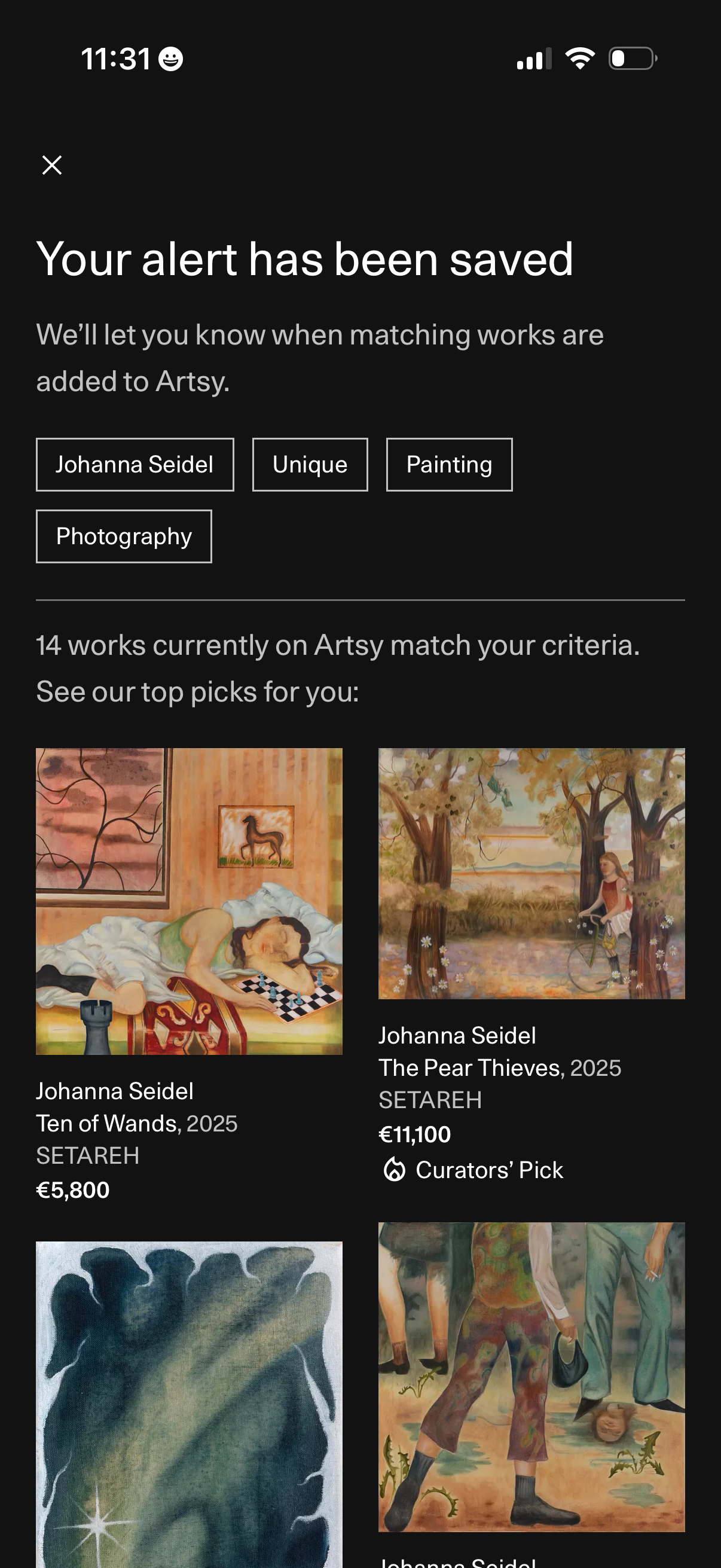
Confirmation screen indicating an alert for new artwork has been saved, showing the alert criteria as filter chips (artist, uniqueness, medium) and a count of matching works. Below, a grid of recommended artworks displays thumbnails with artist name, title, gallery, price, and badges like Curators’ Pick, with a close button to exit.