browse fair details
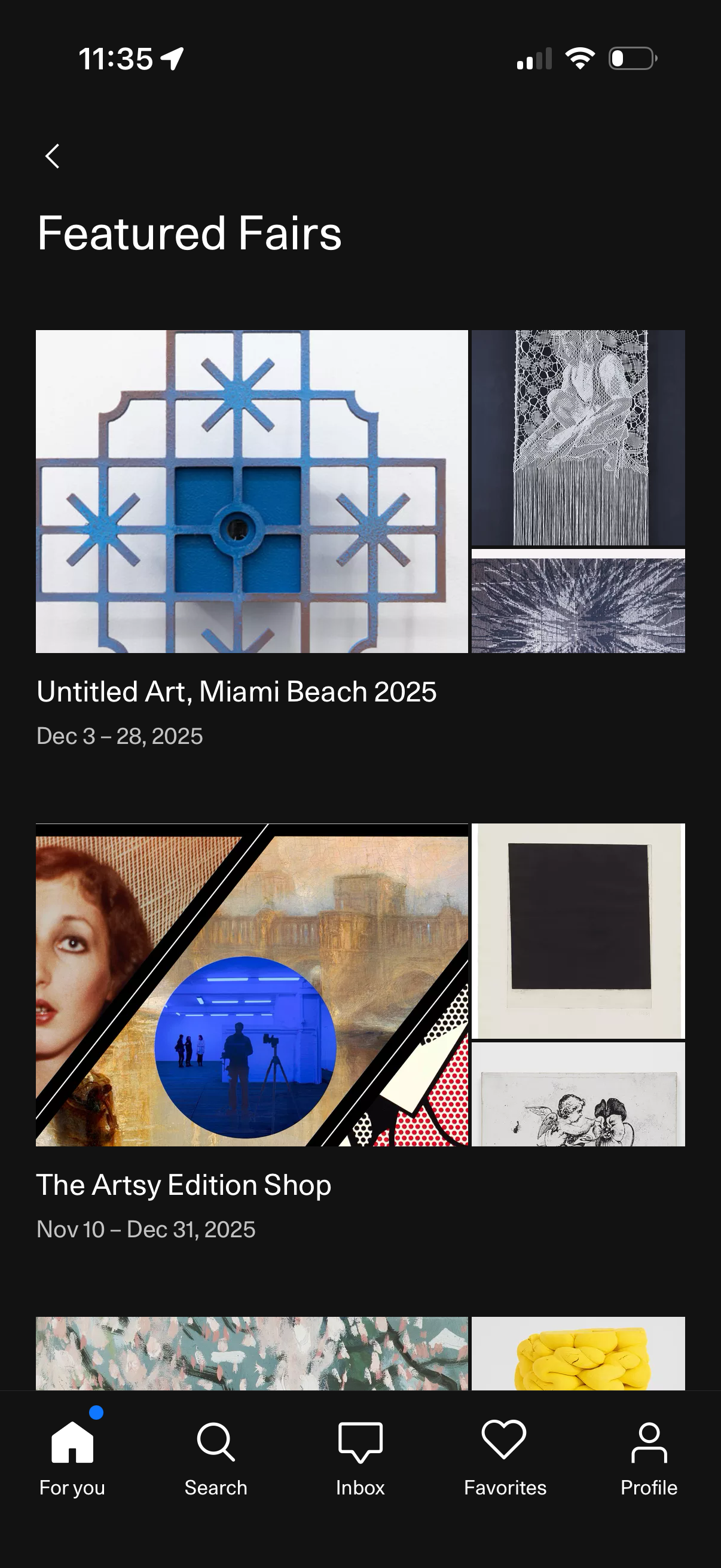
Featured fairs discovery screen showing a scrollable list of art fairs and events with large image thumbnails, titles, and date ranges. Users can tap an event card to view details, navigate back, and switch tabs via the bottom navigation (home, search, inbox, favorites, profile).
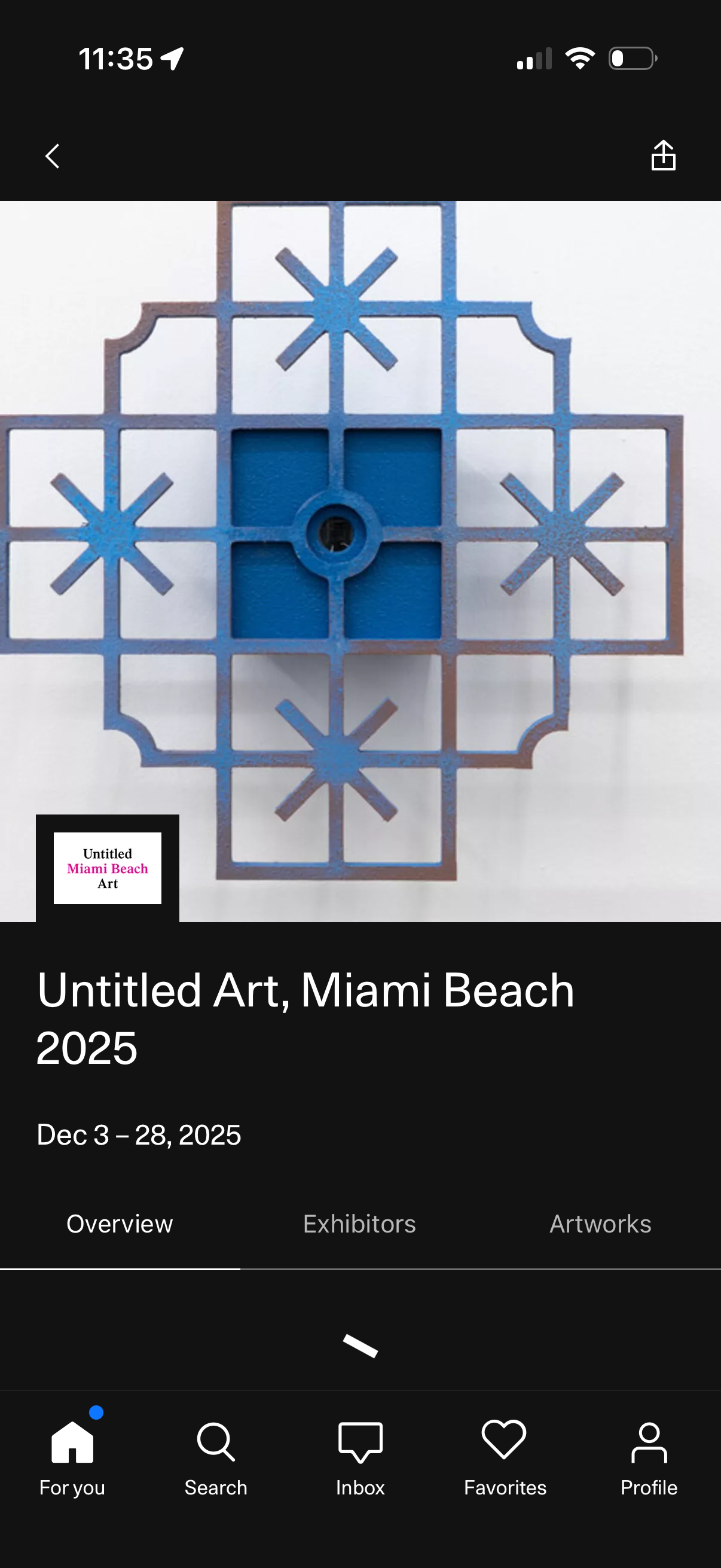
Event detail screen for an art fair showing a hero image, event title and dates, with tabs to switch between Overview, Exhibitors, and Artworks. Includes back navigation, a share action, and a bottom tab bar for browsing home, search, inbox, favorites, and profile.
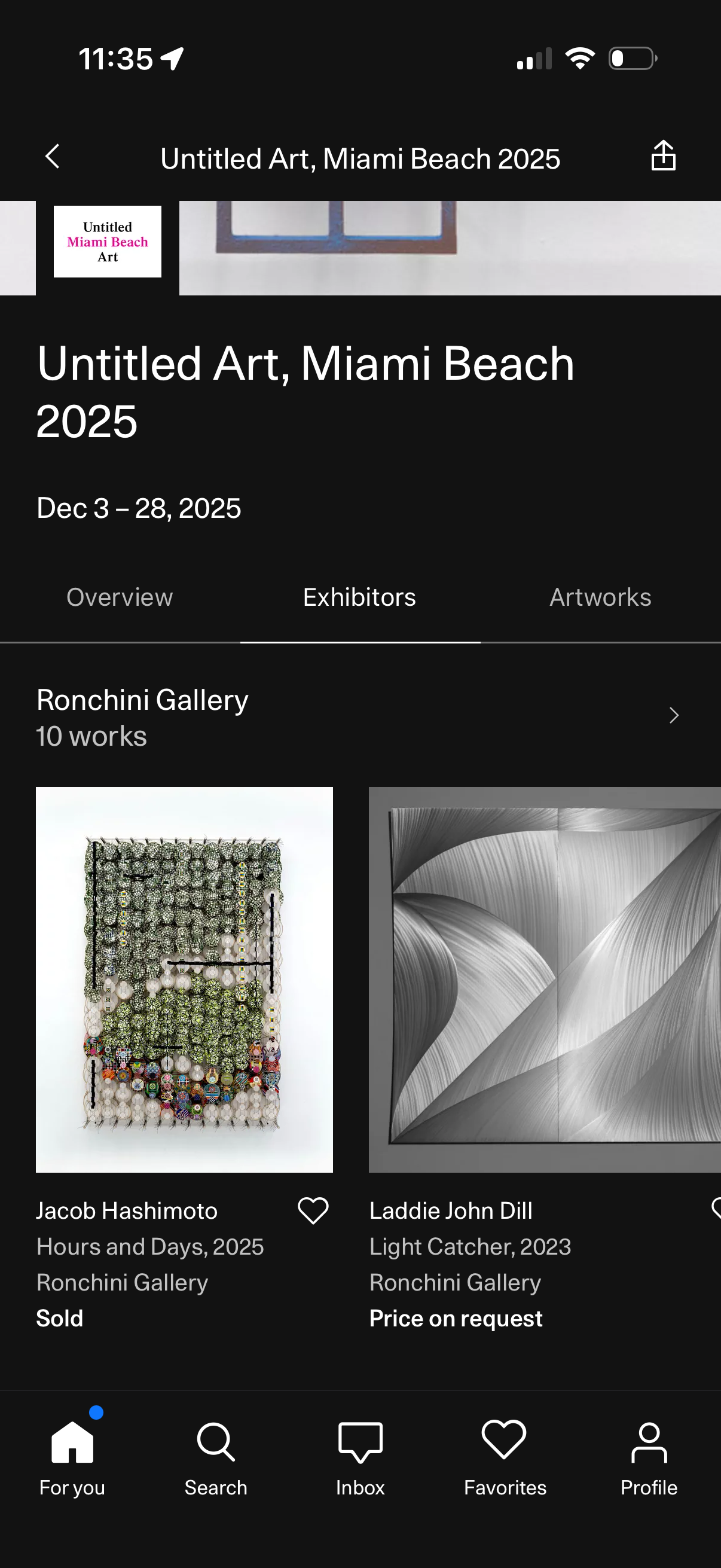
Art fair detail screen showing an event title and dates with tabs for Overview, Exhibitors, and Artworks, currently on the Exhibitors section. Displays a gallery/exhibitor entry with an artwork grid including thumbnails, artist and artwork info, availability/price status, and heart icons to favorite items, plus back and share actions.
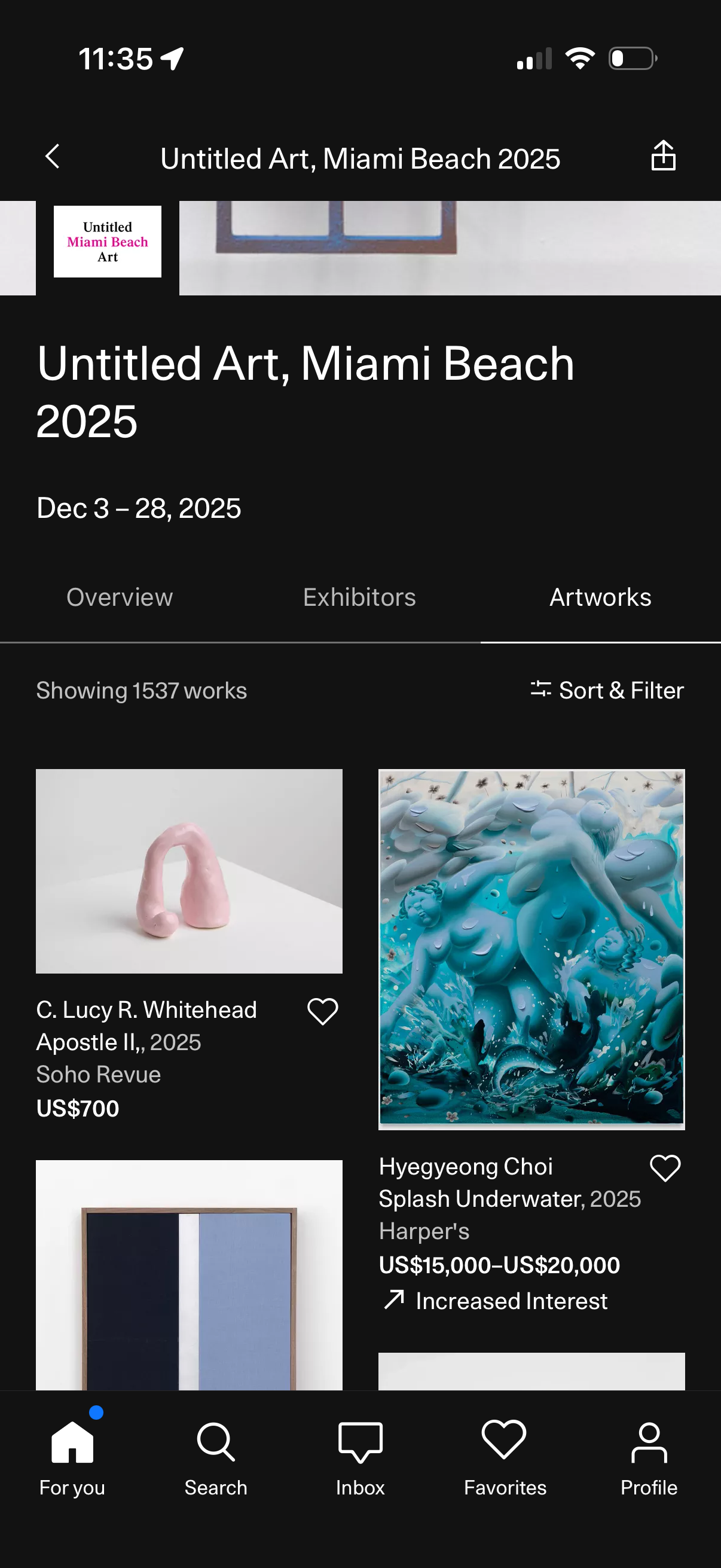
Event detail screen for an art fair with tabs for Overview, Exhibitors, and Artworks, currently showing a grid of artworks with artist name, title, gallery, and price. Users can sort and filter the list and save items to favorites via heart icons, with navigation back and share actions.