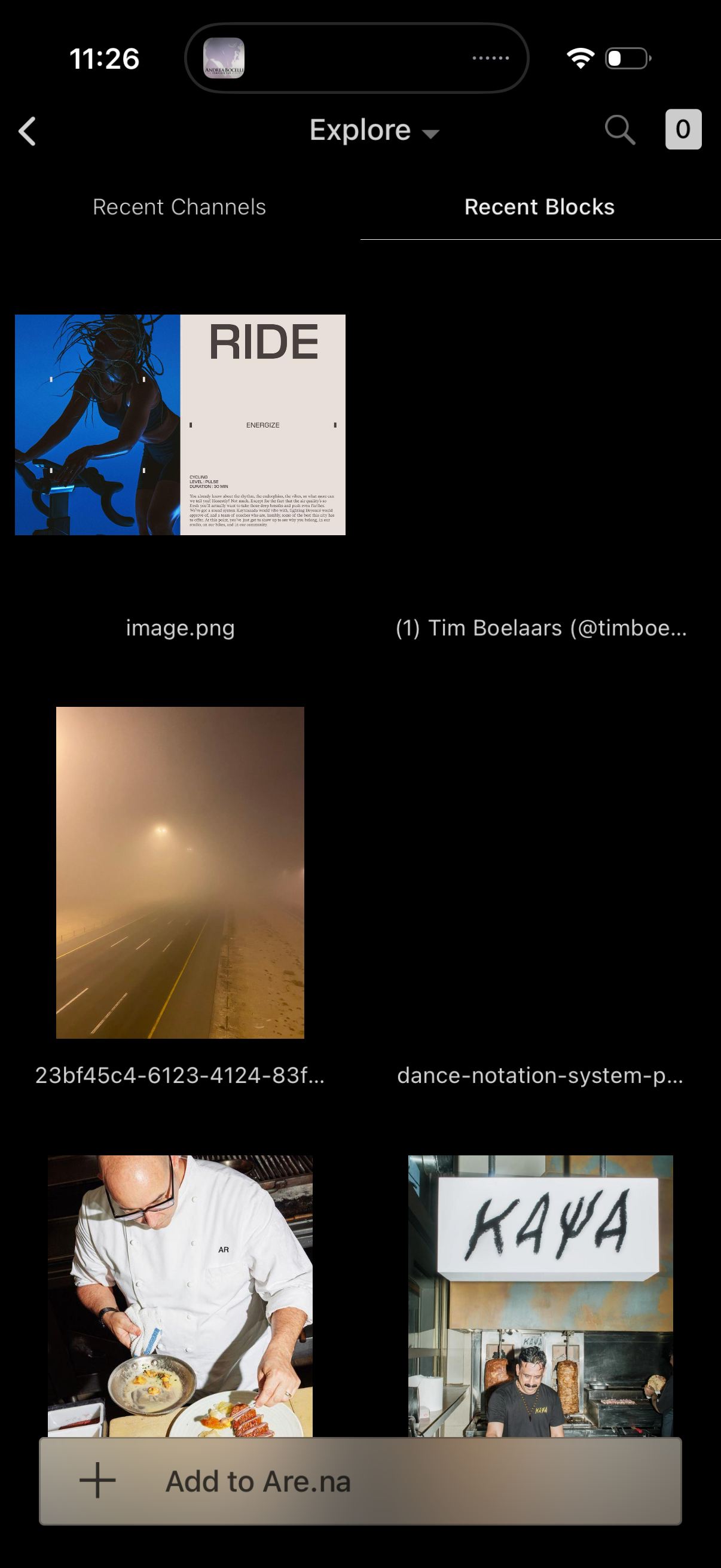
Explore screen for a visual bookmarking app showing a grid of recent blocks/files with image thumbnails and filenames, with tabs to switch between Recent Channels and Recent Blocks. Includes search, back navigation, and a bottom action bar to add the selected item(s) to a board/collection.

Explore screen in a creative bookmarking app showing a grid gallery of recent channels and recent blocks (images and file previews) with a search icon and navigation back. Includes a bottom action bar to “Add to Are.

Workout class detail screen for an indoor cycling session, showing a large hero image with the class title “Ride,” mood/theme label, and key metadata like category, level, and duration plus a descriptive overview. A segmented control lets users switch between Content and Info, with back navigation at the top.

File detail info screen showing an image’s metadata (name, added by, last updated) and action options like find original, share, mute, and flag. Includes collaboration stats for connections and comments, a primary “Connect” button, and a list of related pages/collections with author, block count, and last activity time.