Your agent can search this library too. Lazyweb CLI →
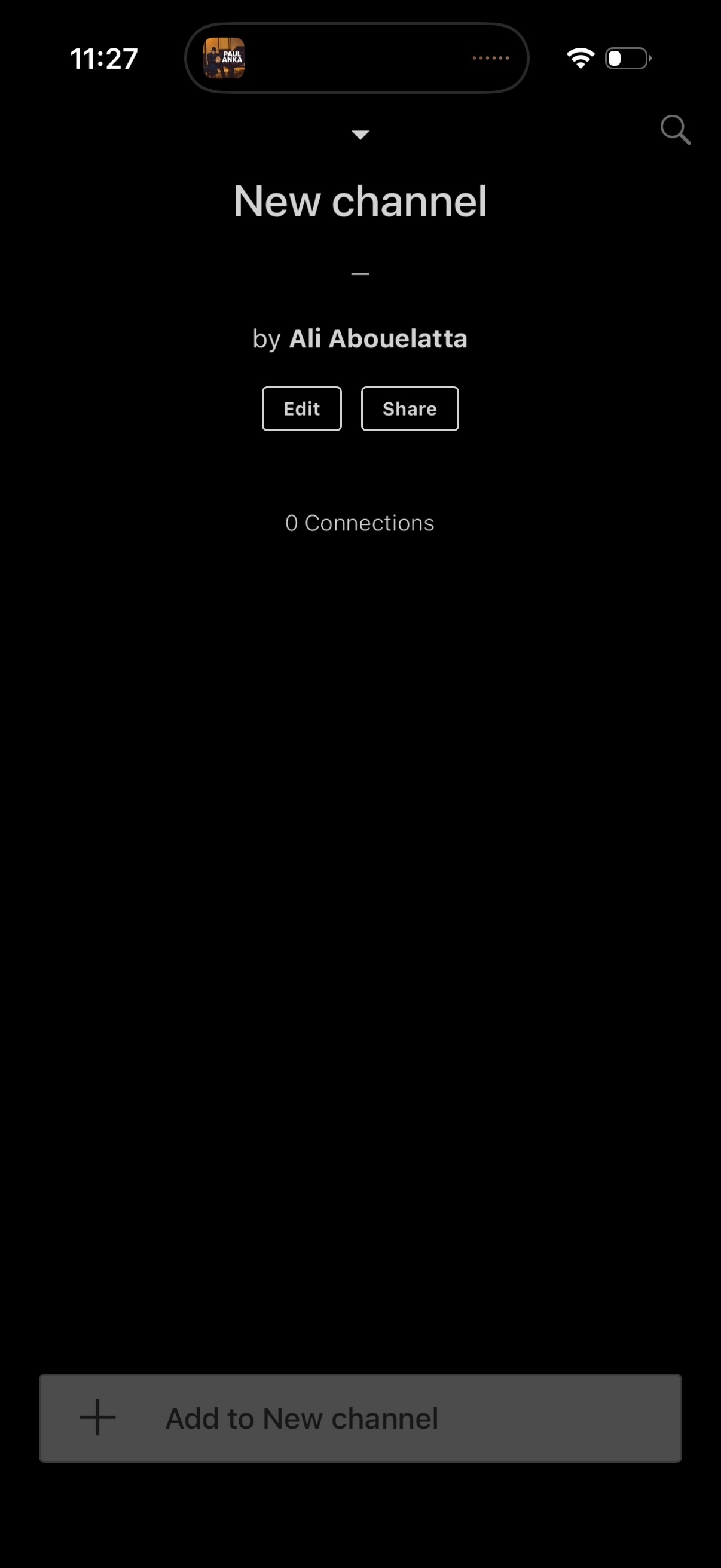
Channel detail screen for a newly created channel showing the channel name, crea
are:na
Dark-mode “New Text” creation screen with a large multiline text input and optio
are:na
Bottom sheet action menu for adding content to a new channel, offering quick opt
are:na
Channel creation/setup screen showing a newly created channel with the creator n
are:na
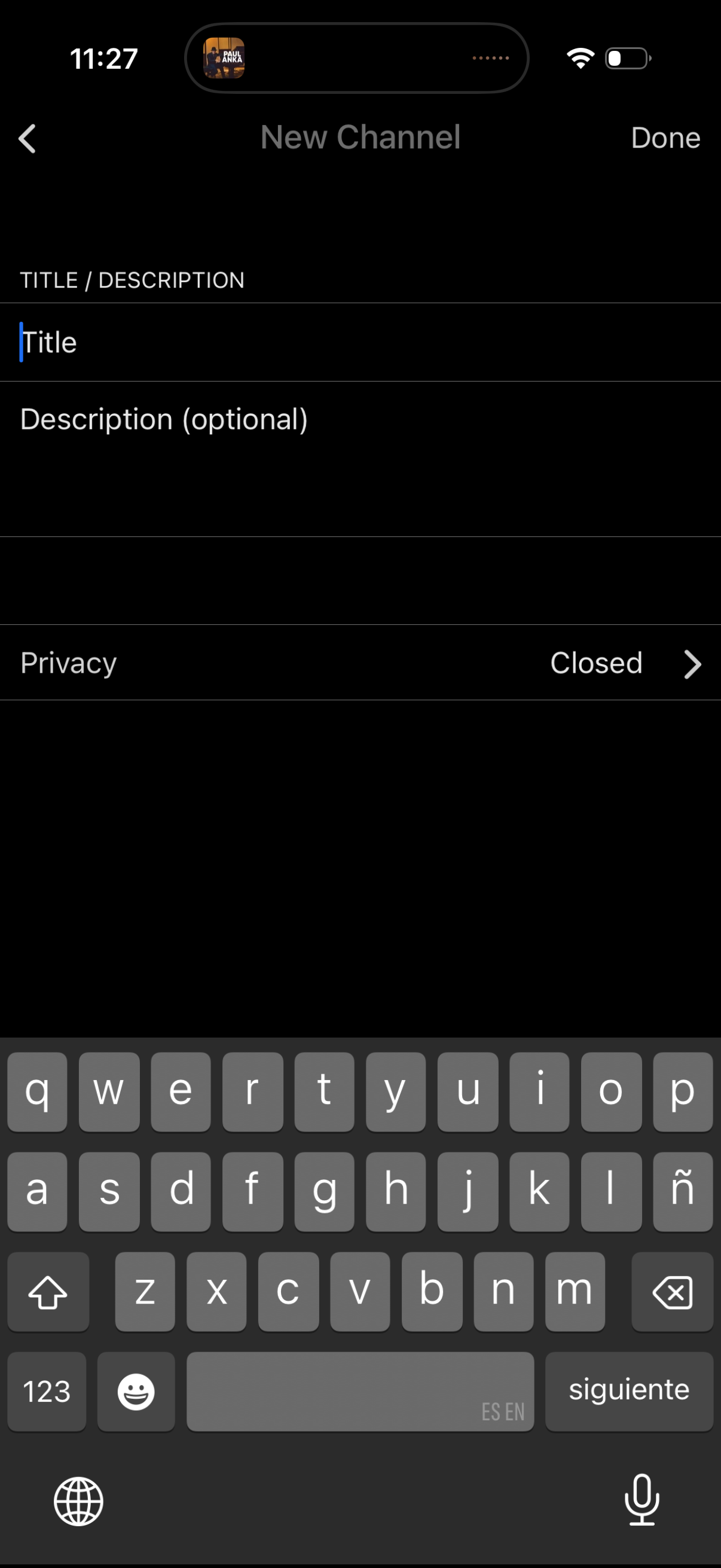
New channel creation form where the user enters a channel title and optional des
are:na
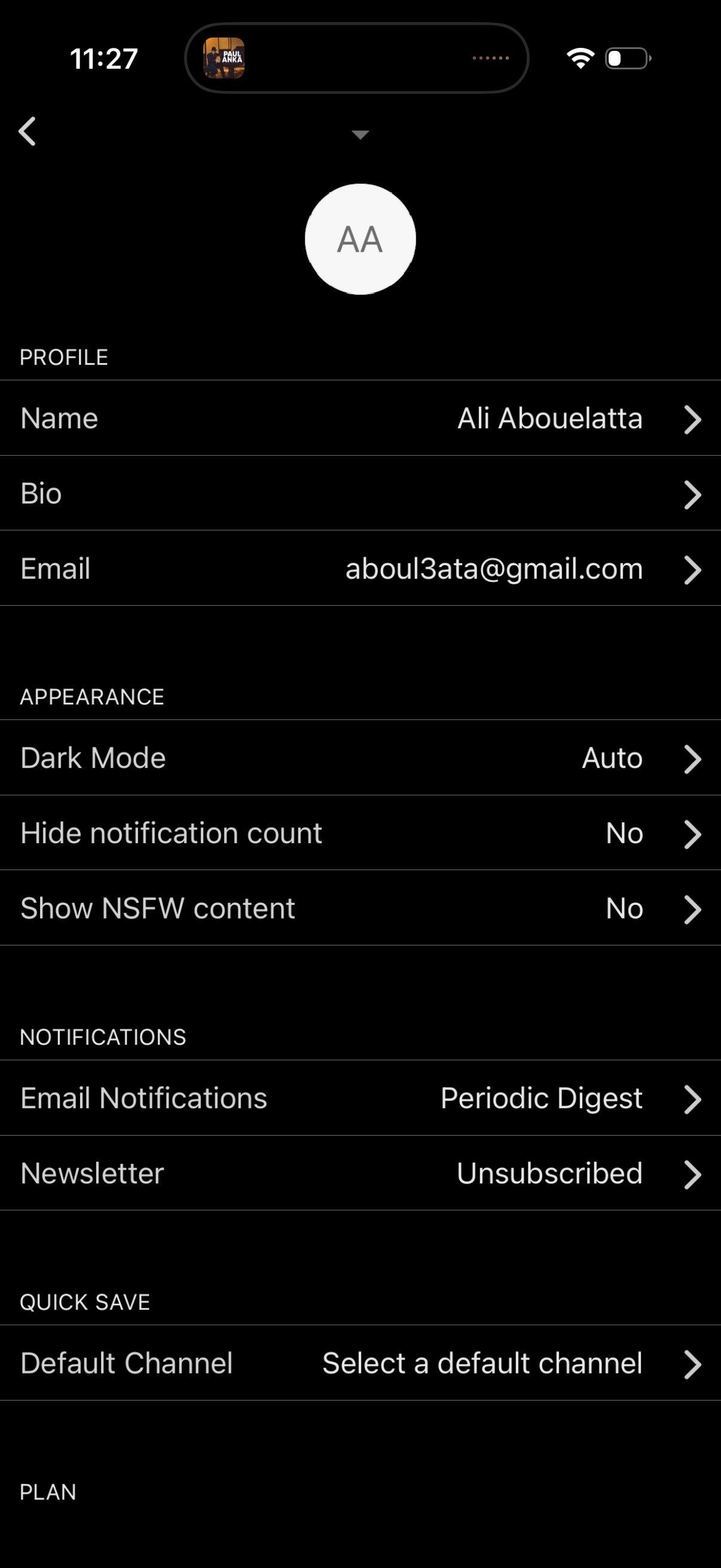
Account settings screen for editing profile information (name, bio, email) and m
are:na
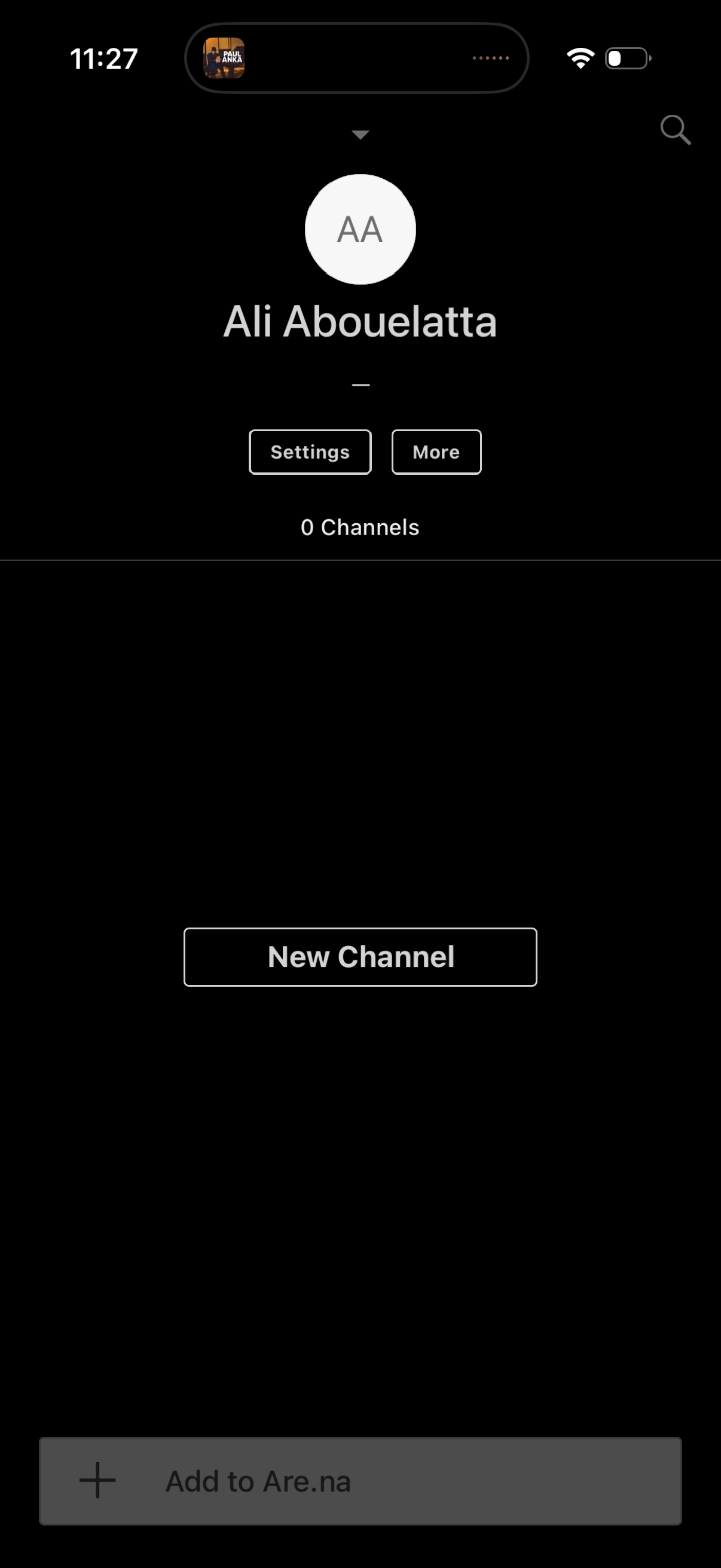
User profile screen for a social/community platform showing avatar and username
are:na
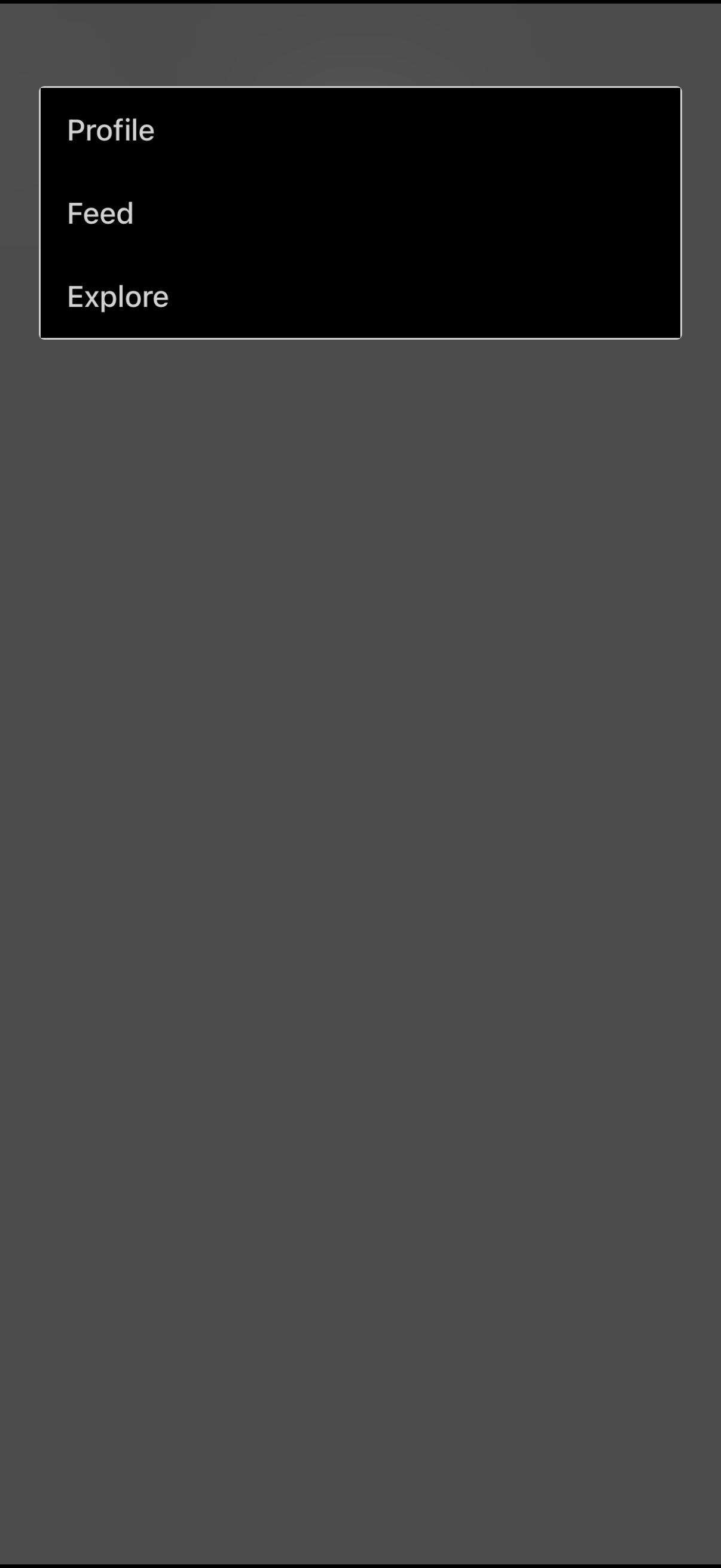
Minimal navigation menu overlay with three primary destinations: Profile, Feed,
are:na
Notifications inbox screen in dark mode with a back button and a dropdown to fil
are:na
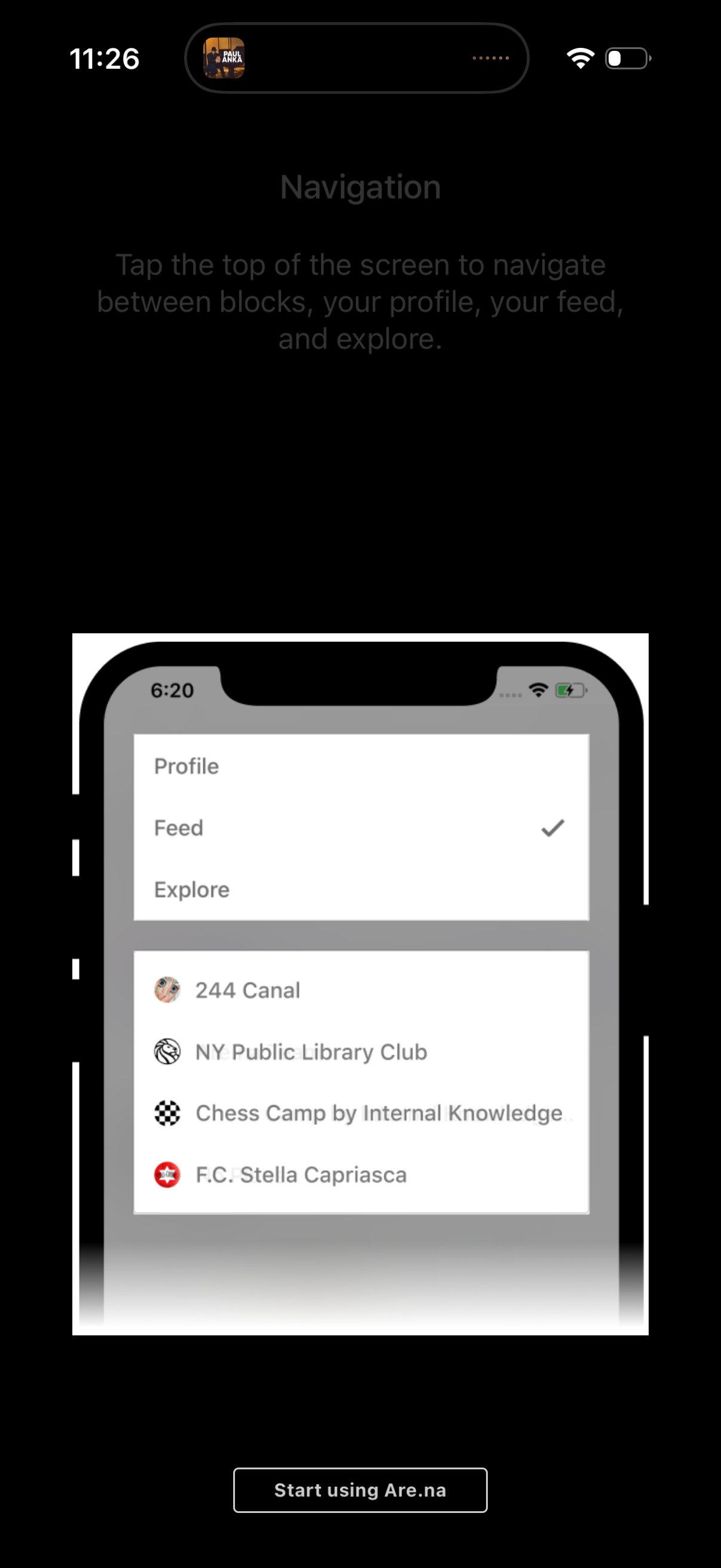
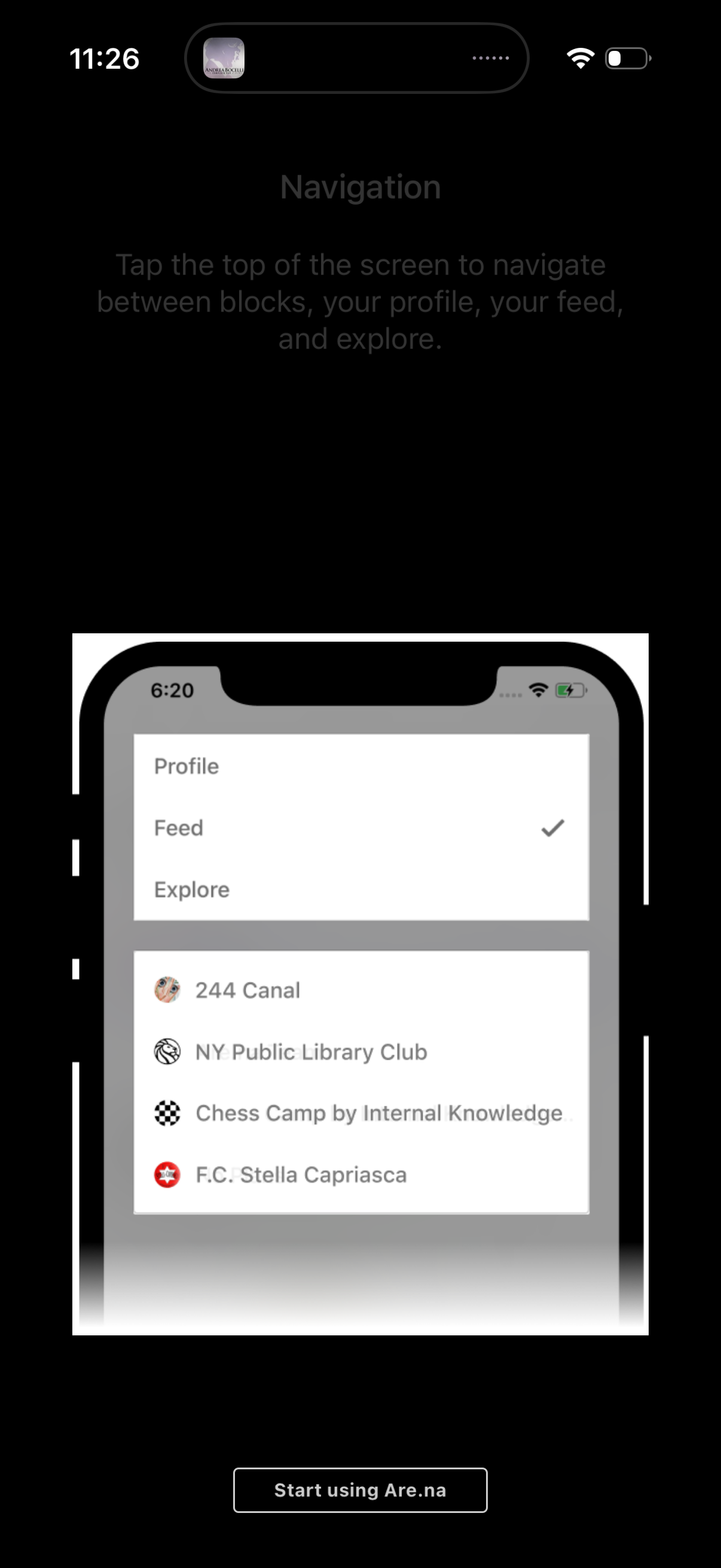
Onboarding tutorial screen explaining top navigation, showing a dropdown menu to
are:na
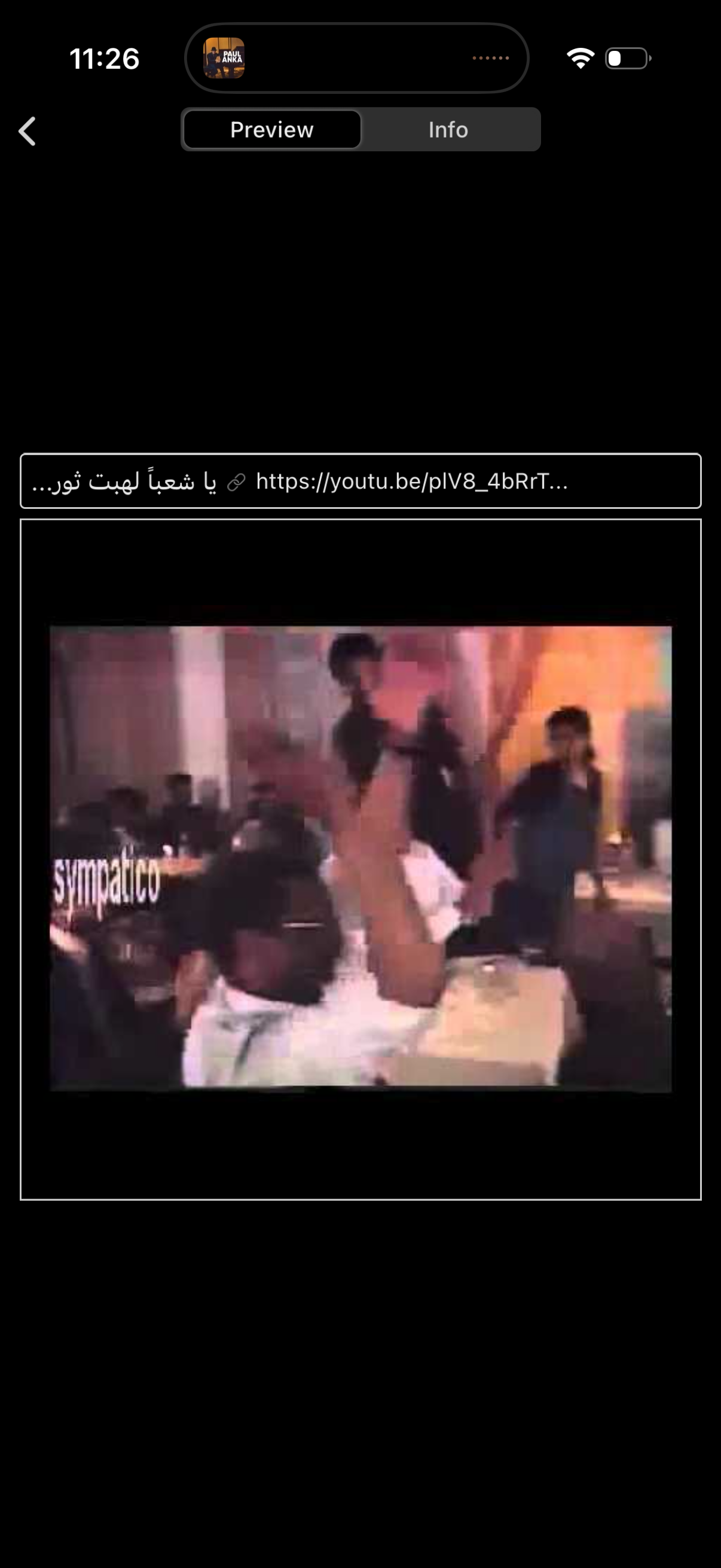
Mobile video link preview screen with a tab switcher for Preview vs Info, showin
are:na
Collection/board detail screen showing a curated feed of posts with media previe
are:na
iOS share sheet for a link (are. na) showing suggested share targets and apps, i
are:na
Collection/board detail screen showing a board title and creator with actions to
are:na
Explore screen showing a scrollable list of recent channels with each card displ
are:na
Info/details screen for a shared file showing metadata like filename, who added
are:na
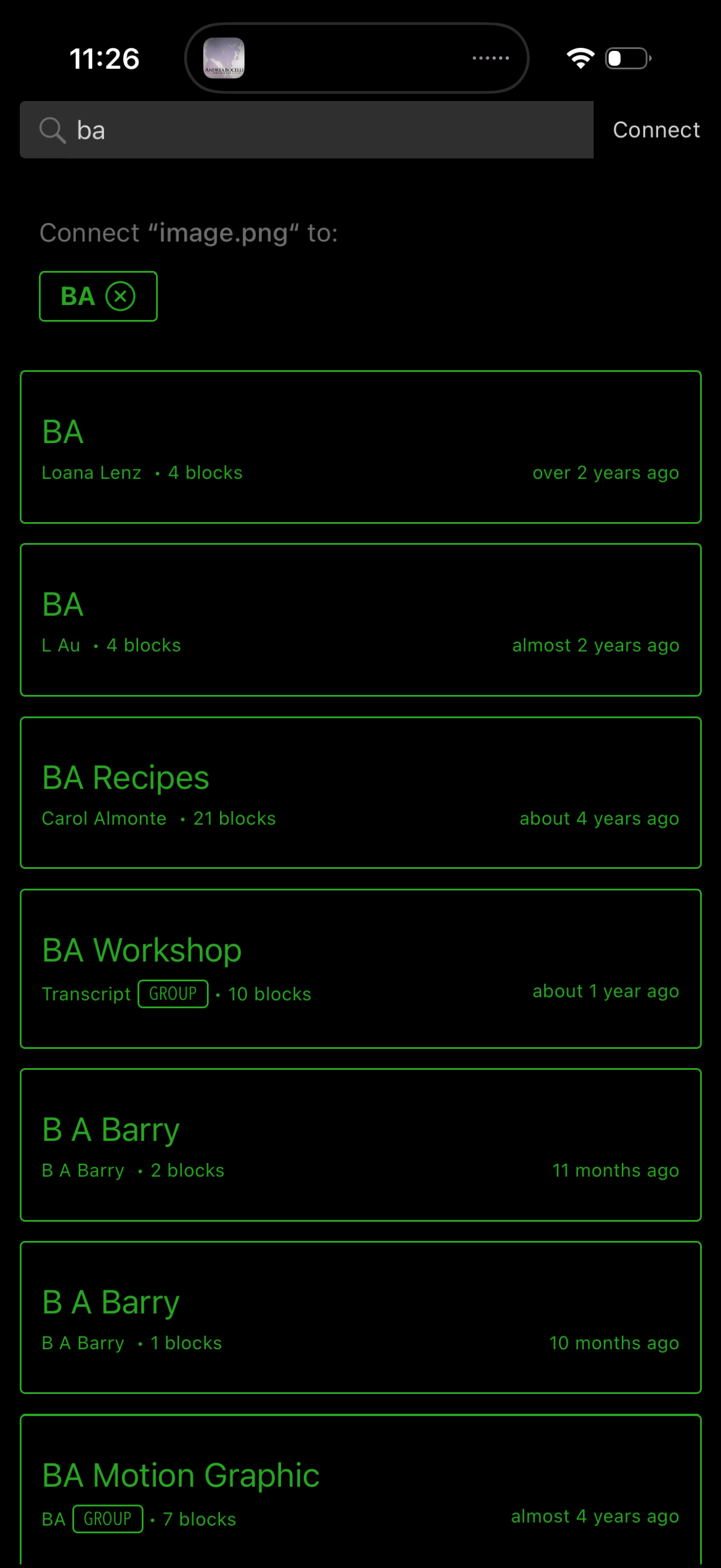
File sharing connection screen with a search bar to find recipients and a Connec
are:na
Search and selection screen for connecting a file (e. g.
are:na
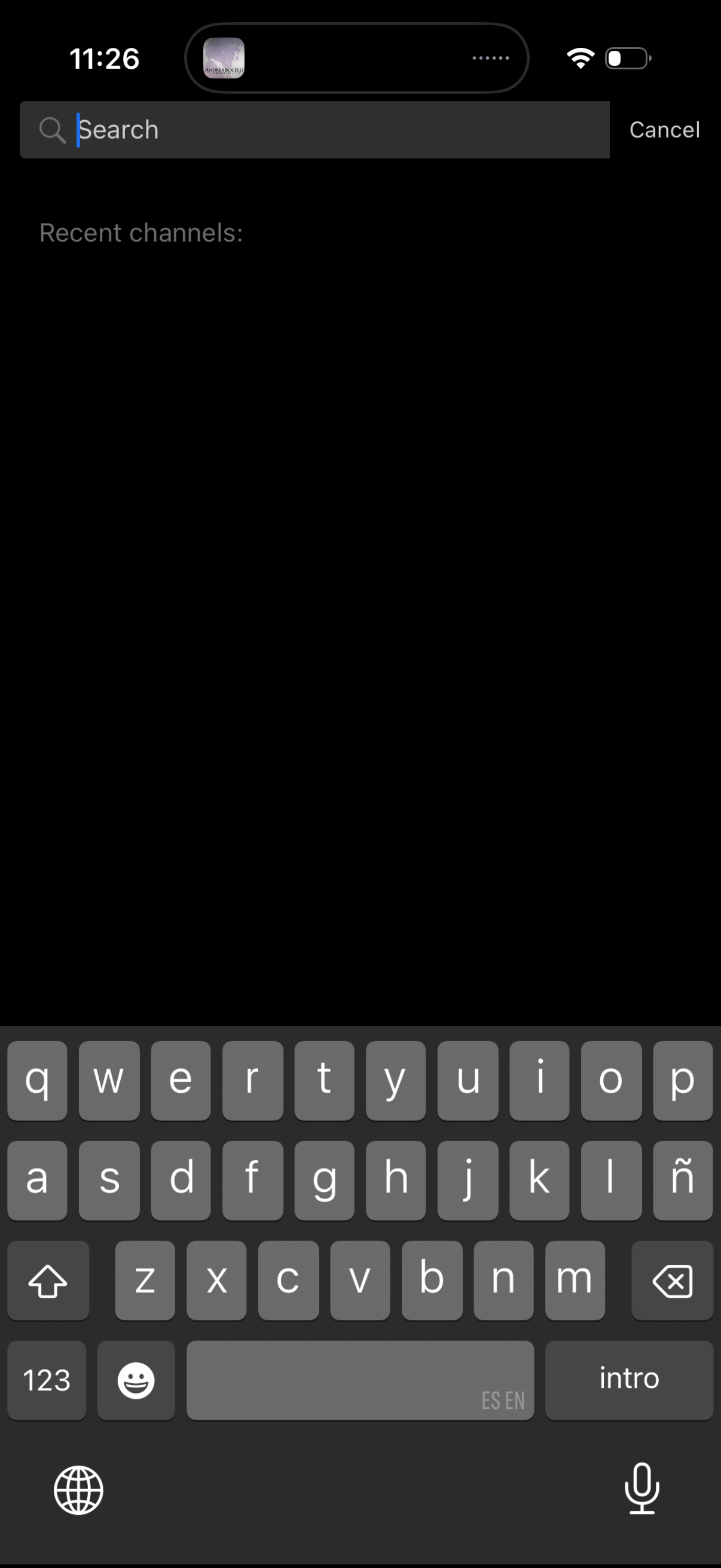
In-app search screen in dark mode with a top search bar and Cancel action, showi
are:na
File detail info screen showing an image’s metadata (name, added by, last update
are:na
Workout class detail screen for an indoor cycling session, showing a large hero
are:na
Explore screen in a creative bookmarking app showing a grid gallery of recent ch
are:na
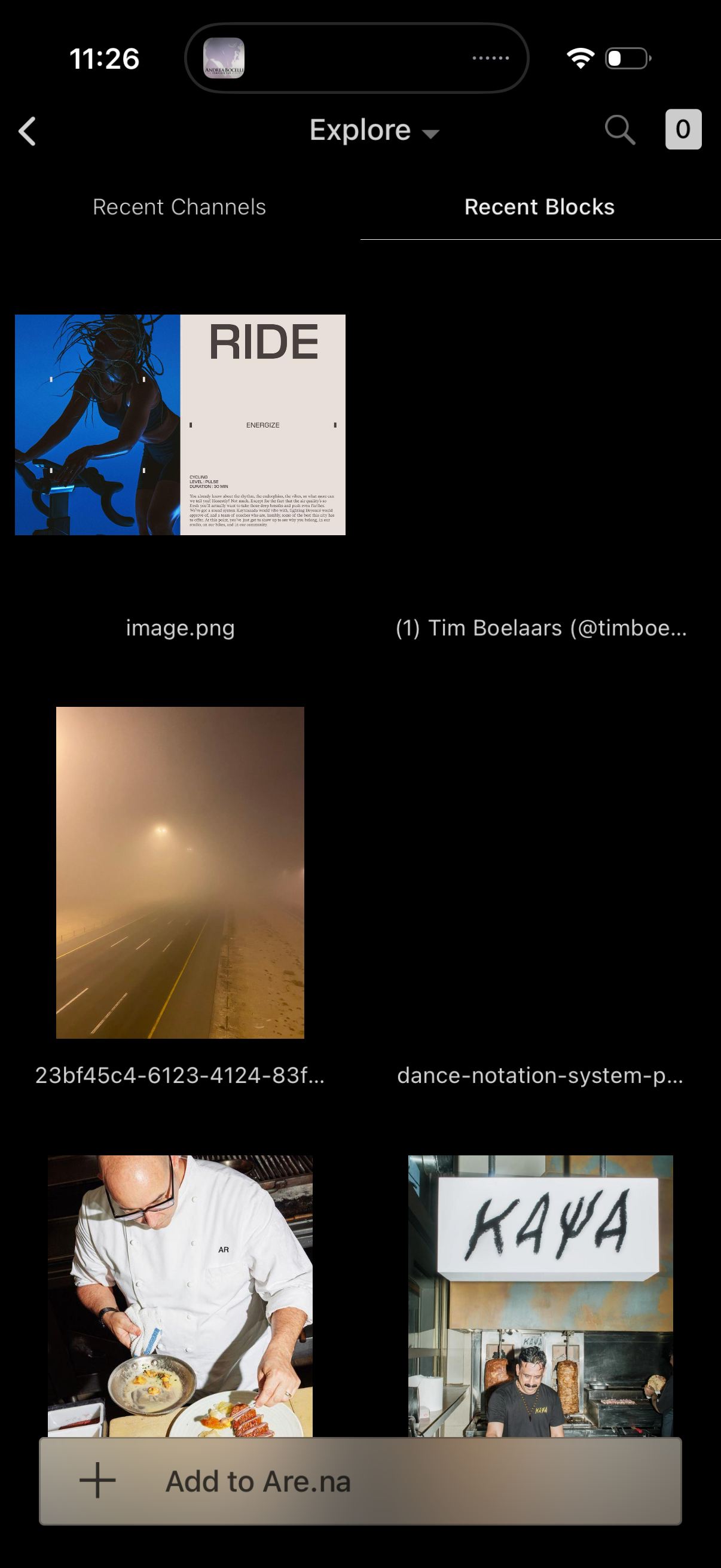
Explore screen for a visual bookmarking app showing a grid of recent blocks/file
are:na
Onboarding tutorial screen explaining top navigation, showing a dropdown menu to
are:na
Tutorial overlay explaining the “Connect” feature, prompting the user to tap a C
are:na
An in-app tutorial screen explaining how to press and hold on a content block to
are:na
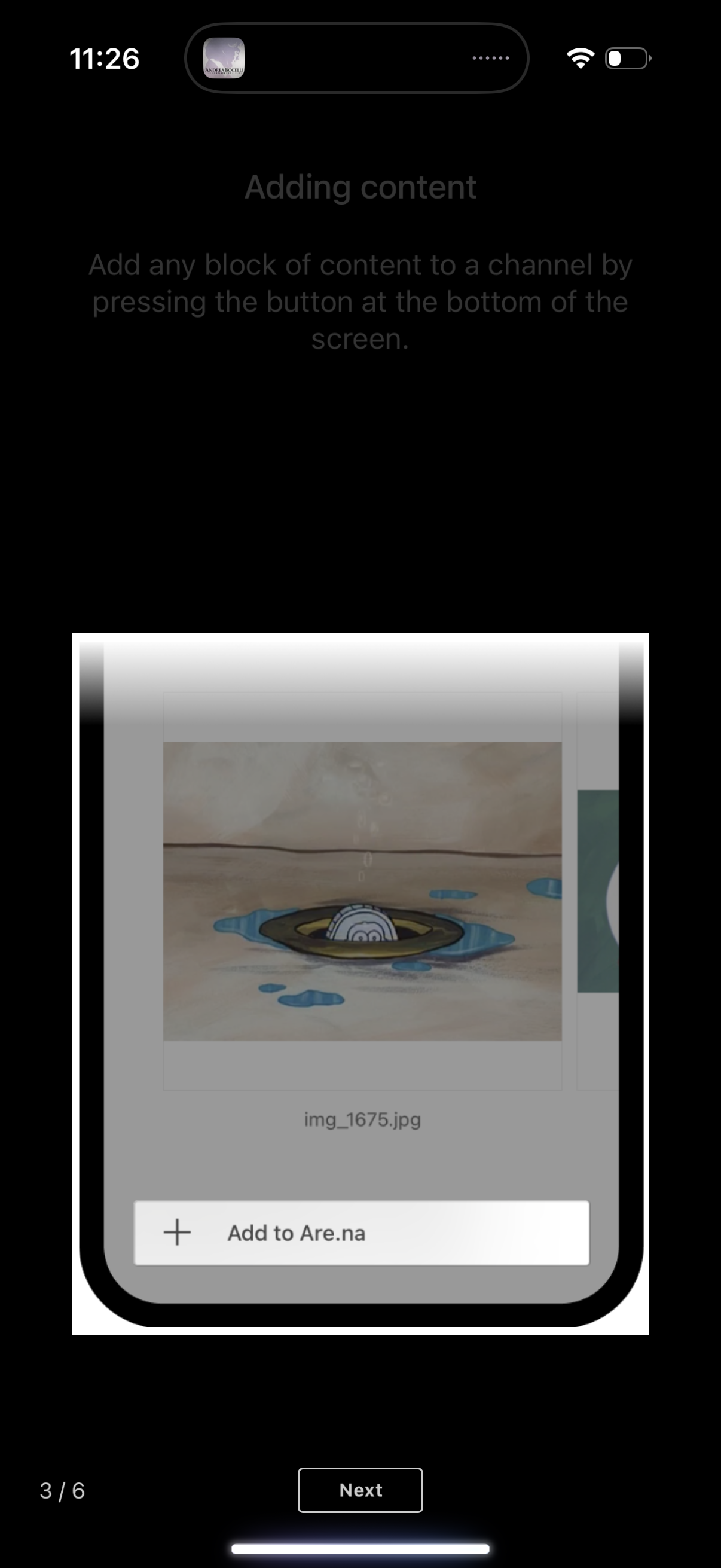
Onboarding/tutorial screen explaining how to add content to a channel, showing a
are:na
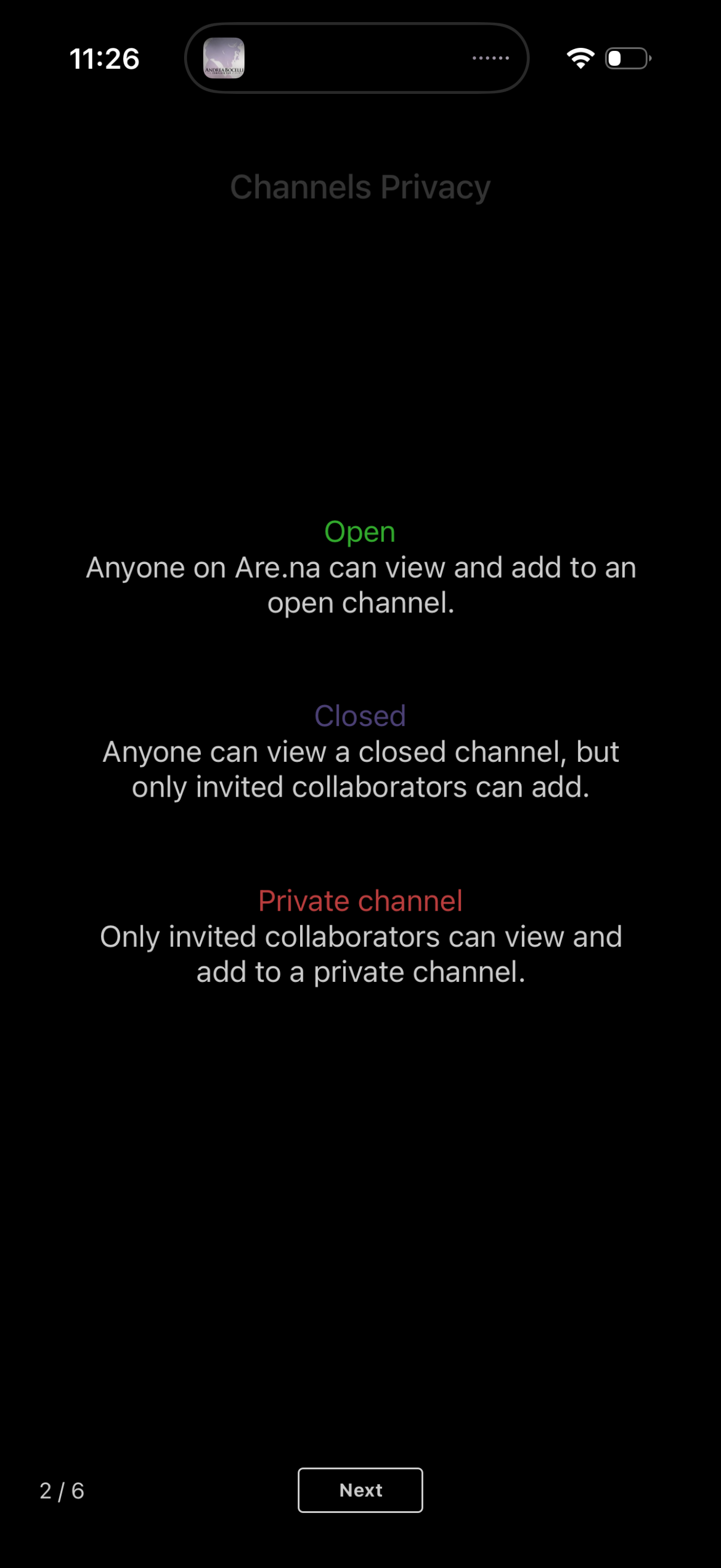
Onboarding screen explaining channel privacy options for creating a channel, des
are:na
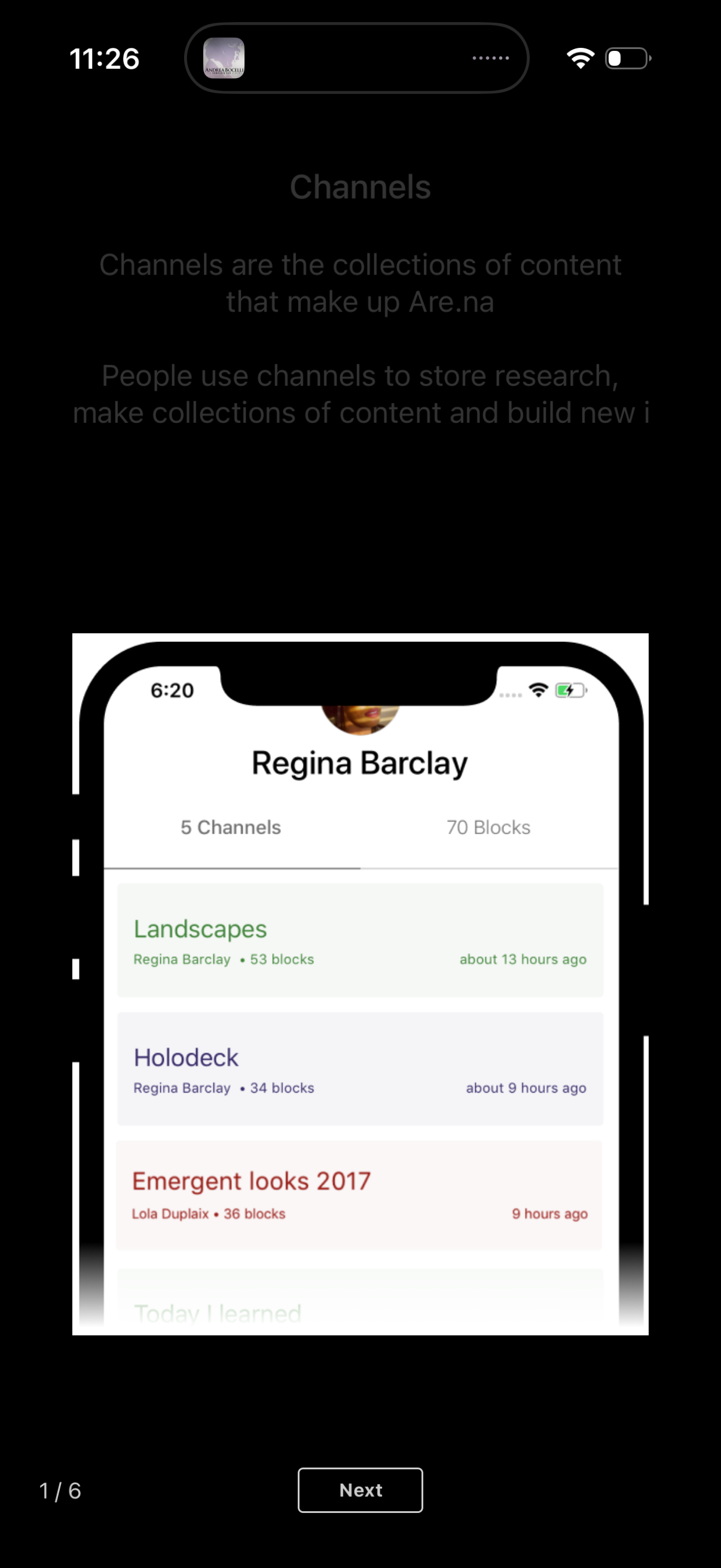
Onboarding tutorial screen introducing “Channels” as collections for storing res
are:na
Welcome onboarding screen introducing the app’s purpose of connecting and organi
are:na