
File detail info screen showing an image’s metadata (name, added by, last updated) and action options like find original, share, mute, and flag. Includes collaboration stats for connections and comments, a primary “Connect” button, and a list of related pages/collections with author, block count, and last activity time.
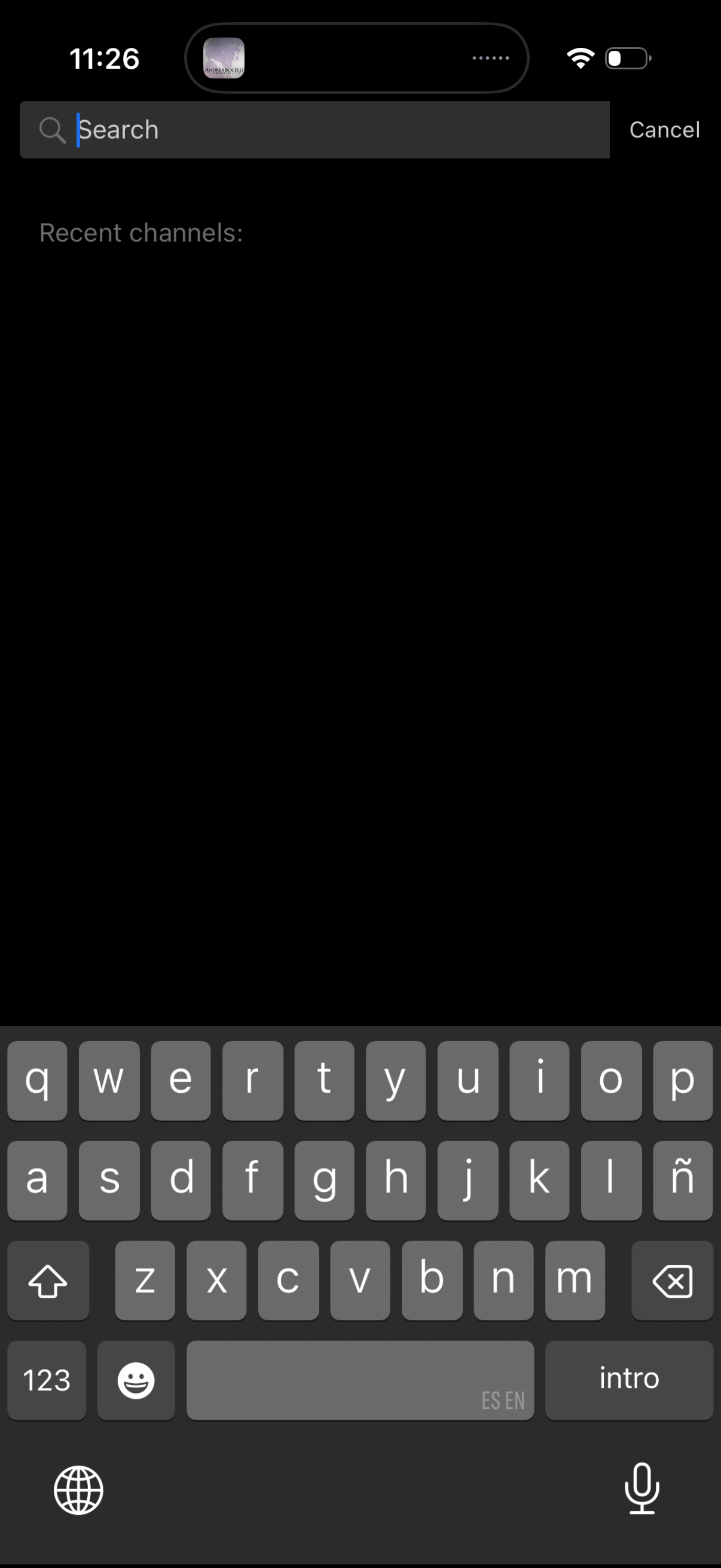
In-app search screen in dark mode with a top search bar and Cancel action, showing a “Recent channels” section for quickly jumping to previously viewed channels. The keyboard is open for typing a query to filter or find channels.

Search and selection screen for connecting a file (e. g.
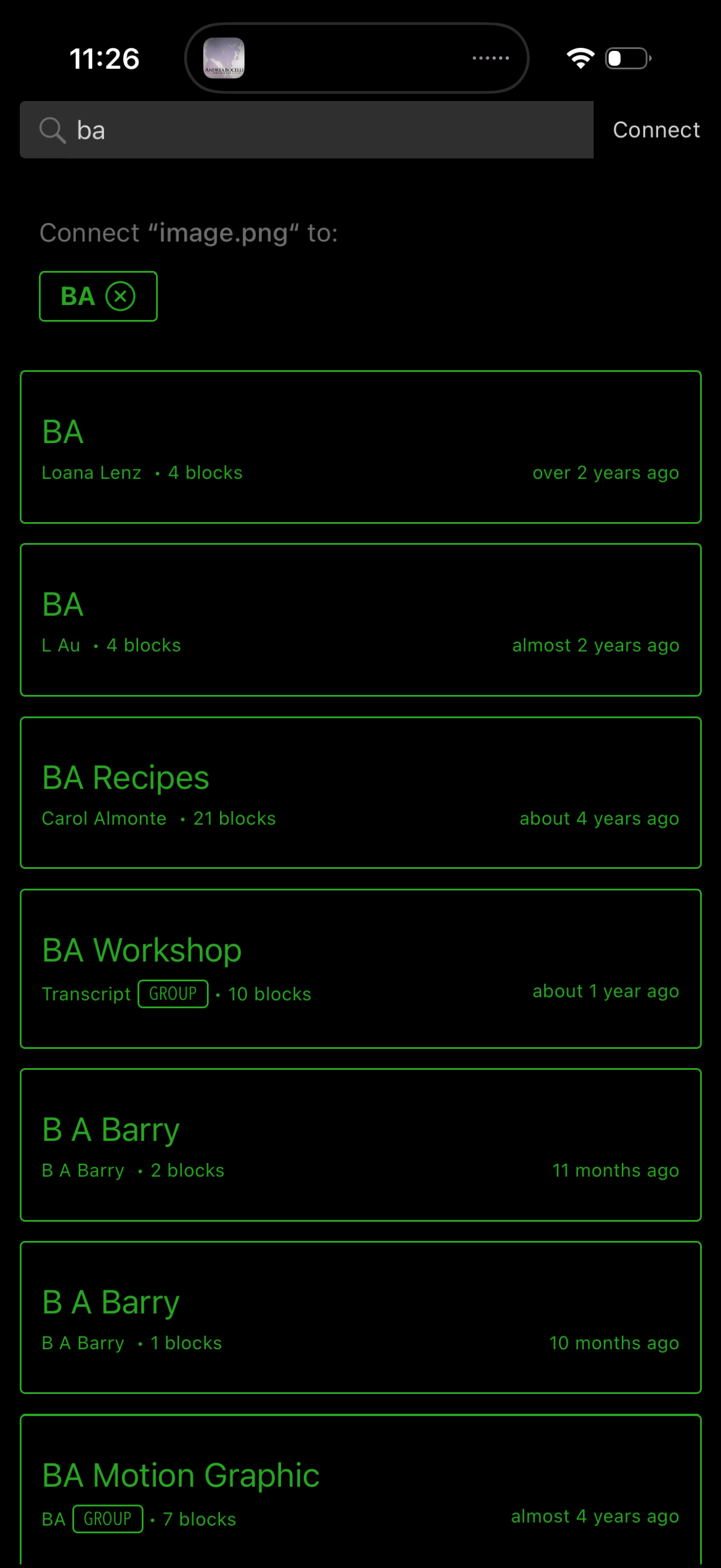
File sharing connection screen with a search bar to find recipients and a Connect action to send a selected file, showing “Connect [filename] to:” and a scrollable list of matching people, groups, or projects. Each result card displays the name, owner, block count, and last updated time, allowing the user to choose a destination to connect/upload the file.

Info/details screen for a shared file showing metadata like filename, who added it, and last updated time, with actions to flag, find original, share, or mute. Includes a connections and comments summary plus a primary “Connect” CTA and a list of connected items/blocks with timestamps.