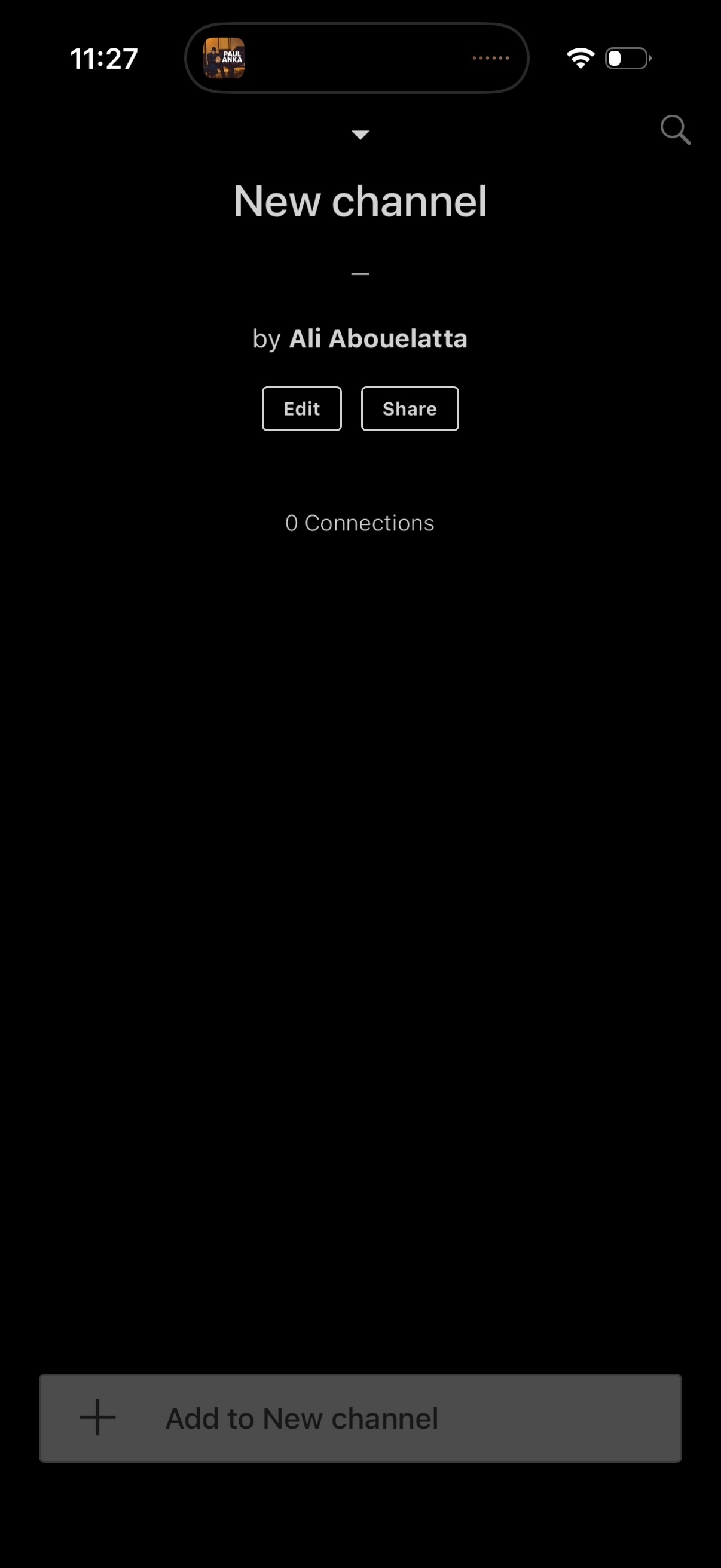
Channel creation/setup screen showing a newly created channel with the creator name and connection count, plus primary actions to edit details or share the channel. A bottom CTA lets the user add content/items to the new channel, with search available from the top bar.

Bottom sheet action menu for adding content to a new channel, offering quick options to create a new text block, paste a link, upload an image, or take a picture. Includes a cancel button to dismiss the modal.

Dark-mode “New Text” creation screen with a large multiline text input and optional fields to add a title and description/metadata for the entry. Includes back navigation and opens the keyboard for composing and saving a new text item.

Channel detail screen for a newly created channel showing the channel name, creator info, connection and block counts, and a simple content list. Primary actions include editing the channel, sharing it, searching, and adding items to the channel via a bottom “Add to New channel” button.